
Your iPhone screen looks clean, but you just destroyed the protective layer that keeps it working right. Most people grab whatever is nearby to wipe their phone. Maybe you use a paper towel, the bottom of your shirt, or an alcohol wipe.
But you are actually causing permanent screen damage. This damage makes the glass harder to clean and makes smudges show up faster over time. Every modern phone screen has a very important, invisible layer called the oleophobic coating.
When you use harsh cleaners or rough materials, you scratch and wear this coating off. Once it is gone, it is gone for good. It is much simpler than you think. Finally, we will show you how to tell if you have already caused screen damage and what you can do about it.
1. Cleaning Mistakes That Destroy Your Screen
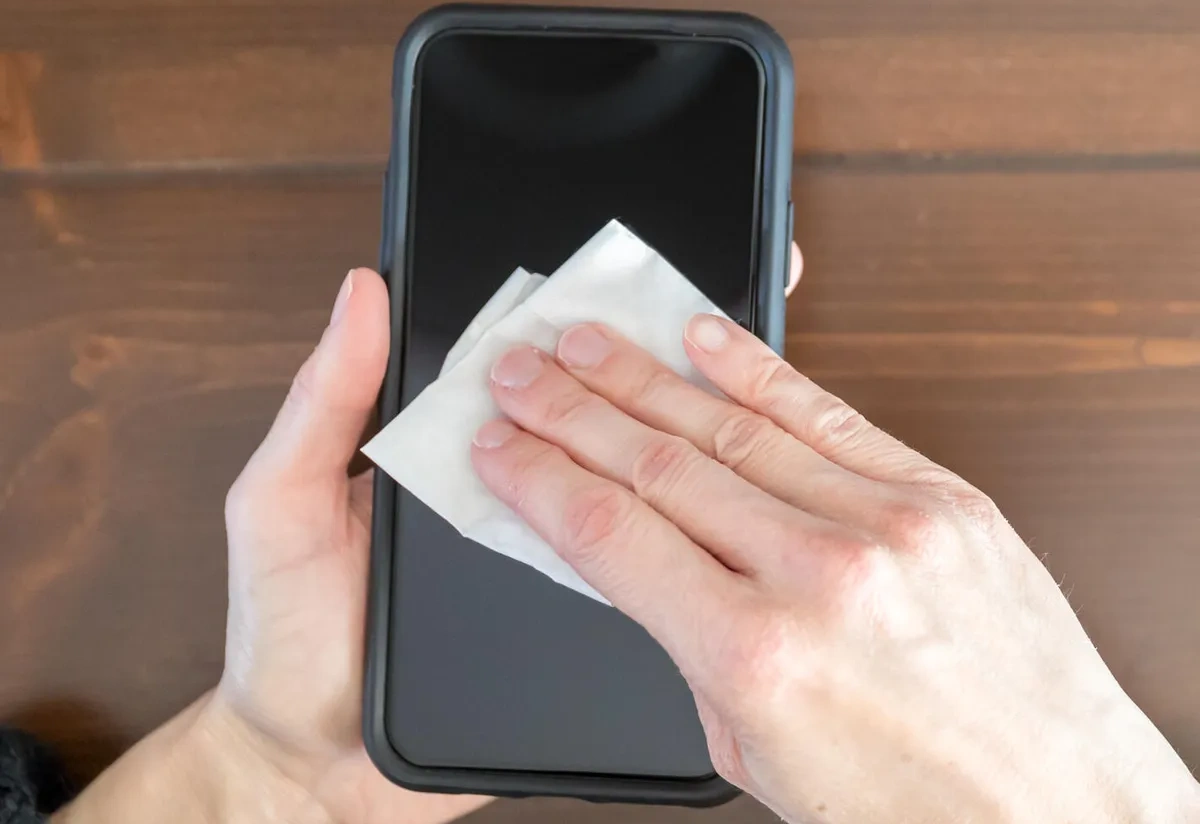
Most people grab whatever’s nearby to clean their iPhone screen. A paper towel from the kitchen. Glass cleaner from under the sink. Their shirt. These common choices are destroying the protective coating on your screen right now.
Using Paper Towels or Tissues
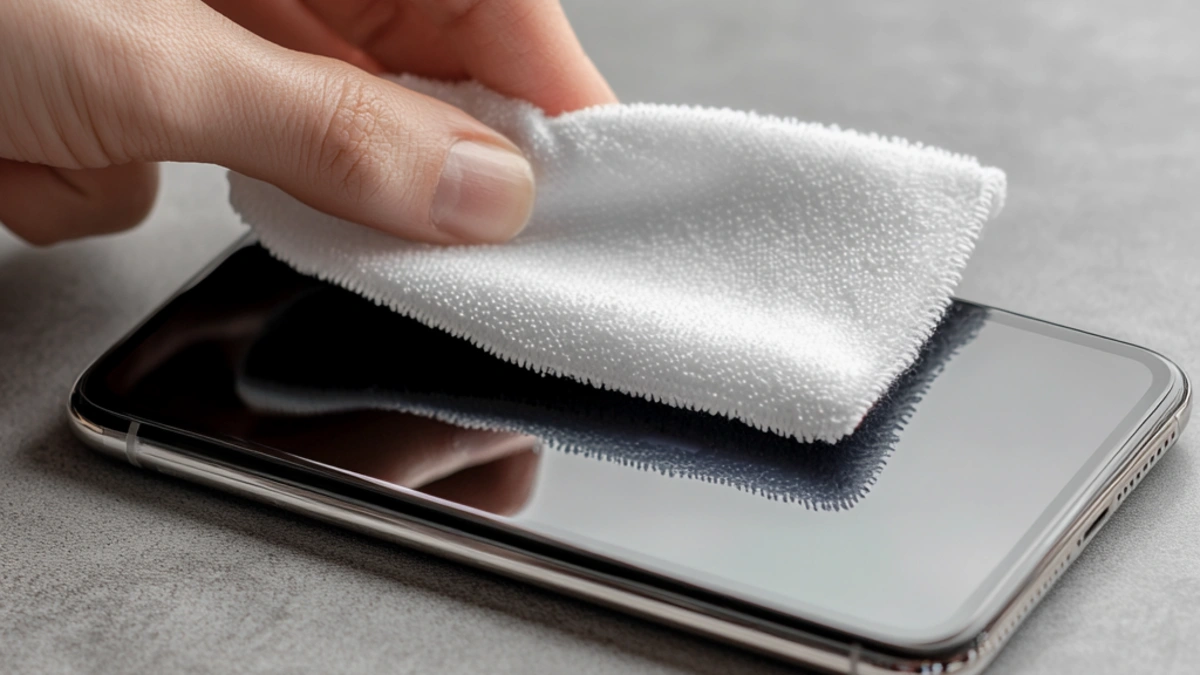
You wipe your screen with a paper towel and it looks clean. Paper towels, napkins, and tissues can leave lint or scratch the screen. Your hands, but they’re rough enough to damage glass over time.
The stitching on these wipes can easily scratch a glass surface. Those tiny scratches add up. After a few months of paper towel cleaning, your screen looks hazy even when it’s clean.
Using Your Shirt or Rough Cloth
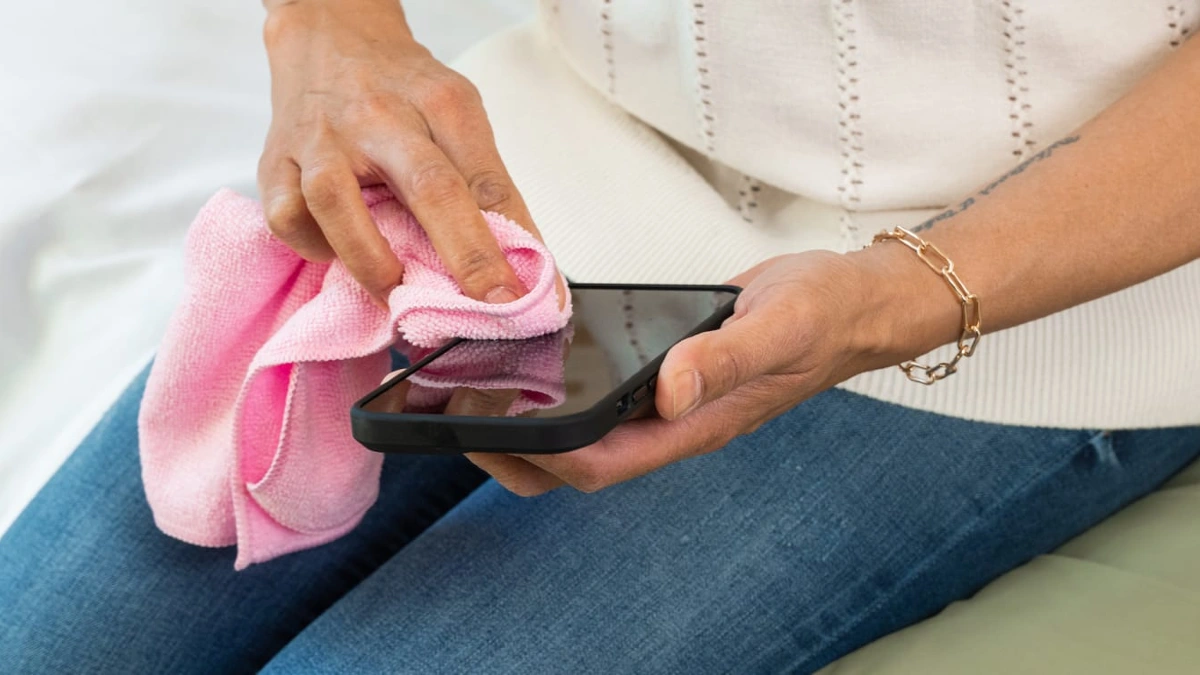
Your shirt is right there. But your shirt’s fabric traps dirt particles from everything you’ve touched today. When you wipe your screen, that dirt acts like sandpaper on the glass. T shirt material isn’t smooth at a microscopic level. The weave pattern can scratch your screen with repeated use.
Cotton fibers are rougher than you think. Even worse, you apply more pressure when using your shirt because it’s not as effective as a proper cloth. That extra pressure pushes dirt particles harder against your screen.
2. The Only Safe Way to Clean Your iPhone Screen
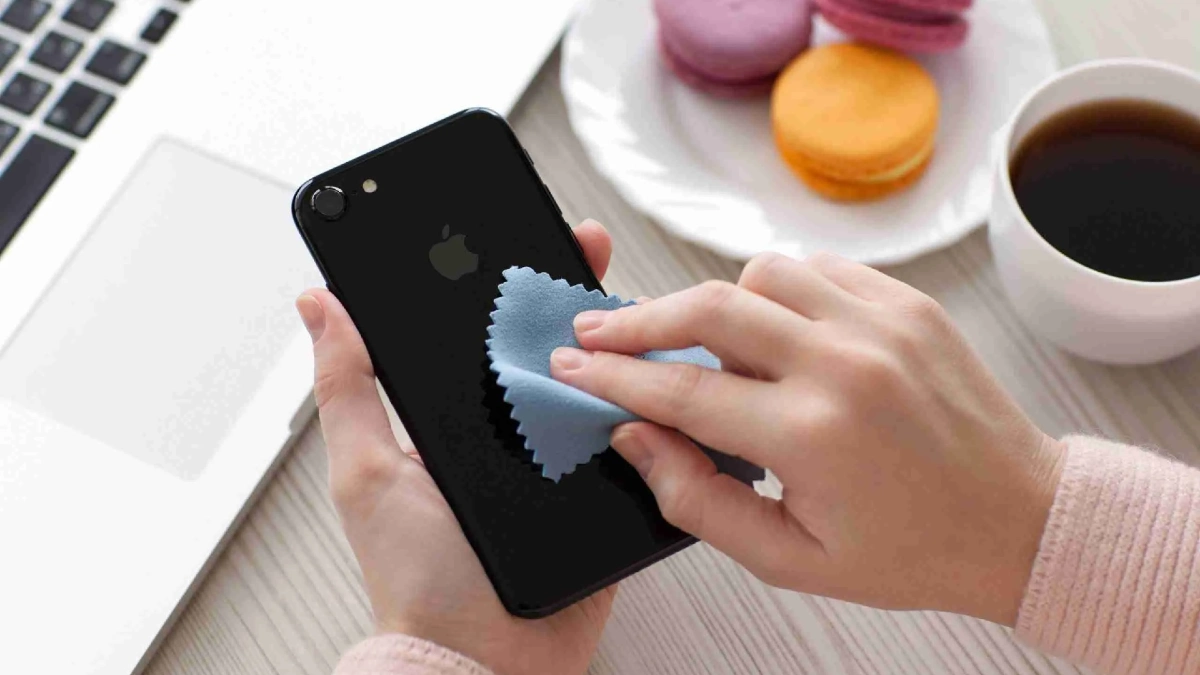
Cleaners or expensive products. Plain water and the right cloth do the job without destroying your screen’s protective coating. Clean iPhone screen safely in five simple steps.
Power Down Your Phone Completely
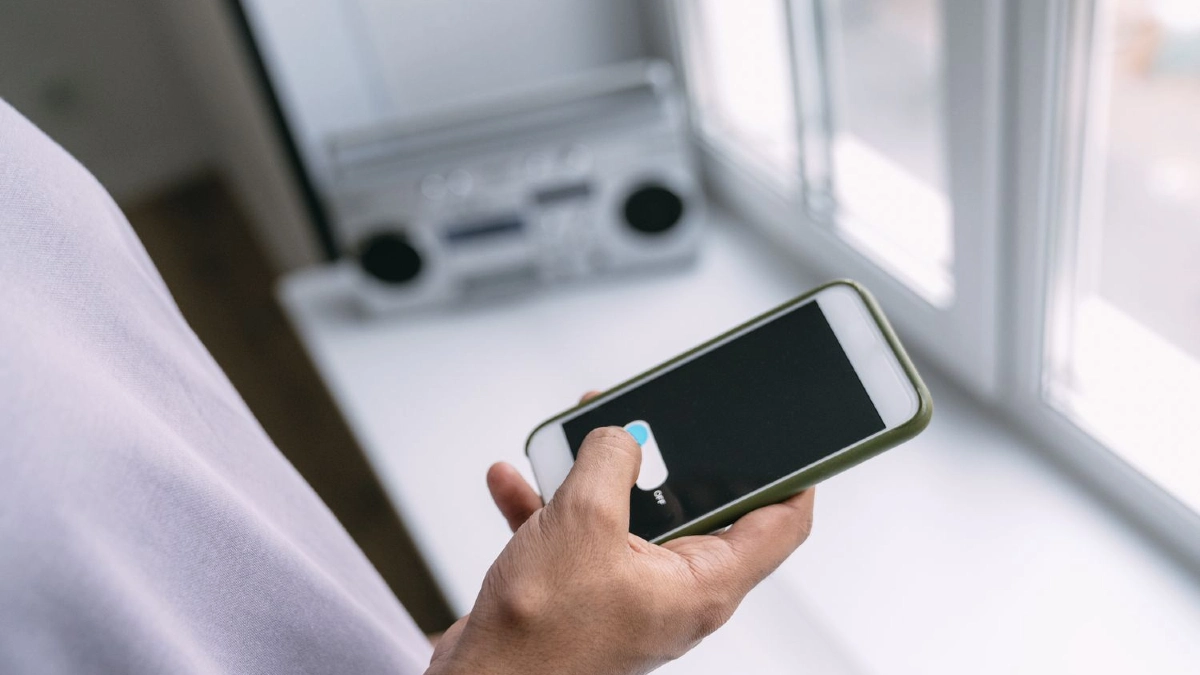
Turn off your iPhone and unplug all cables before you start cleaning. This prevents accidental touches and keeps moisture away from charging ports. Press and hold the power button, then slide to turn off. Wait for the screen to go completely black. Get the right cloth.
Use a soft, slightly damp, lint free cloth for proper iPhone cleaning. A microfiber cloth is what you need.Check your eyeglass case. Most eyeglass cleaning cloths work perfectly. You can also buy them at any drugstore, grocery store, or online for a few dollars.
Wipe Gently in One Direction
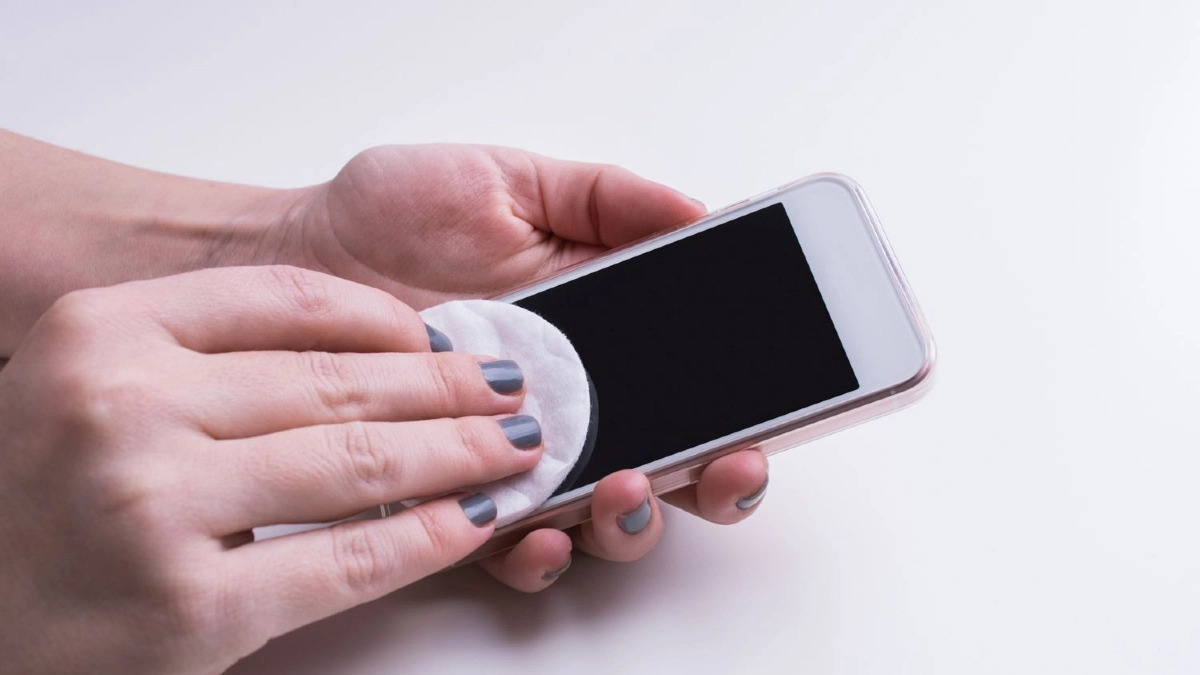
Use short, straight motions to clean the screen. Start at the top and wipe down. Or start on one side and wipe across. Don’t press hard. Gentle pressure is all you need. One or two passes should remove fingerprints and smudges. If something won’t come off, dampen the cloth slightly more and try again.
3. When You Actually Need to Disinfect

Your phone carries bacteria everywhere you go. When you’re sick or it’s flu season, you need to kill those germs. Sanitize phone surfaces and how to do iPhone disinfecting without wrecking your screen. When disinfecting actually matters.
You don’t need to disinfect your iPhone every day.Germs spread fast when everyone around you is coughing and sneezing. A weekly disinfect helps prevent getting sick again.
The Right Way to Disinfect Your iPhone
Using a 70 percent isopropyl alcohol wipe or Clorox Disinfecting Wipes is okay according to Apple. These are the only disinfecting products Apple approves for alcohol wipes for iPhone.
Not rubbing alcohol from a bottle. Wipes at 70% concentration work best. You can find them at any drugstore or grocery store. One light pass across the screen kills germs. Scrubbing doesn’t make it cleaner it just wears down your coating faster.
Accept the Trade Off
Be honest with yourself. Alcohol wipes damage your screen’s protective coating faster than water does. You’re choosing germ protection over coating protection. The protector takes the damage instead of your actual screen.
When the protector’s coating wears out, replace it. Your phone’s screen stays perfect underneath. But save disinfecting for when you really need it. For everyday fingerprints and smudges, water works fine and keeps your coating intact longer.
4. How to Tell If You’ve Already Damaged Your Screen?
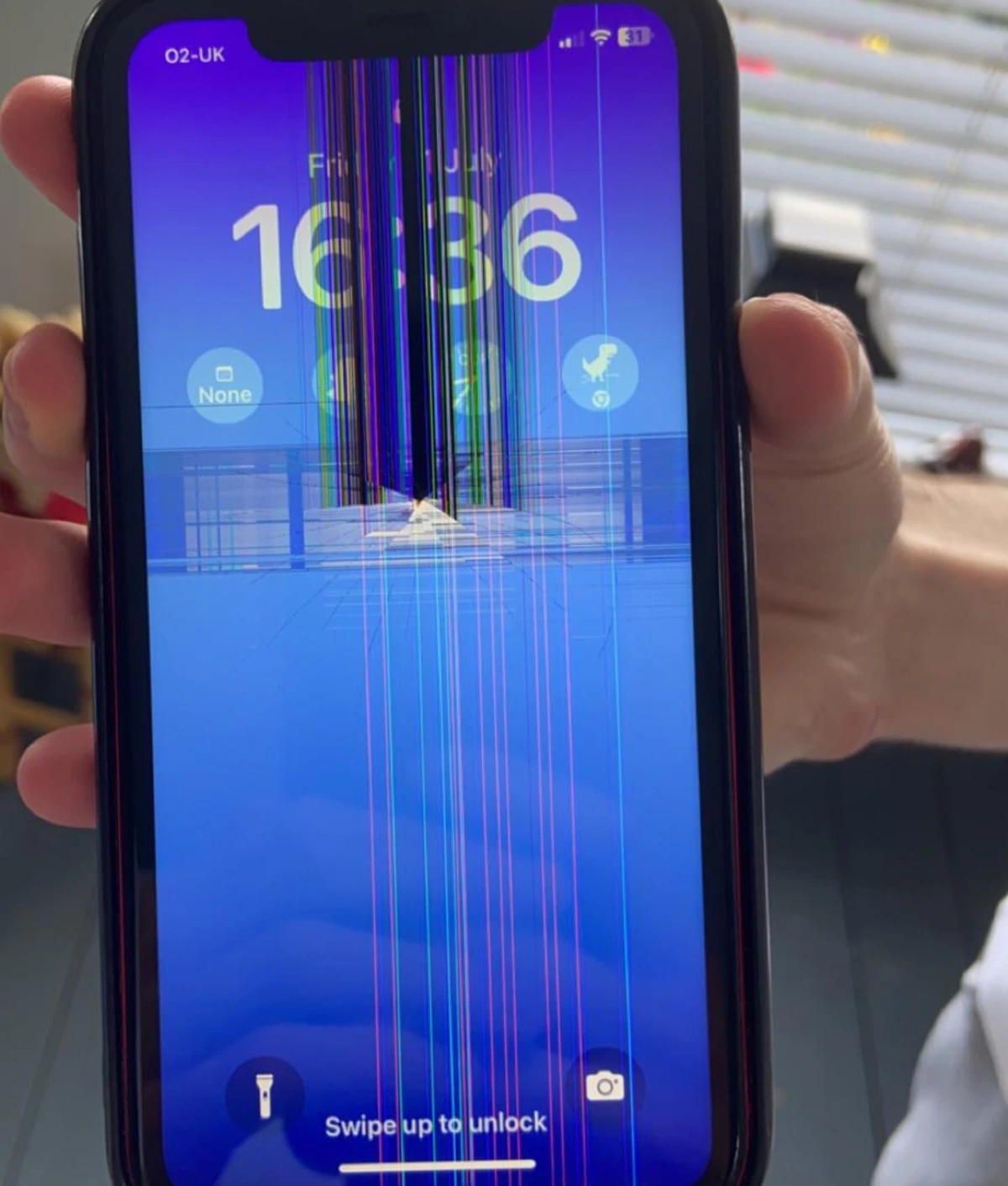
Your phone gets covered in smudges fast. You might wonder if your damaged iPhone screen coating is the reason. Screens have a special, invisible layer called an oleophobic coating. Coating is gone, your screen is much harder to keep clean.
Spot a Damaged Screen Coating
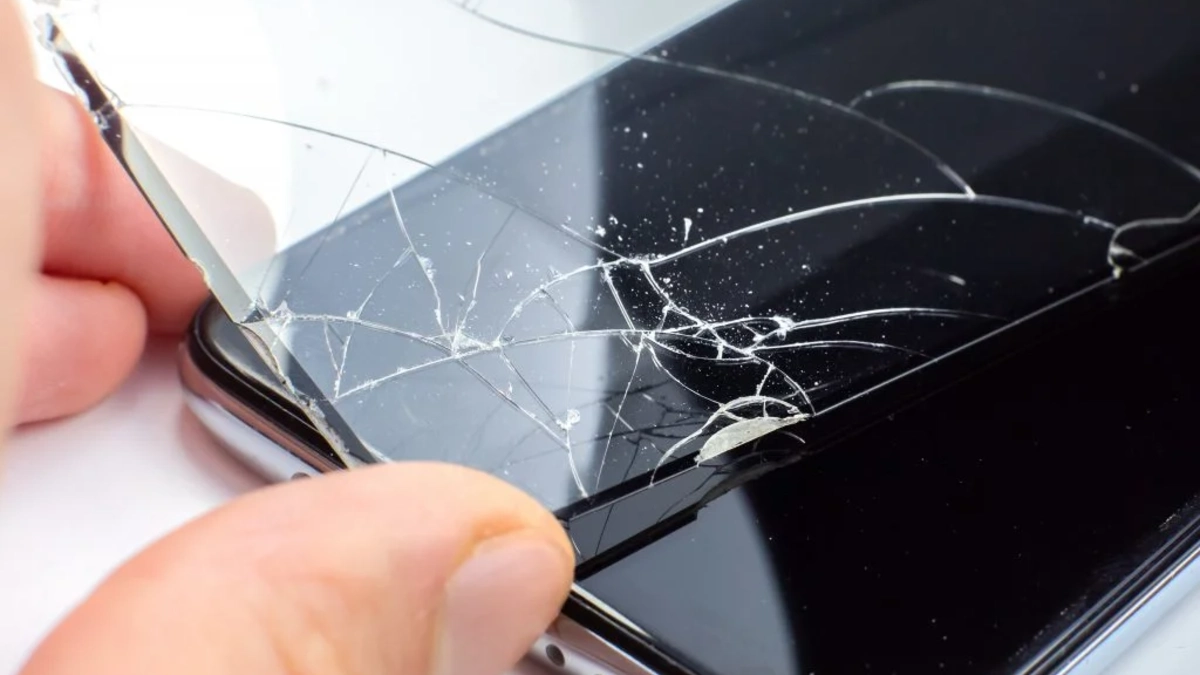
Water Drop Test this is the fastest way to check. Put a tiny drop of clean water on your screen. You don’t need much just one small bead. If the drop beads up and holds together in a tight little dome, your coating is working.
It’s still repelling the water. If the water spreads out flat or moves around in a big, messy blob, the coating has worn away. The screen is no longer pushing the water away.
How Your Screen Feels?
Touch your screen when it’s clean. A healthy coating makes the glass feel super smooth. If your damaged iPhone screen coating is gone, the glass itself is exposed. The surface may start to feel rougher or stickier to your finger.
If you are failing the water test and your screen is always sticky with smudges, your coating is definitely worn off. This happens from normal use and from harsh cleaning chemicals. The good news is the actual screen glass is usually fine.
5. Fix a Damaged Screen Coating
The special, smudge fighting layer on your screen is worn off. Your phone still works fine, but it gets greasy fast. Here are the three best ways to bring back that clean, slick feel.
Apply a Screen Protector
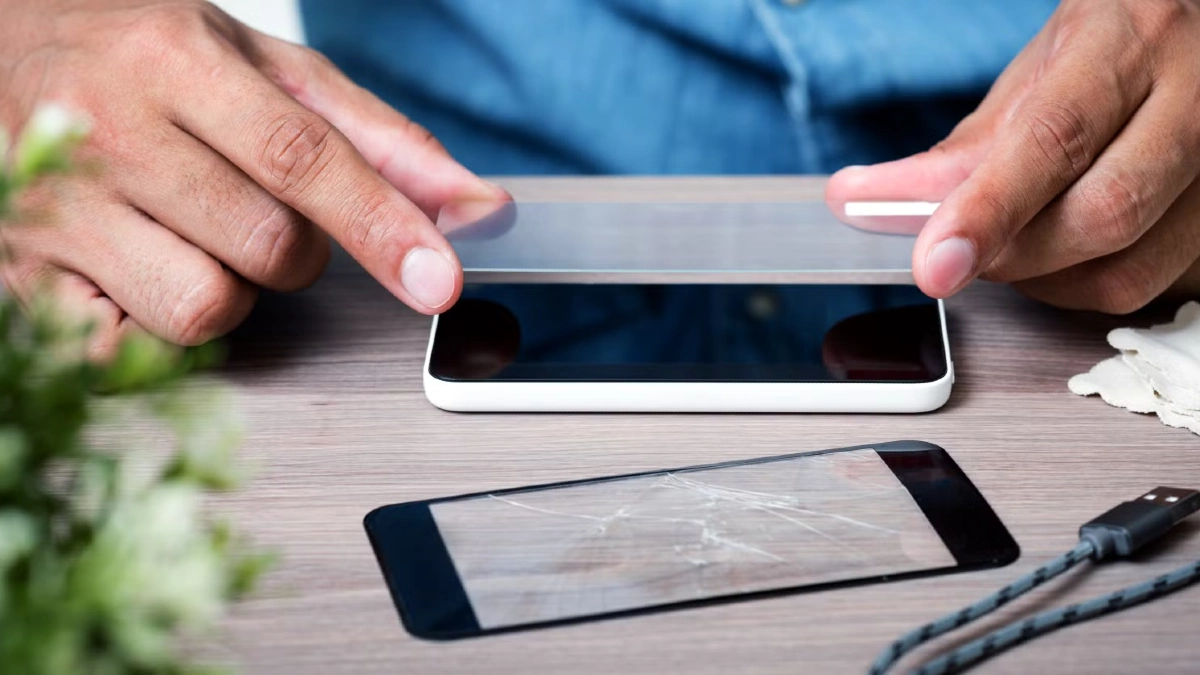
This is the easiest and cheapest way to get the non stick surface back. Get a good quality glass screen protector for iPhone or Android. These protectors come with their own oleophobic coating.
It also protects what little is left of your original layer. If the new coating wears out later, you simply peel off the screen protector and replace it. It’s a very simple and effective solution.
Use an Oleophobic Coating Kit
You can actually buy products made for oleophobic coating restoration. These are small kits that let you put a new liquid layer on the glass yourself. Clean your screen very well with alcohol to remove all oil. Put about 10 to 15 drops of the new liquid coating on the screen.
Spread the liquid thinly across the whole surface with a plastic wrapped finger or the cloth the kit gives you. The downside is that you need to reapply the coating every one or two months to keep it working.
Accept It and Clean More
If you don’t want to buy anything, you don’t have to. The worn out coating is just a surface issue. It does not affect how the device performs. Your phone will still work perfectly.
The only difference is that you need to wipe it more often. Keep a good microfiber cloth nearby. Use the cloth to quickly wipe away smudges when they annoy you. This solution costs nothing and saves you time on buying and applying products.
