
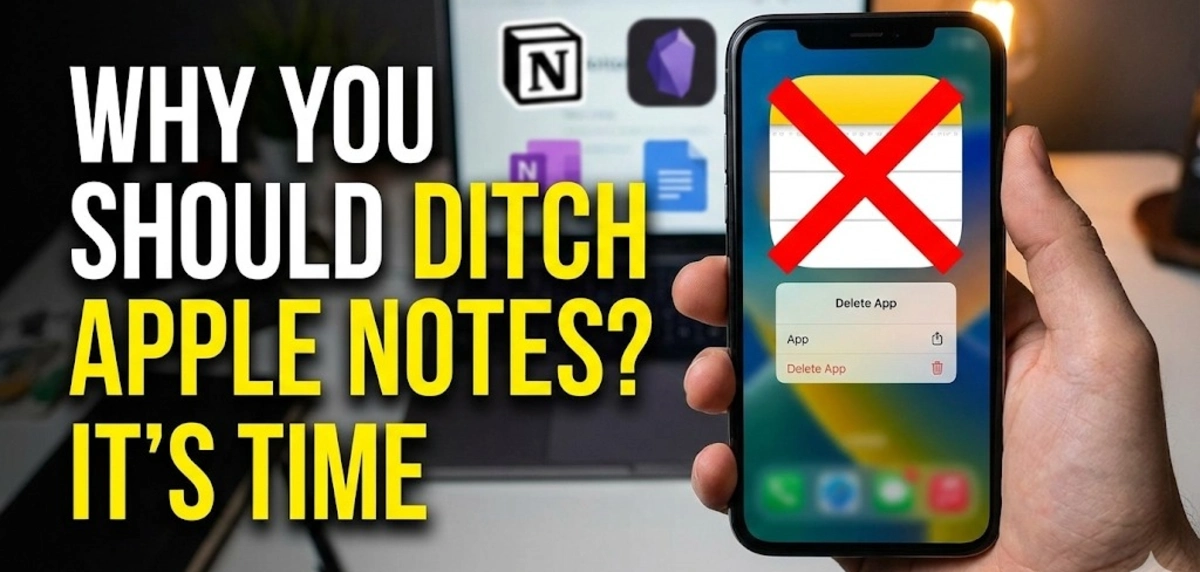
You’re stuck with an app that crashes after every iOS update, refuses to sync between your devices, and makes finding anything a digital junk drawer. You’ve lost hours of work. Your meeting notes vanished.
Apple Notes problems aren’t rare bugs. They’re patterns that keep repeating. The app works fine until you actually need it. Then sync issues hit. Notes disappear. The app freezes. You’re left scrambling to recover work that should have been saved automatically.
Apple Notes has real, documented problems that affect thousands of users. Apple knows about these issues. Support forums are full of complaints going back years. Nothing changes.
1. Your Notes Keep Disappearing
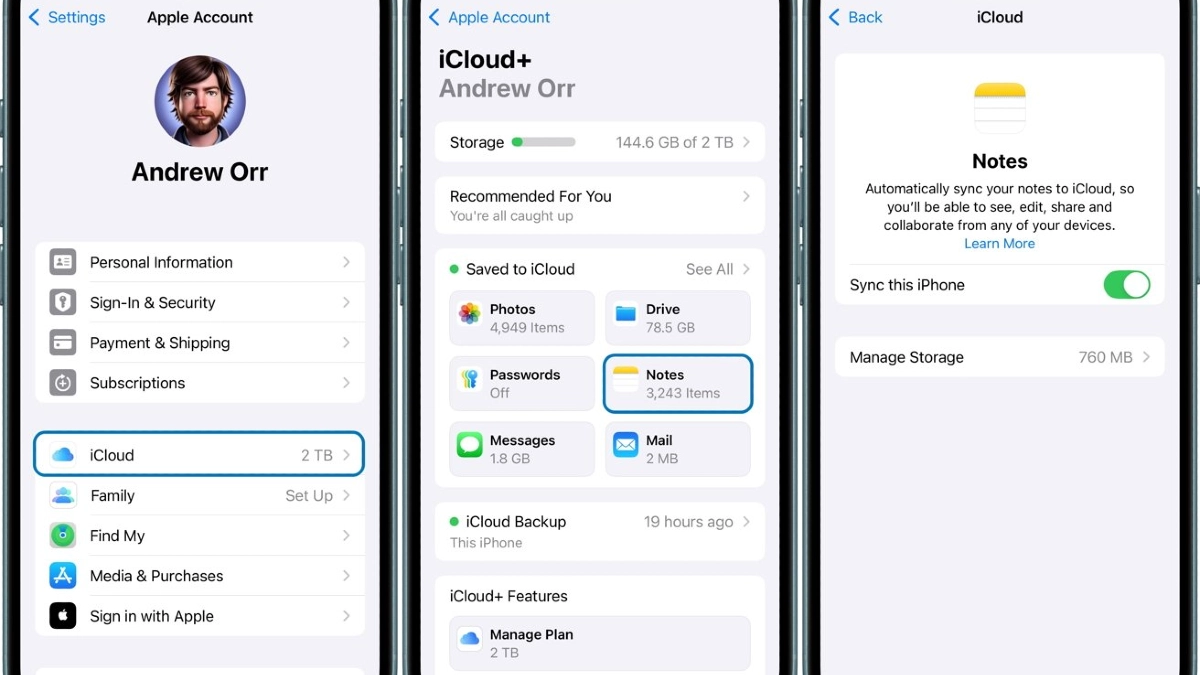
You just spent 45 minutes taking meeting notes. Detailed action items. Key decisions. You close the app. The note content from three days ago. Your work is gone.
iOS 18 Disaster
iOS 18 has been rolled out, and Apple Notes users have flooded support forums with the same issue. The app crashed. People reported their Notes app crashing within 10 to 15 seconds after upgrading to.
The update caused widespread crashes and lag that made the app nearly unusable, according to users.
2. 5GB Storage Trap Nobody Talks About
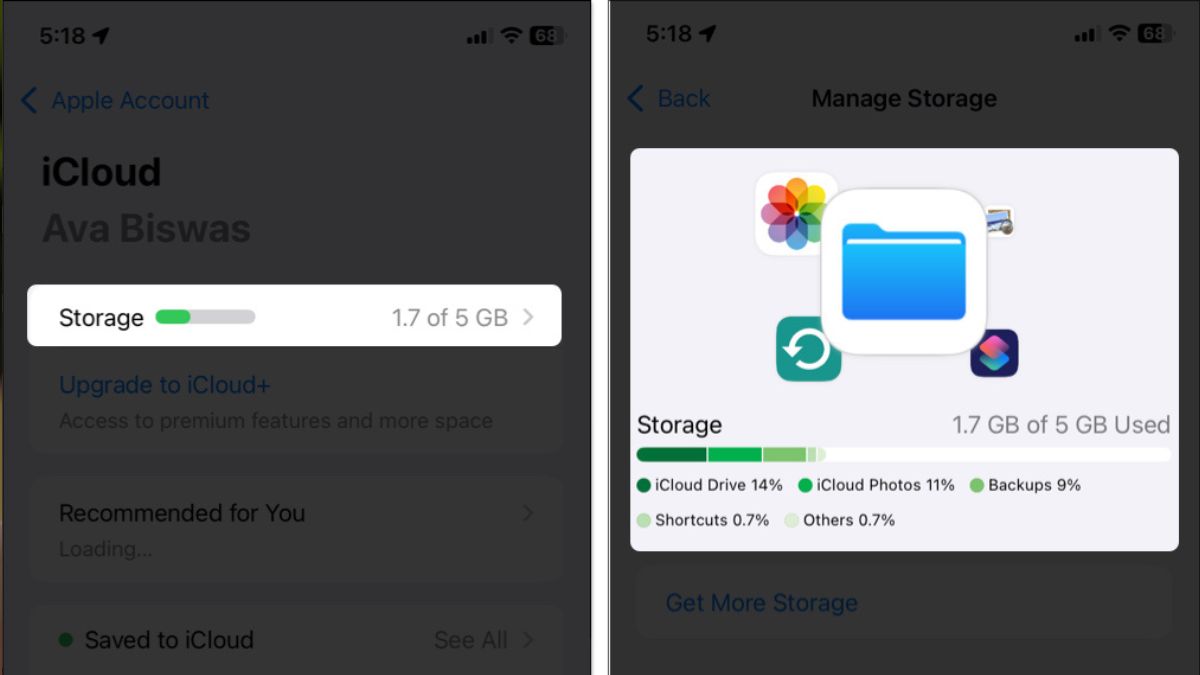
Apple gives you 5GB of free storage. Sounds a your photos, backups, and notes all fight for the same space. Apple Notes is limited to just 5GB of free iCloud storage. That’s not 5GB just for your notes.
That’s 5GB for everything. Uses that storage. Photos from last weekend. Uses that storage. Fighting for whatever scraps are left.
Compare That To Free Note-taking Apps
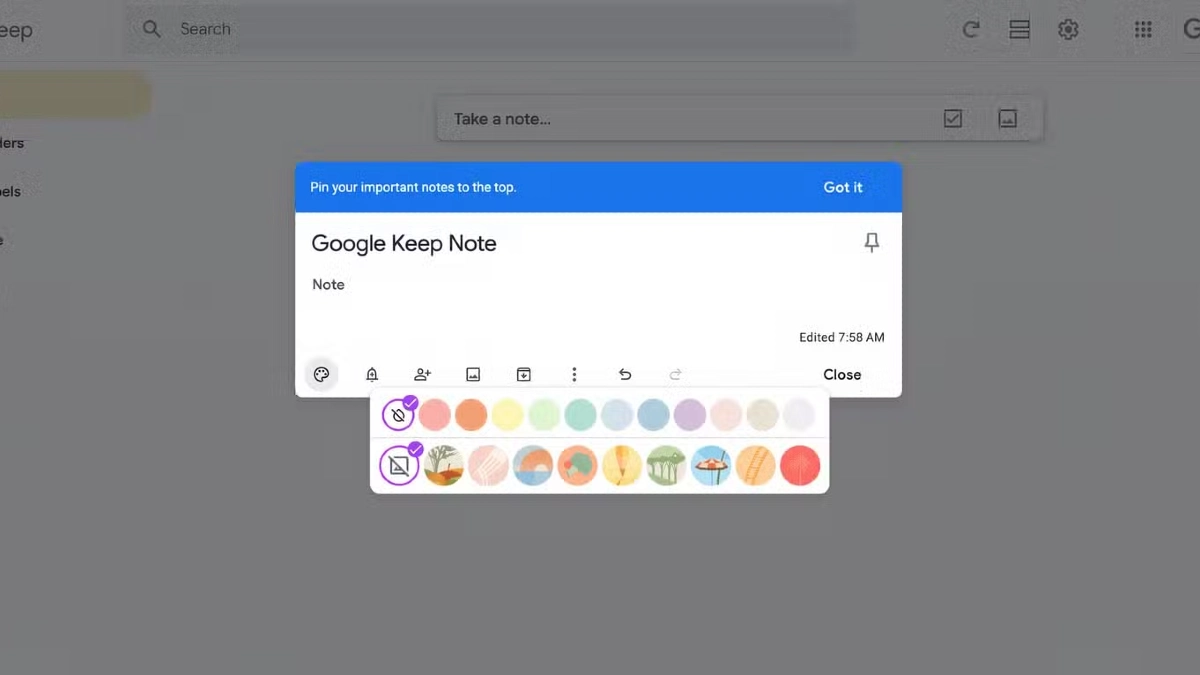
Google Keep offers 15GB of free storage. That’s three times what Apple gives you. Three times the space for zero dollars. It gives you 5GB just for notes, separate from your other Microsoft storage. Notion’s free plan has no storage limit for text notes.
Apple’s competition solved this problem years ago. They give you room to actually use their apps. They want you to run out of space so you’ll pay.
3. Organization? More Like Digital Chaos
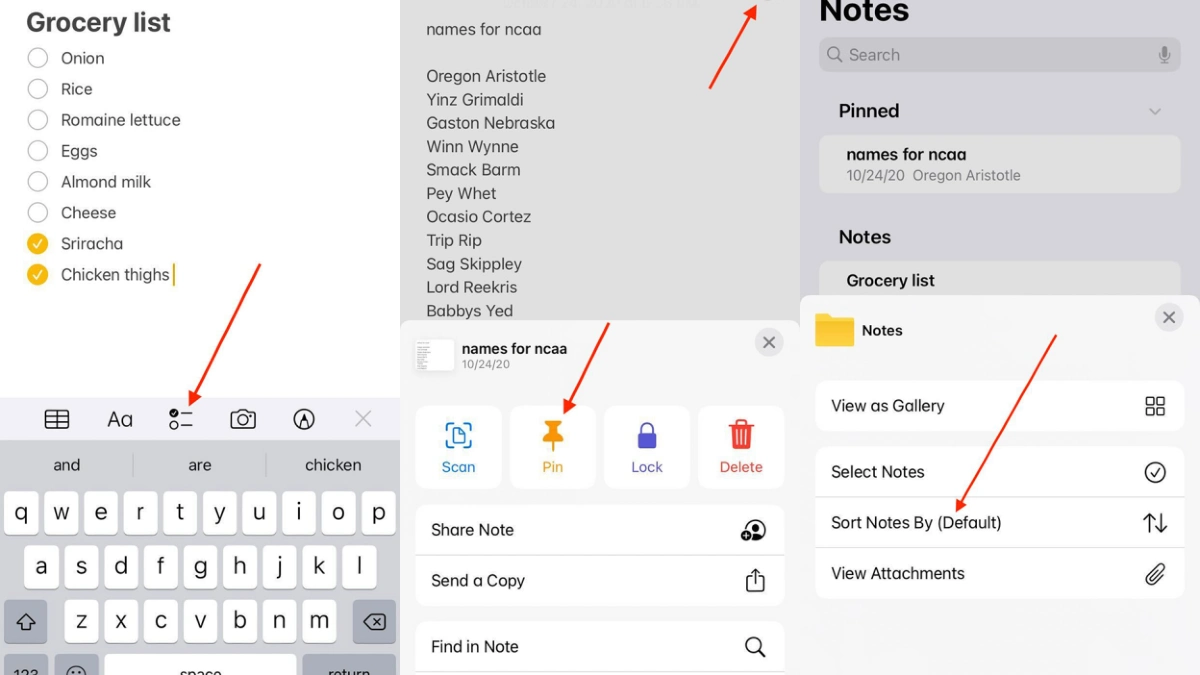
Apple Notes gives you no smart filters. Just folders. And folders become completely unwieldy when you’re managing hundreds of notes.
You end up with folders inside folders inside folders, and you still can’t find what you need.
No Tagging System = No Real Note Organization
There’s no tagging system for categorizing notes by themes or projects. Every modern app has this. Apple doesn’t. That meeting note relates to three different projects, involves two clients, and connects to five other ideas.
Searching without tags is a needle in a haystack. You remember writing something. You remember some words from it. But Apple Notes search is so basic that you’ll scroll through 50 results trying to find the right one.
4. Performance Gets Worse as You Add More Notes
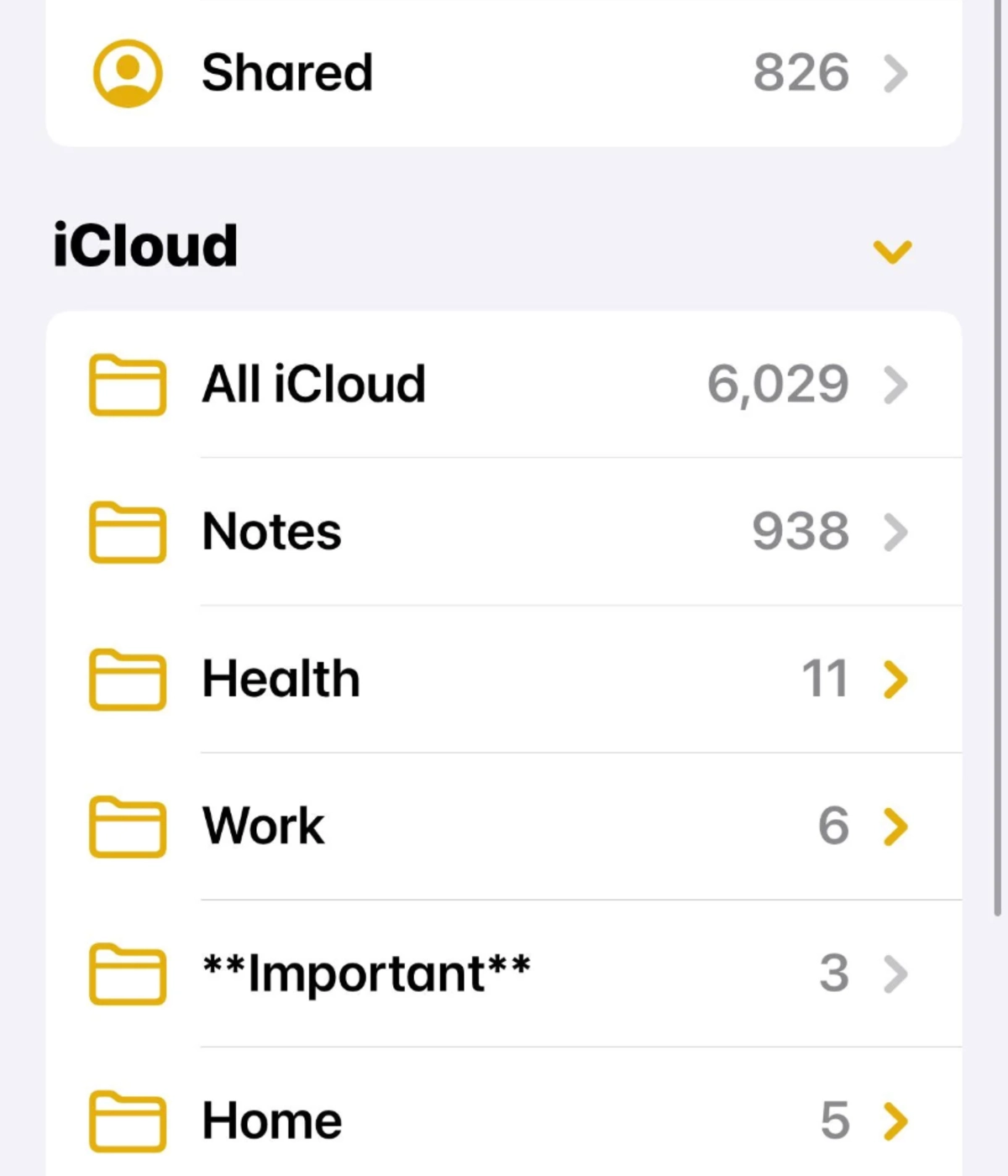
The more you use Apple Notes, the worse it gets. That’s not how software should work. Open the app with 50 notes. The app lags and freezes with large note collections.
You tap on a new note. Finally, the app responds. By then, you’ve forgotten what you wanted to write.
App Crashes During Real Work
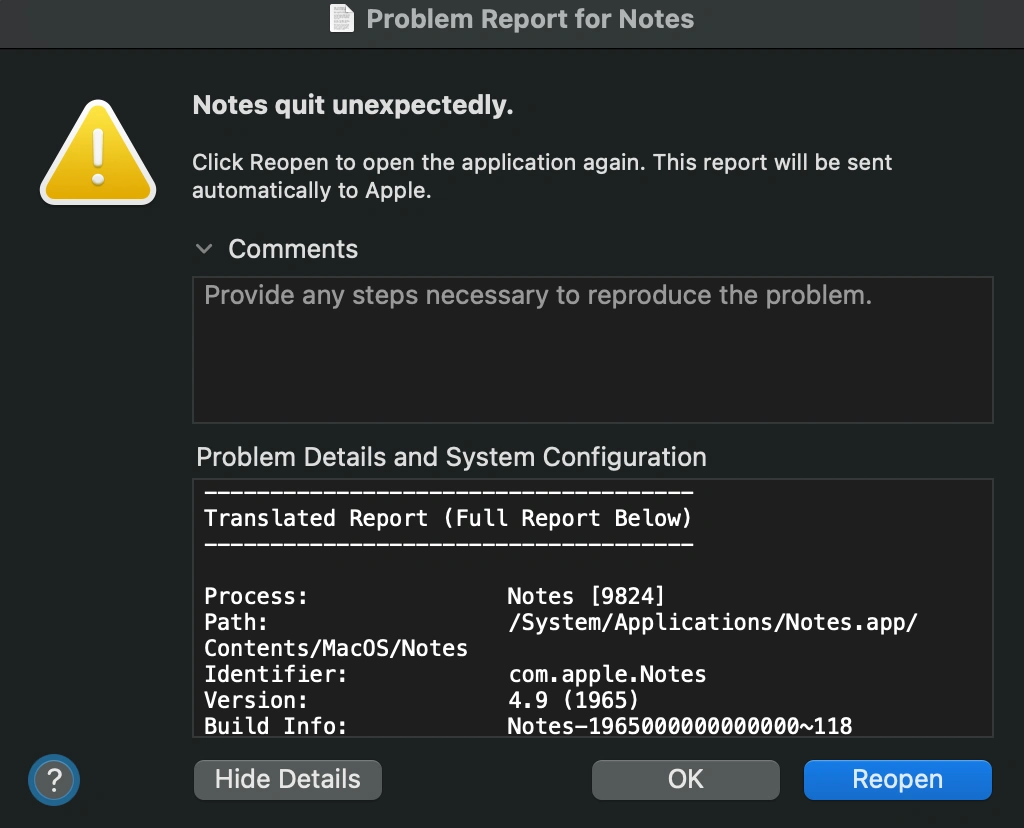
Try taking notes during a long meeting. Some users report the Notes app crashes five or more times during intensive sessions. You’re trying to capture important information, and the app keeps shutting down.
Each iOS update makes them worse. The iOS 18 release was particularly bad, but every major update brings new performance problems. Your notes don’t get bigger, but the app gets slower.
5. Collaboration Features Stuck

Try working on a shared note with your team. You’ll quickly realize Apple Notes was built for solo users, not teams. Multiple people can edit at the same time, but the editing is clunky at best.
Changes don’t appear instantly. Someone types something. You wait. Maybe it shows up. Maybe it doesn’t. You’re never quite sure if you’re looking at the latest version.
Zero Communication Tools

You have to text the person separately. There’s no commenting system built in. Collaborative apps let you comment, mention teammates, assign tasks, and have conversations right inside the note. Apple Notes makes you switch to Messages or email. That’s three different apps for one simple task.
6. You’re Locked Into Apple’s Ecosystem
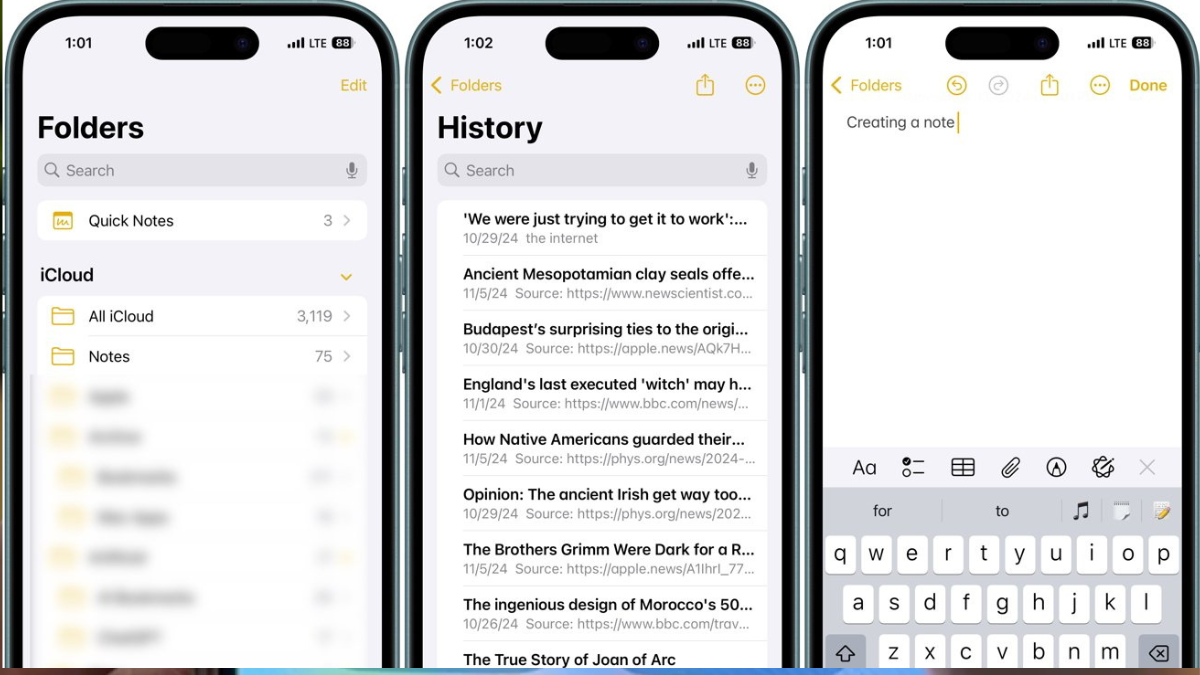
There’s no Android app. Apple won’t build one. If you switch phones or need to check notes on a friend’s device, you’re out of luck. Your notes live in the Apple and nowhere else.
Cross-Platform Notes Work Everywhere
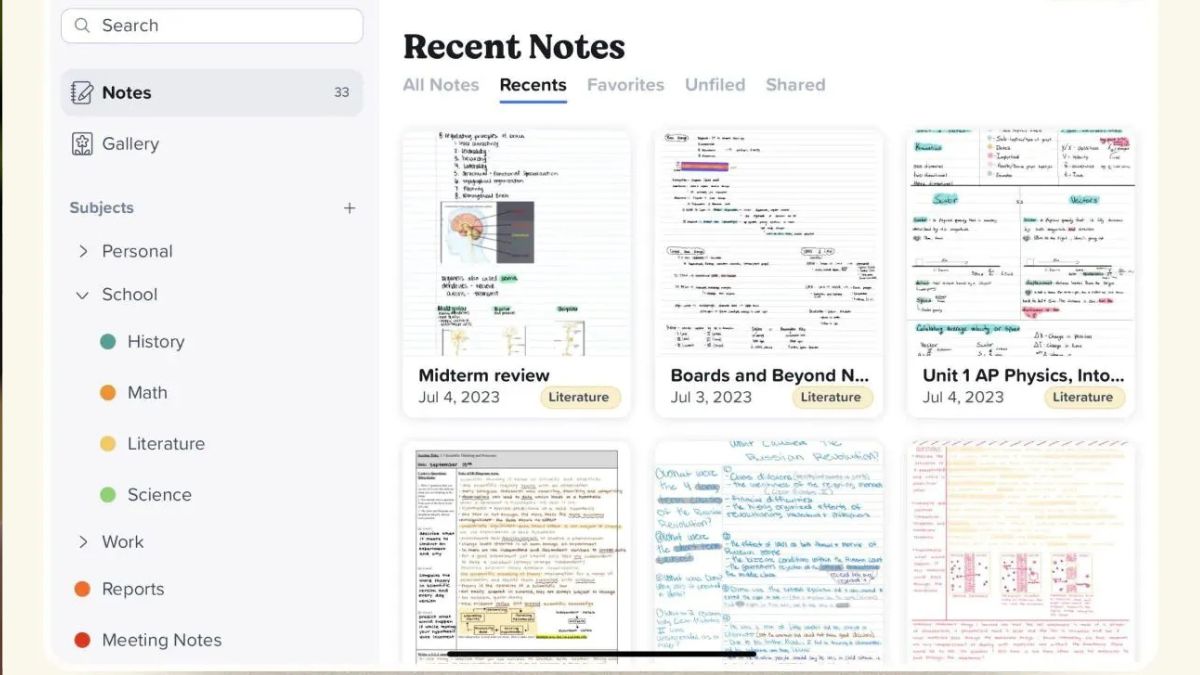
Microsoft OneNote and Notion work on Windows, macOS, iOS, Android, and the web. Same features on every platform. Your notes sync instantly everywhere. You can start a note on your computer, continue on your work PC, and finish on your iPad.
Most of them use more than one device. Most of them don’t use only Apple devices. Apple Notes ignores this reality.
