
I spent 40 hours last week testing AI tools, and only 12 passed my would I actually use this daily. Your task list keeps growing. Every productivity guru tells you to try different AI tools. You download them, accounts, watch tutorials. Then you realize the tool takes more time to learn than it saves.
You need AI tools for productivity that actually work. 1,000 AI tools in the past year. Most are garbage. They promise to boost productivity but deliver frustration instead. The interface is confusing. The AI gives weird answers. Or it just doesn’t fit how you actually work.
12 tools that passed the real test. I use them. They save time without the learning curve. And the real time you’ll save, backed by actual data. Most have free versions. You can test them without spending a dollar. Just tools that work when you need to get things done faster.
1. ChatGPT – Your AI Writing Partner That Never Sleeps

You’re staring at a blank email. The cursor blinks your brain freezes. It’s an AI writing tool that handles the tedious parts of writing so you can focus on the work that actually matters.
What ChatGPT Actually Does ?
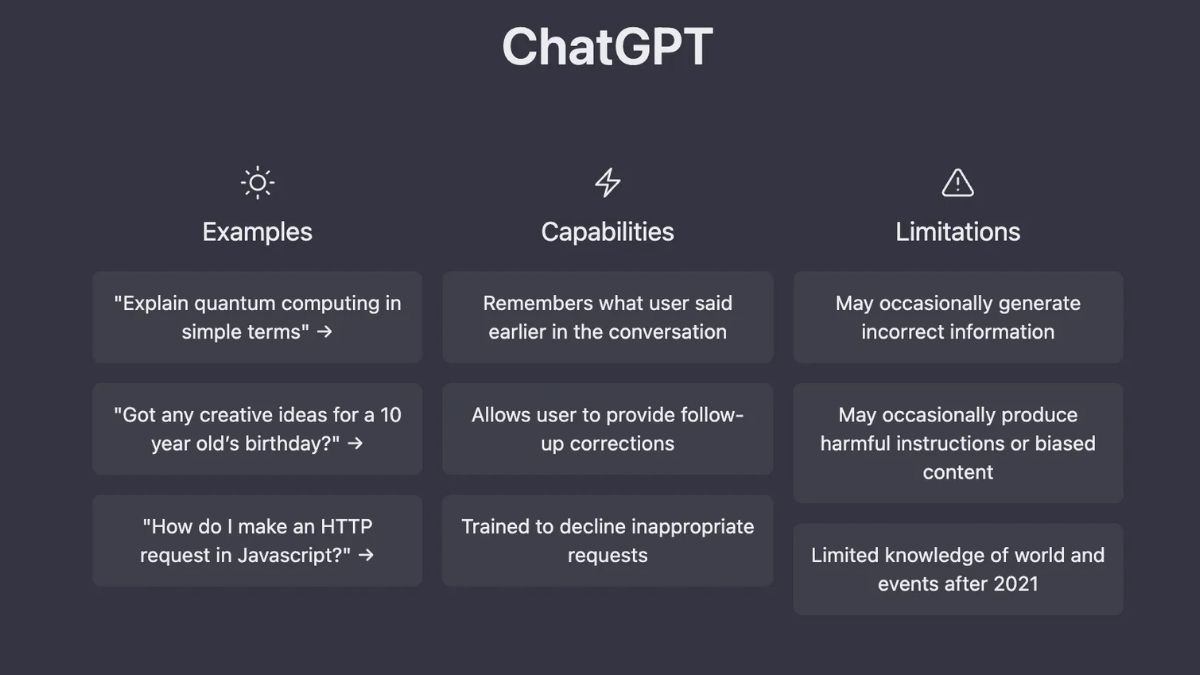
You type what you need, and it delivers drafts in seconds. Need to brainstorm blog topics. Stuck on how to phrase a tricky email. ChatGPT processes over 2 billion daily queries. That’s millions of people getting help every single day.
The average session length rose to 18.5 minutes because people are actually using it for real work. 79% of developers rely on ChatGPT. These are professionals who could write code in their sleep, yet they still turn to this tool.
2. Notion AI – Your Second Brain That Thinks
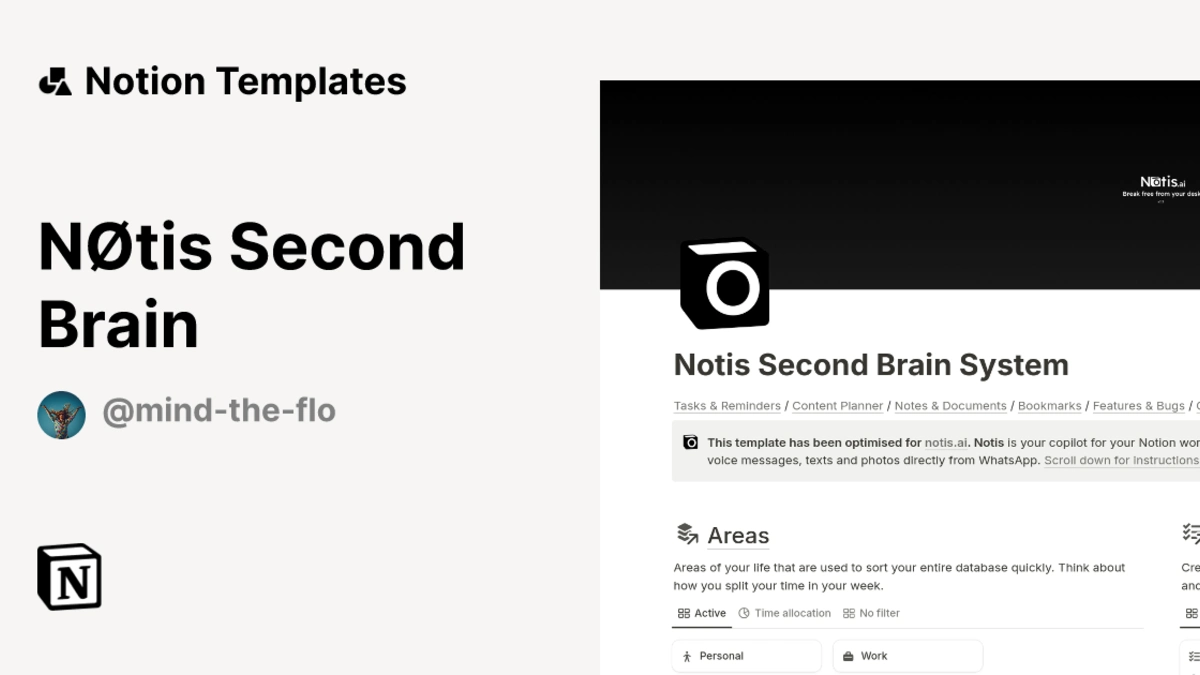
You have notes everywhere. Google Docs. Random text files. Sticky notes on your monitor. It’s AI productivity software that lives your workspace, so you can organize, write, and manage projects without jumping between apps.
What Makes Notion AI Different ?
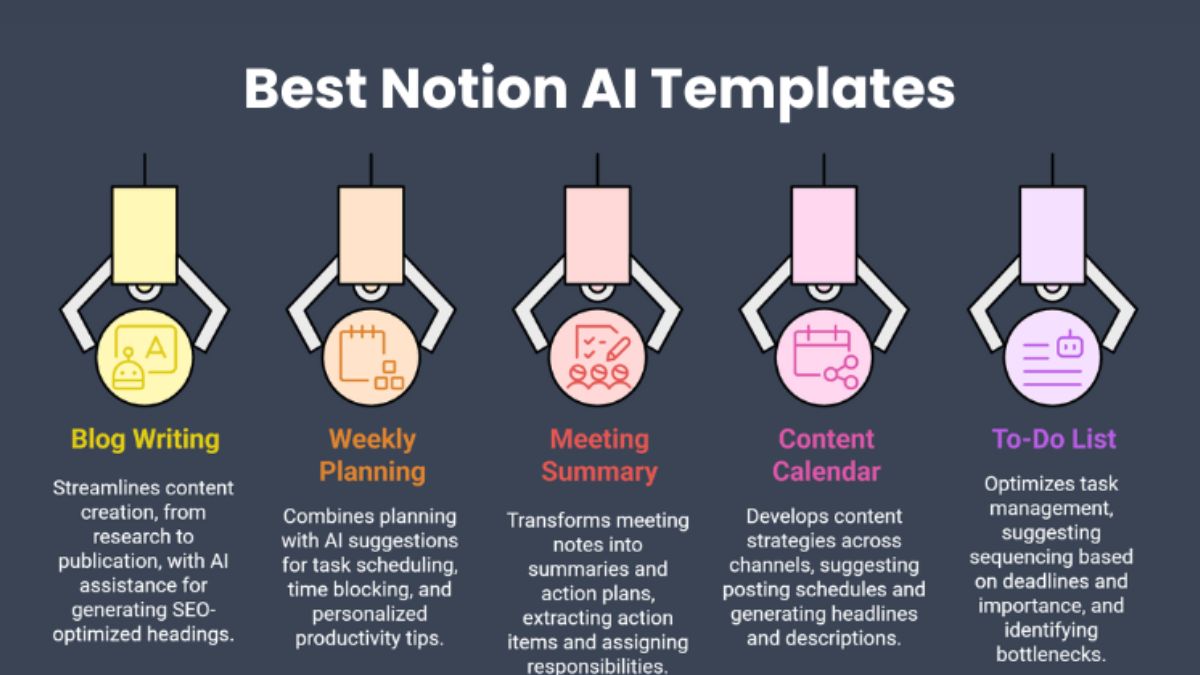
Notion AI sits right where you already work. Ask it to summarize key points. Building a project timeline. Need to find that document from three months ago. This is note taking AI that actually saves time.
Project managers see productivity gains of 40 to 50%. That translates to 4 to 6 hours back each week. Those aren’t small numbers. That’s half a workday you can spend on things that need your brain, not busy work.
Where Notion AI Helps ?
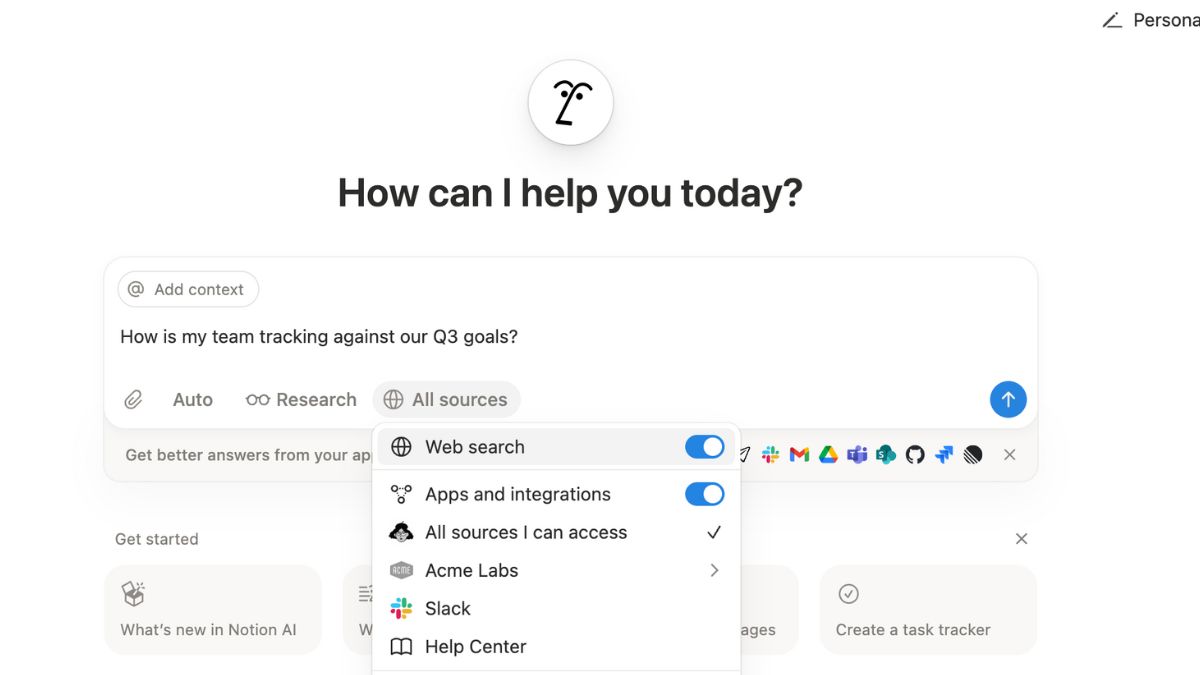
Meeting summaries record what happened, then ask Notion AI to pull out action items and deadlines. Project documentation messy notes into clean organized docs. It handles the structure. Team collaboration shared documents.
Notion AI works best when you keep your information in Notion. If your notes are scattered across five different apps, you won’t see the full benefit. But once your stuff is in one place this project management AI becomes genuinely useful.
3. Grammarly – Make Every Word Count

A typo in the subject line. Or worse, you called your client the wrong name. Grammarly catches these mistakes before they embarrass you. It’s an AI writing assistant that checks your work everywhere you type.
What Grammarly Work ?
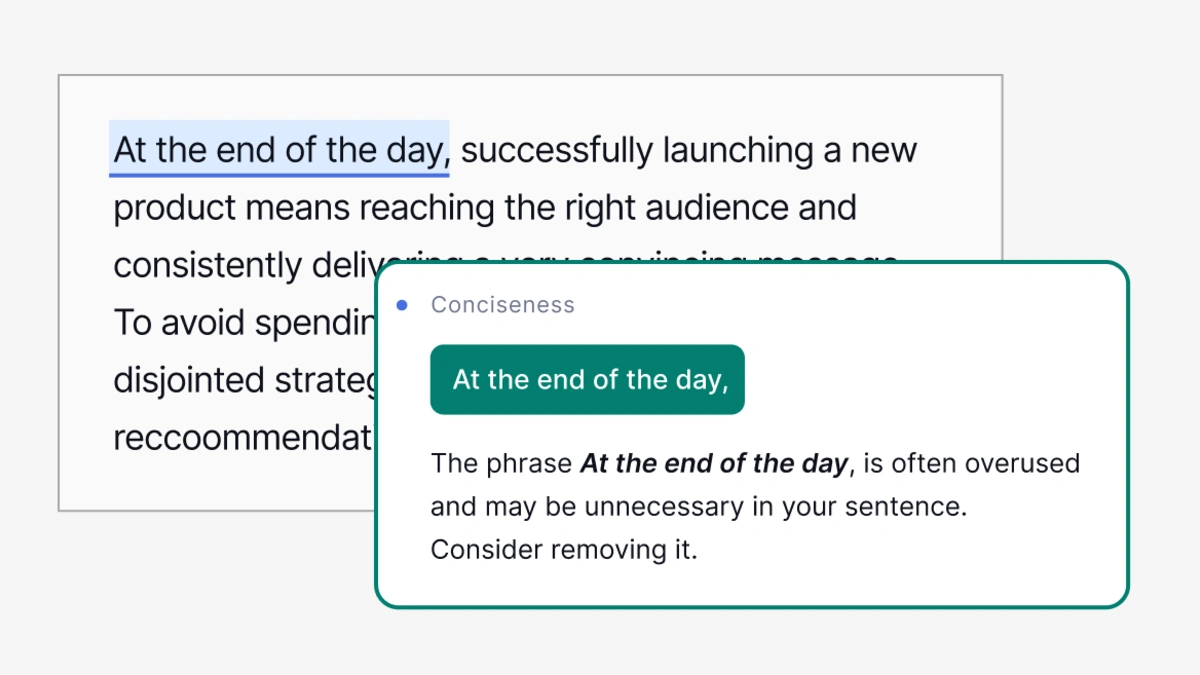
Spelling errors. Weird grammar. Sentences that don’t make sense. Grammarly adjusts your tone. Posting on social media. It works across all platforms. Gmail,Google Docs, Slack, LinkedIn. Even text boxes on random websites.
4. Otter.ai – Never Take Meeting Notes Again
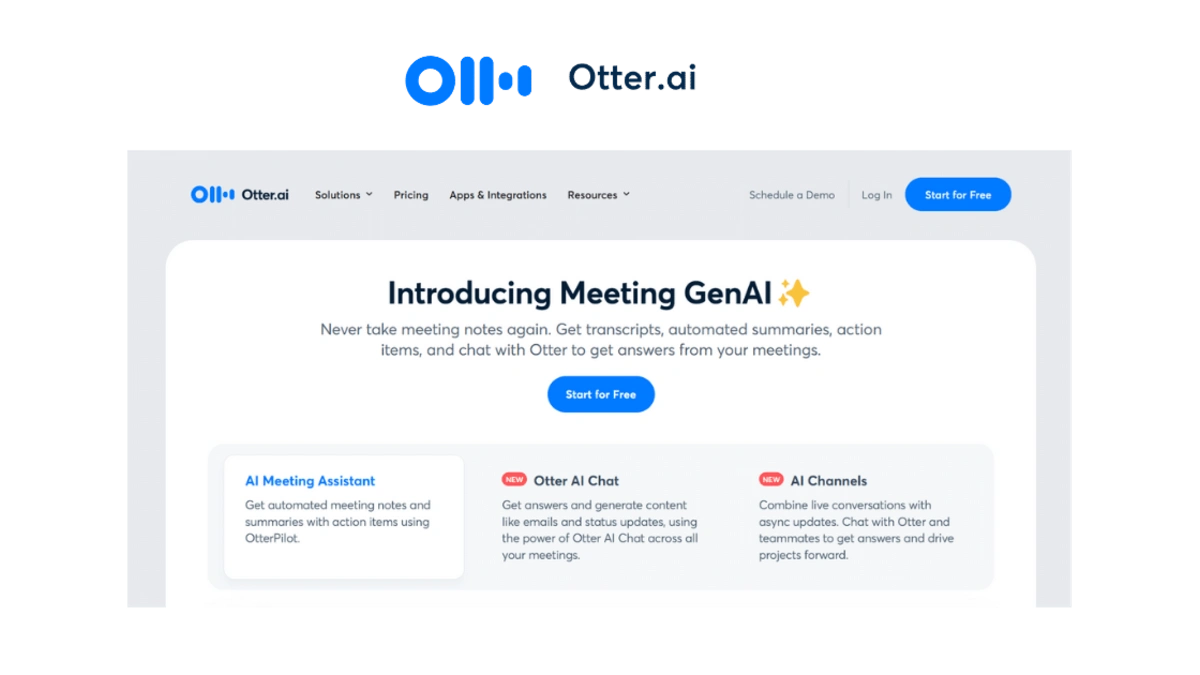
Someone says something important. You scramble to write it down and miss the next three points. It’s a transcription tool that records everything, writes it down, and tells you what matters.
What Otter.ai Does for You ?
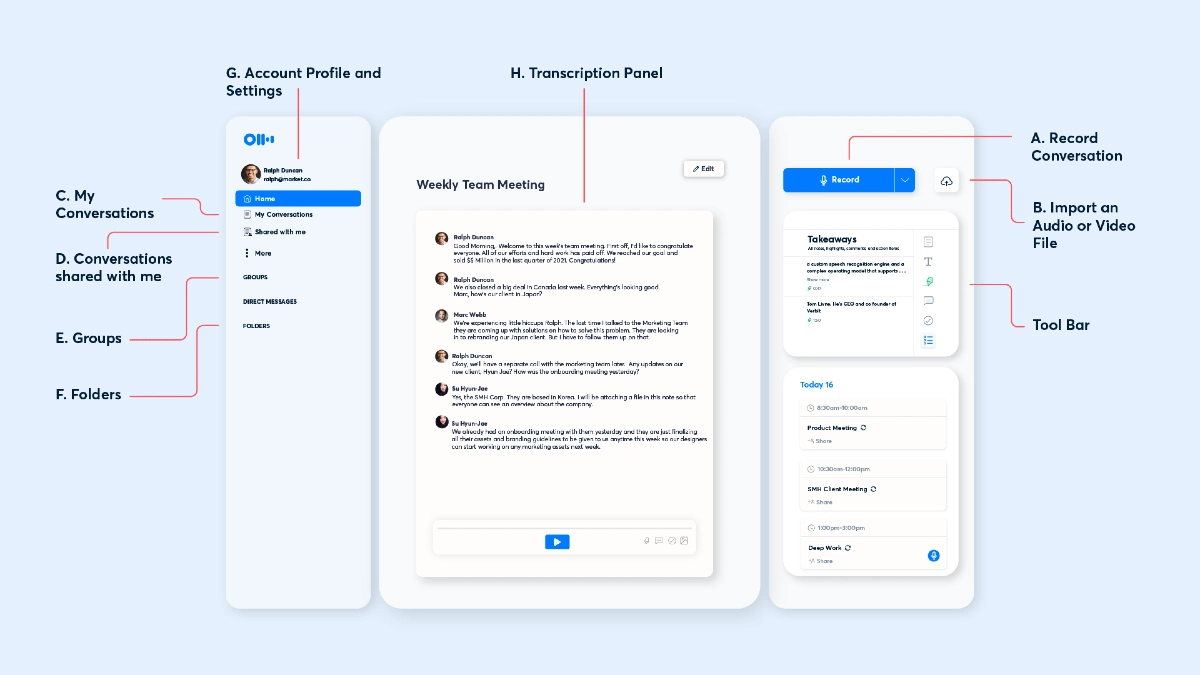
This AI meeting notes tool joins your meetings and transcribes every word. You can actually listen instead of frantically typing. Users report 95% accuracy, tests show 85 to 90% depending on audio quality and accents. 33% of their time back. That’s because Otter doesn’t just transcribe.
5. Canva AI – Design Without Being a Designer
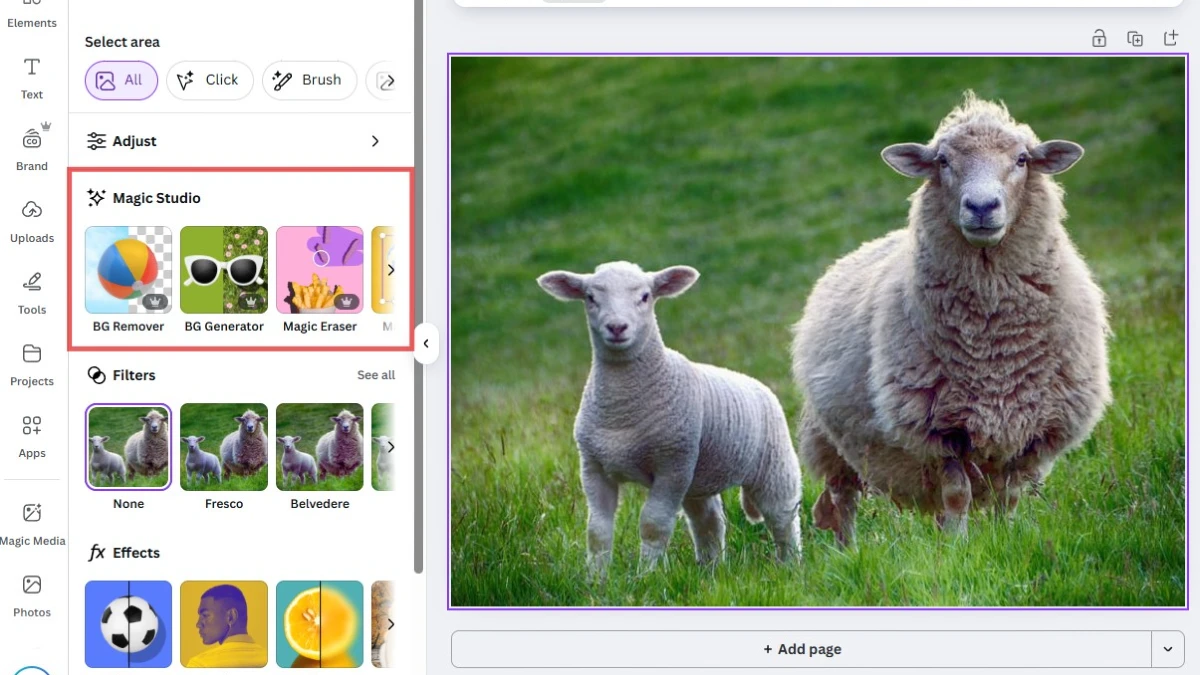
You open a blank canvas and stare at it. Where do the colors go. It’s an AI design tool that graphics from a simple.
What Canva AI Actually Work ?
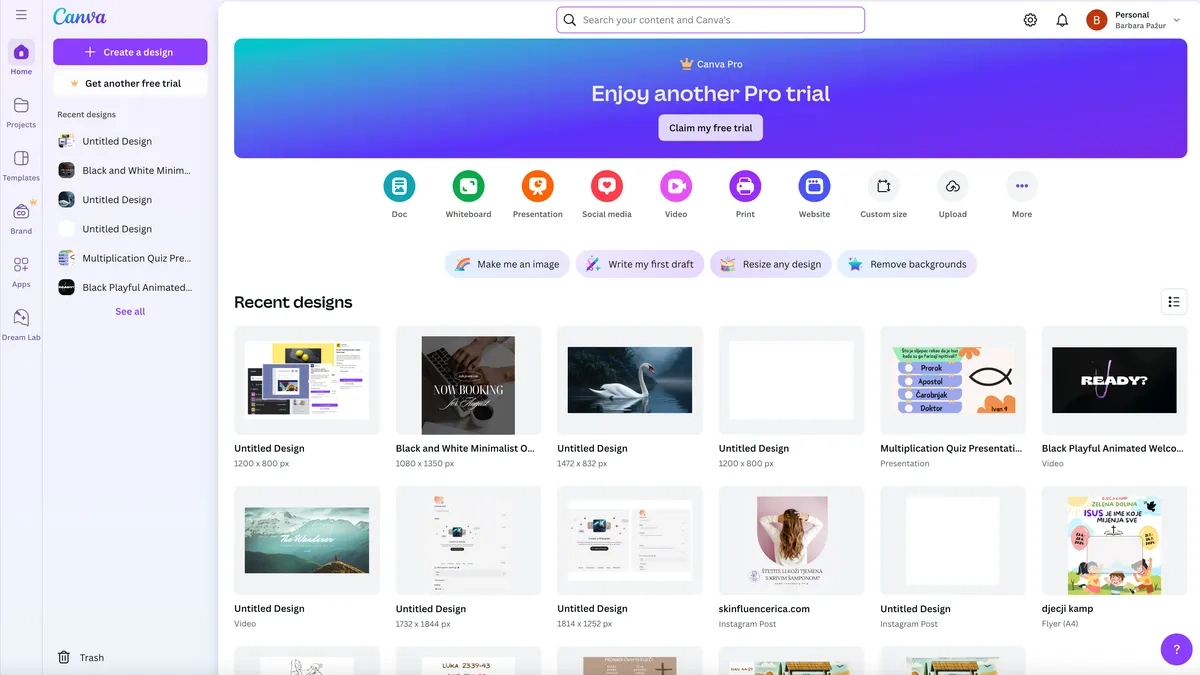
You type what you need. Canva’s Design generates options in seconds. Tweak the colors or text if you want. The numbers show why 240 million monthly active users. Canva’s AI tools have been used over 10 billion times.
75% of active users engage with AI features weekly because they work. Design time drops by 40% when people use Magic Design. That’s hours back in your week for actual work instead of wrestling with fonts.
6. Zapier – Connect Everything, Automate Anything
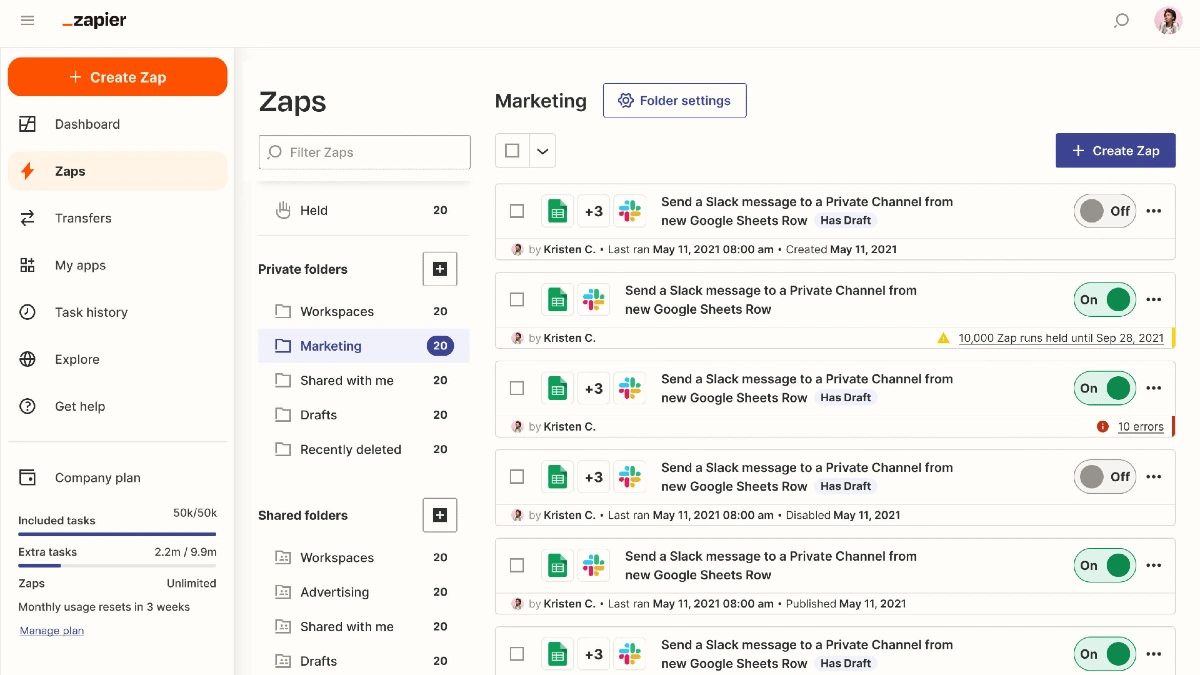
You copy data from one app and paste it into another. Then you do it again. And again. Every single day. Zapier stops this waste of time. It’s a workflow automation tool that connects your apps and handles repetitive tasks while you sleep.
What Zapier Does for You ?
Zapier automatically does something in another app. Zapier saves it to Google Drive. Form submission on your website. Zapier a folder, sends a reminder, and updates your project tracker.
AI automation tool connects over 7,000 apps. If you use it for work, Zapier probably supports it. Users report a 40% productivity increase. And with 85% of businesses expected to use automation soon, early adopters.
7. Perplexity AI – Search That Actually Understands You

It’s SEO garbage. You try the second link. Still useless. Ten minutes later, you’re on page three of search results. It’s an AI search engine that gives you direct answers with sources you can verify.
Difference between Perplexity Vs ChatGPT
Perplexity cites its sources. Every answer shows you where the information came from. Click the citation and read the original yourself. ChatGPT can’t do this. It gives answers but doesn’t tell you where they came from. For research, that’s a problem. You need to verify information, especially for work.
Perplexity combines a search engine with AI chat. It searches the web in reads the results, and summarizes what you need to know. Then it shows you the receipts.
8. Claude – The AI That Thinks Deeper
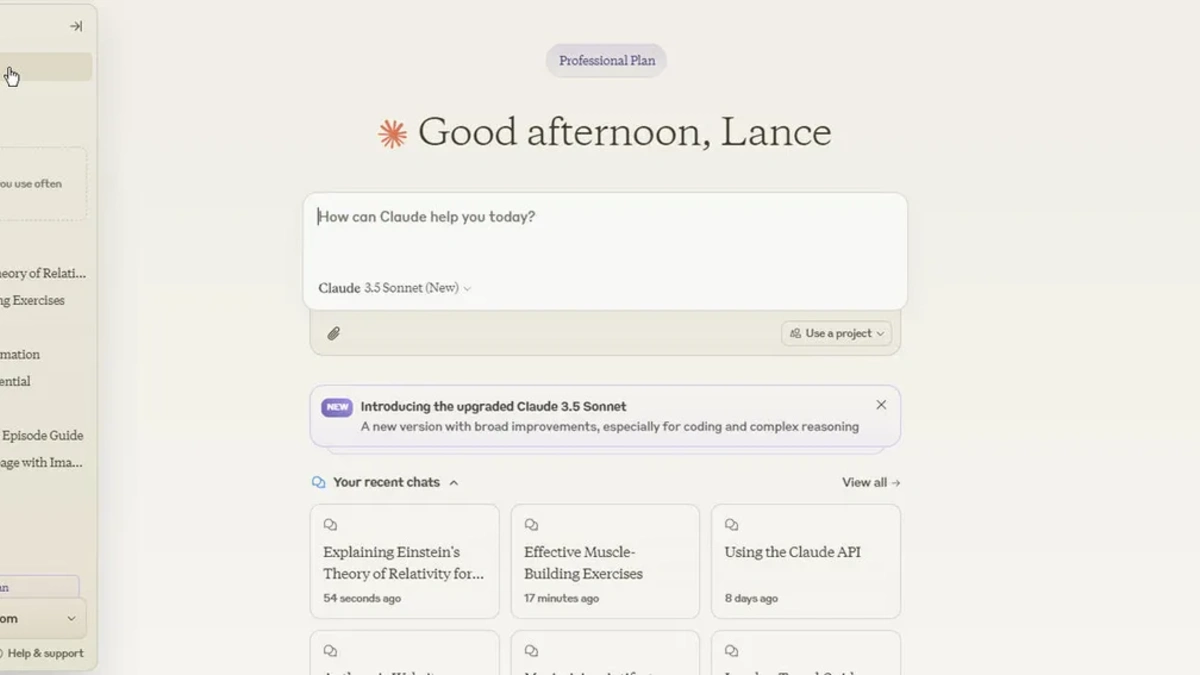
You ask ChatGPT to analyze a 50 document. It forgets half of what you told it. You have to keep reminding it what you’re working on. Claude solves this. It’s an AI assistant built for complex work that requires focus and detail.
What Claude Does Better ?
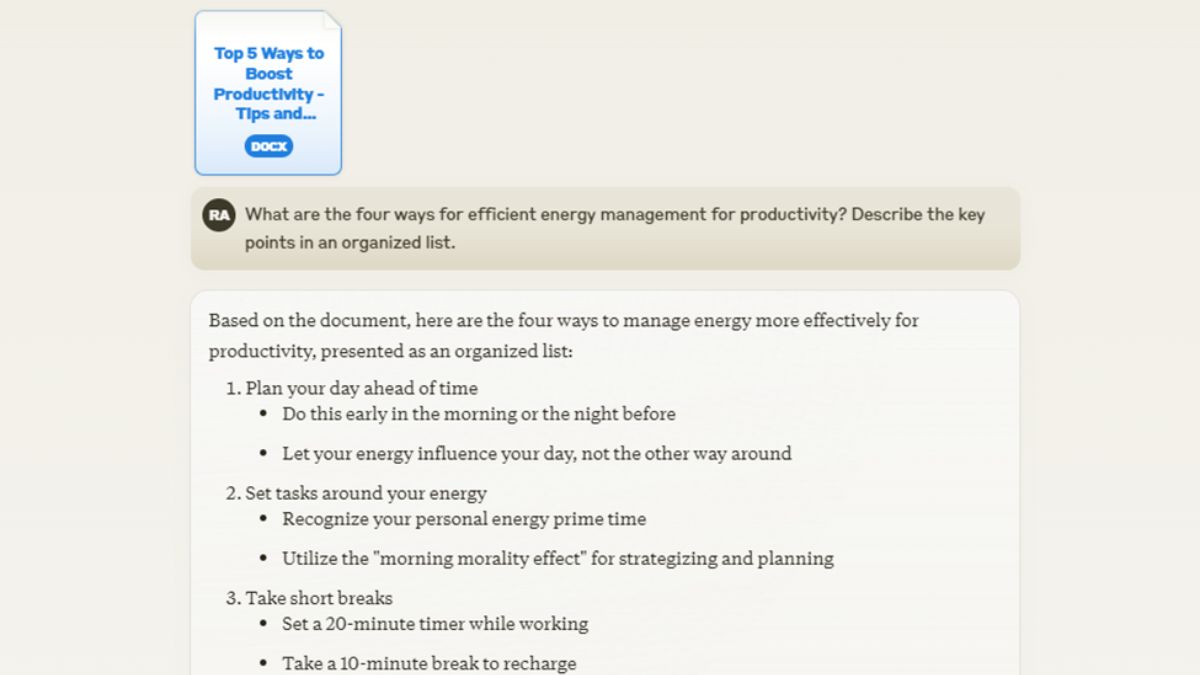
Claude handles longer conversations without losing track. Upload a full document and ask detailed questions about it. Claude remembers everything and connects ideas across the entire text.
The current top model, Sonnet 4.5, excels at analysis and reasoning. It doesn’t just spit out answers. It thinks through problems step by step and explains its logic.
9. Google Gemini – AI That Works Where You Already Work
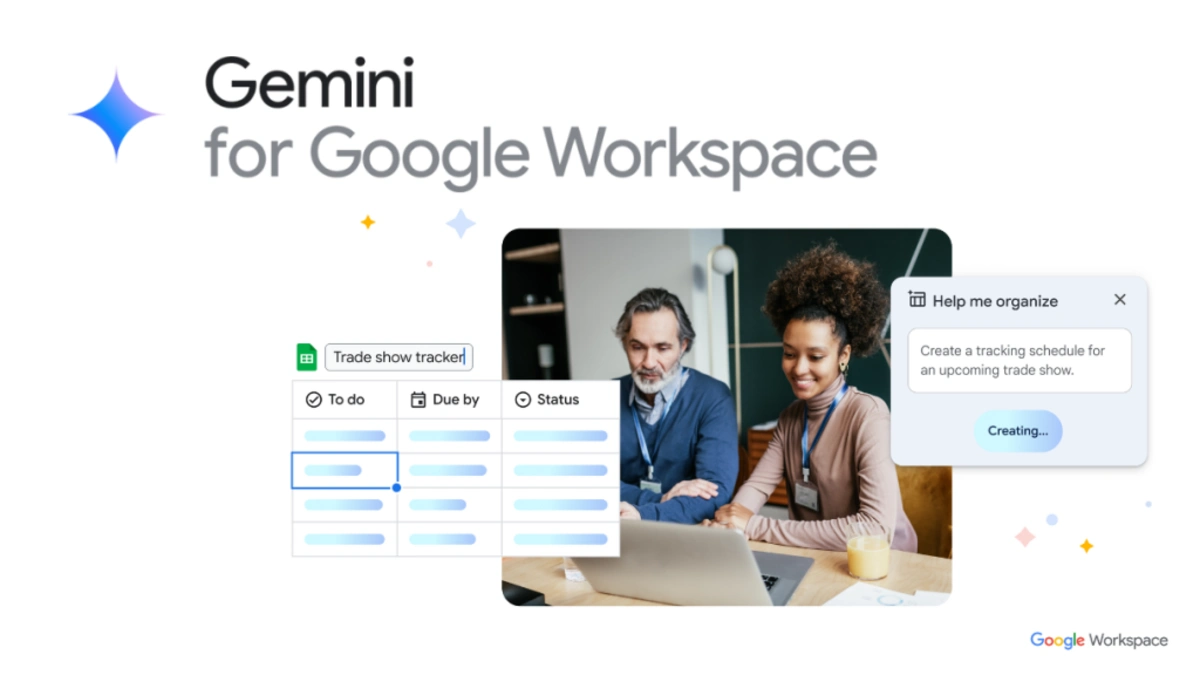
Gmail,Google Docs, Sheets, Calendar. Switching between them constantly kills your focus. It’s workspace AI built directly into the tools you already use every day.
What Makes Gemini Different ?
Gemini lives inside Gmail, Docs, Sheets, and Calendar. Click a button and it’s there. It summarizes the key points. Building a spreadsheet. It analyzes your data and explains what it means.
Google AI understands your actual work because it sees your emails, documents, and calendar. It knows what you’re working on without you explaining everything from scratch.
10. Motion – Your AI Calendar That Plans Your Day

You know that feeling when your to-do list keeps growing, but your calendar stays a mess? Motion fixes that.
What Motion Actually Does ?
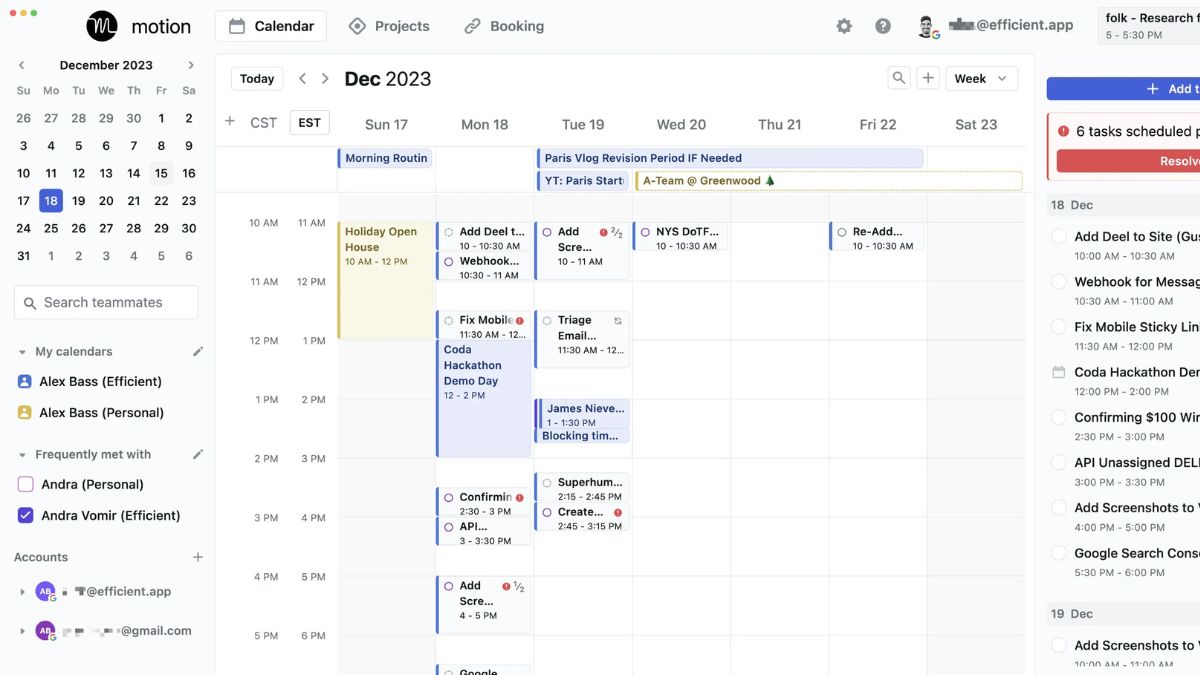
Motion is an AI calendar that tasks and figures out when you should do them. You don’t drag things around yourself. You tell Motion what needs to get done and when it’s due. The AI blocks time in your calendar automatically. It picks the best slots based on what’s most important.
11. Copy.ai – Write Marketing Copy in Seconds
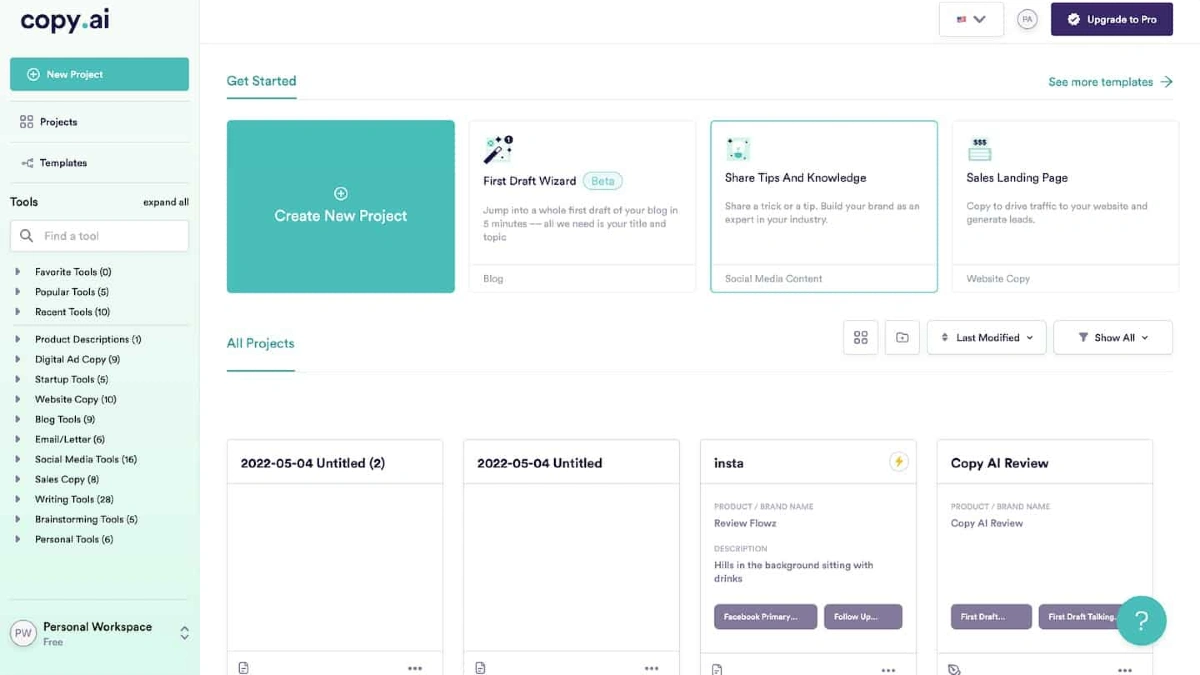
Staring at a blank screen trying to write an ad. Copy.ai handles it for you. Copy.ai Does, AI copywriting tool writes marketing content fast. Product descriptions. Email subject lines. Social media captions. Ad copy. All of it.
You pick a template, add a few details about what you need, and Copy.ai generates multiple versions in seconds. Then you pick the one that works.
Copy.ai Actually Helps
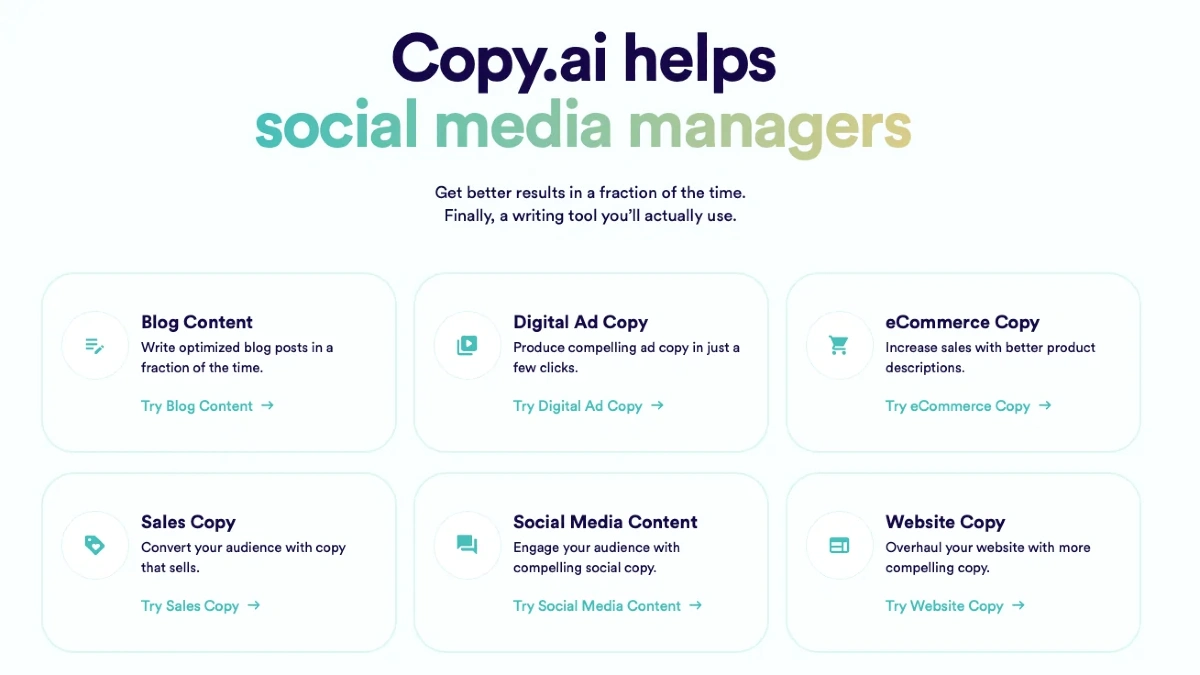
Content generation but writing isn’t your thing. Or when you need 20 variations of the same message for testing. Copy.ai writes ten different headlines in 30 seconds. You test them and see which one people click.
12. Loom – Explain Anything Faster Than Typing
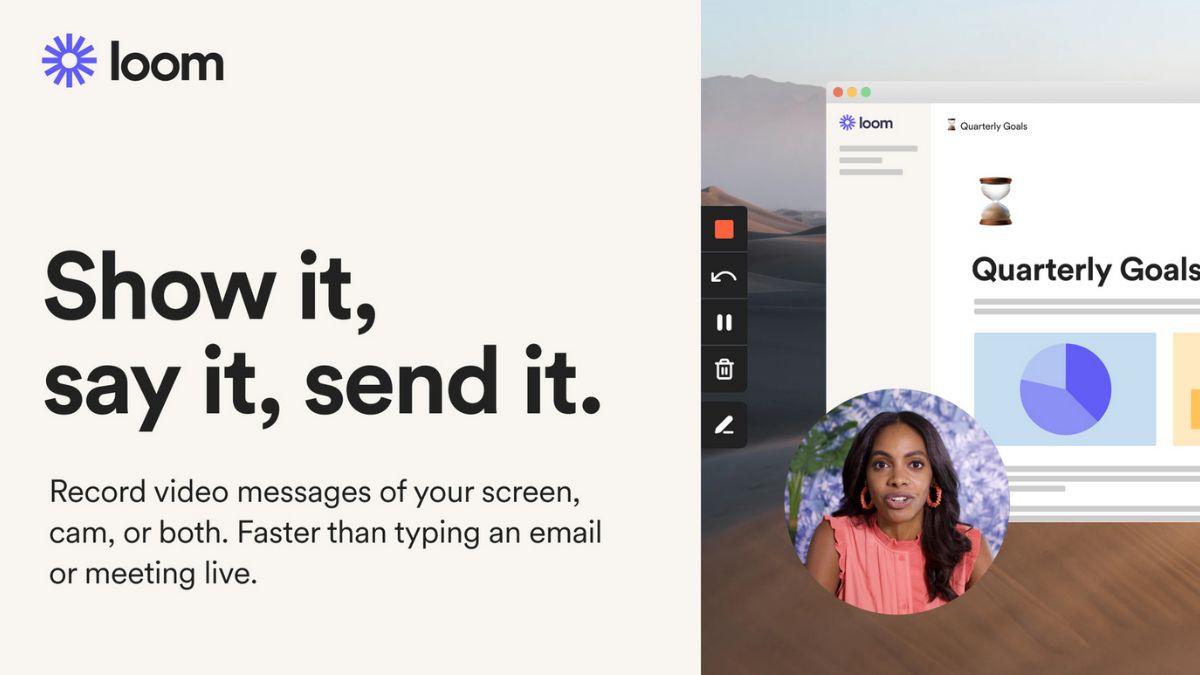
Ever spend 20 minutes writing an email that still doesn’t explain things clearly. Loom lets you show instead of tell.
What Loom Actually Does ?
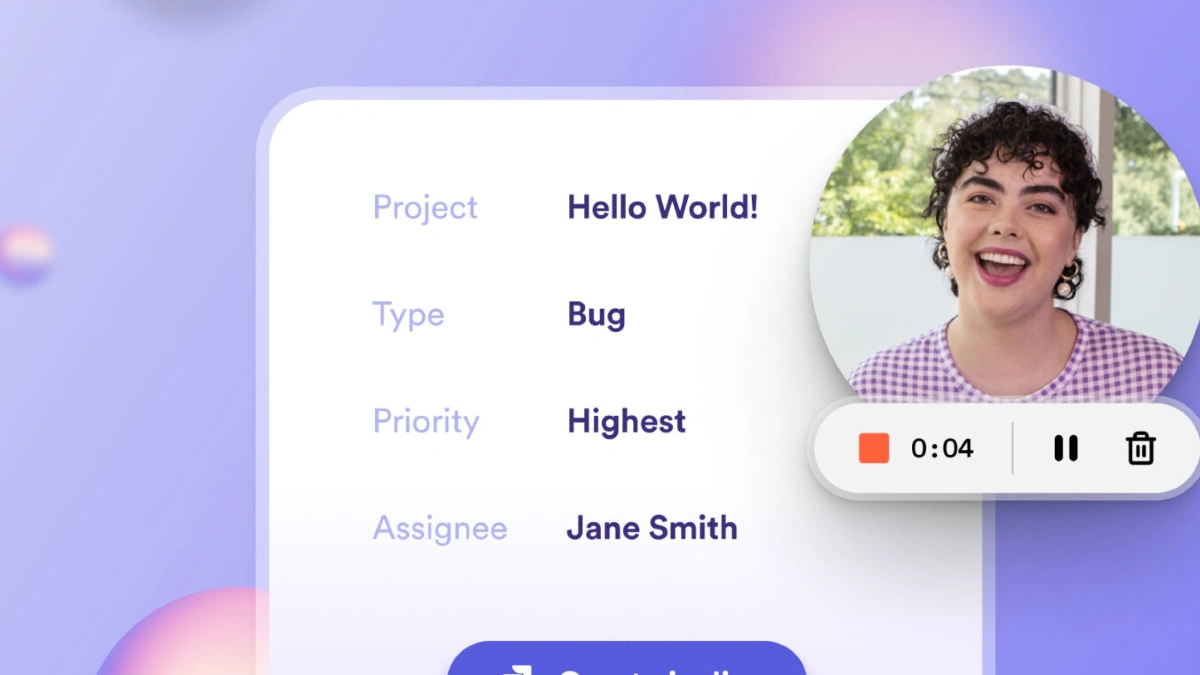
Loom is an AI video tool that records your screen and your face at the same time. Hit record, explain what you need to say, and send a link.
The AI automatically creates transcripts and summaries of your video. People can read the summary or watch the full thing.
