

You work too much. You need help. What if your best worker never slept? What if they never complained about boring tasks? Best of all, what if they cost less than your monthly coffee budget? You can have this right now.
Most professionals still treat ChatGPT like a basic search engine. They type simple prompts. They get boring answers. They completely miss out on the major AI updates from late 2025 and early 2026. These hacks will fix that problem.
It tells native Gmail integration and the use of tiered Thinking Modes. You will build a totally automated digital assistant. These ChatGPT hacks save you hours every single week. This is the ultimate AI assistant 2026 setup.
#1. The Role Master Prompt
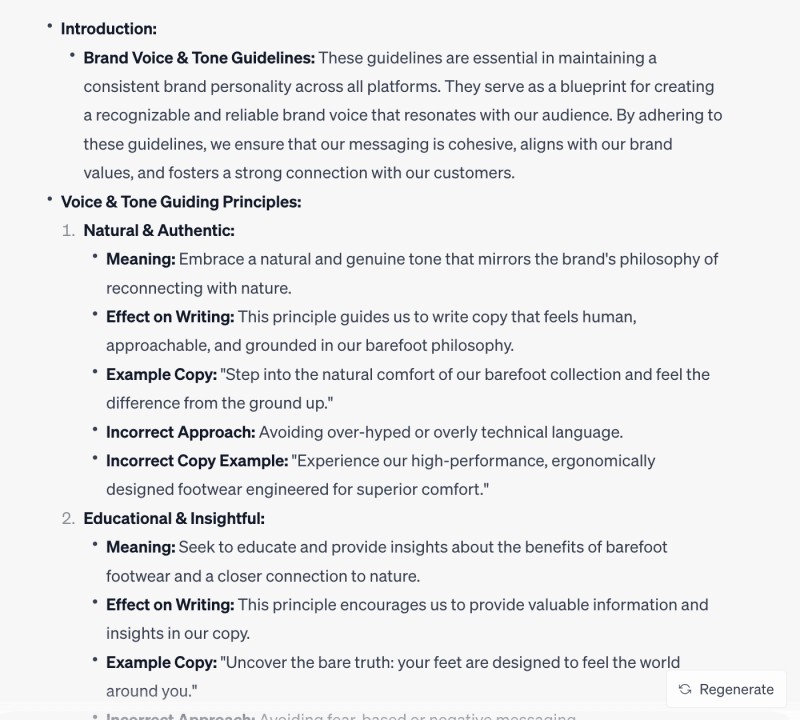
You need to tell the AI exactly who it is before you start working. Create a master prompt that includes your specific business model and brand voice. You only need to feed this information into the system once. The AI will then act as your perfect employee every single time you open a new chat. This saves you from typing the same instructions over and over again.
#2. Run Your Company in Projects
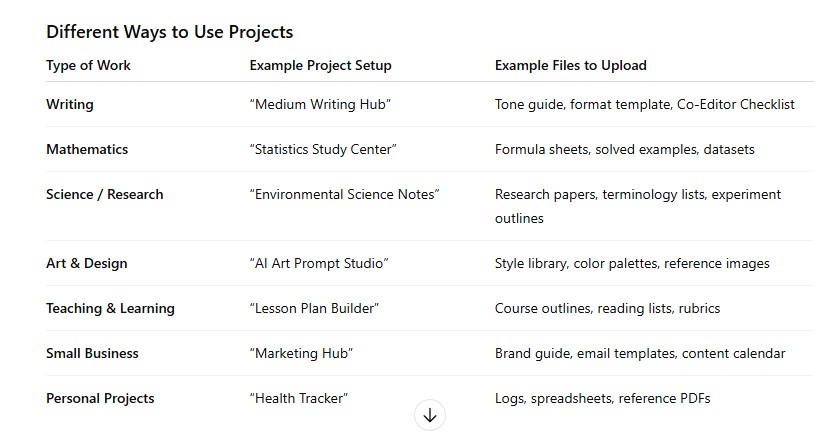
Use the Projects feature to build a central hub for your company files. You can drop in your style guides and procedure documents directly. This creates a compounding context effect where the AI gets smarter about your business every day. Your digital assistant will always refer to your specific company rules before answering.
#3. Maximize the Context Window
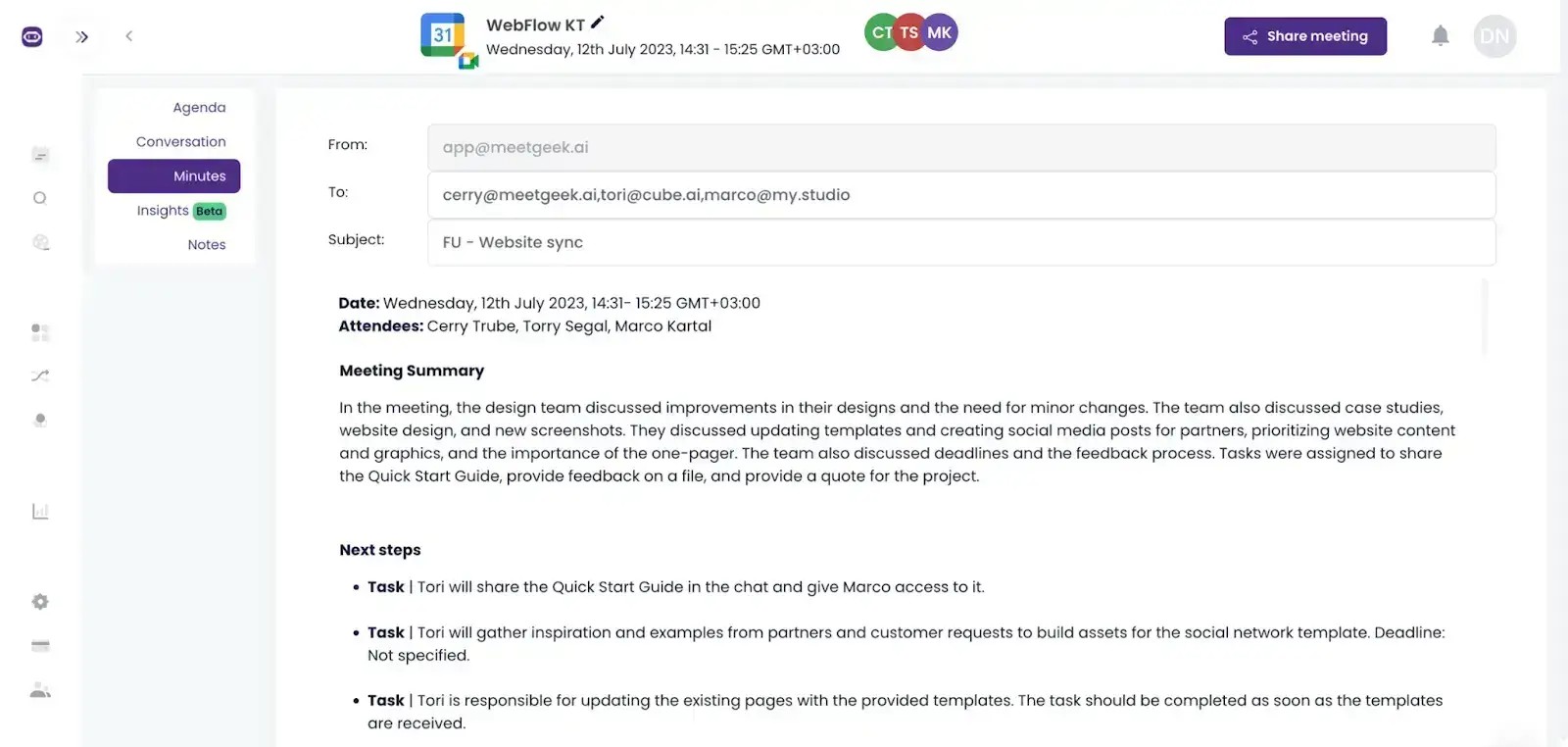
The latest models can remember massive amounts of information at once. You can upload an entire year of meeting transcripts or emails in one go. The AI will not forget the early instructions you gave it. This massive memory lets you ask highly specific questions about past conversations.
#4. Global Custom Instructions
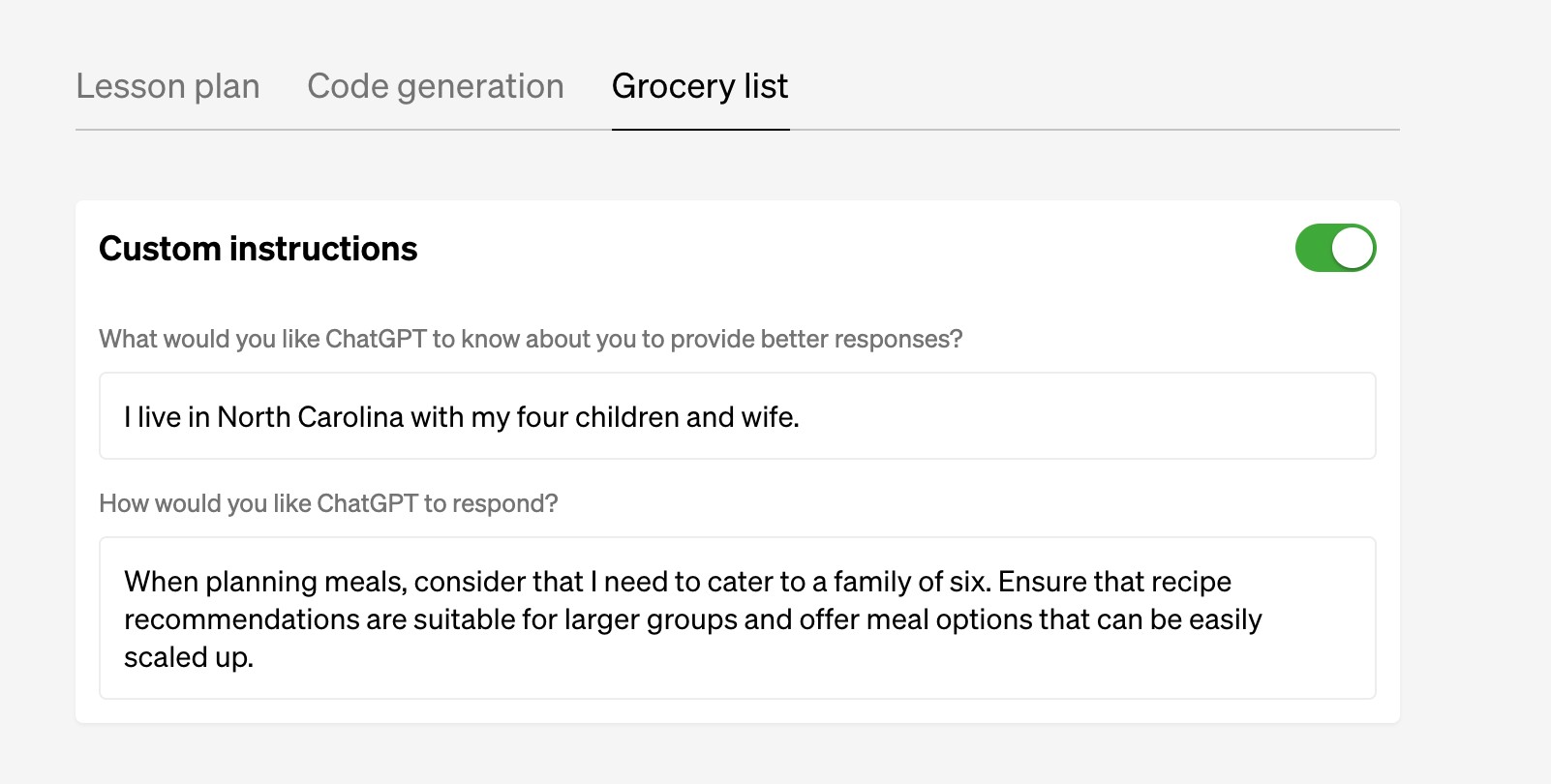
You can force the AI to format its answers as you want. Set global rules that apply to every single chat you start.
You might tell the system to always use bullet points and skip unnecessary introductions. The AI will obey these strict guardrails instantly. This eliminates the annoying fluff that usually comes with AI responses.
#5. Productize Micro Tasks
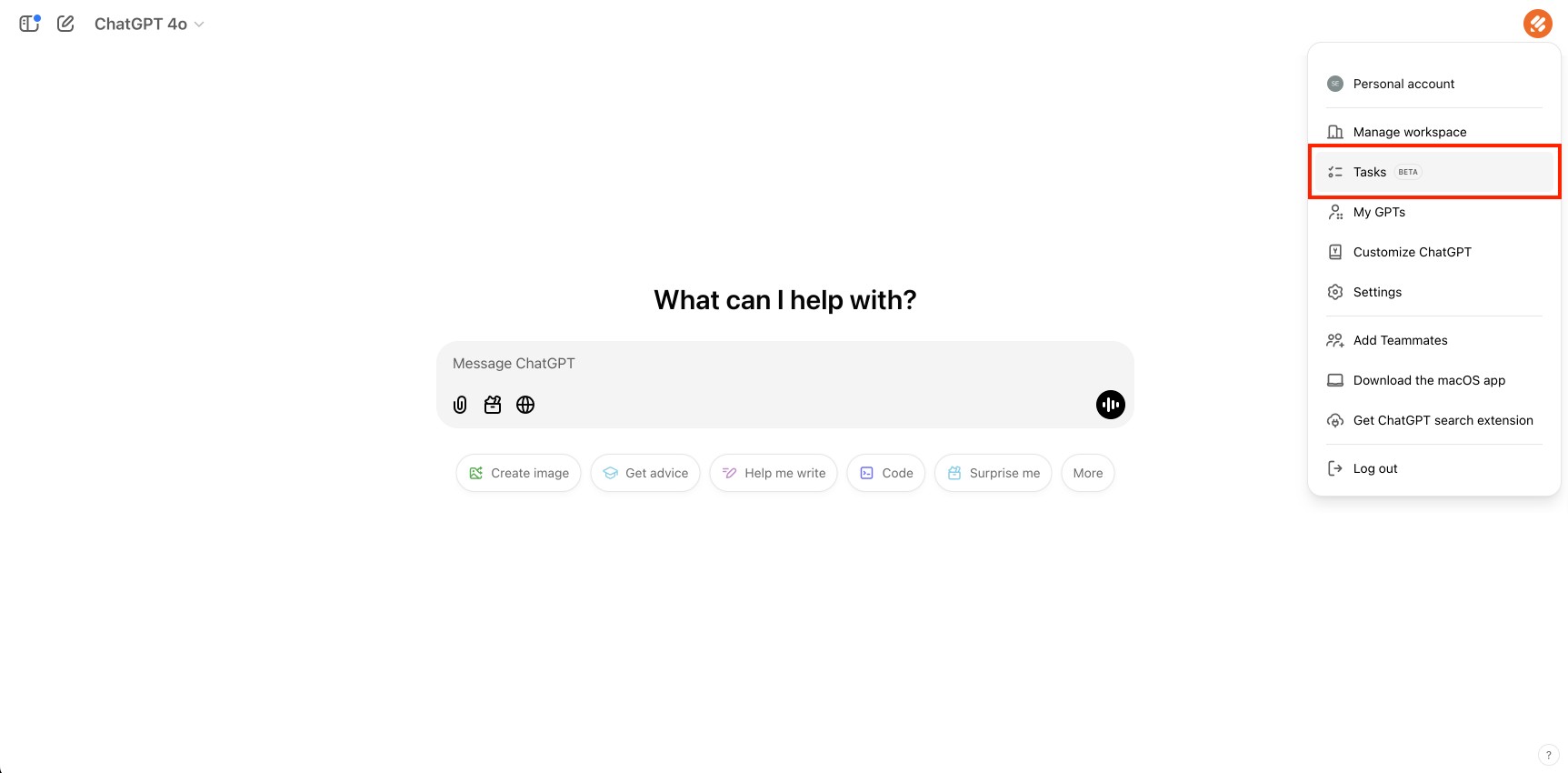
You probably do the same small tasks every single week. You can build dedicated micro agents to handle these repeatable chores. Create a custom tool that only checks invoices or generates weekly reports.
These tiny agents work well because they only focus on one specific job. You essentially productize your most boring work.
#6. Native Gmail and Calendar Sync
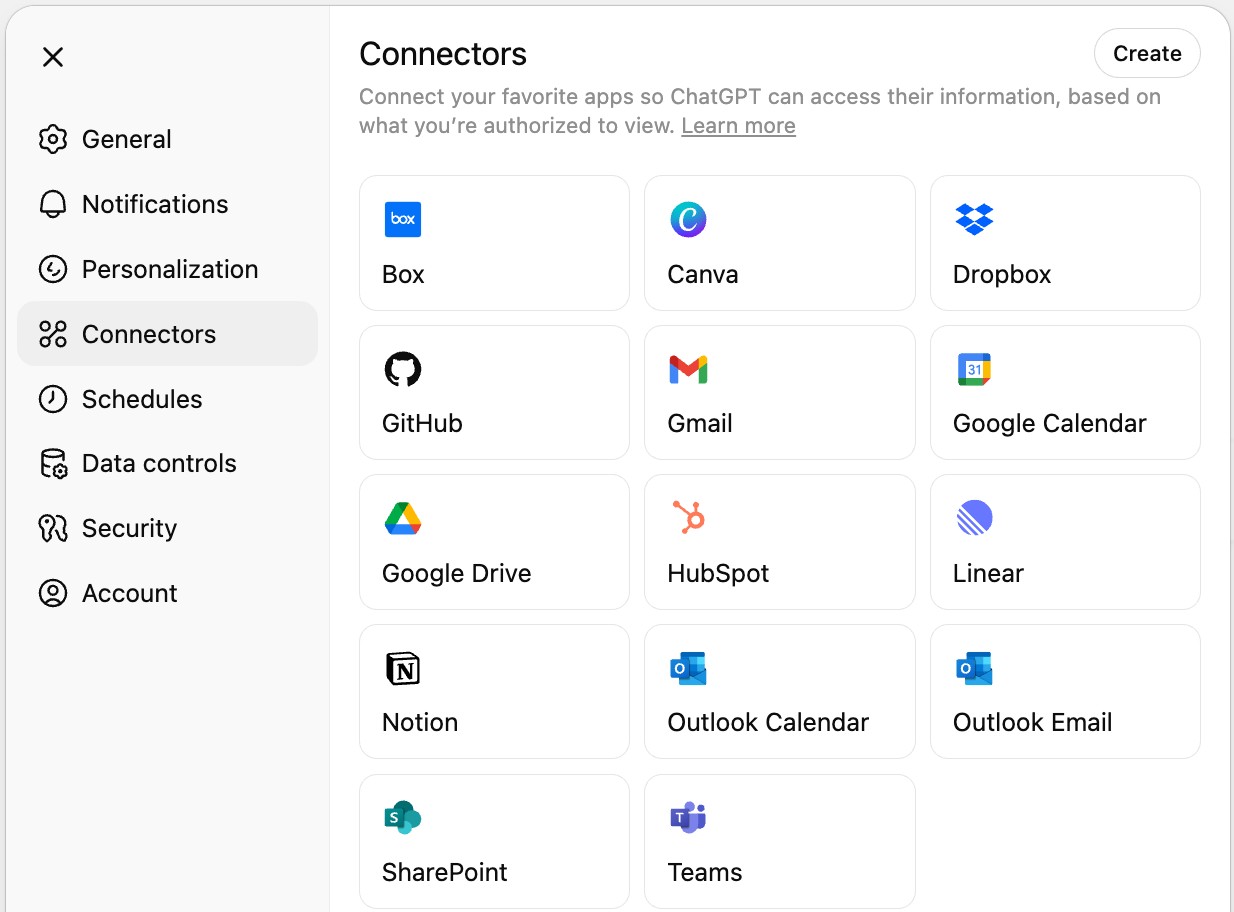
Your email inbox takes up too much of your day. Connect the AI directly to your Google Workspace to fix this problem. The system will read your old email threads and draft perfect replies in your own voice.
It can even check your calendar and automatically propose meeting times to clients. You stop wasting hours on basic scheduling and inbox management.
#7. Deep Research Mode
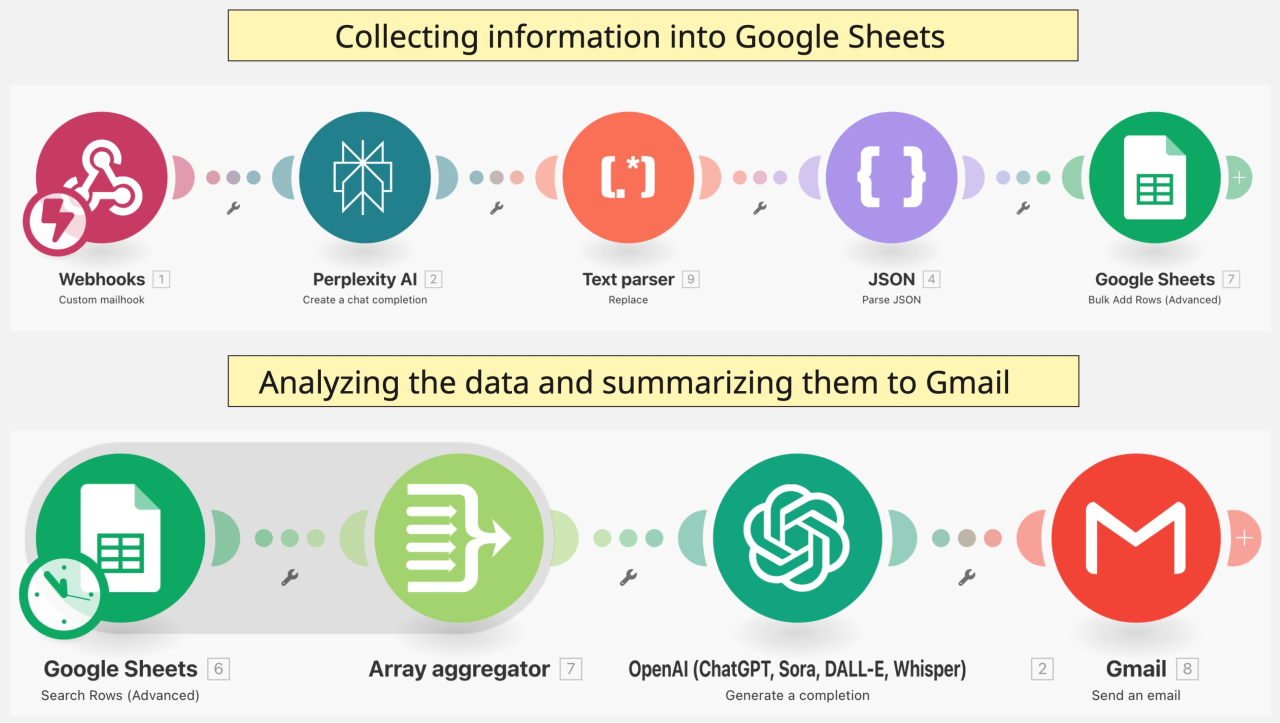
Instruct the AI to autonomously scour the web for competitor data while you focus on other work. It will visit different websites and pull the exact numbers you need. The system will then synthesize all that raw data into a clean executive summary. You get hours of research done in just a few minutes.
#8. Sleep Working
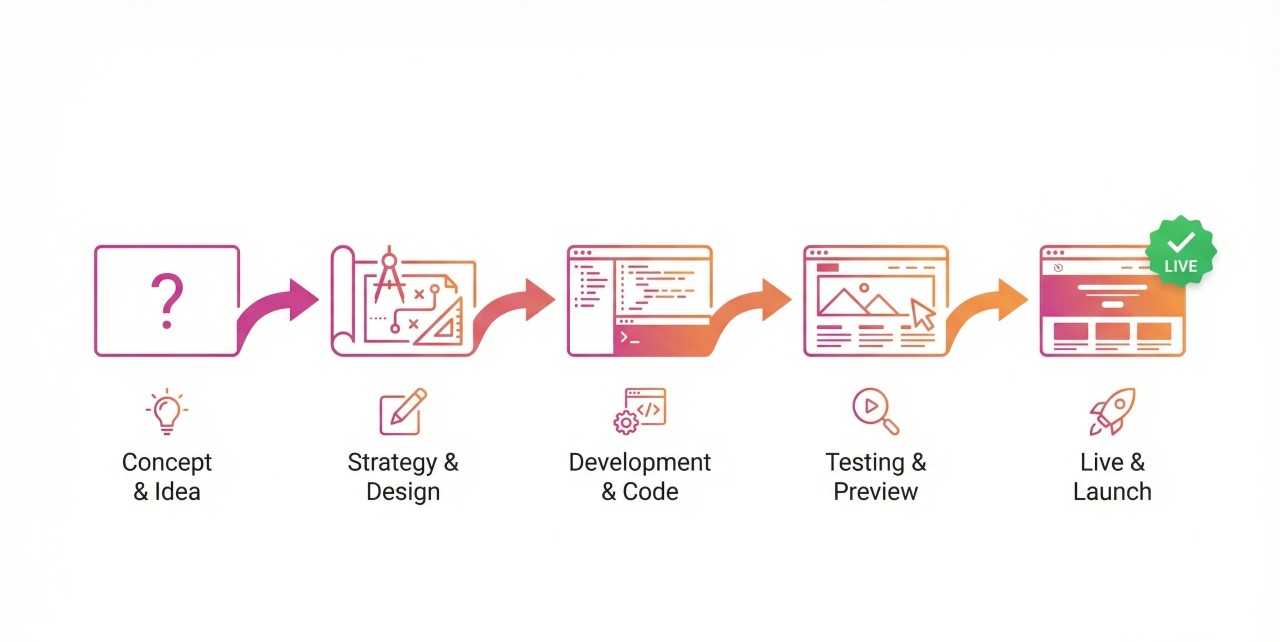
Your business should keep moving forward while you sleep. You can use agentic workflows to run multi-step tasks overnight. Tell the system to test your new website code or generate a month of social content.
You wake up to finished work instead of a blank screen. This creates a massive advantage over competitors who only work during the day.
#9. Automated Lead Triage
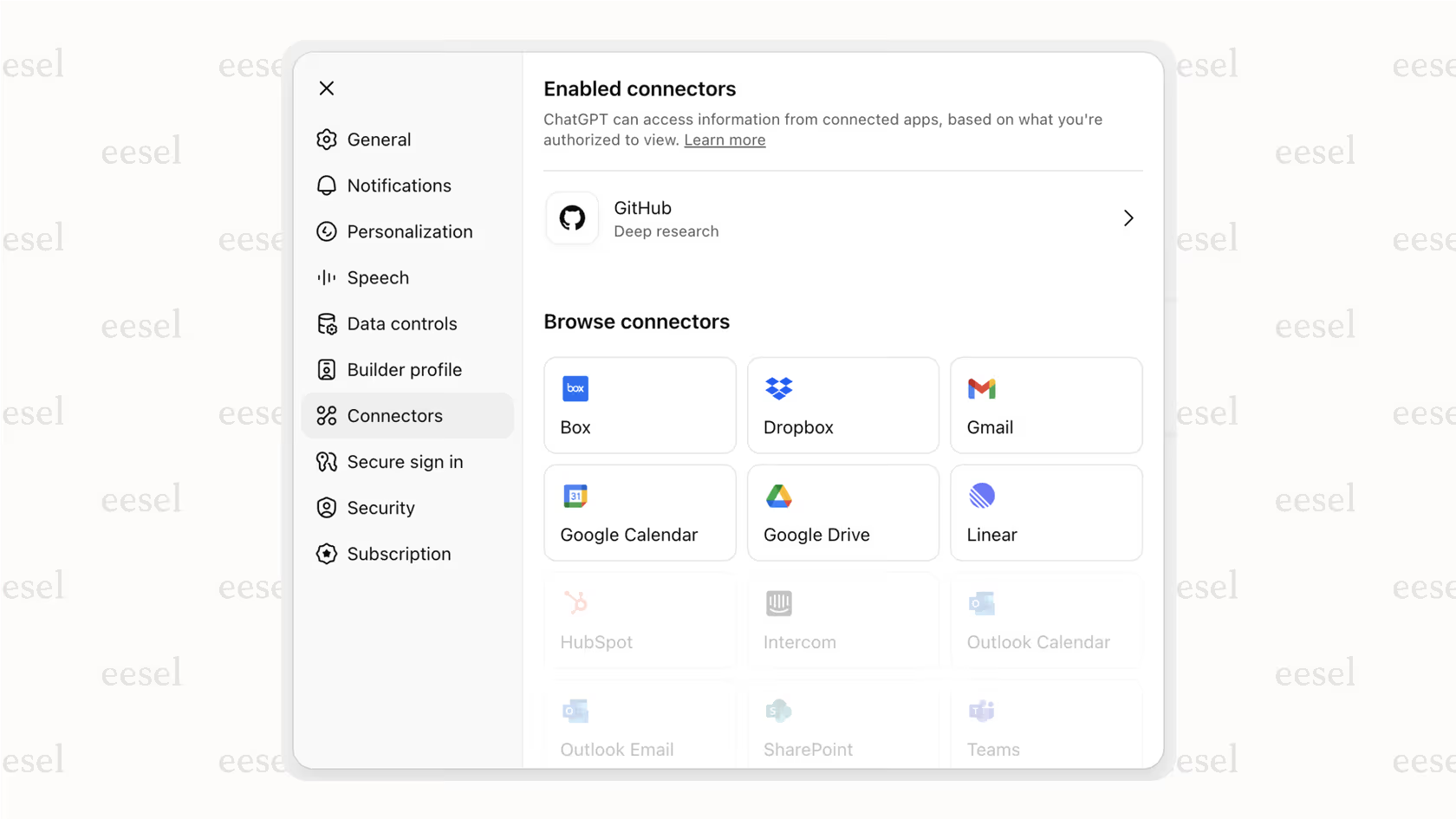
You lose money when you take too long to reply to new leads. Hook the AI directly into your customer database using simple connectors. The system will automatically read incoming messages and score the lead based on your rules.
It immediately tags the best prospects so your sales team knows exactly who to call first. No lead ever falls through the cracks again.
#10. Instant Meeting Synthesis
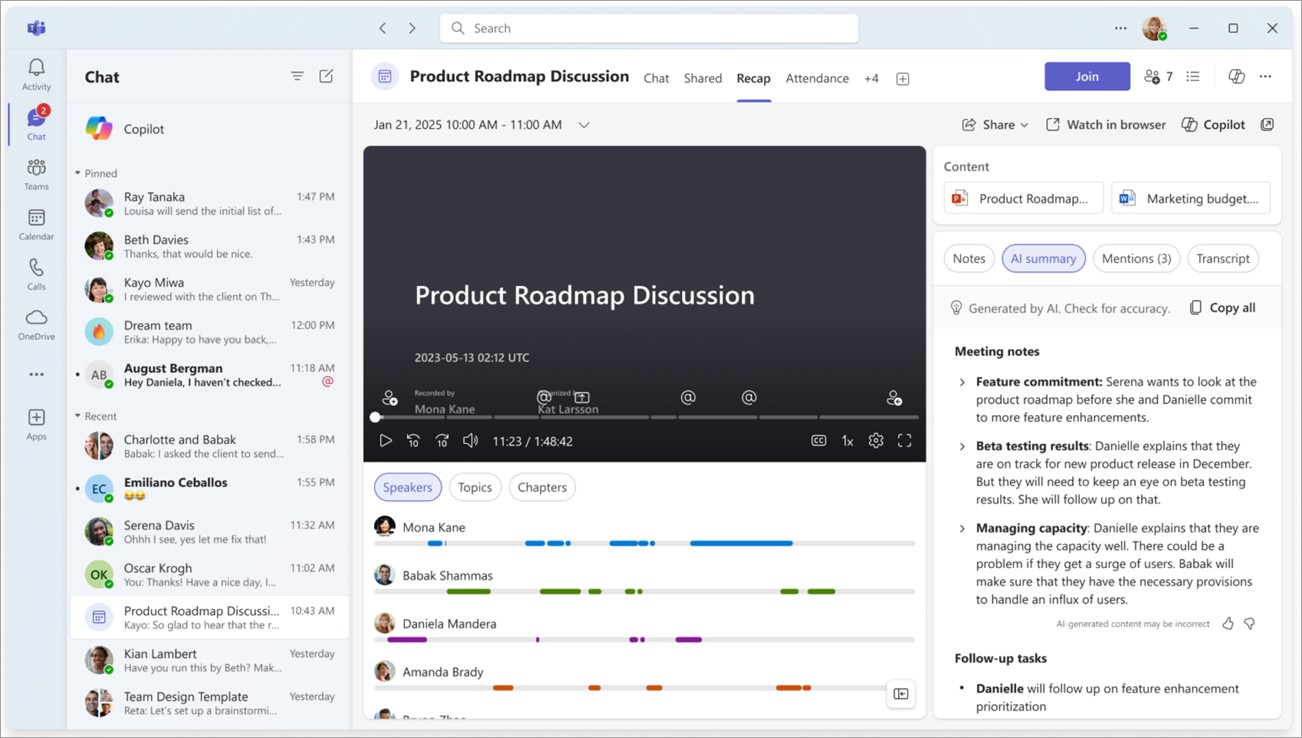
Waste time typing up notes after long meetings. Use the native audio tools to record your team calls. The AI will listen to the entire conversation and instantly pull out the key action items.
It will then automatically assign those specific tasks to team members in your project management software. Your meetings instantly become productive workflows.
#11. Real-Time Commute Brainstorming
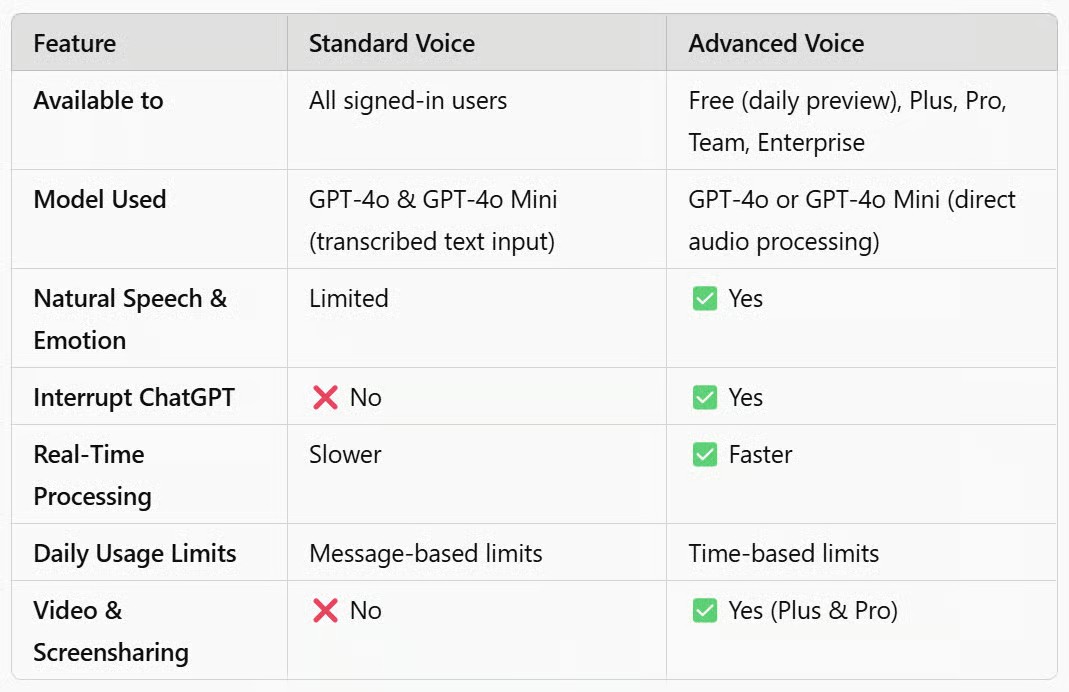
Use the advanced voice mode to talk out complex strategies while you commute. The AI will listen to your messy thoughts and ask smart questions to help you clarify them. It then documents everything and organizes your rambling into a clean action plan. You capture brilliant ideas before you forget them.
#12. Whiteboard to Workflow
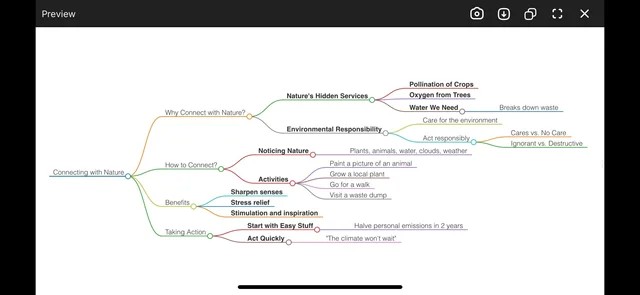
Draw great ideas on whiteboards and then never look at them again. Snap a quick photo of your messy diagrams. Ask the AI to turn that visual mess into a highly structured project board. It will read your handwriting and organize the steps logically. Your rough sketches instantly become trackable tasks for your team.
#13. Video Analysis for Operations
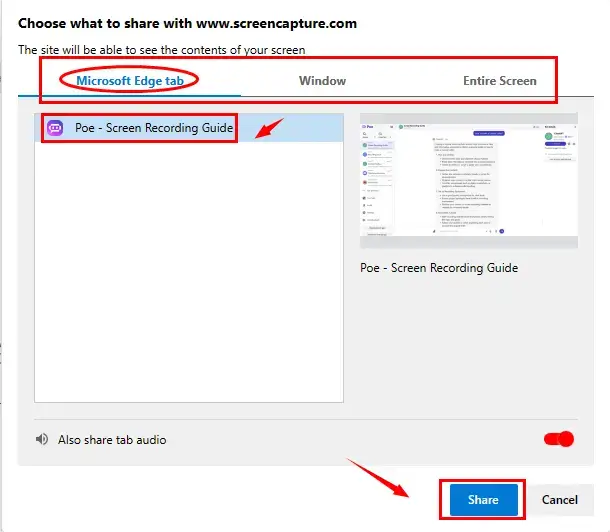
Need standard operating procedures if you want to grow your team. Nobody likes typing these out. You can just upload a screen recording of yourself doing a task. The AI will watch the video and write the best step-by-step guide based on your clicks. You build a massive training library without doing any actual writing.
#14. Multilingual Translation
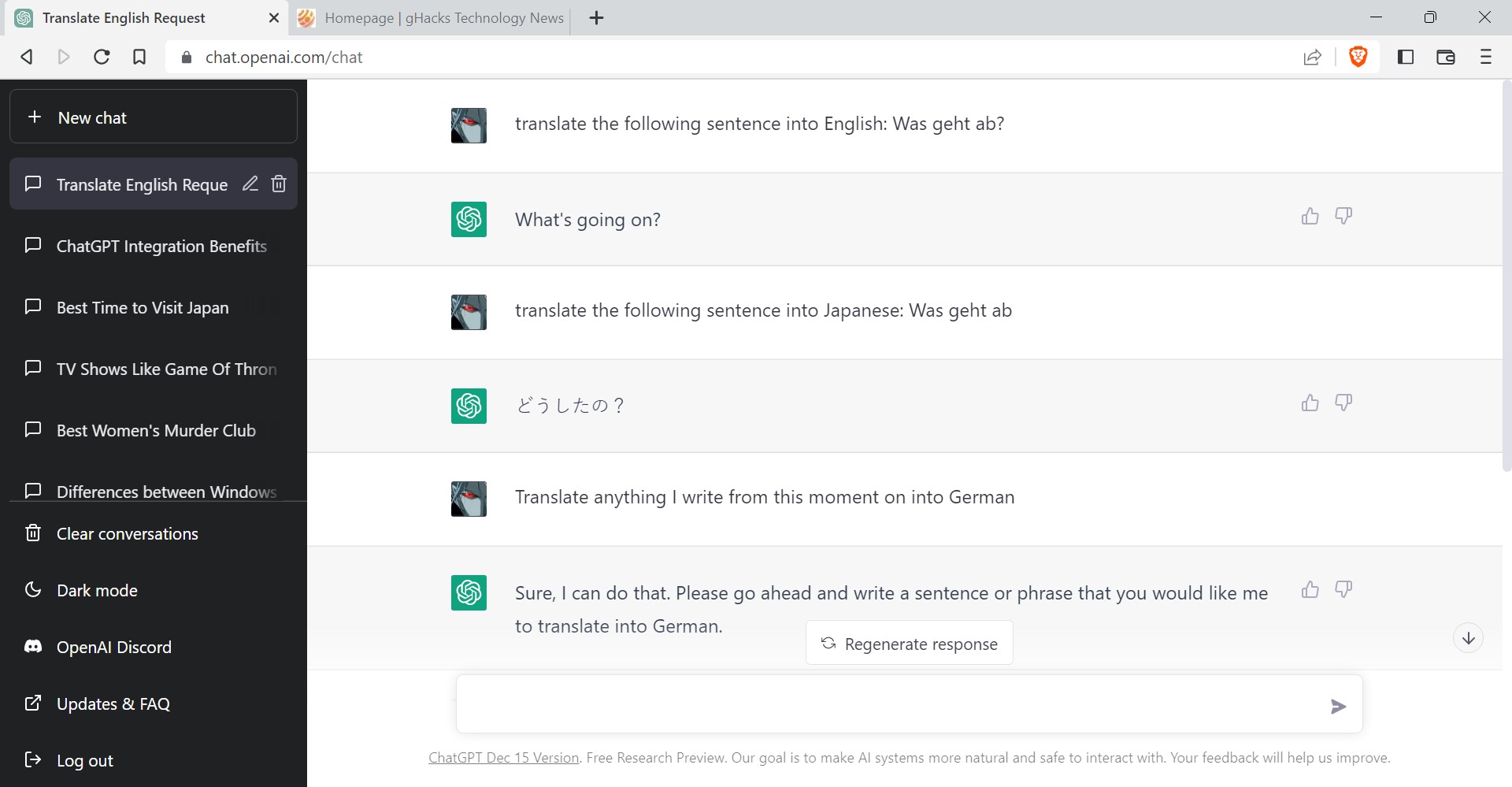
You can run a global business without knowing multiple languages. Have the AI listen to your live negotiations with foreign partners.
It will flawlessly translate the conversation in real time across Spanish or Japanese. You hear their answers instantly in English. This removes all communication barriers and opens up entirely new markets for your services.
#15. Visual Data Extraction
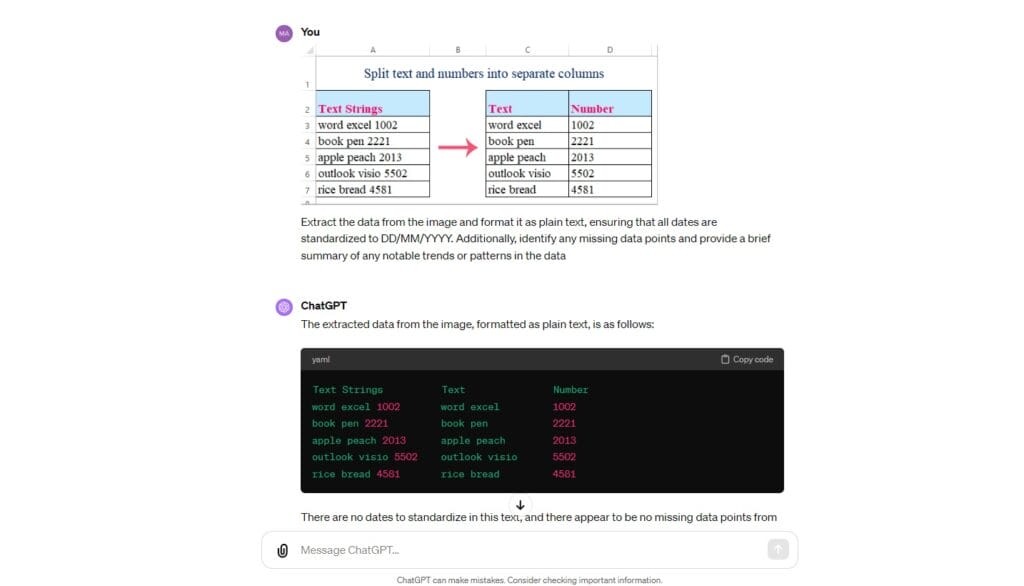
Find great data stuck inside images or charts. You normally have to type those numbers into a spreadsheet by hand. Drop a simple screenshot of the unformatted chart into the chat instead. The AI will read the image and instantly convert all the numbers into a clean spreadsheet file. You eliminate tedious manual data entry.
#16. Toggle Thinking Mode
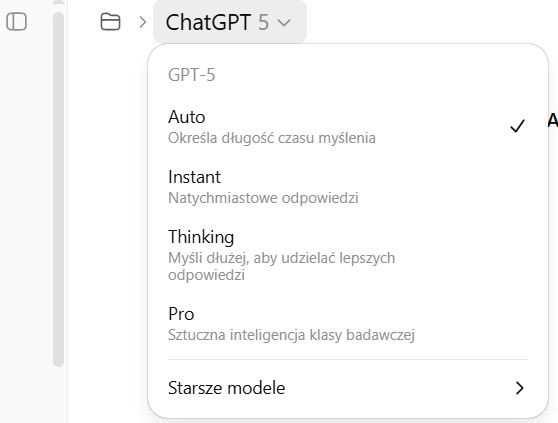
Sometimes you need deep logical analysis rather than quick answers. Switch from the standard speed tier to the dedicated thinking mode for high-stakes problems. The system will slow down and use a chain of thought logic to break down complex math or strategy questions. You get incredibly accurate answers when you give the AI time to actually think.
#17. Red Teaming Business Plans
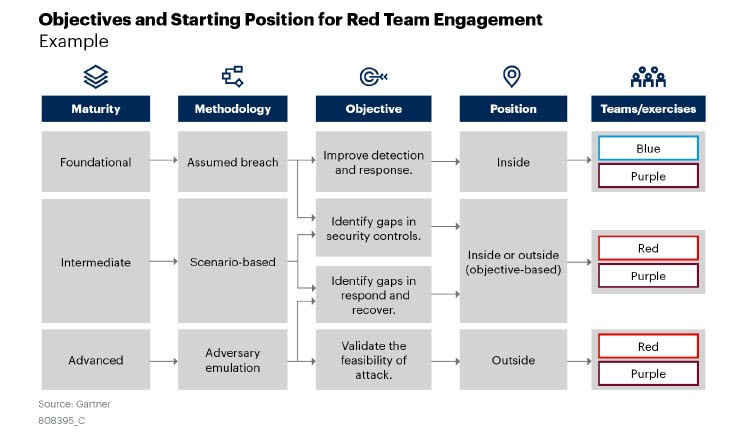
Your new business ideas always have hidden flaws. You can prompt the AI to adopt a highly cynical personality. Tell it to aggressively attack your new marketing plan and find the weak spots. It will point out logical gaps and budget issues that you missed. You fix these problems before you actually spend any real money.
#18. Financial Modeling
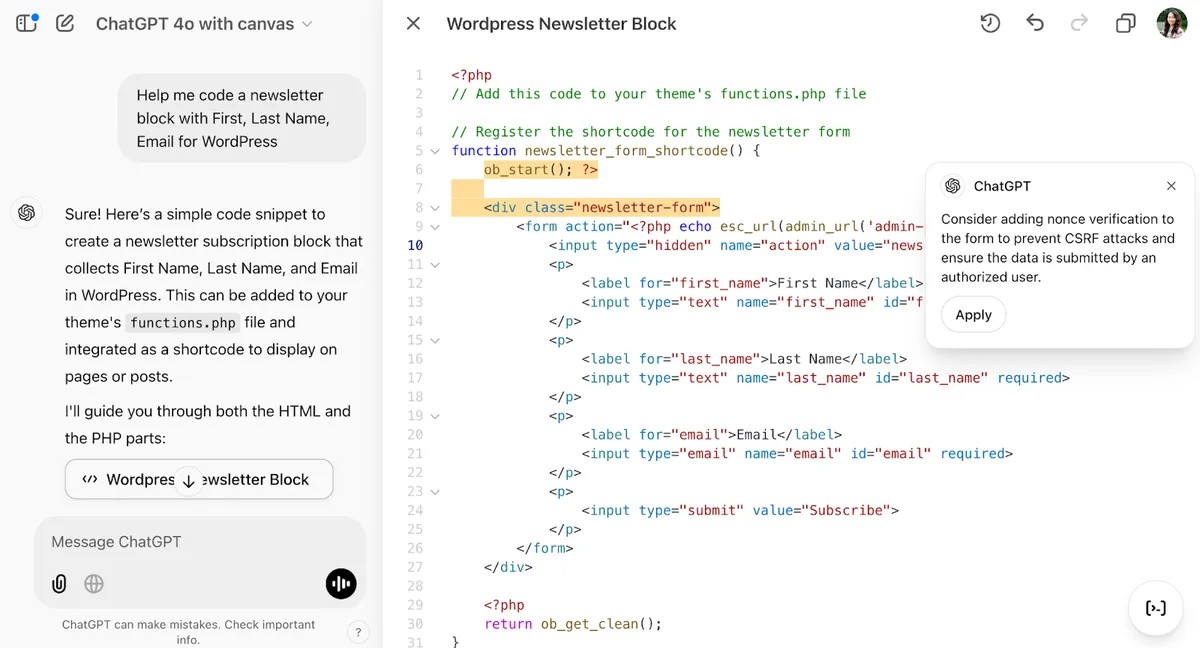
Build complex financial models without being an Excel expert. Ask the AI to generate a deep budget analysis directly inside the canvas interface. You can even have it write the code for a web app that tracks your daily progress. It builds functional tools based purely on your plain text descriptions. You get custom software without hiring a developer.
#19. Contract Summaries
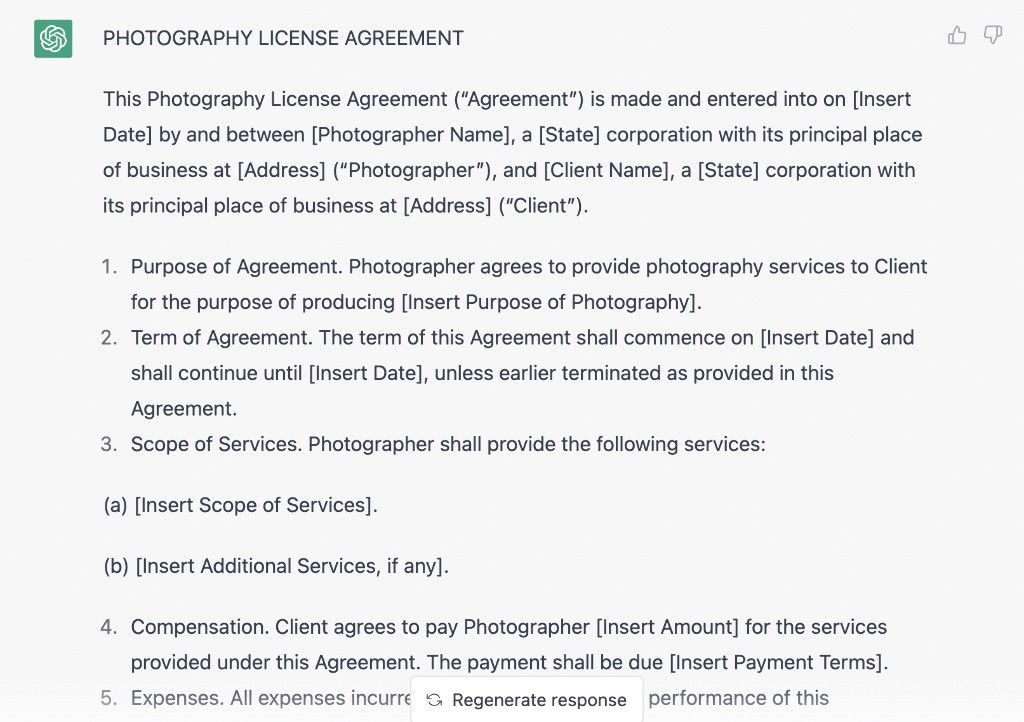
You risk your business when you ignore the fine print in legal documents. Use the massive memory capacity to check massive PDF contracts. The reasoning models are best for spotting tiny inconsistencies buried deep in the text. The AI will highlight risky clauses that a tired human eye would easily miss. You sign new deals with total confidence.
#20. Prompt Chaining
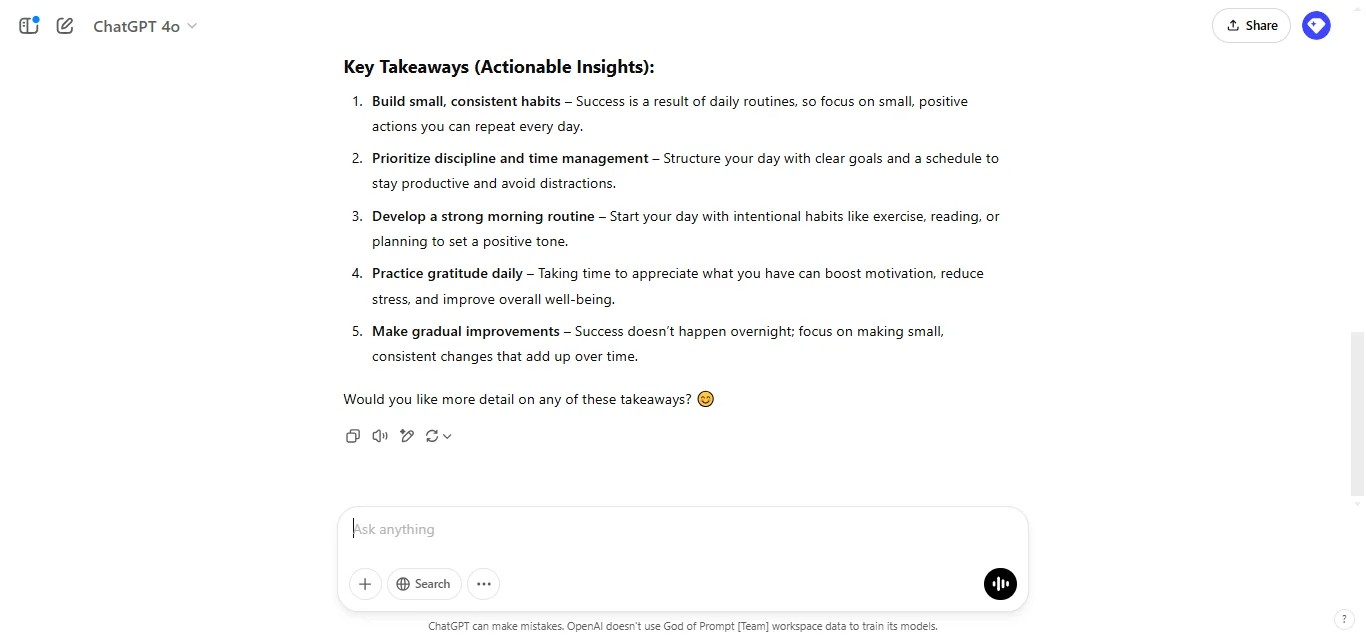
Map out intermediate steps for the system before you ask for a final decision. Ask it to first outline the facts and then review its own work before giving advice. This prompt chaining technique guarantees absolute accuracy on nuanced business problems. You force the AI to show its work.
#21. The Mimic Prompt
Want the AI to write things exactly how you sound. Feed the system ten of your most successful past emails. Tell it to study your specific writing cadence and common vocabulary. It will greatly clone your voice for all future writing tasks. Your clients will never know they are talking to a machine.
#22. Canvas Mode Editing
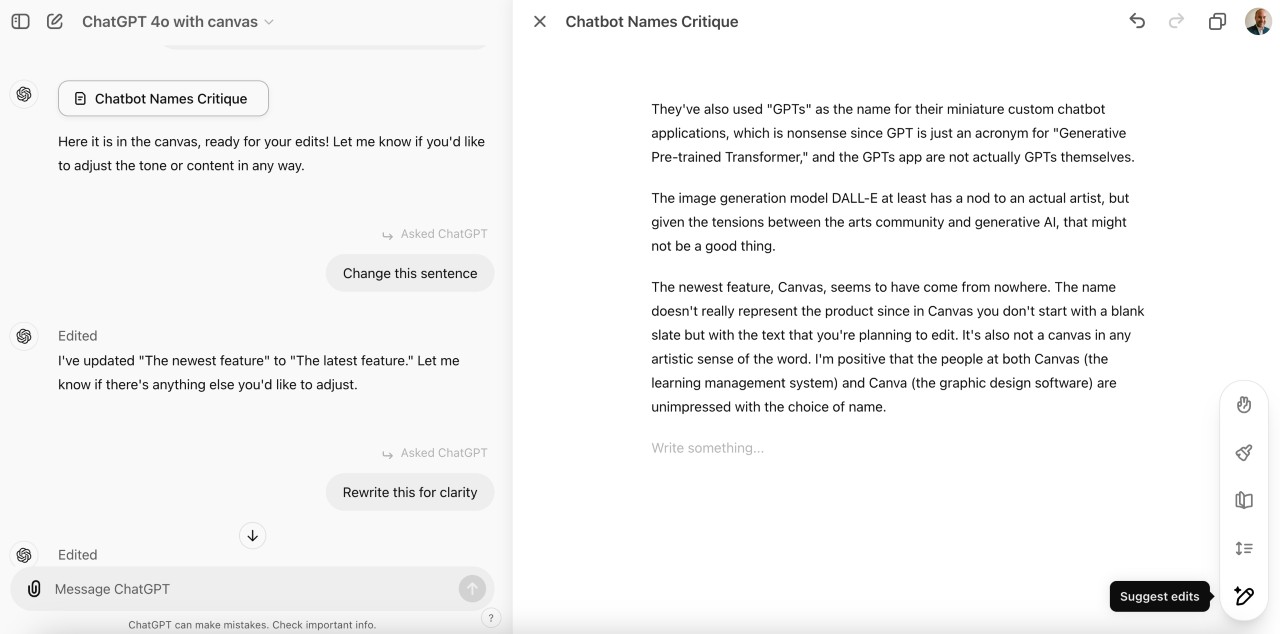
Often get a decent draft that just needs a few tweaks. You do not need to rewrite the whole text from scratch. Use the canvas mode to highlight just one bad paragraph. Tell the AI to make that specific section sound more professional. You make targeted edits in seconds without ruining the parts you already like.
#23. Repurposing Engine
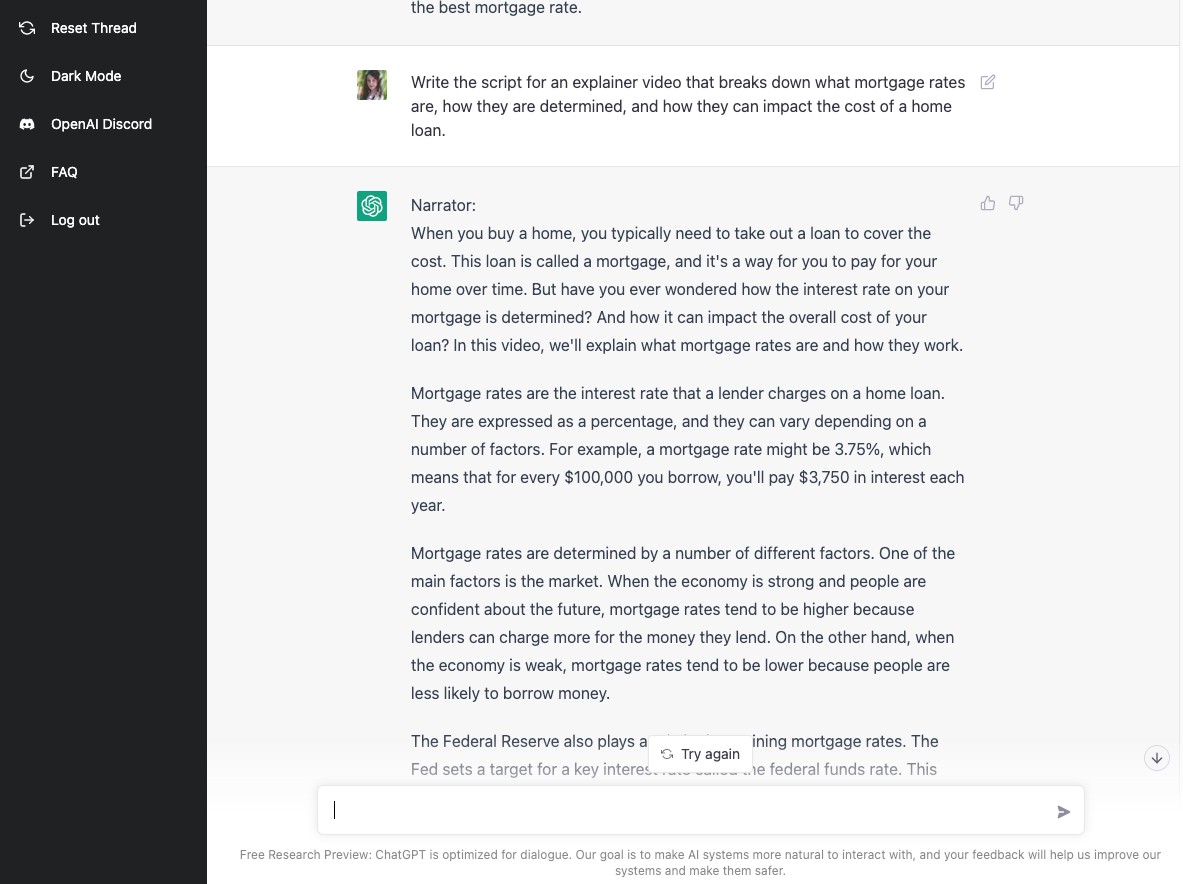
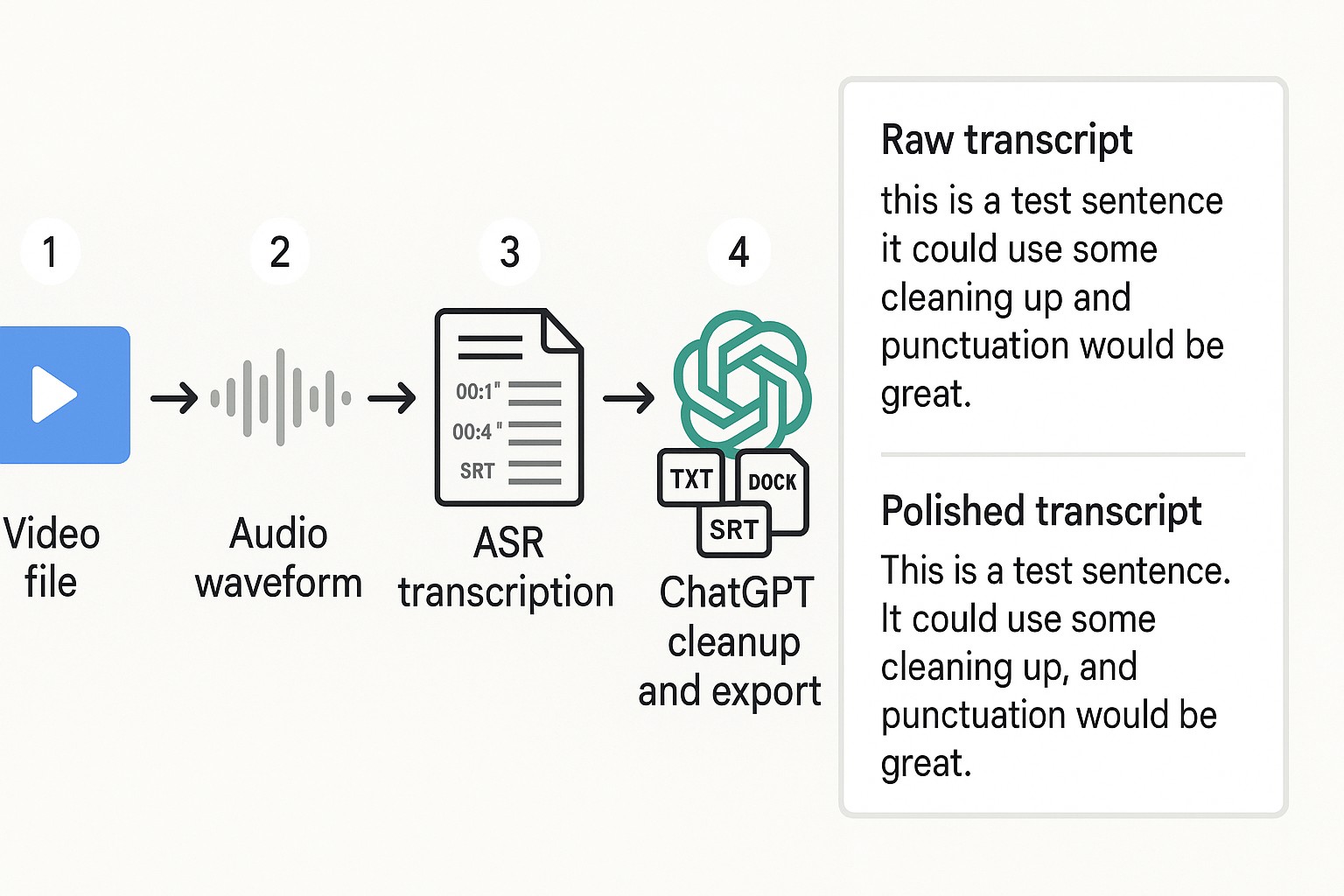
You spend too much time creating different types of content. Take one long video transcript and drop it into the chat. Tell the system to turn that text into five social posts and one full blog post. It will format the content for each different platform in a single command. You fill your entire content calendar in five minutes.
#24. Hyper Personalized Cold Outreach
Get ignored when you send generic sales emails. Ask the AI to cross-reference your specific services with a prospect company website. It will read their public news and find a relevant connection to your business. The system then drafts a highly bespoke pitch email that feels completely personal. You drastically increase your response rates with smart research.
#25. Automated Formatting
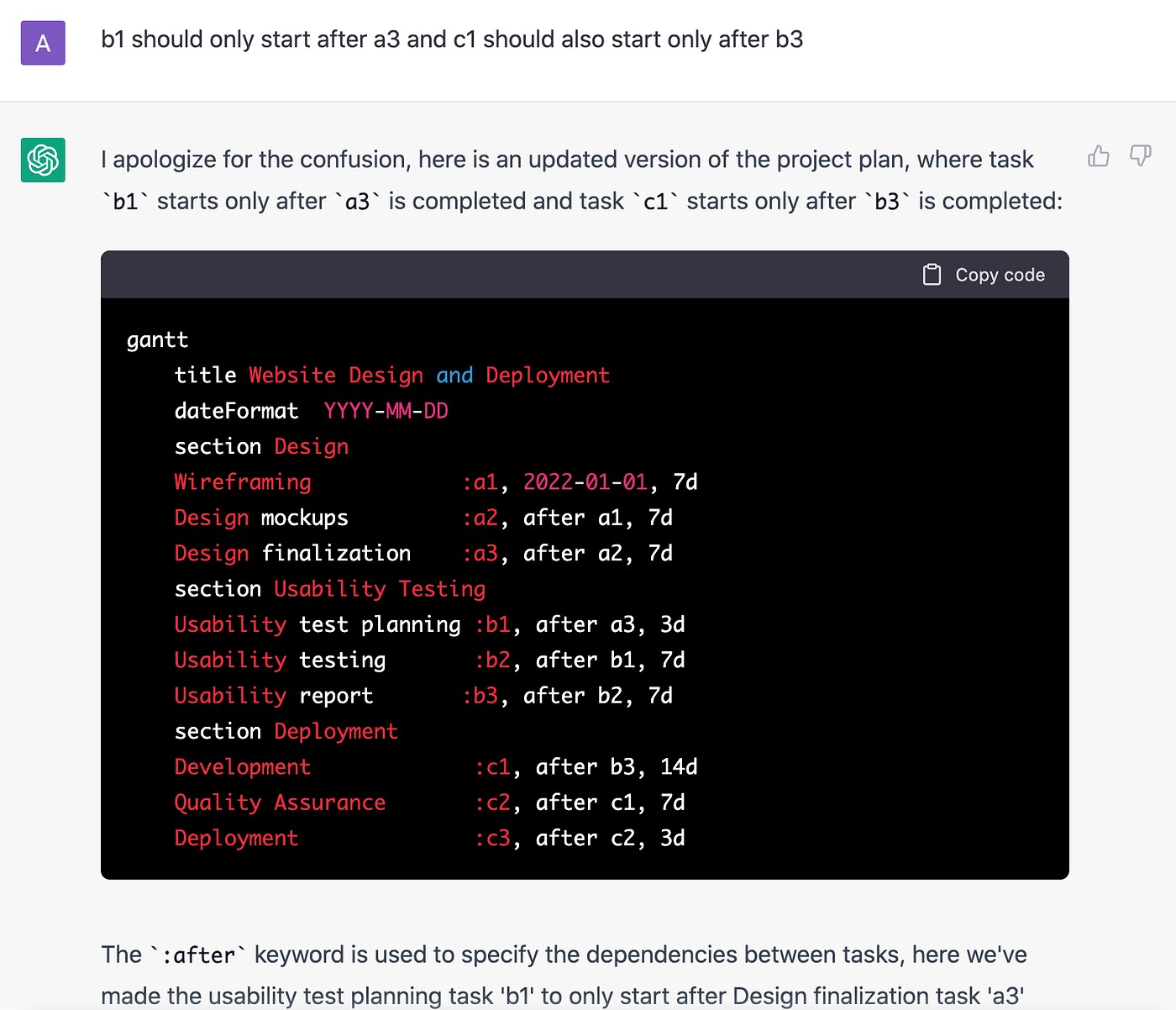
Ten minutes fixing formatting every time you copy text from the AI. Stop doing this manual work. Command the system to format its final outputs strictly in ready-to-paste markdown or HTML. The text will drop perfectly into your website builder or newsletter software without any broken spaces. You get your time back.
