
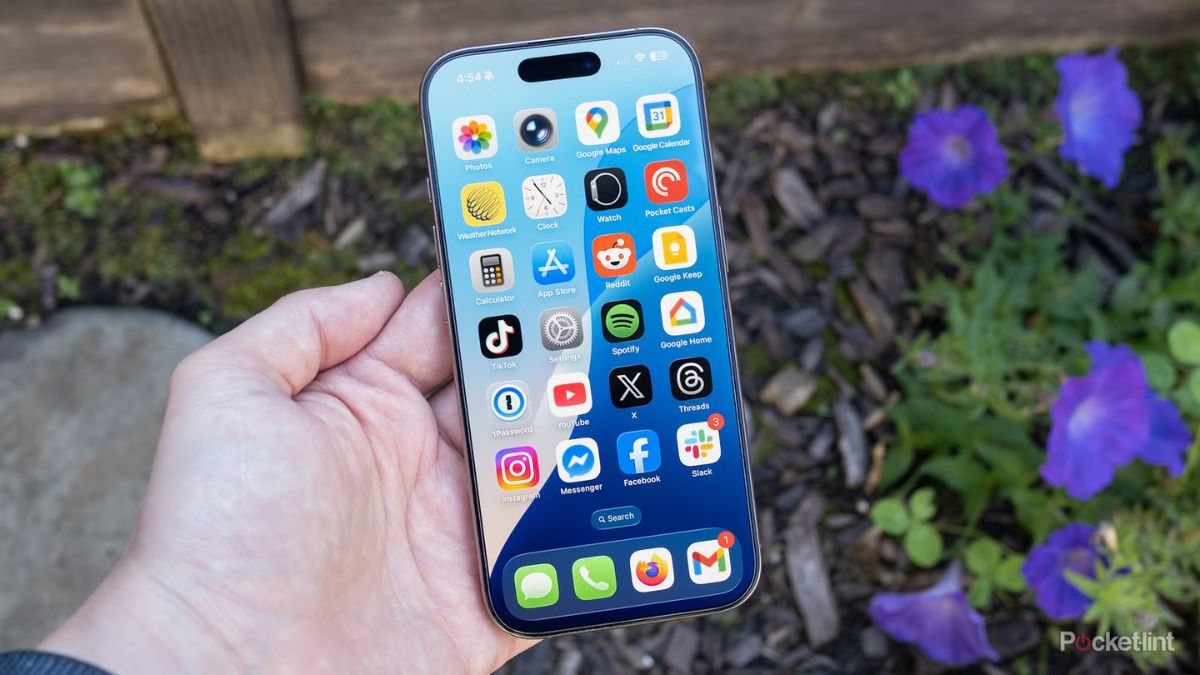
Apple announced a massive leap to iOS 26 at WWDC this year. The glowing Agent Siri redesign completely stole the spotlight. Everyone kept talking about the new glass design. But the real magic is hidden right inside your Settings app.
Most people upgrade their iPhones and only check out one or two things they saw on social media. You probably do the same thing. Then you go back to using your phone like normal. You never realize your device just gained dozens of silent quality-of-life upgrades. These tiny changes actually fix daily annoyances that are years old.
These 13 genuinely useful tools cover everything from custom alarm snoozes to new AirPods camera tricks. These are the best iOS 26 hidden features to see what WWDC iOS 26 missed.
#1. Fix the Annoying 9 Minute Alarm Snooze
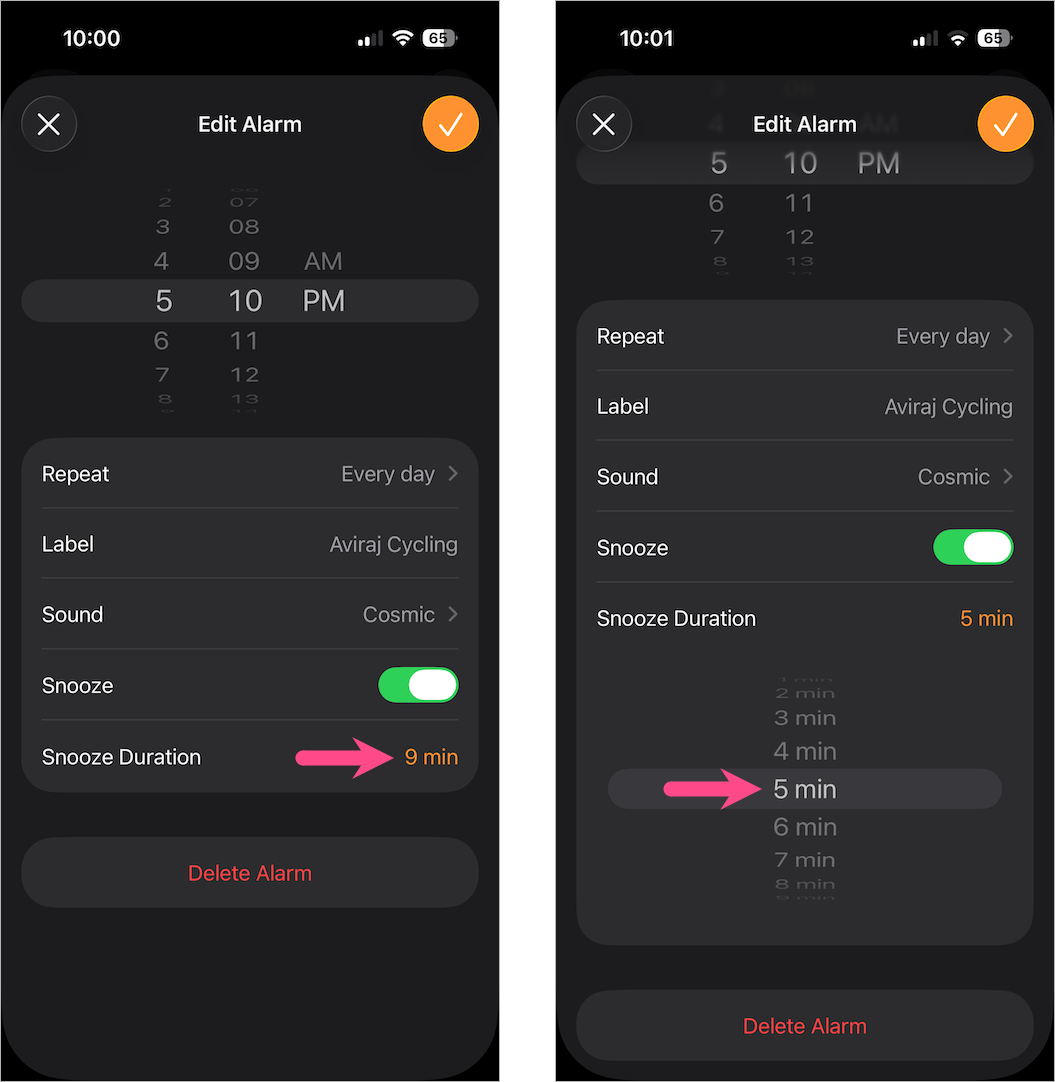
Apple has forced users to accept a nine-minute snooze timer for years. That specific number is a holdover from mechanical clocks built in the 1950s. It is finally time to break free. You can now open the Clock app to set custom snooze intervals. You can even set different snooze limits for different alarms.
A five-minute power snooze is best for busy mornings. This is one of the best iOS 26 updates for people who struggle to wake up. You tap on any existing alarm. Then you change the duration in the new dropdown menu.
#2. AirPods as a Remote Camera Trigger
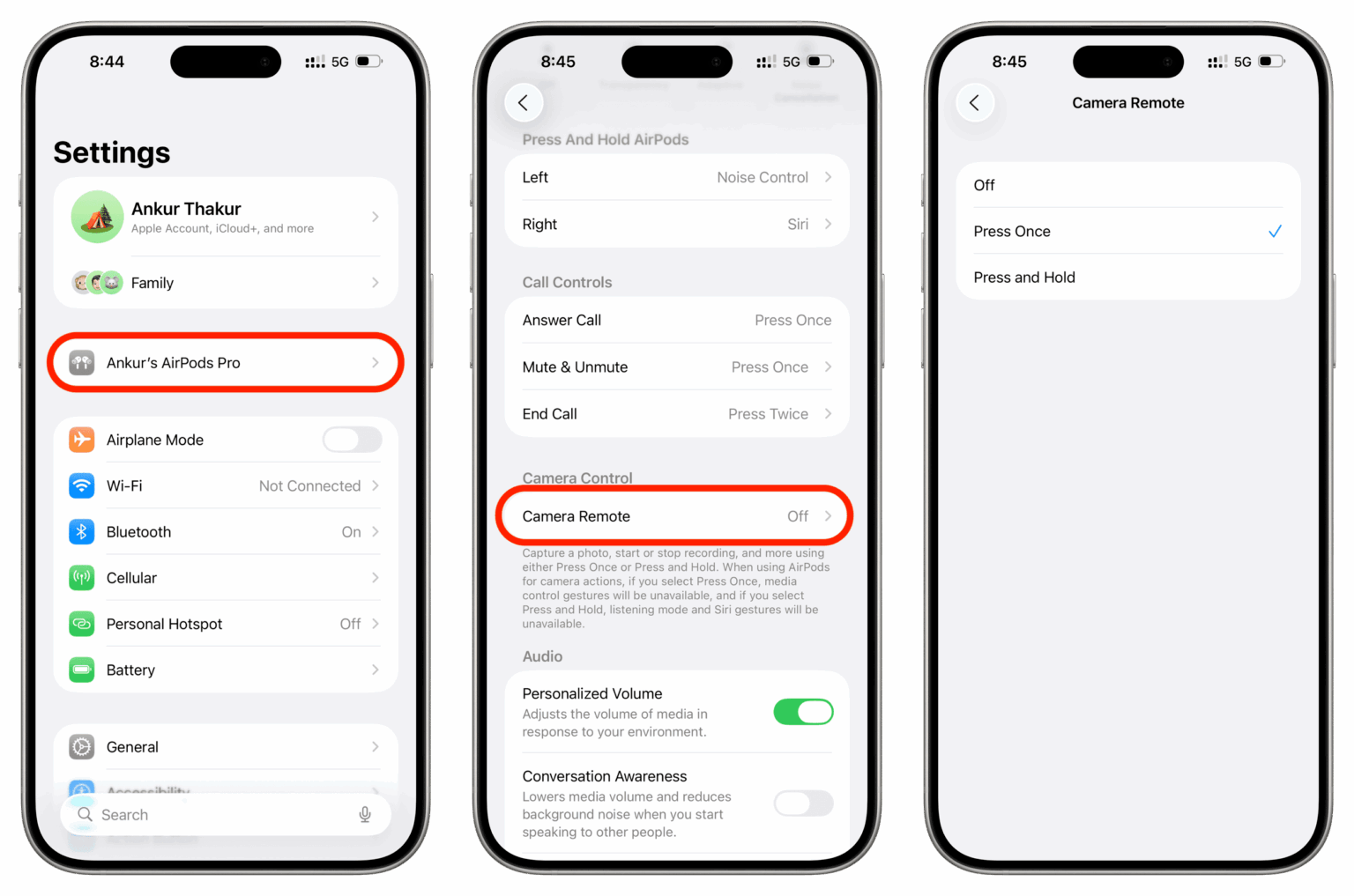
You no longer need an Apple Watch to trigger your camera remotely. Your AirPods can do the job. This works with H2 chip models like AirPods Pro 2 and AirPods 4. This is best for setting up your iPhone on a tripod for a family photo.
You can step into the frame and stealthily squeeze your AirPod stem to start rolling. A simple long press on the stem starts or stops video recording. These are the kinds of iPhone tips 2026 users need for better group shots.
#3. Battery Intelligence Charging Estimator
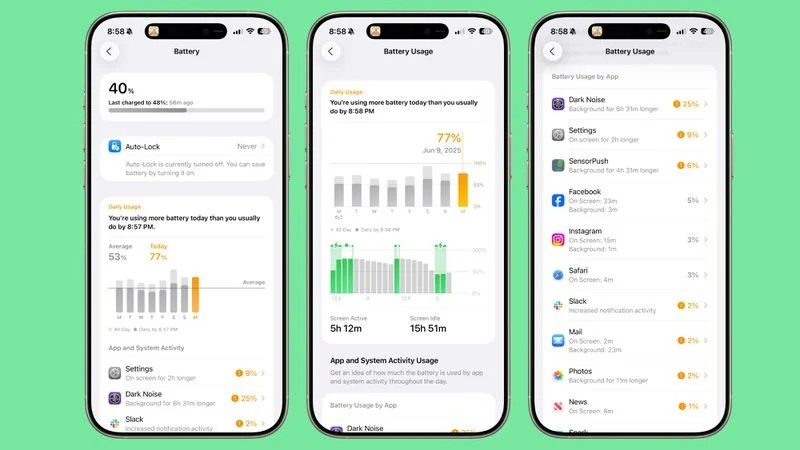
Guessing how long your phone needs to stay plugged in is frustrating. The new software quietly introduces Battery Intelligence. Your lock screen now tells you how many minutes are left until your phone hits 100 percent.
It adjusts dynamically based on the power of your charger. A 5W wireless charger will show a much longer wait time than a fast 30W wired brick. This brings much-needed clarity to iOS 26 updates.
#4. Native App-Level Face ID Locking
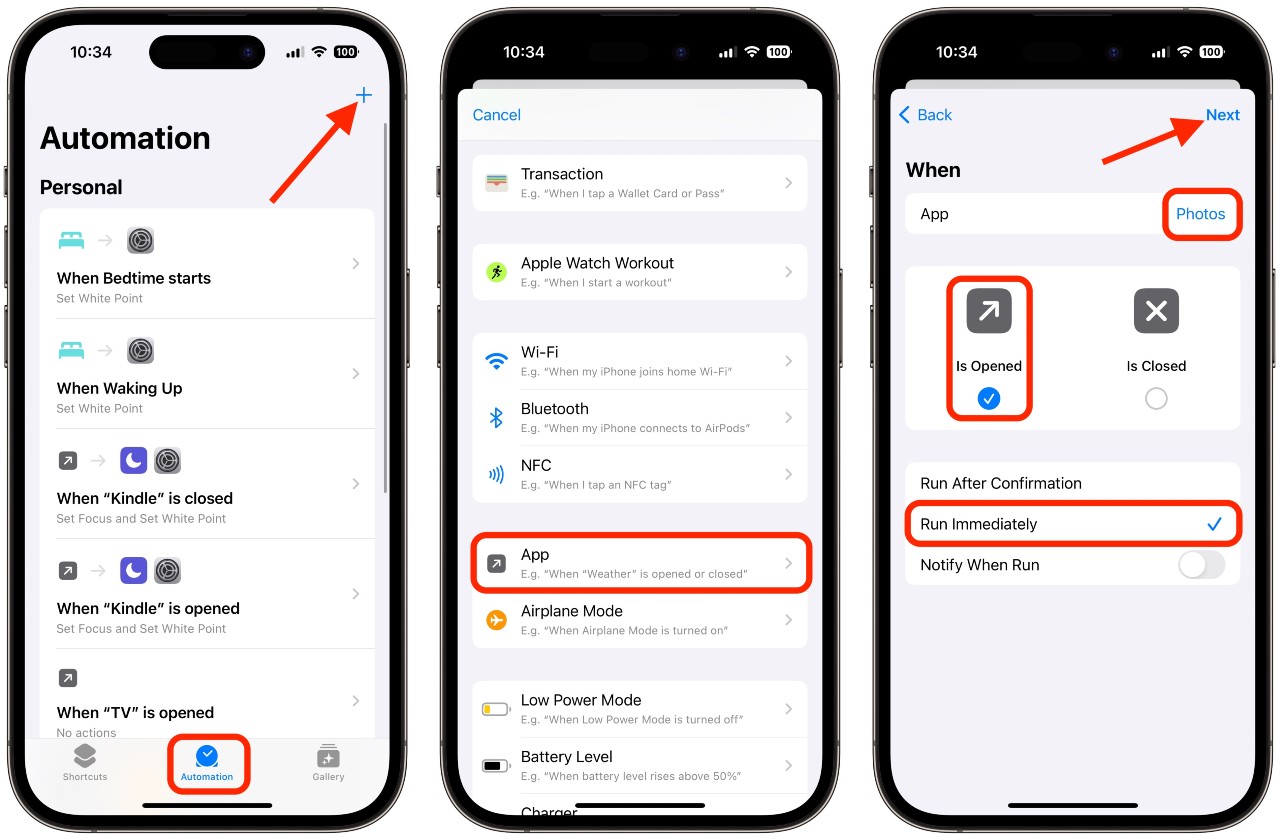
Handing your phone to a friend is always a little scary. They might swipe too far and see private messages or banking details. You used to need complicated shortcuts to hide your personal stuff.
Now you can long-press any app icon on the home screen to require Face ID for entry. It hides notification previews automatically when the app is secured. This was a massive win at WWDC for iOS 26 for personal privacy.
#5. Real-Time AirPods Translation
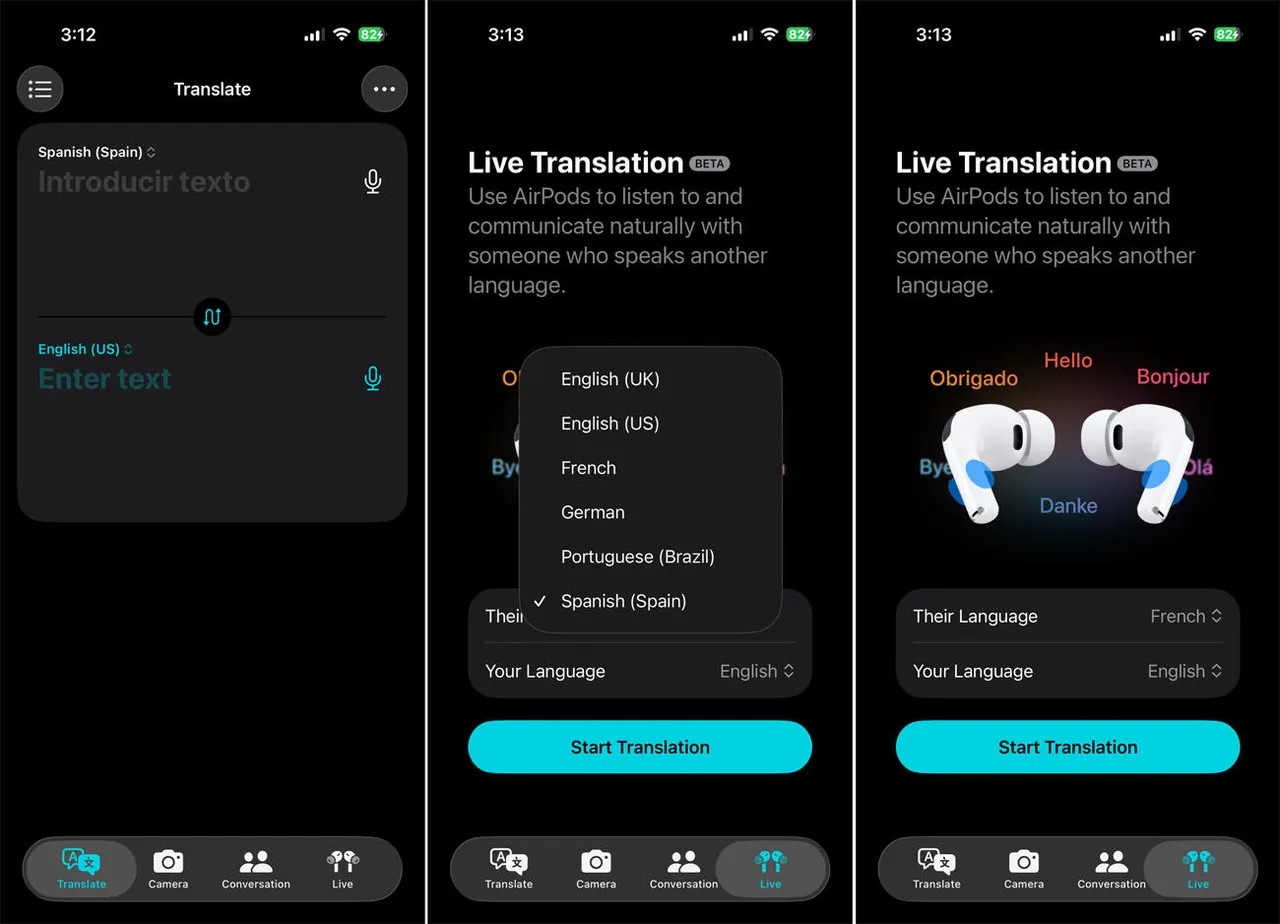
Traveling to a new country is stressful when you do not speak the language. The new system uses local artificial intelligence to translate live conversations. The other person speaks. Their words are translated directly into your AirPods.
Your spoken response is then played back in their language through your phone speaker. Doing this directly on the phone prevents expensive data roaming charges while abroad. This is one of the most useful iPhone tips 2026 travelers can use.
#6. Instant Fix for Annoying WiFi Menus
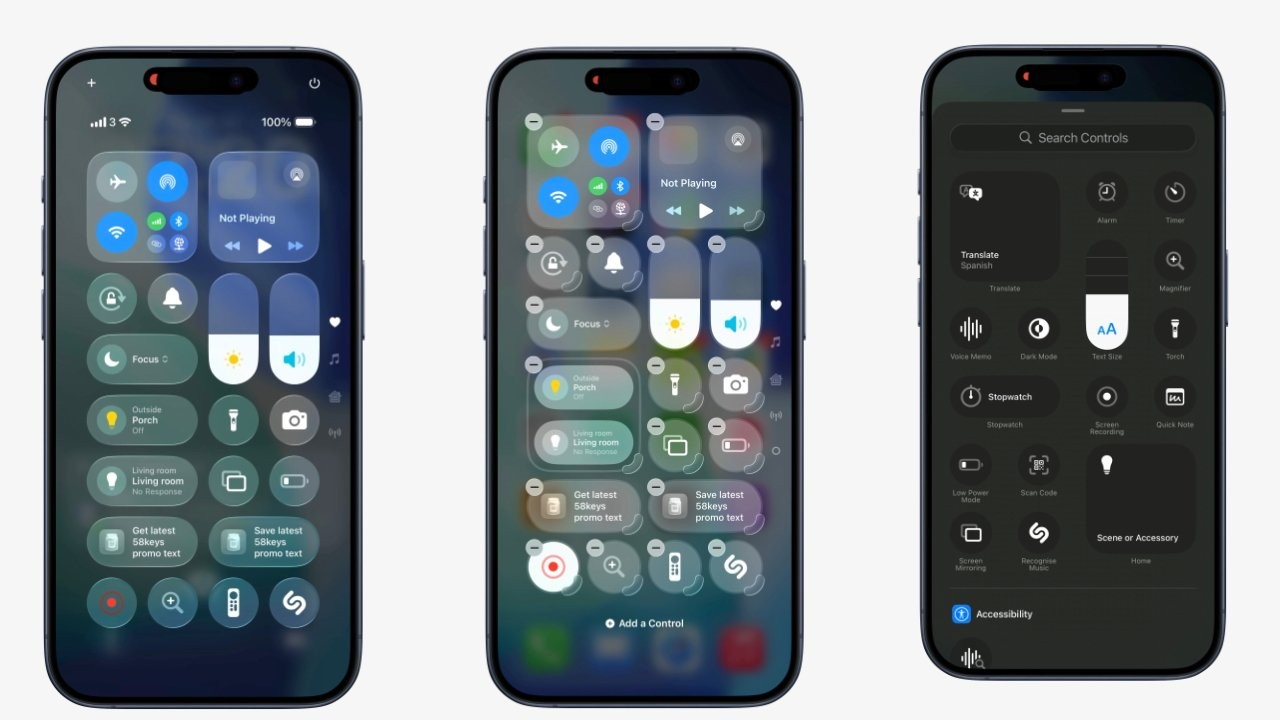
Turning off your internet connection used to take too many steps. You had to open a folder just to reach the right button. You can finally unbundle the connectivity square.
You can add dedicated single-tap buttons for WiFi and AirDrop straight to the main Control Center view. These iOS 26 hidden features save you hundreds of taps every single month.
#7. Public Wi-Fi Portal Sync via iCloud
Connecting to the public internet at hotels and cafes is always a hassle. You connect to the network and then wait for a web page to pop up. Over 60 percent of business travelers say this is a major frustration.
The new software now captures these portal credentials for you. It saves them securely to iCloud Keychain. It then automatically authenticates your iPad or Mac when they connect to the same network. These simple iOS 26 updates save you time on the road.
#8. Split-Swipe Notification Gestures
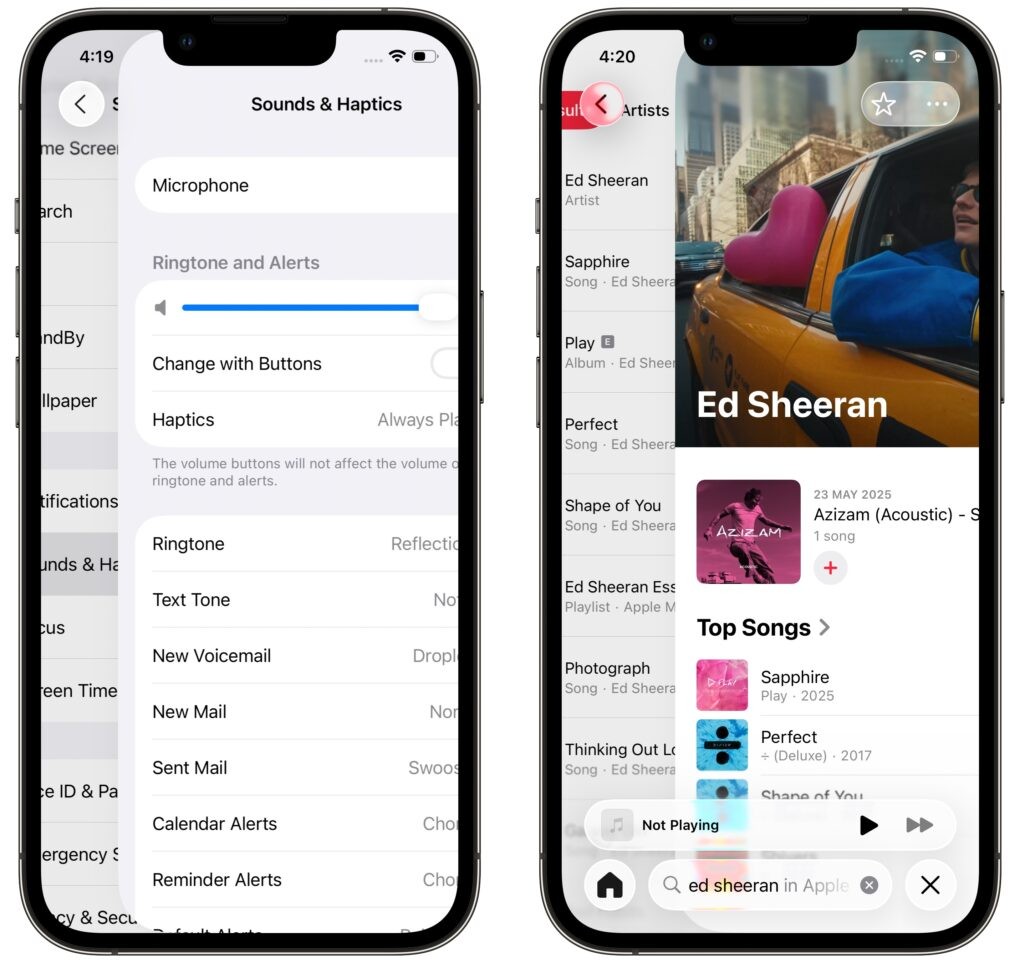
Big phones are hard to use with one hand. Reaching across the screen is a pain. A subtle but massive interface change fixes this problem. Swiping down from the extreme top left opens your Notifications. Swiping down from the extreme top right pulls down your Control Center.
You can now swipe horizontally between the two panes without going back to the home screen. This mirrors features from other phones and makes these great iPhone tips 2026 users will love.
#9. Translucent VisionOS-Style Camera Menus
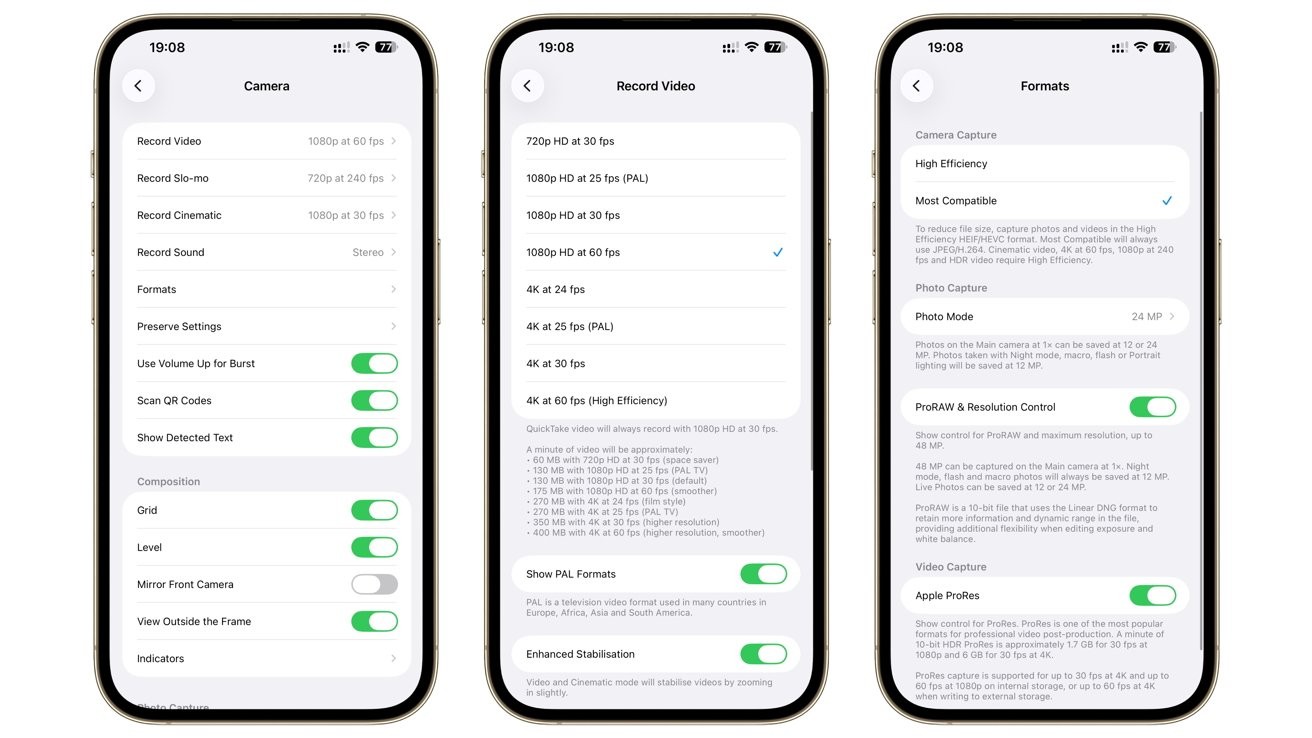
Camera menus used to block the person you were trying to photograph. The camera screen received a quiet redesign to fix this. Menus are now see-through and float over the viewfinder. This prevents settings tabs from blocking your subject.
You can adjust exposure or spatial video settings using the new pop-over dials. This WWDC iOS 26 update makes taking photos much cleaner.
#10. AI Smart Battery Profiling
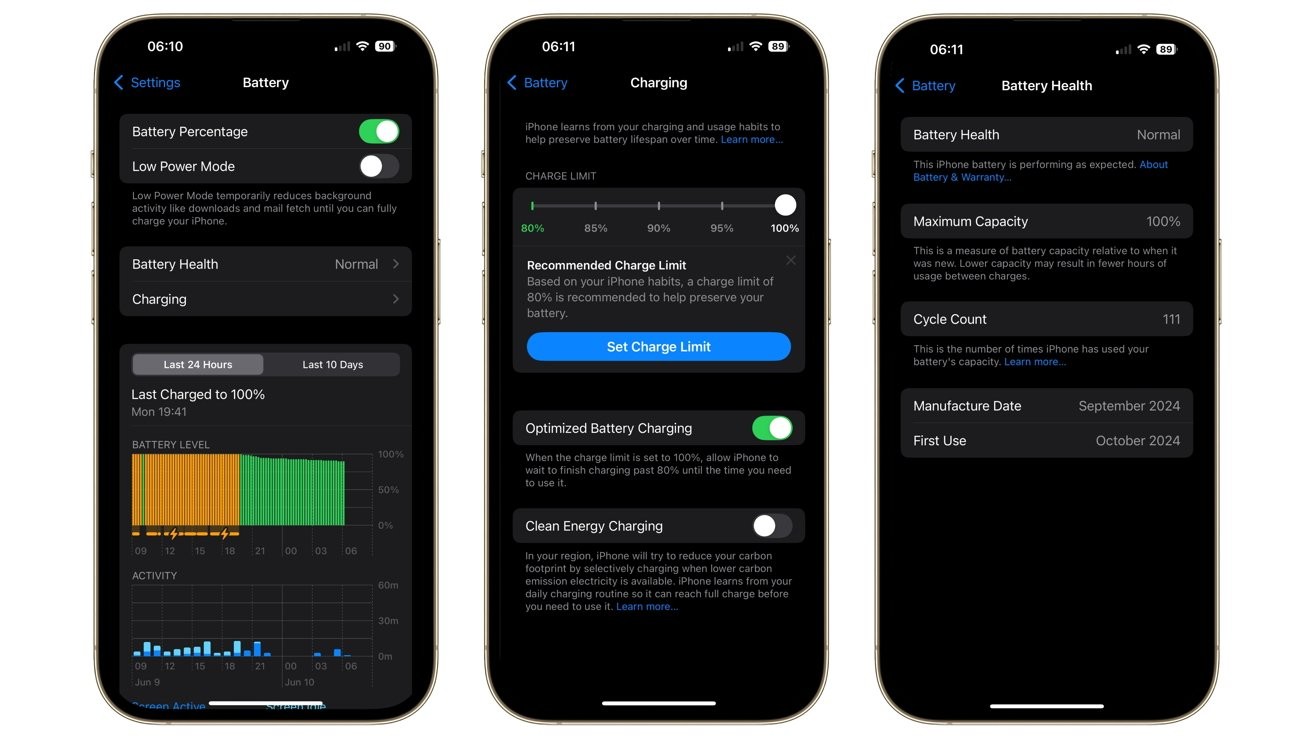
Background apps kill your battery while your phone sits in your pocket. Background app refresh used to be an all-or-nothing choice. The software now uses a smart profile to learn when you actively use specific apps.
It aggressively slows down network usage for heavy apps during your normal downtime. Beta testers report an average 12 to 15 percent increase in standby battery life. You definitely want to find these iOS 26 hidden features.
#11. Call Recording Transcription in Notes
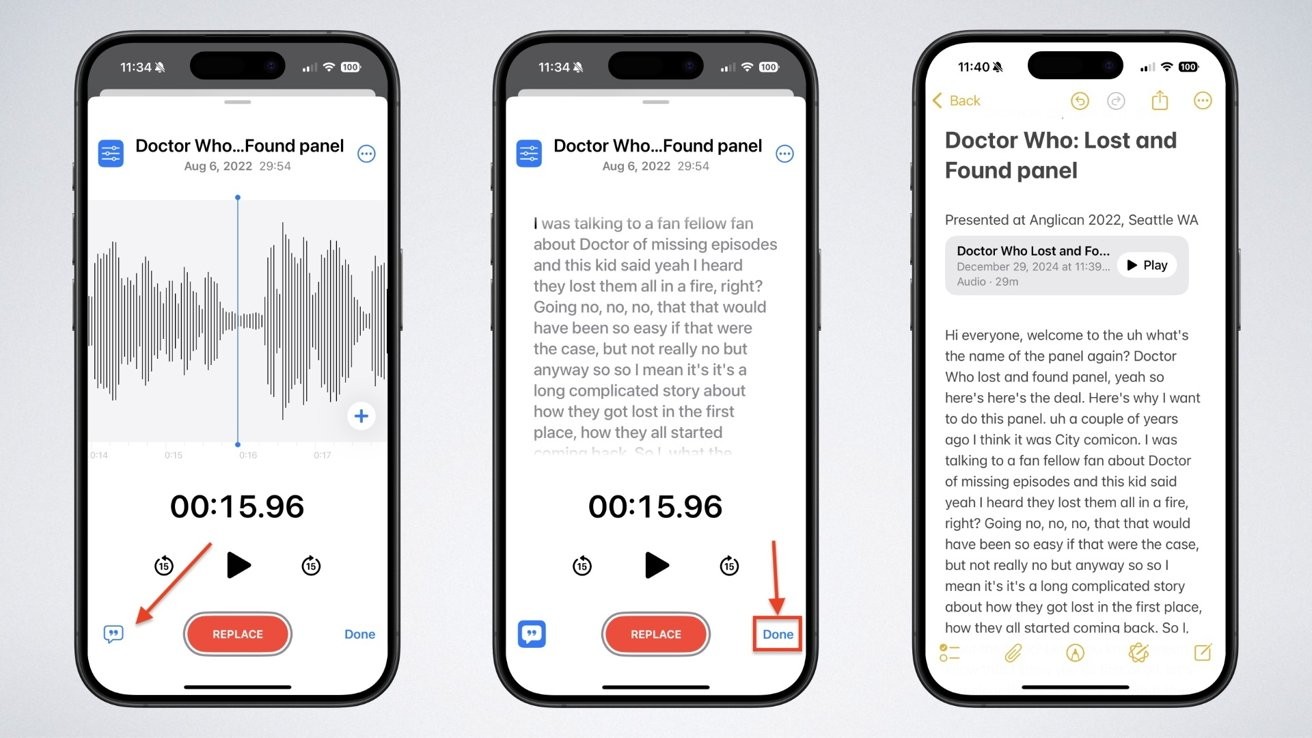
Taking notes during a phone call is hard when you do not have a pen. Phone call recording was introduced previously. But it just got much better. The system now seamlessly pipes the audio straight into the Notes app.
It generates an instantaneous text summary and labels who is speaking. You can take a client call in the car and have a perfect summary waiting in your Notes app when you park. We love these smart iOS 26 updates.
#12. Siri’s On-Screen Contextual Awareness
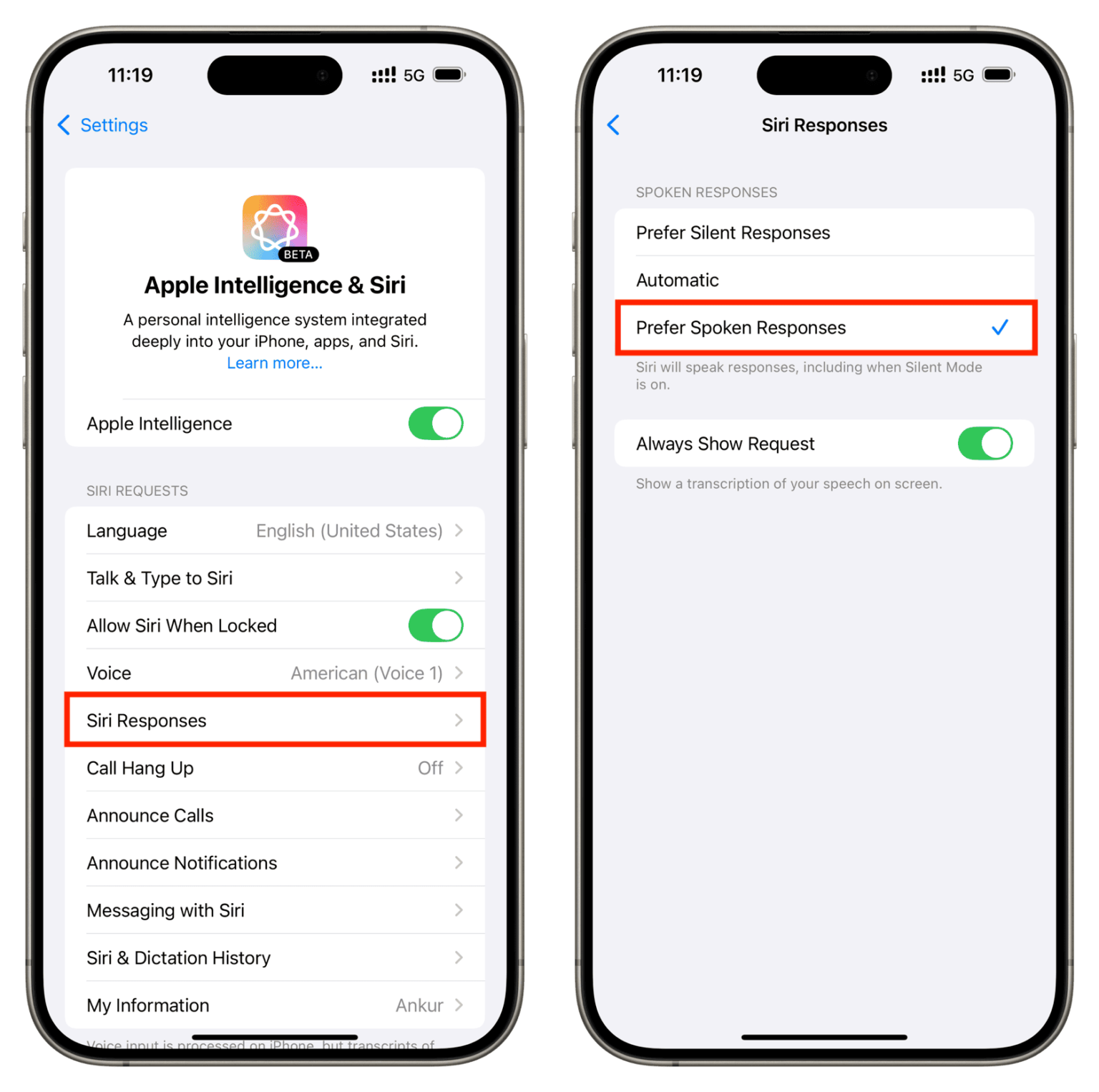
Siri got stage time this year. Its silent text integrations did not. Siri can now read what is on your screen to suggest immediate actions without a voice prompt. You can draft a message saying you have the tickets.
The keyboard will automatically offer the file you just downloaded in your browser. This WWDC iOS 26 feature saves you from digging through your files.
#13. Deep Focus Mode Control Center Toggles
Focus Modes are no longer just for silencing your alerts. The Control Center now dynamically shifts its layout based on your active Focus. You can easily toggle between a work layout showing your work tools and a gaming layout showing your screen recorder.
This effectively gives you multiple different phones in one device. These are the iPhone tips 2026 power users need to master their devices and find every single one of the iOS 26 hidden features.
