
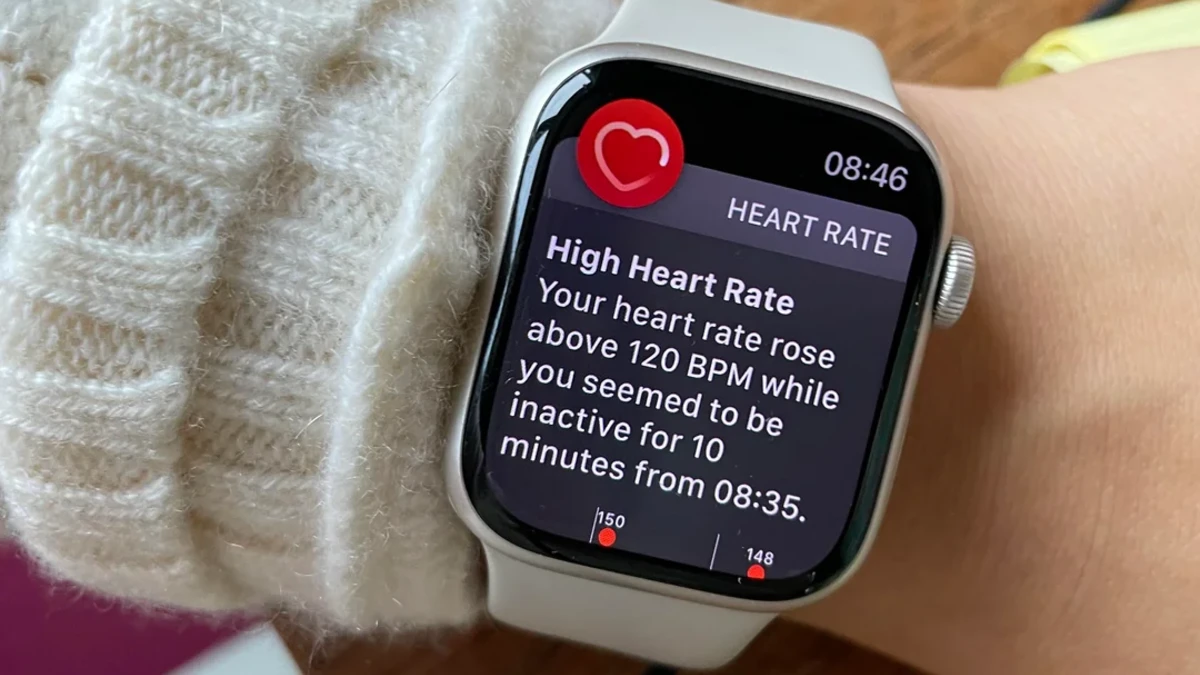
Your Apple Watch tapped your wrist three times last week with a health warning. Maybe you were busy. Maybe you didn’t know what it meant. Or maybe you just swiped it away and forgot about it. You bought an Apple Watch to get healthier. But you’re not using half its features.
Heart rhythm issues. Declining fitness that predicts early death. High blood pressure patterns. Hearing damage is happening right now. But most of these health alerts are buried in settings. Some are turned off by default. Others require setup that Apple never walks you through.
13 health warnings your watch can send right now. I’ll show you how to turn each one on, what the science says about accuracy, and exactly what to do when you get an alert. No medical jargon. No complicated setup. Just clear steps that take five minutes total.
1. Irregular Heart Rhythm Warnings
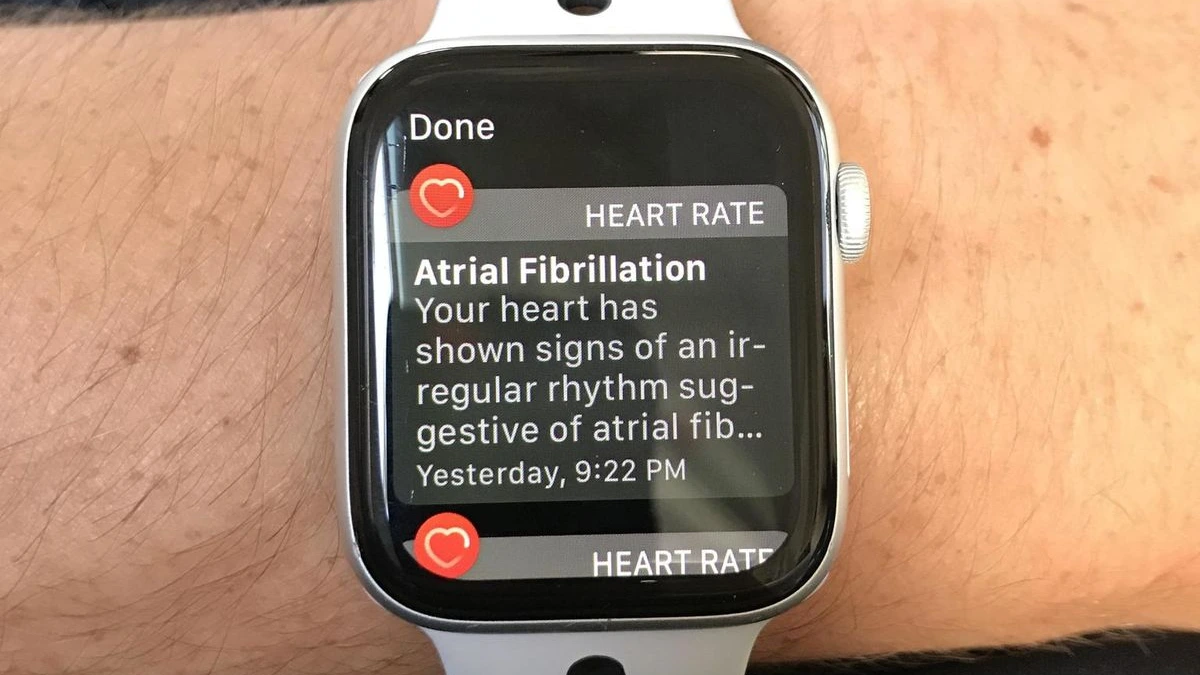
Your heart skipped a beat. Then another. You felt it, but you ignored it. Your watch checks your heart rhythm in the background. It looks for irregular patterns that might mean atrial fibrillation or AFib for short. This is a condition where your heart beats out of sync.
According to the CDC, about 2% of people under 65 have AFib. That jumps to 9% for people over 65. Worse. Most don’t know they have it. Your heart acts normal most of the time. Then it doesn’t. Then it’s fine again. You write it off as stress or too much coffee.
How to Turn On AFib Detection?

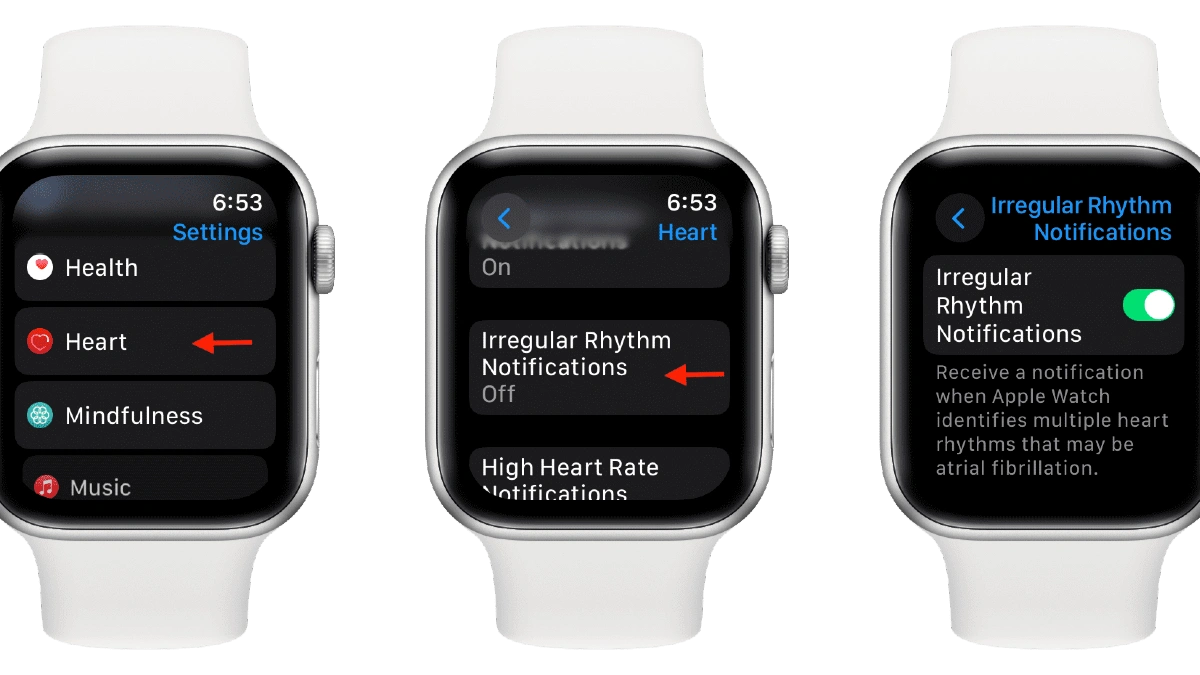
Open the Health app on your iPhone.Tap Heart at the bottom. Find Irregular Rhythm Notifications. Tap it and follow the setup steps. Enter your birthdate when asked. The watch will ask you to confirm you haven’t been diagnosed with AFib. This matters for accuracy.
What to Do If You Get an Alert?
Tell them your Apple Watch detected an irregular rhythm. They’ll probably want to do a proper ECG test. AFib is treatable. Blood thinners prevent strokes. Sometimes medication fixes the rhythm.
Sometimes you need a procedure. It doesn’t diagnose them. Only your doctor can do that. But catching AFib early makes treatment easier and prevents serious complications down the road.
2. High Heart Rate Notifications
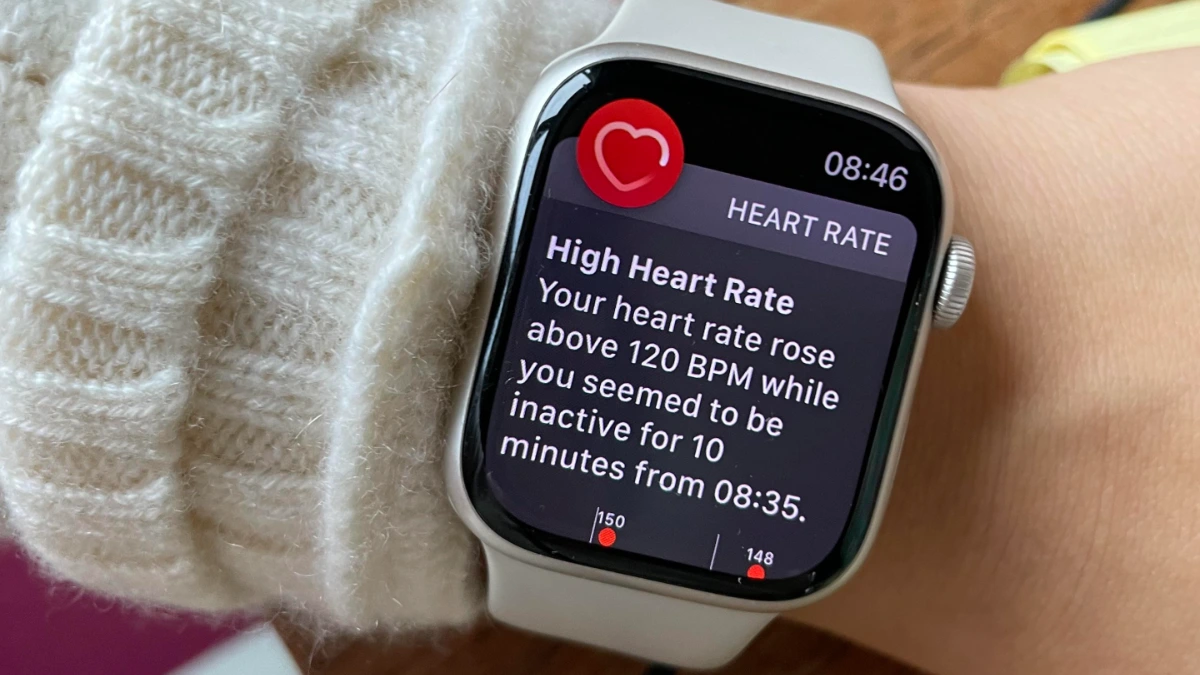
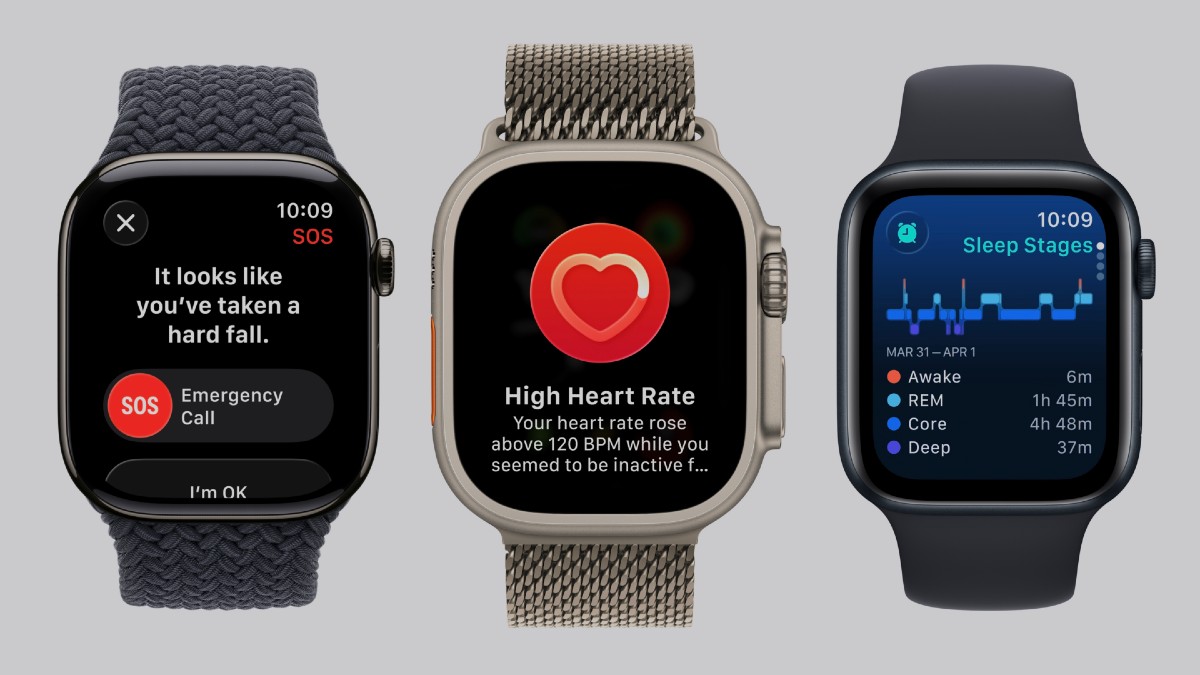
Your heart is pounding like you just ran up stairs. Your Apple Watch can catch this. It monitors your resting heart rate in the background using infrared LEDs. When your heart stays above a certain number for 10 minutes straight.
A healthy adult’s heart rate shouldn’t go above 100 BPM when resting. Your normal resting rate is probably between 60 and 80 BPM. When it spikes to 120 BPM while you’re doing nothing, your body is telling you something.
What the Numbers Tell You ?

Watch for patterns. If this happens once, you’re probably fine. If it happens three times this week, call your doctor. Something’s stressing your heart. If you get multiple alerts at this level, schedule an appointment. Bring your watch data. Heart rate history from your Health app so your doctor can see the pattern.
Why You Might Get These Alerts?
Your heart rate spikes even when you’re sitting still. This is real. The physical symptoms are not in your head. Thyroid problems. An overactive thyroid speeds up everything, including your heart. You might also feel hot, lose weight without trying, or feel jittery.
Dehydration. Your blood gets thicker. Your heart works harder to pump it. Drink more water and see if the alerts stop. Medication side effects. Some drugs raise heart rate. Check the label. Talk to your doctor about alternatives.
3. Low Heart Rate Warnings
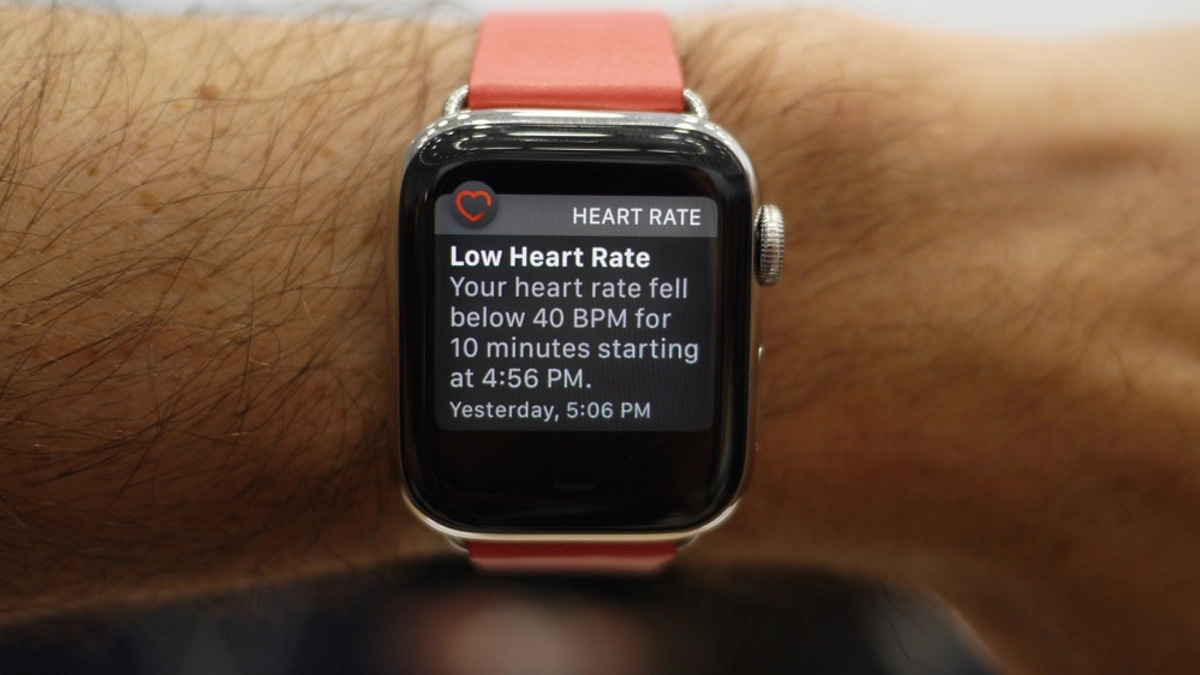
Your heart is beating 38 times per minute. You’re sitting at your desk. Your Apple Watch notices. If your heart stays below your threshold for 10 full minutes while you’re inactive, it alerts you.
A slow heart rate isn’t always bad. If you run marathons or cycle 100 miles a week, a resting heart rate of 40 BPM is normal. Your heart is so efficient that it doesn’t need to beat as often. Professional athletes sometimes hit 30 BPM while sleeping.
Why Your Heart Might Slow Down?
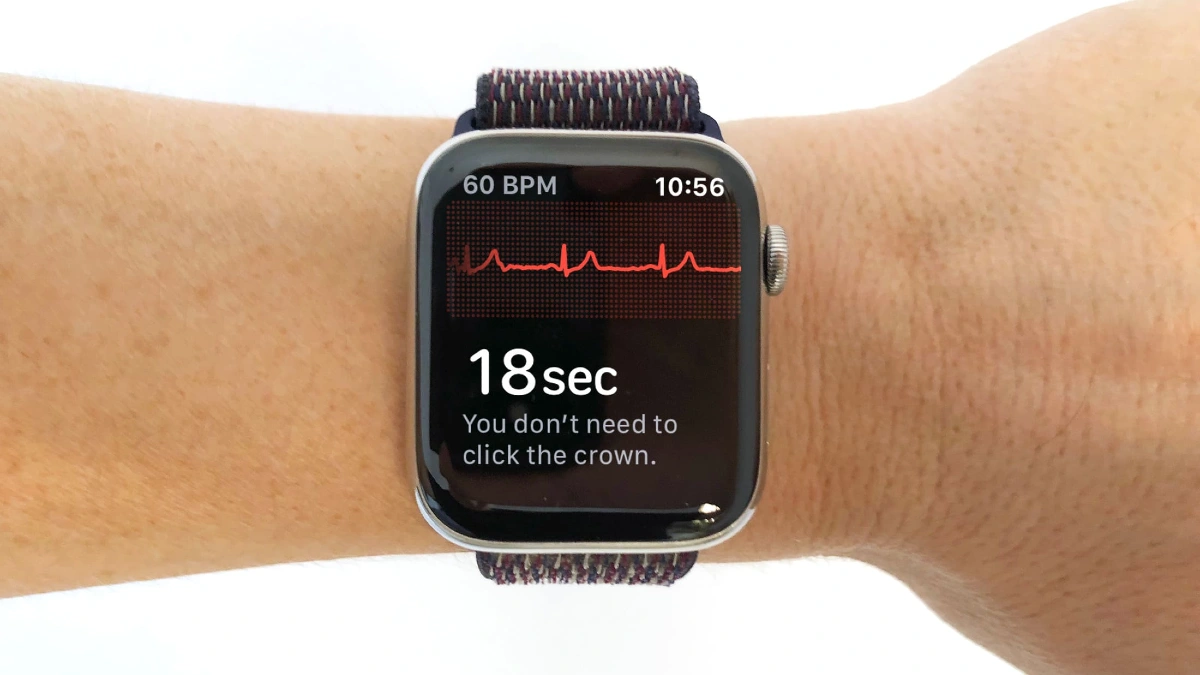
Your thyroid isn’t making enough hormones. Everything slows down your metabolism, your energy, your heart. You feel tired all the time. You gain weight even though you’re not eating more. Your heart beats slower to match your body’s reduced needs.
Beta blockers slow your heart on purpose. So do some blood pressure drugs. If you started a new medication and suddenly get low heart rate alerts, that’s probably why. Tell your doctor. They might need to adjust your dose.
When to Worry And When Not To?
Don’t stress about occasional alerts. Your heart is supposed to be efficient. But if you suddenly feel dizzy, weak, or short of breath with these low readings, something changed. See a doctor.
One alert might be nothing; maybe you were deeply relaxed or just waking up. But if you get multiple alerts and you feel symptoms, that’s your signal. Dizziness when you stand up. Constant fatigue from lack of sleep.
4. Low Cardio Fitness Warnings
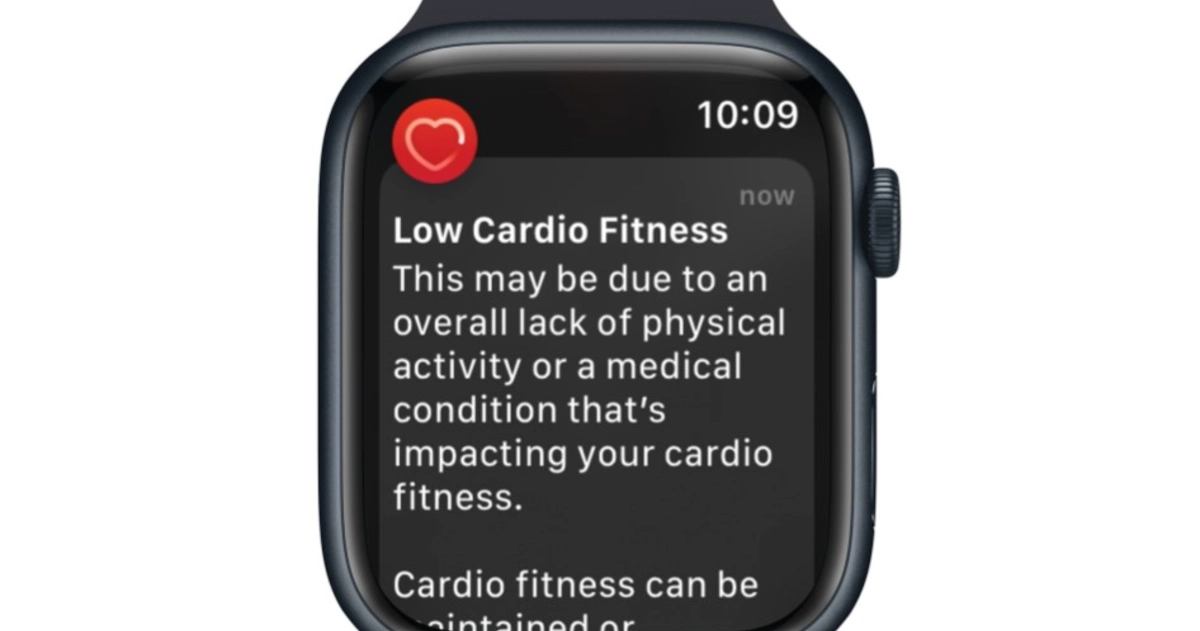
Your Apple Watch measured something called VO2 max. Oxygen your body can use during hard exercise. The more oxygen you can use, the fitter you are. When your VO2 max drops too low for someone your age.
1 ml kg min increase in VO2 max cuts your risk of death by 9 percent. Better cardio fitness means a stronger heart, healthier blood vessels, and a body that works better under stress.
Why You Should Care About This Number?
Low cardio fitness means simple tasks wear you out. Climbing stairs leaves you breathless. Playing with your kids exhausts you. Your heart works harder to pump oxygen to your muscles. Heart disease, Type 2 diabetes, High blood pressure, and early death from any cause.
Your body is less resilient. Illness hits you harder. Recovery takes longer. You have energy to spare. Your heart pumps efficiently. Your lungs work well. You bounce back from sickness faster.
How to Improve a Low Score?

That’s high intensity intervals where you push hard for short bursts. Sprint for 30 seconds, walk for 90 seconds. Walk or run outside for at least 20 minutes. Go hard enough that talking feels difficult. The watch needs to see your heart rate elevated and your GPS moving.
Three 25-minute outdoor walks per week will improve your score more than one brutal hour-long run. Your heart adapts to regular stress. Your VO2 max will fluctuate. You might score 32 one week and 35 the next.
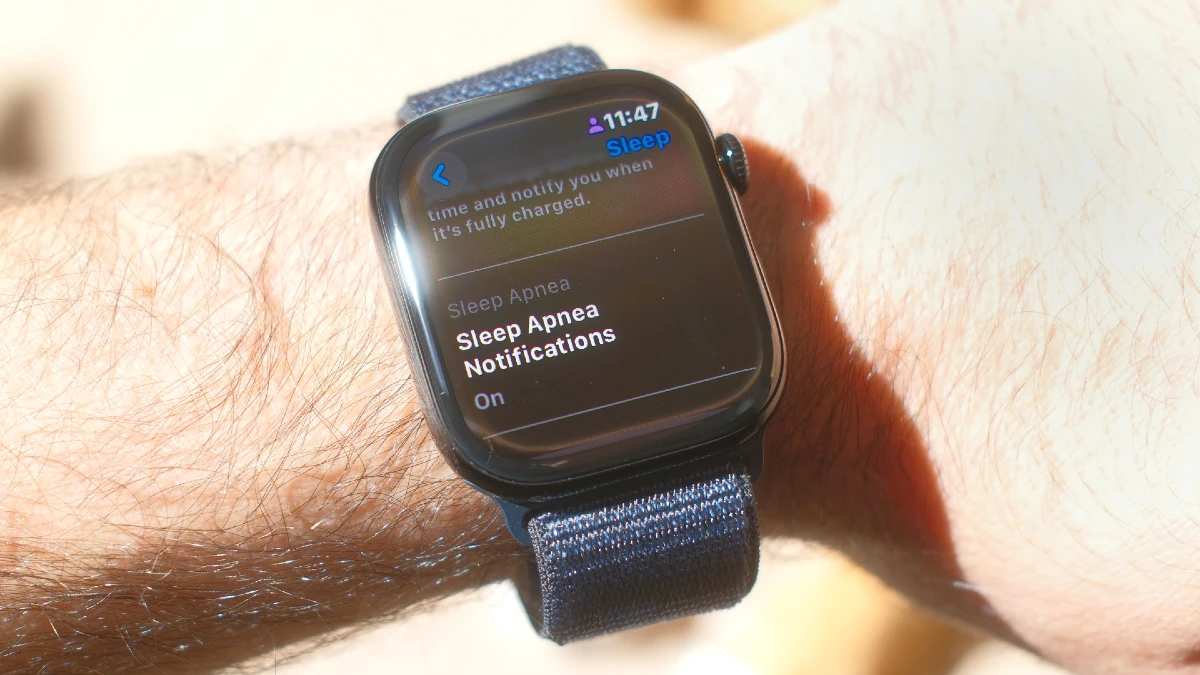
5. Sleep Apnea Detection
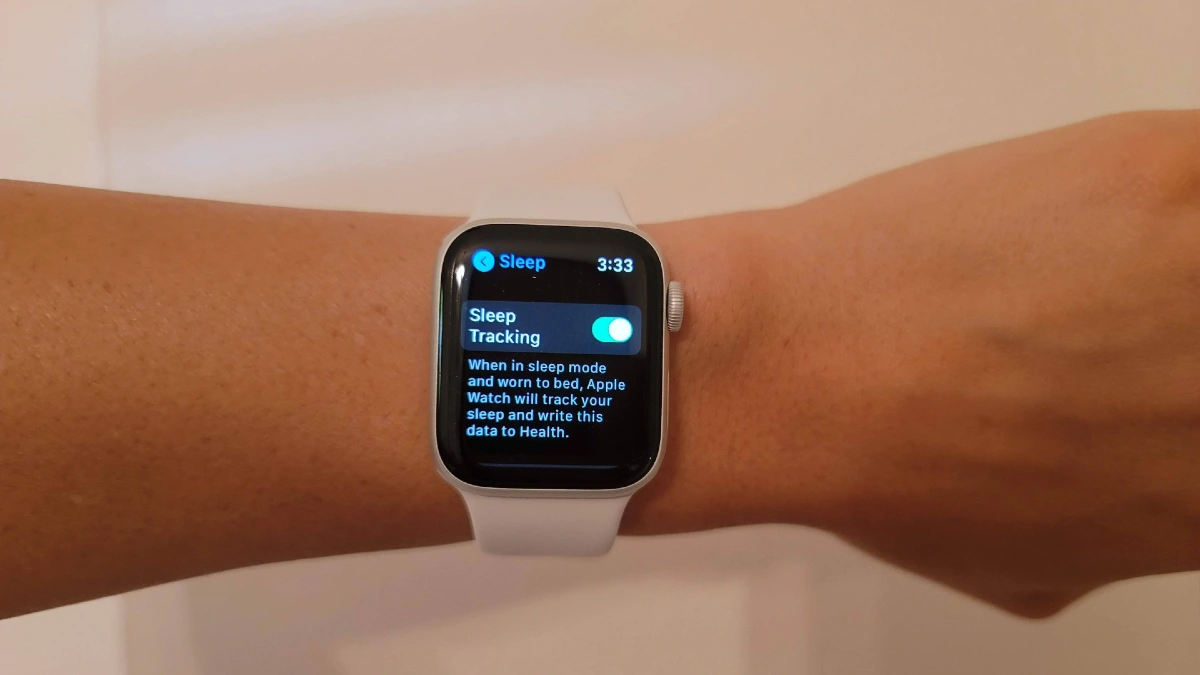
You wake up exhausted. You slept eight hours, but you got three. Your partner says you snore loud to wake the neighbors. That’s sleep apnea. Your airway collapses while you sleep. You stop breathing for 10, 20, sometimes 30 seconds. Your brain panics and jolts you awake just enough to gasp for air.
The Apple Watch can now spot this. But only on newer models, Series 9, Series 10, Ultra 2, and Ultra 3. It uses the accelerometer to detect tiny wrist movements that happen when your breathing stops and restarts.
How the Watch Detects Sleep Apnea
Your watch tracks you for 30 nights. It needs at least 10 nights of data during that month. If 5 or more nights show elevated breathing disturbances, you get an alert. 43% accurate for moderate cases. It catches the worst cases well. Milder cases slip through.
Every time you stop breathing, your body jerks slightly to restart. Your wrist moves. The watch doesn’t diagnose anything. Apple is clear about this: The Sleep Apnea Notifications Feature is not intended to diagnose, treat, or aid in the management of sleep apnea.
Signs You Might Have Sleep Apnea
Loud snoring that stops and starts. Gasping or choking sounds while sleeping. Morning headaches. Dry mouth when you wake up. Extreme daytime fatigue. Trouble staying awake while driving.Memory problems or brain fog. High blood pressure that medication doesn’t control.
Sleep apnea is common. It’s treatable. But you can’t treat what you don’t know you have. Your watch is giving you information that used to require an expensive sleep study just to suspect.
6. Wrist Temperature Changes (Illness and Cycle Tracking)
Newer models track your wrist temperature while you sleep. Not just once every 5 seconds all night long. The watch has two sensors, one touching your skin and one facing out. This setup cancels out the room temperature, so it only measures you.
The watch can detect changes as small as 0.1 degrees Celsius. But your body makes these micro changes constantly, and they mean something. The watch needs 5 nights to learn your normal. Everyone’s baseline is different. Some people run hot.
Difference Between This Matter Women And Everyone
Ovulation raises your body temperature by about 0.5 to 1 degree Fahrenheit. That’s detectable. The watch looks for this shift retrospectively. It can’t predict ovulation, but it can confirm it happened. Why this matters for everyone.
Chronic stress keeps your temperature slightly elevated. If you see your baseline creeping up over weeks with no illness, that’s stress. Your body is stuck in alarm mode.
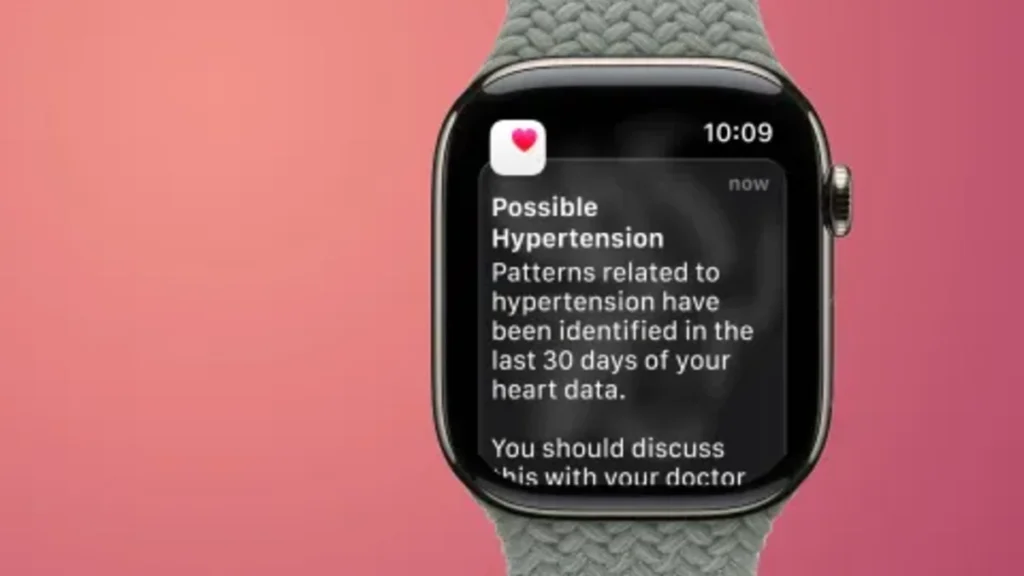
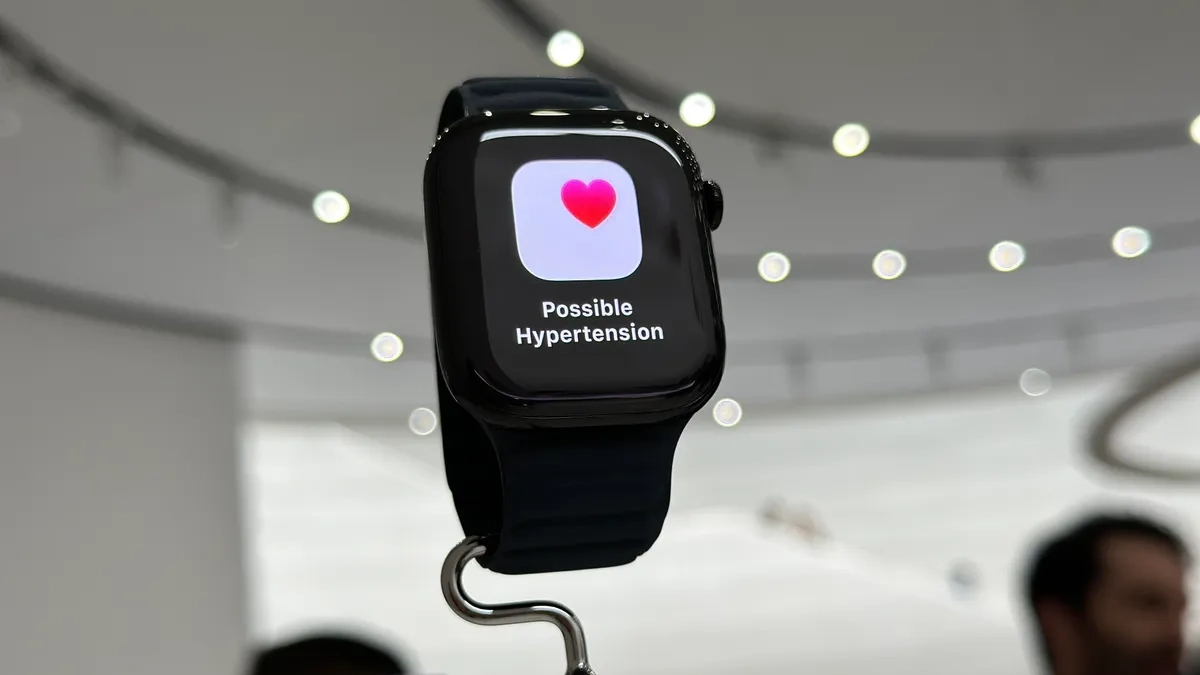
7. Hypertension Notifications (Blood Pressure Patterns)
High blood pressure has no symptoms. That’s why doctors call it the silent killer. Blood is slamming through your arteries with too much force. Your heart is working too hard. Your blood vessels are getting damaged.
Blood pressure checked, or they checked it once years ago and assumed they were fine. Apple Watch now tries to catch this. It doesn’t give you blood pressure numbers like 130 over 80. It can’t replace a blood pressure cuff.
How the Watch Detects Possible Hypertension?
Your watch uses the optical heart sensor on the back. The one with the green lights. It watches how your blood vessels respond to each heartbeat. Your vessels expand to handle the surge, then contract. This happens with every beat. The pattern of expansion and contraction tells a story about the pressure inside.
High blood pressure makes your vessels stiffer. They don’t expand as easily. The watch can detect this stiffness by analyzing the light reflected back from blood flow. It looks for patterns over time, days, and weeks, not just one reading.
What This Notification Means And Doesn’t Mean?
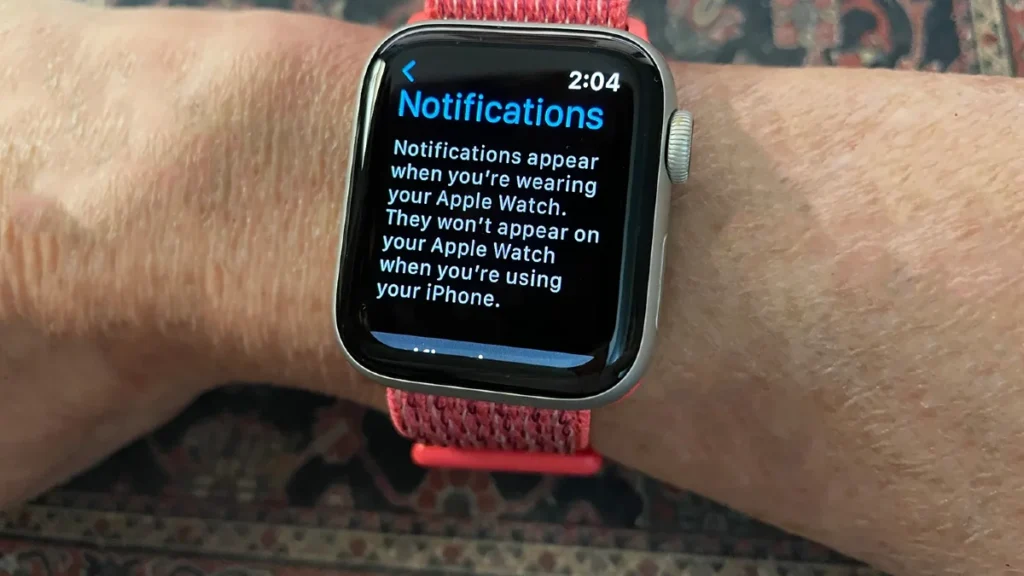
You don’t have confirmed high blood pressure based on a watch alert. You might have it. Something looks off. Get this checked properly. The watch can’t tell you your systolic and diastolic pressure. Only a proper cuff can do that. It doesn’t tell you where the fire is or how big.
8. Noise Level Warnings (Hearing Damage Prevention)
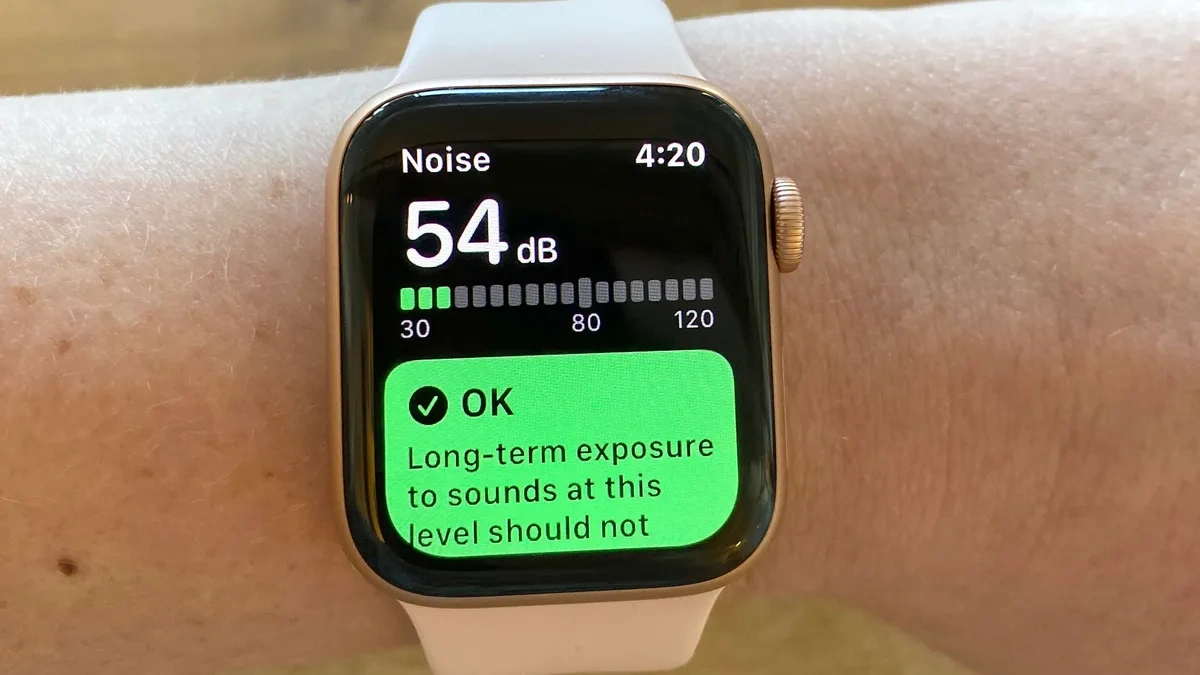
Commute after commute. Loud restaurant after loud restaurant. Tiny hair cells in your inner ear get damaged and never grow back. Your Apple Watch tries to stop this. It listens to your environment and taps your wrist when things get dangerously loud. Not annoying loud, and not dangerous loud. The kind of loud that kills hearing cells.
How the Watch Protects You?

The microphone in your watch constantly samples environmental noise. Not recording, just measuring volume. When the sound level crosses your threshold, your watch taps your wrist.
The watch also tracks your total noise exposure over time. You can see how many minutes or hours you spend in dangerous noise levels each week. This helps you make smarter choices about when to protect your hearing.
How to Turn On Noise Warnings?
Open Settings on your watch. Scroll down and tap Noise. Tap Noise Threshold.This catches legitimately dangerous noise without constant false alerts. If you work in construction or music set it to 85 dB for earlier warnings.
9. Fall Detection Alerts (Automatic Emergency Calls)

You slip on the stairs and hit your head. You’re unconscious on the floor. Your Apple Watch can prevent this. If you fall hard and don’t move for about a minute, it assumes you’re in trouble. It starts a 30-second countdown with loud alerts and strong vibrations.
If you don’t respond, it calls 911 automatically and sends your location to your emergency contacts. This feature is automatically turned on if you’re 55 or older. Below that age, you need to enable it manually.
False Alarms and How to Stop Them?
Sometimes the watch thinks you fell when you didn’t. This happens most often during. Boxing, martial arts, and aggressive skateboarding. Your watch might interpret hard impacts as falls. Downhill mountain biking, parkour, anything with lots of impacts and sudden movements.
If you whip your arm down with extreme force, the motion can mimic a fall. When a false alarm starts, you have 30 seconds to cancel it. If false alarms happen constantly, you can turn off fall detection during those specific activities. Just remember to turn it back on afterward.
What Emergency Services Hear?
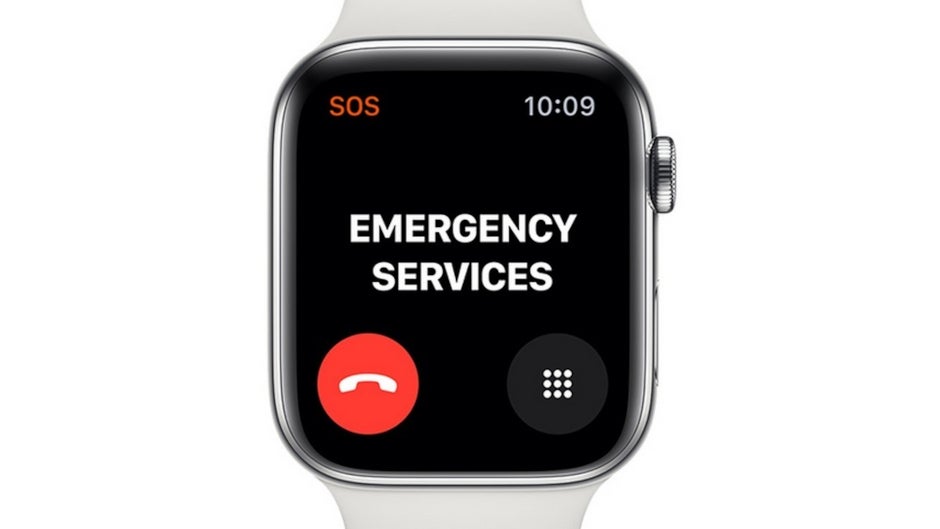
The watch plays an automated message. The owner of this Apple Watch has taken a hard fall and is not responding. This is their current location. Then it gives GPS coordinates.
Emergency services treat this seriously. They’ll send help even if you don’t speak. The call stays connected so they can listen for background noise or attempts to communicate.
10. Crash Detection (Car Accident Response)
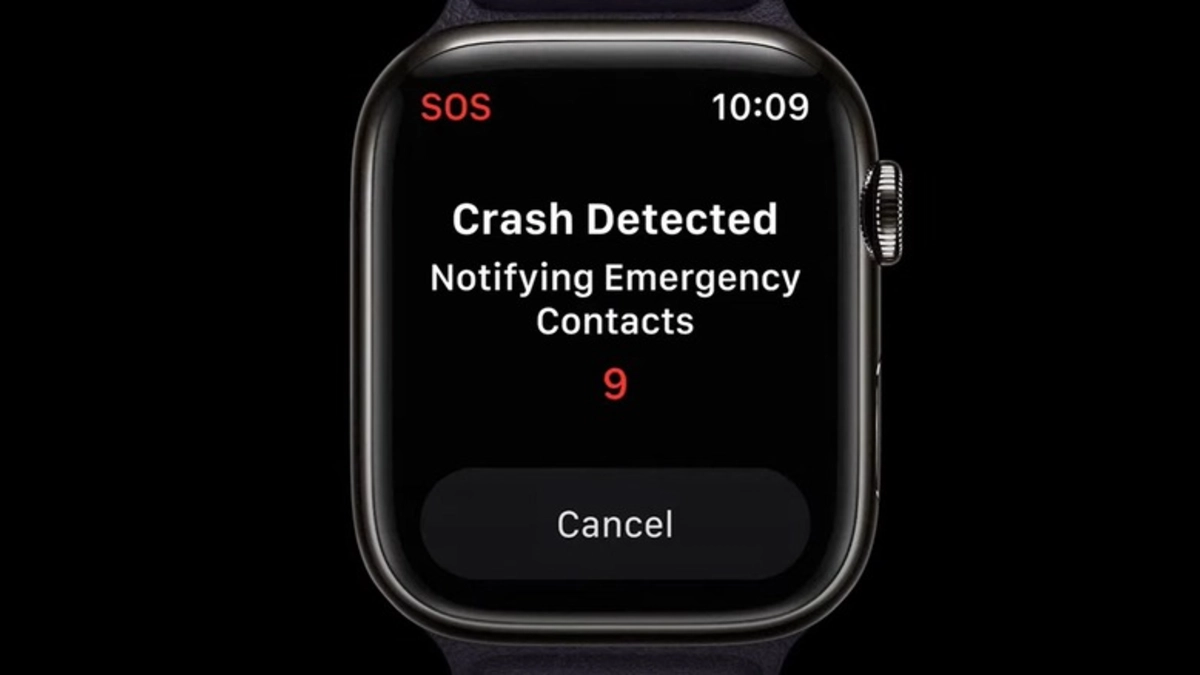
A car runs a red light and slams into your driver’s side. Your airbag deploys. You’re dazed, maybe injured, possibly unconscious. Your phone flew somewhere under the seat.
Crash detection is built into newer Apple Watches. The watch uses four different sensors working together to detect severe car crashes. When it thinks you’ve been in a serious accident, it starts a 30-second countdown.
How the Watch Knows You Crashed?

Measures extreme forces and sudden deceleration. A crash G forces that normal driving never does. Your body goes from 40 mph to zero in a fraction of a second.
You’re traveling at highway speed, then suddenly you’re not moving at all. This pattern combined with high G forces suggests a crash. Detects pressure changes. Airbags deploying create sudden cabin pressure changes. Windows shattering do too.
11. Walking Steadiness Decline
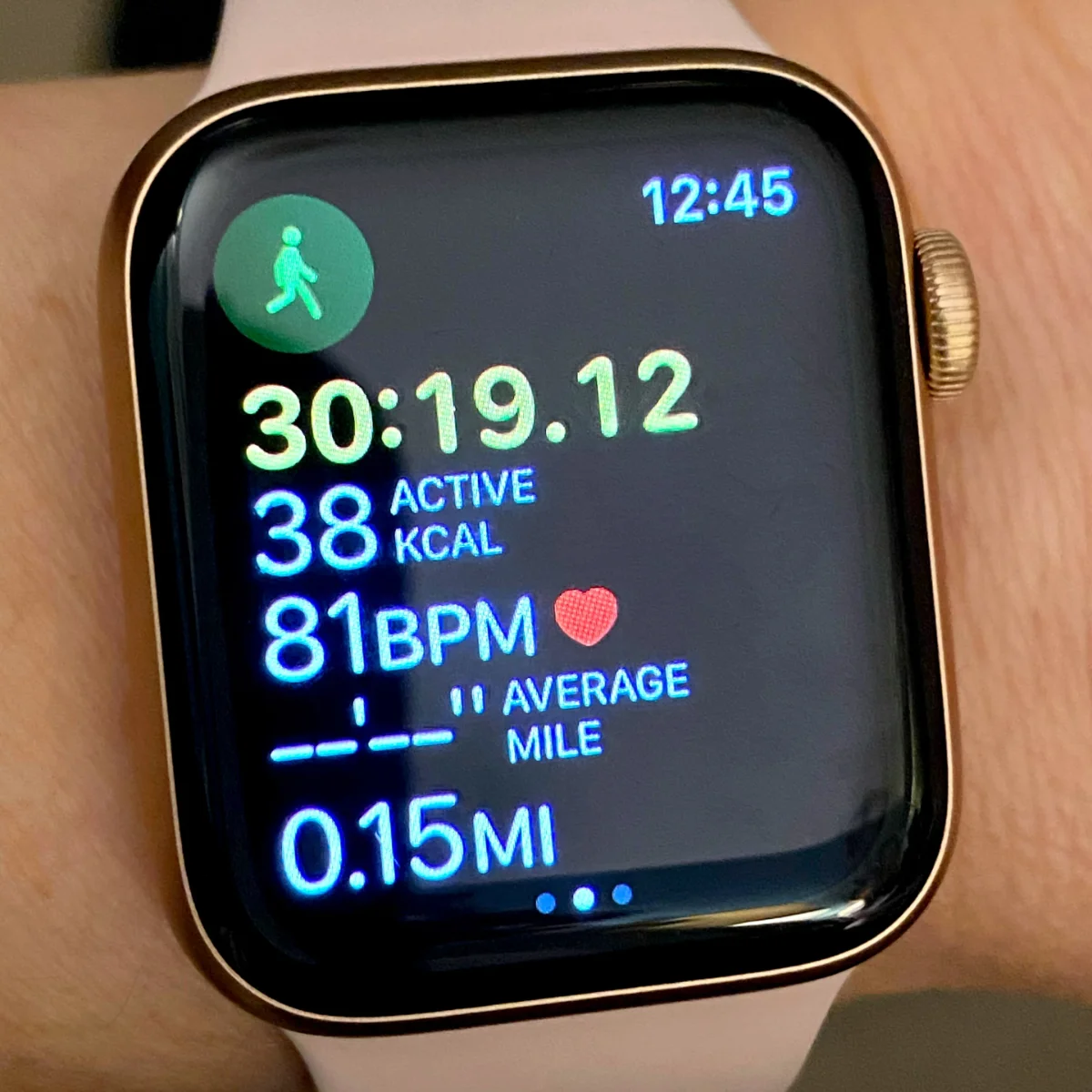
Your balance is a fraction off. You sway just a bit more when you turn. Walking steadiness tracking uses motion sensors in your iPhone to measure how you walk during normal daily activity. It looks at balance, strength, and coordination.
This matters because falls kill. They’re the leading cause of injury death for people over 65. But the risk starts building years earlier. Your walking gets worse gradually. By the time you notice, you’ve already fallen a few times.
How Your Phone Measures Walking Steadiness
You don’t need to do anything special. Just carry your iPhone like normal. When you walk naturally throughout your day. Slowing down is an early warning sign. Your body compensates for weakness or balance problems by moving more carefully.
Shorter steps mean you’re being cautious. Your brain senses instability, so you take smaller, safer steps without realizing it. Spend very little time with both feet down. When balance gets worse, you keep both feet planted longer for stability.
Why This Decline Happens?
Your legs aren’t as strong as they used to be. You avoid stairs. You sit more. Your muscles atrophy. Weaker legs mean worse balance. Your vestibular system controls balance. Infections, aging, or certain medications damage it. Your brain gets bad information about where your body is in space.
Blood pressure meds, sleep aids, antidepressants, and many drugs affect balance. You adapt to feeling slightly dizzy or off balance. But the risk is still there. You can’t see obstacles clearly. Depth perception gets worse. You misjudge curbs or steps. Your walking becomes more cautious.
12. Vitals App Warnings (Multiple Metrics Out of Range)
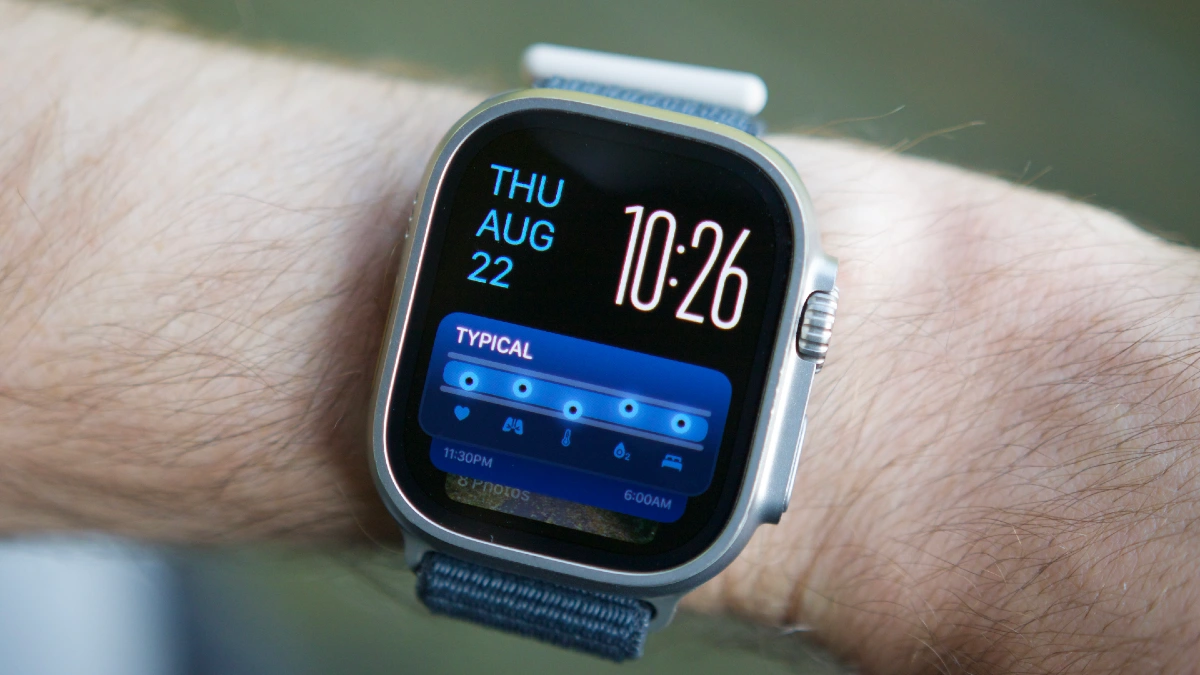
Your Apple Watch notices something you don’t. Your heart rate was higher than normal last night. Your wrist temperature is up. Your respiratory rate is elevated. Your sleep was shorter than usual.
Heart rate, respiratory rate, wrist temperature, sleep duration, and blood oxygen. Checks if any metrics fell outside your normal range. If two or more are off, you get an alert.
What the Vitals App Tracks?
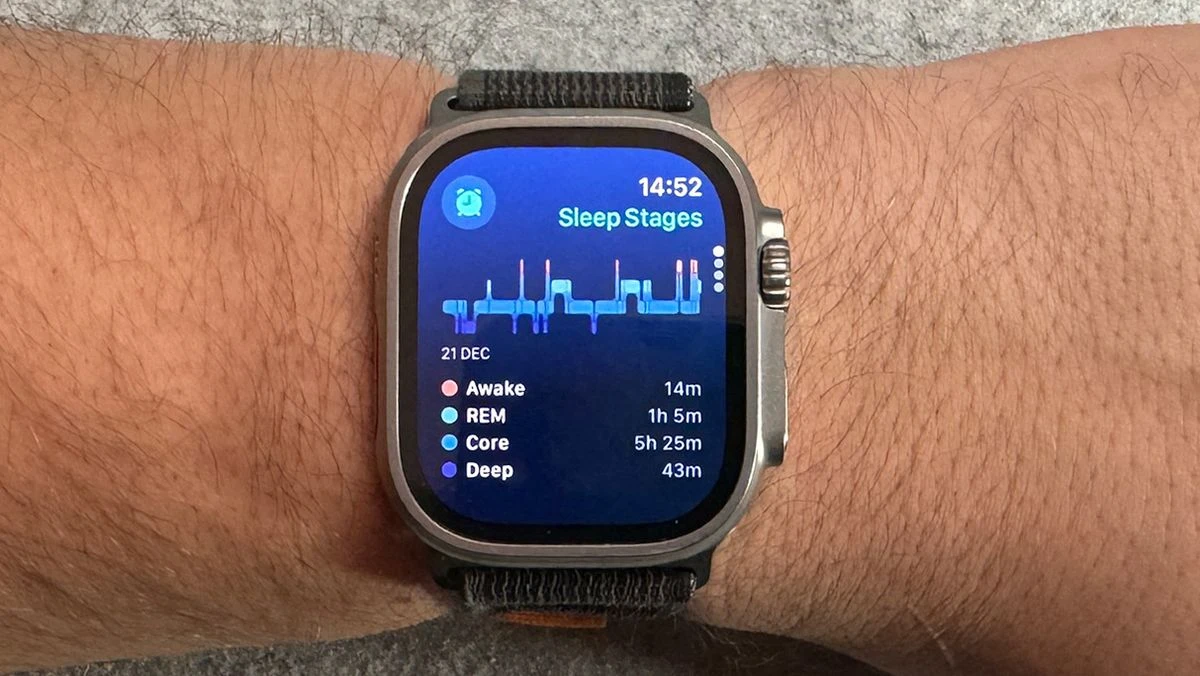
Your lowest, most relaxed rate. Elevation suggests your body is working harder than normal, fighting infection, processing stress, or dealing with inflammation. Normal is 12 to 20 breaths. Higher rates can indicate lung issues, anxiety, fever, or pain.
Lower rates might suggest medication effects or breathing problems.Your baseline sleep temperature. Increases of 0.5°F or more can signal illness before symptoms appear. Your body heats up to fight infections.
How to Check Your Vitals
Open the Health app on your iPhone. Tap Browse at the bottom. Scroll down and tap Vitals. Metrics were out of range and by how much. You can also see trends over the past week or month.
13. Menstrual Cycle Predictions (Irregular Patterns)
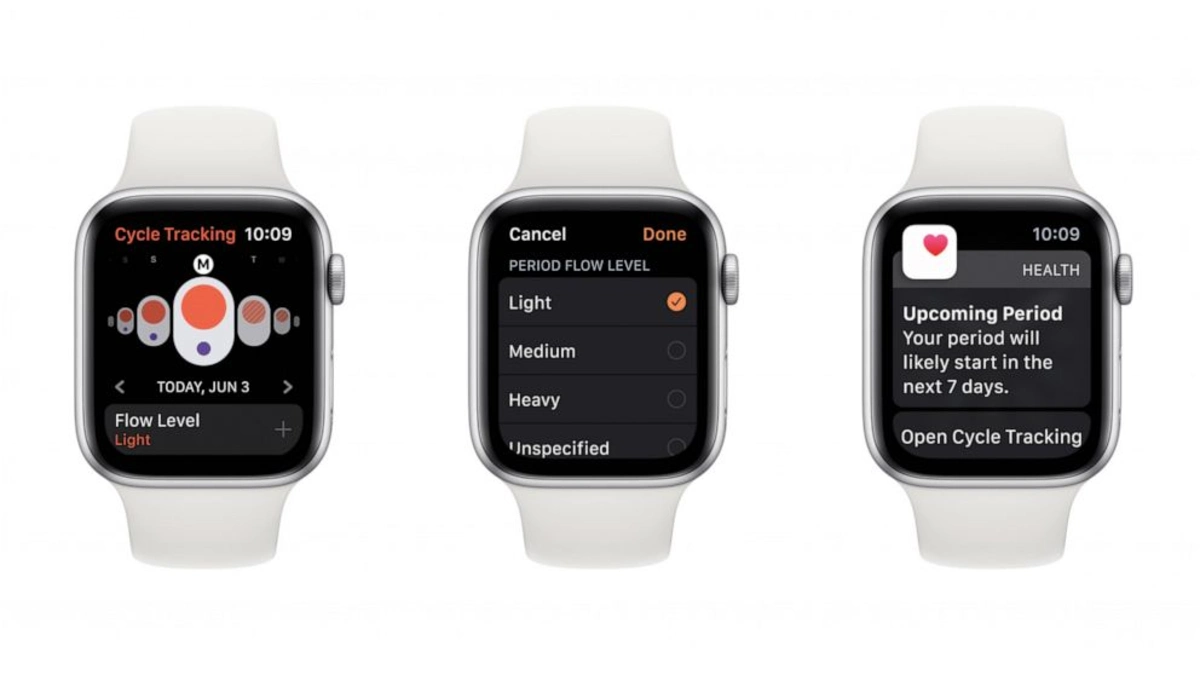
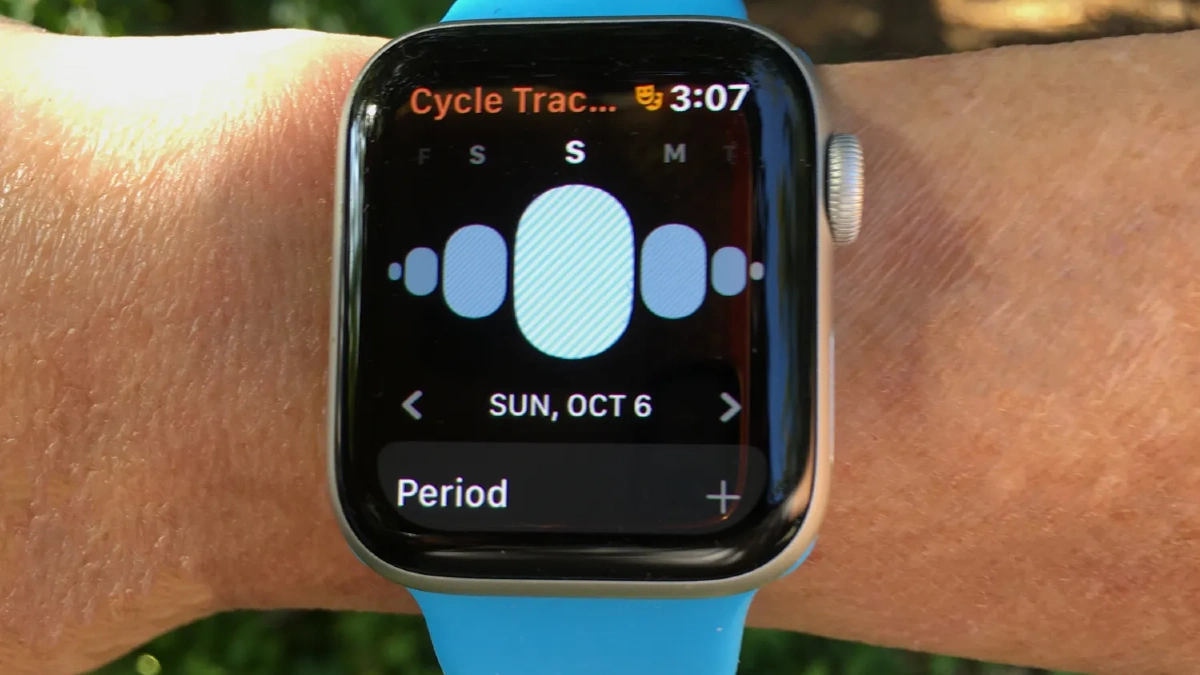
Your Apple Watch tracks your menstrual cycle and alerts you when patterns change. It logs cycle length, flow, symptoms, and uses wrist temperature data to estimate when you ovulated.
It’s about spotting hormonal problems, PCOS, perimenopause, thyroid issues, or stress related changes before they cause bigger health issues. All cycle data is encrypted on your device. Not even Apple can see it.
What the Watch Tracks ?

If you’re always 28 days, then suddenly 40 days, something changed. Cramps, headaches, acne, mood changes, breast tenderness, fatigue. Patterns in symptoms can help identify conditions like PCOS or endometriosis.
The watch can’t tell you the exact fertile window ahead of time, but it can estimate it retrospectively based on temperature patterns.
How to Track Your Cycle Effectively
Open the Health app. Tap Browse, Cycle Tracking. Mark the first day of bleeding. Light, medium, heavy, or spotting. This takes 5 seconds but gives your doctor valuable information if problems develop.
