

Apple Notes is easy. It’s established. It is likely sitting on your home screen right now, waiting for a quick thought, a password you shouldn’t be storing there, or a grocery list. It works reliably, and that immediate convenience is addictive.
Reliance on defaults often means settling for mediocrity. By 2025 standards, your digital workspace needs to be more than just a scratchpad. Apple Notes effectively traps your valuable data inside its walled garden, making it difficult to share, export, or manipulate in meaningful ways outside the Apple ecosystem.
It lacks the dynamic features like true bi-directional linking, advanced databases, or seamless cross-platform collaboration that modern workflows demand. Continuing to rely on it for everything is a choice to stay limited.
1. The Hidden Trap of Apple’s Walled Garden
Trapped by Proprietary Formats
Apple Notes uses a hidden, proprietary database format instead of simple, universally readable text files. You can’t just save as to move your data; you’re effectively locked into Apple’s ecosystem because your own information is held hostage by their unique file structure.
The Export Nightmare
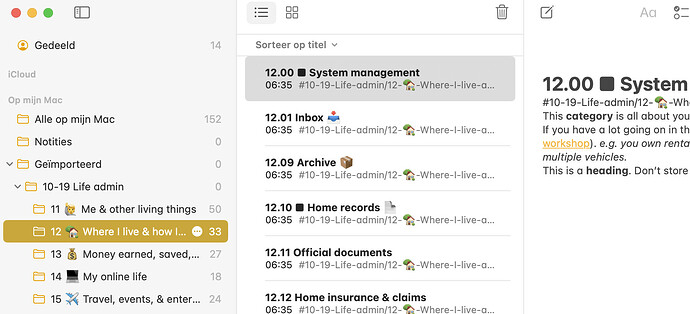
Trying to leave Apple Notes is deliberately difficult. Standard export options are limited to cumbersome PDFs, which are not usable data for other note apps. Bulk exporting hundreds of notes is a complex, painful process often requiring third-party scripts, discouraging users from ever switching to a better platform.
Loss of Crucial Data

When you do manage to wrestle your notes out, you often lose vital metadata. Creation dates, modification times, and sometimes even basic formatting can be stripped away during the difficult export process. You are left with a disorganized mess of text files that don’t reflect the history of your work.
2. The Cross-Platform Nightmare in 2025
The “Apple-Only” Assumption
Apple Notes operates on the outdated assumption that you will only ever use Apple products. In a modern, hybrid world where many people use Windows PCs for work and iPhones for personal use, this is a massive limitation. The seamless experience completely breaks down the moment you step outside their hardware ecosystem.
The Frustrating Web Experience
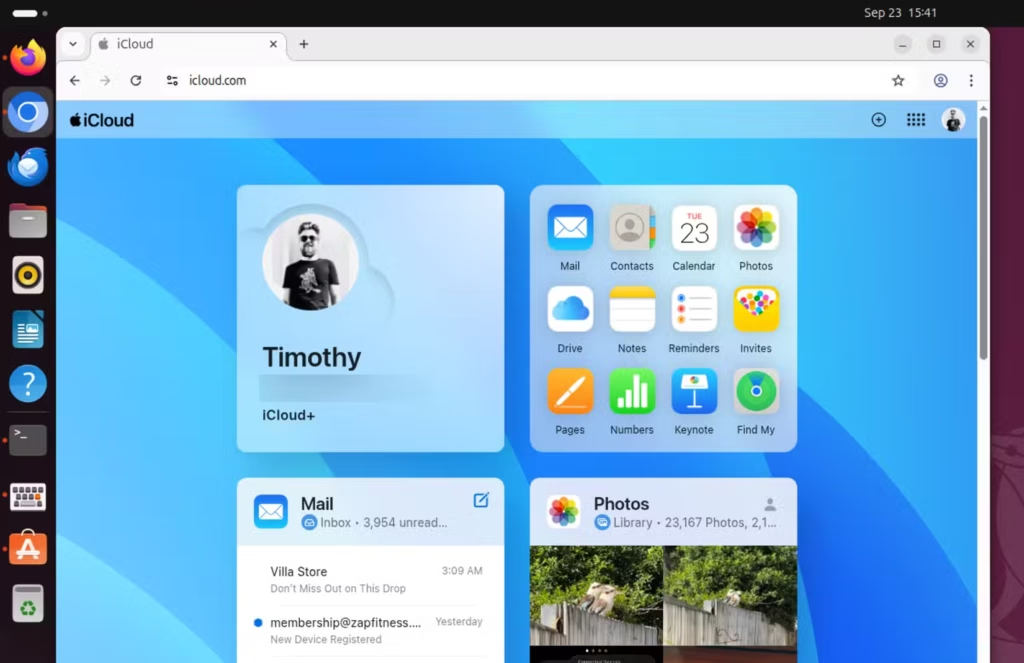
If you are on a Windows or Linux machine, your only option is the iCloud web interface. It is notoriously slow, clunky, and often suffers from lagging cursors and loading delays. It feels like a relic from a decade ago compared to modern, responsive web applications from competitors.
No Offline Access for Non-Apple Devices

Crucially, if you are away from your Mac and lose internet connection, you have zero access to your notes on your Windows laptop or Android phone. There is no official Android app and no offline mode for standard web browsers, leaving you completely cut off from your own information when you might need it most.
3. Missing Features You Actually Need for Real Work
Stuck in the Past
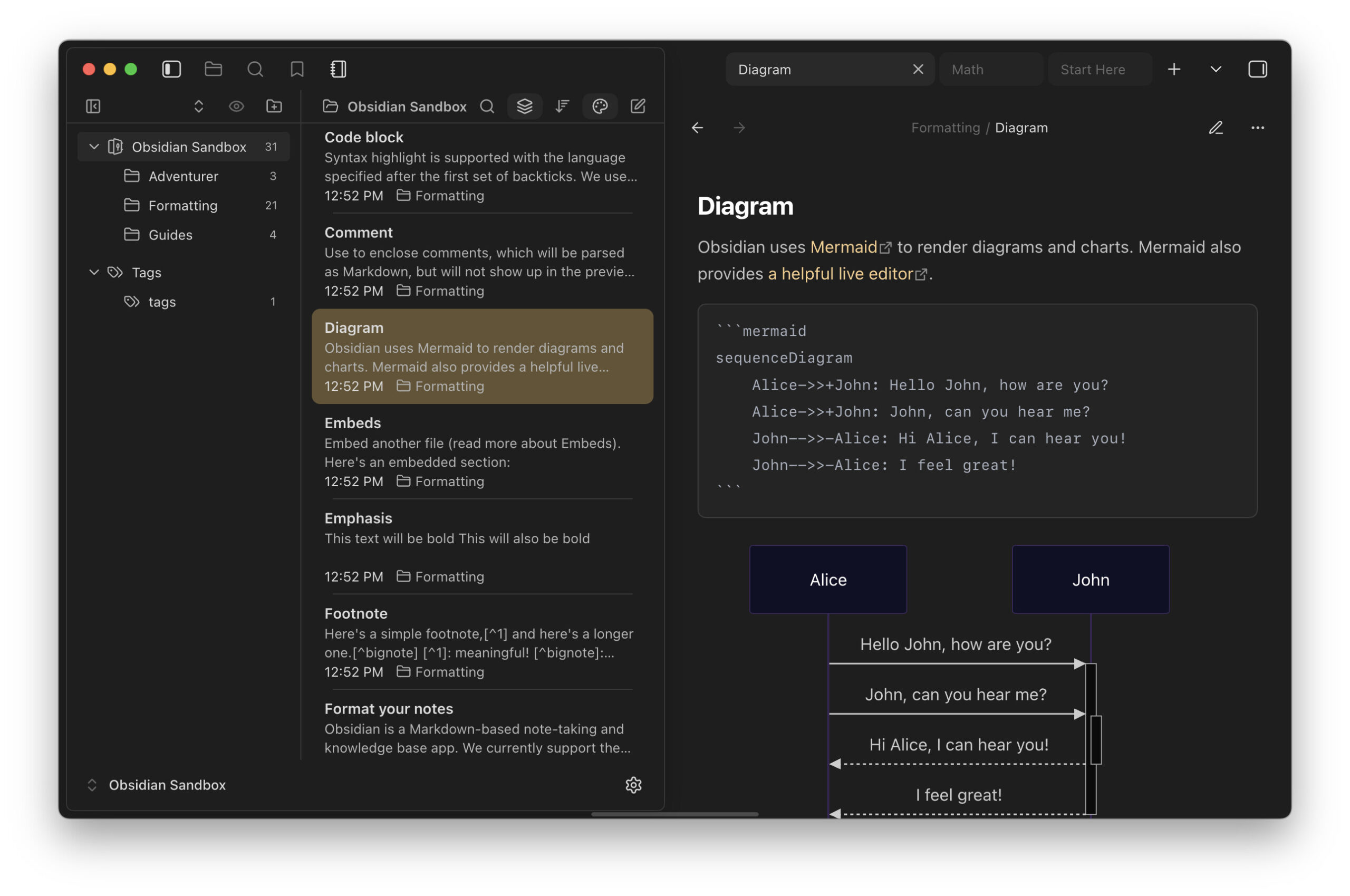
While competitors have evolved into “second brains” that help you connect and manage complex information, Apple Notes remains a basic digital filing cabinet. It lacks modern essentials like true Markdown support for quick formatting, forcing you to rely on slower, mouse-driven menus for basic styling.
Weak Organization Tools

Connecting ideas is clumsy in Apple Notes. Bi-directional linking—a standard feature in modern tools that lets notes reference each other easily—is basic and unintuitive. Organization relies on simple folders and tags that quickly become messy and unmanageable as your collection of notes grows into the hundreds or thousands.
Poor Data Safety Nets
For serious work, you need robust version history to recover from mistakes. Apple Notes’ version history is weak, making it difficult or impossible to recover specific sections of text you might have accidentally deleted in a long note days or weeks ago.
4. You Do Not Truly Own Your Data
Rented Space, Not Owned Data
Your thoughts in Apple Notes are effectively stored on rented space on Apple’s servers. Because you don’t have easy access to universal files on your own hard drive, you are at the mercy of Apple’s terms of service. You don’t truly own your notes if you need a specific company’s permission and an active account to read them.
The Locked Account Risk

If you ever get locked out of your Apple ID due to a forgotten password, security glitch, or arbitrary account suspension, you instantly lose access to everything. Years of work can vanish in a second because the data doesn’t exist independently of your active, validated Apple account.
Accessibility Dependent on Apple
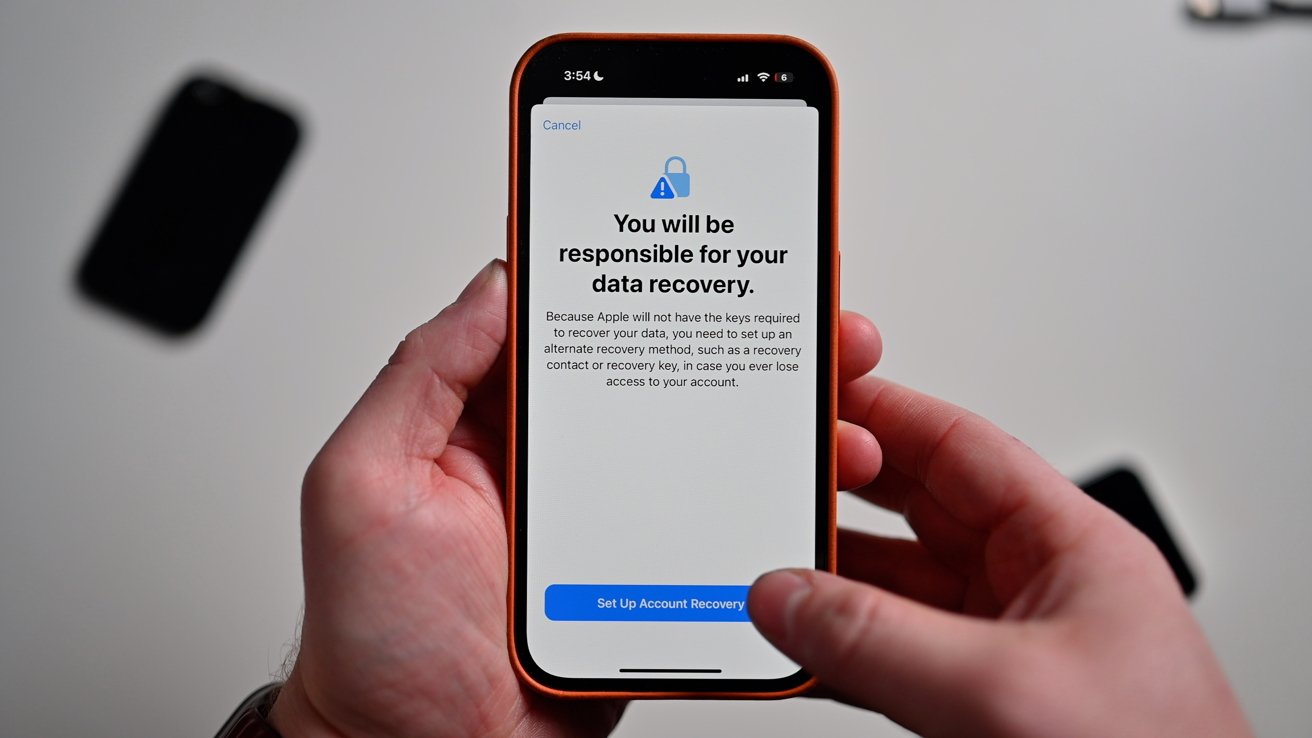
Apple’s privacy is generally good, but your ability to access your own data is 100% dependent on their servers working correctly. If iCloud goes down, or if your internet connection fails on a non-Apple device, your secure notes are completely useless to you until services are restored.
5. Collaboration Is Still a Messy Headache
Laggy Real-Time Teamwork
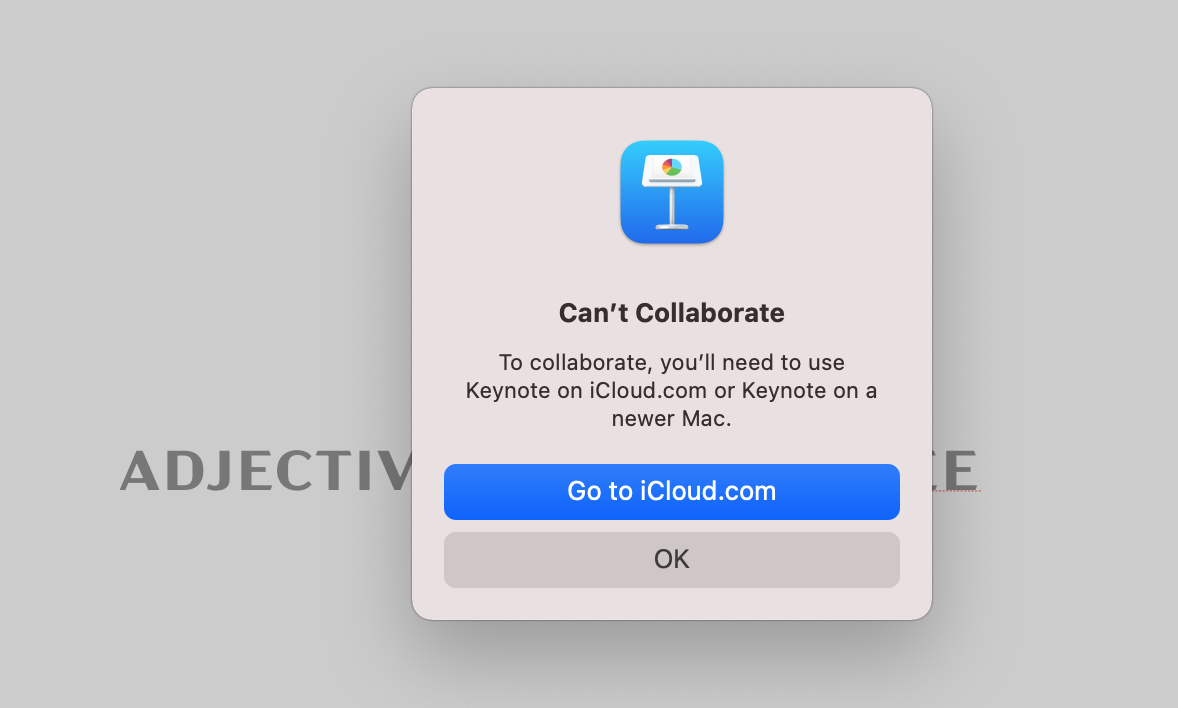
Even when sharing does work between Apple users, real-time collaboration is often laggy and frustrating. Seeing someone else’s edits can be delayed, leading to conflicting changes and confusion, vastly inferior to the smooth, instant experience users now expect from modern productivity apps.
No Easy Public Publishing
Sometimes you just want to share a note as a simple web page for anyone to read. Apple Notes makes this difficult, lacking a straightforward “publish to web” feature that creates a clean, view-only link for people outside your immediate contact list or ecosystem.
6. Superior Alternatives Are Already Here
Better Cross-Platform Clones

You don’t have to sacrifice simplicity to get freedom. Apps like UpNote look and feel almost exactly like Apple Notes but offer, fast native apps for Windows, Android, Mac, and iOS, keeping your data accessible everywhere without the iCloud headache.
True Ownership Options
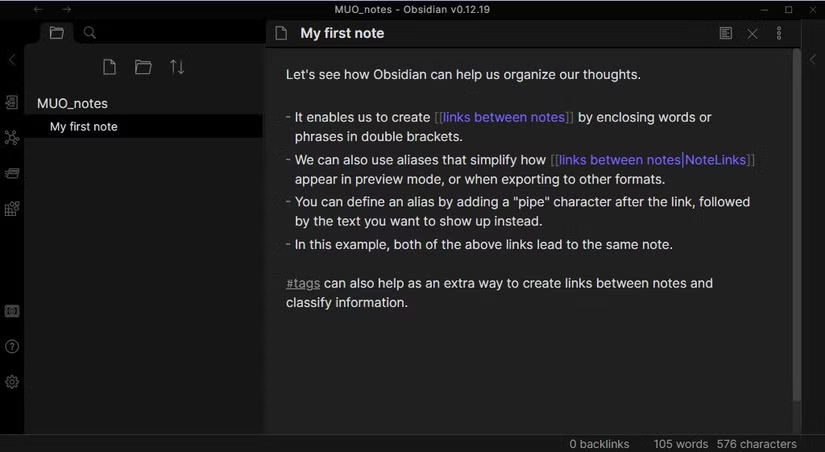
For those who value data control, Obsidian stores every note as a simple, universally readable text file right on your own device. You have 100% ownership and can back up, move, or read your notes with any software you choose, forever free from corporate lock-in.
Powerful Productivity Hubs
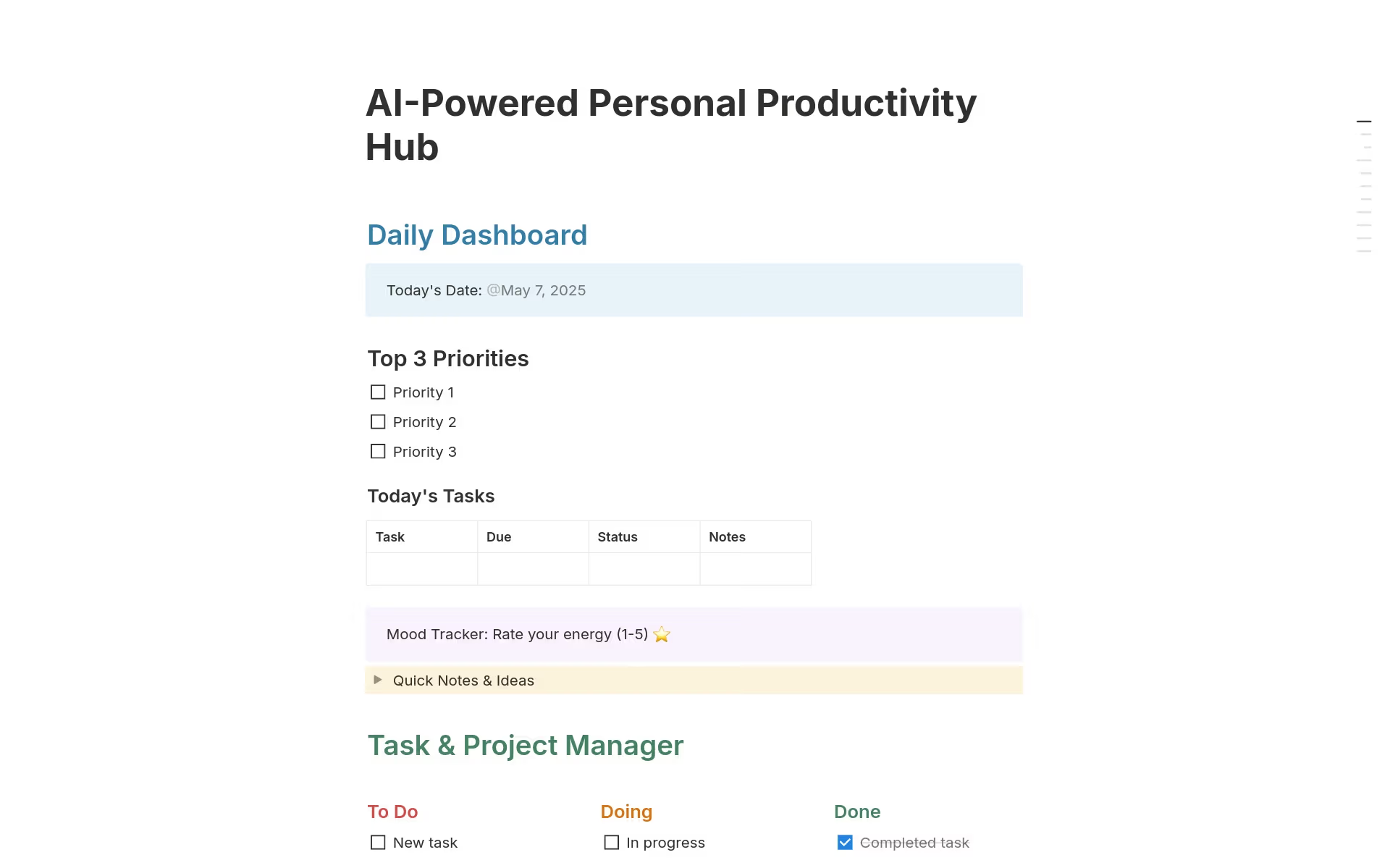
If you need more than just text, Notion transforms your notes into a complete productivity system. It handles projects, databases, and team collaboration seamlessly across all devices, offering vastly more power and flexibility than Apple’s basic offering ever could.
