
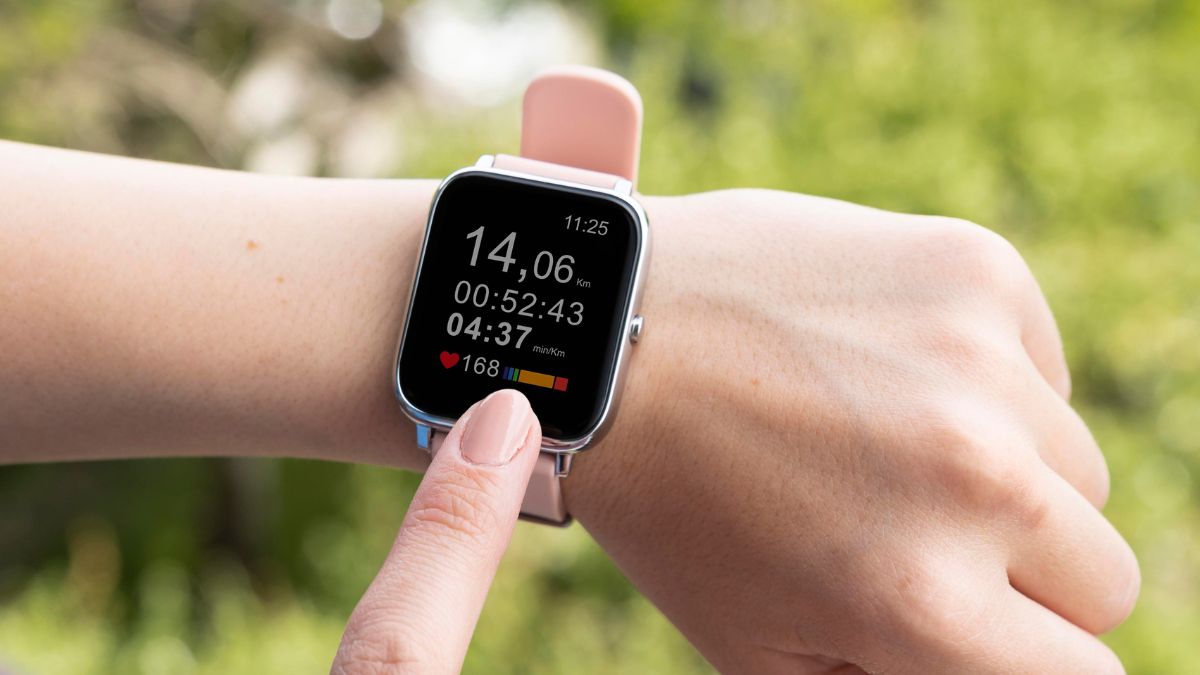
Your Apple Watch knows more about your health than you think. You spent $400+ on an Apple Watch, but you’re probably only using it to count steps and check texts. Meanwhile, powerful health features sit unused, features that could warn you about high blood pressure, protect your hearing, or literally call 911 if you fall and can’t move.
No extra apps needed. No subscriptions. Just features already on your wrist that most people never turn on. These health tracking capabilities transform your watch from a notification device into a medical-grade monitoring system—if you know where to look.
Most people set up their Apple Watch, connect it to their iPhone, and think they’re done. Apple buries powerful tools like Cardio Fitness scores and the Vitals app deep in settings without enabling them by default.
The problem gets worse because no notifications alert you to these Apple Watch features. These health monitoring and wellness tracking capabilities remain hidden unless you actively explore menus.
Why Most People Miss These Features?
Most people set up their Apple Watch, connect it to their iPhone, and think they’re done. Apple buries powerful tools like Cardio Fitness scores and the Vitals app deep in settings without enabling them by default.
The problem gets worse because no notifications alert you to these Apple Watch features. These health monitoring and wellness tracking capabilities remain hidden unless you actively explore menus.
1. Cardio Fitness Score (Your Body’s Report Card)
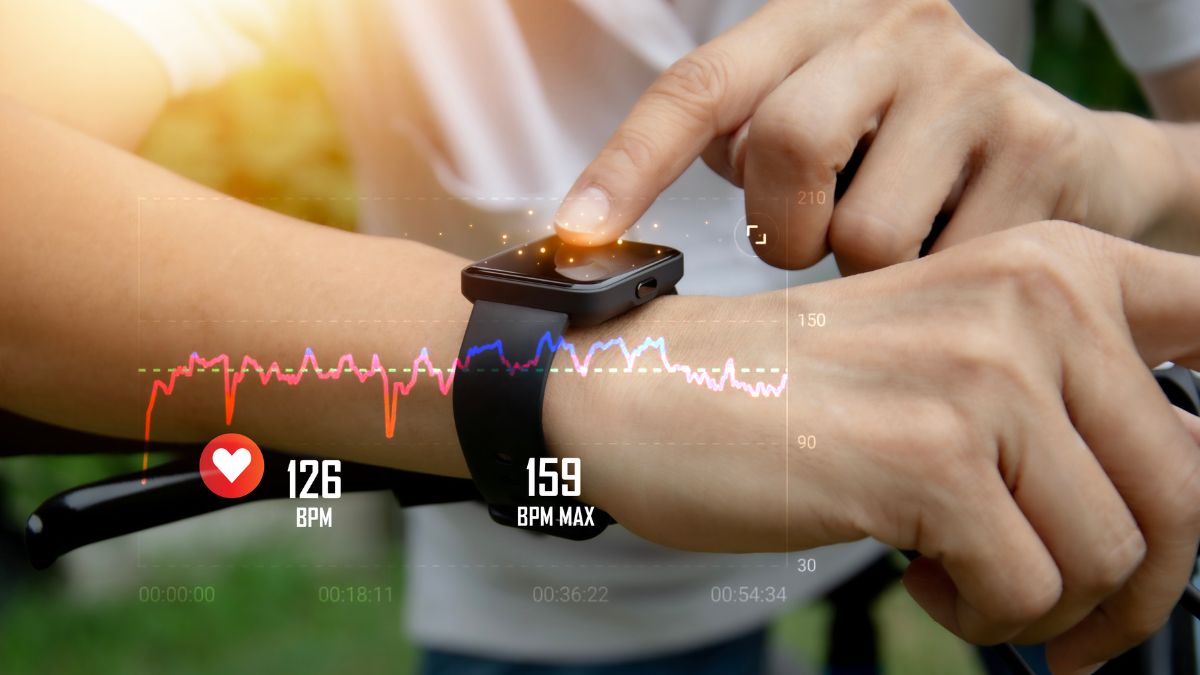
Your Cardio Fitness score is hiding in the Health app right now. This VO2 max measurement reveals how efficiently your body uses oxygen—a better predictor of longevity than step count. Research shows every 1 ml/kg/min increase in VO2 max reduces death risk by 9%, while moving from low cardio fitness to below average cuts mortality risk by 50% over a decade.
Setup takes 60 seconds
- Open Health app on iPhone
- Tap Browse > Heart > Cardio Fitness
- Tap “Set Up” and confirm your health details
- Enable Low Cardio Fitness Notifications
- Do a 20-minute outdoor walk/run to get your first reading
Your Apple Watch estimates VO2 max during outdoor walks, runs, or hikes, comparing your heart health against others your age. Check this number monthly. If it drops, your body is telling you something.
2. Heart Rate Variability (Your Stress Detector)
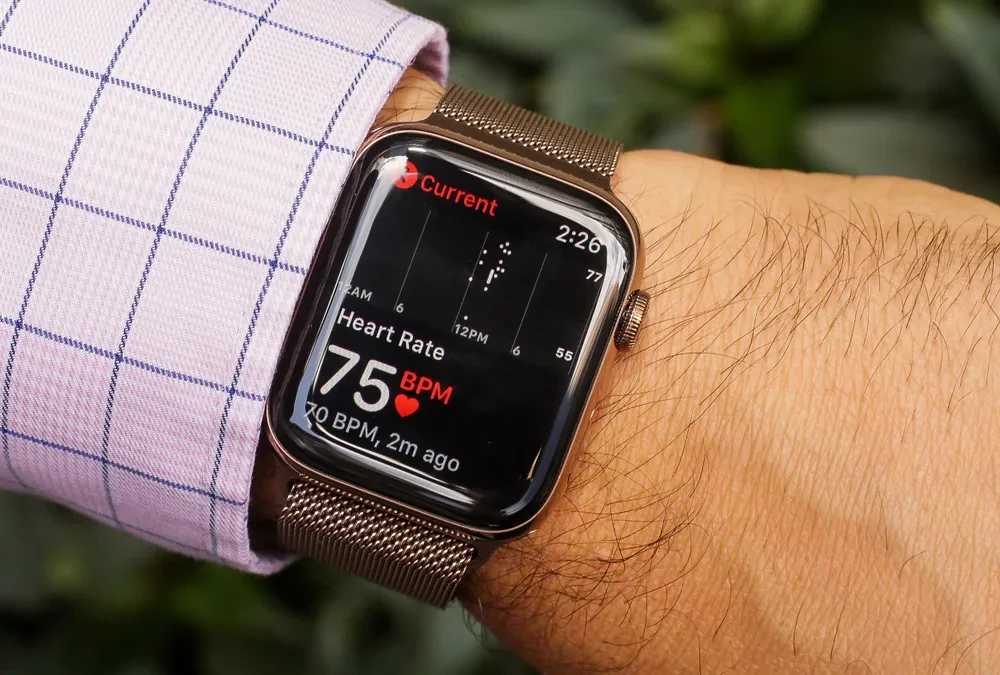
Your heart doesn’t beat like a metronome. And that’s actually good. Heart rate variability measures the millisecond gaps between heartbeats—higher numbers mean your nervous system adapts better to stress. Clinical studies show Apple Watch Series 6 achieved 1.15% error rate for HRV during resting conditions, making it remarkably accurate for recovery tracking.
Stress, sleep quality, exercise, caffeine, alcohol, health conditions, and age all impact your HRV readings.
Track it properly
- Open the Health app on iPhone
- Go to Browse > Heart > Heart Rate Variability
- For best results: Use the Mindfulness app on your watch every morning at the same time
- Start a 1-minute Breathe session to trigger a manual reading
- Check your HRV trend over weeks, not days
A dropping HRV trend means your body needs rest. Listen to it.
3. Noise Level Monitoring (Protect Your Hearing)
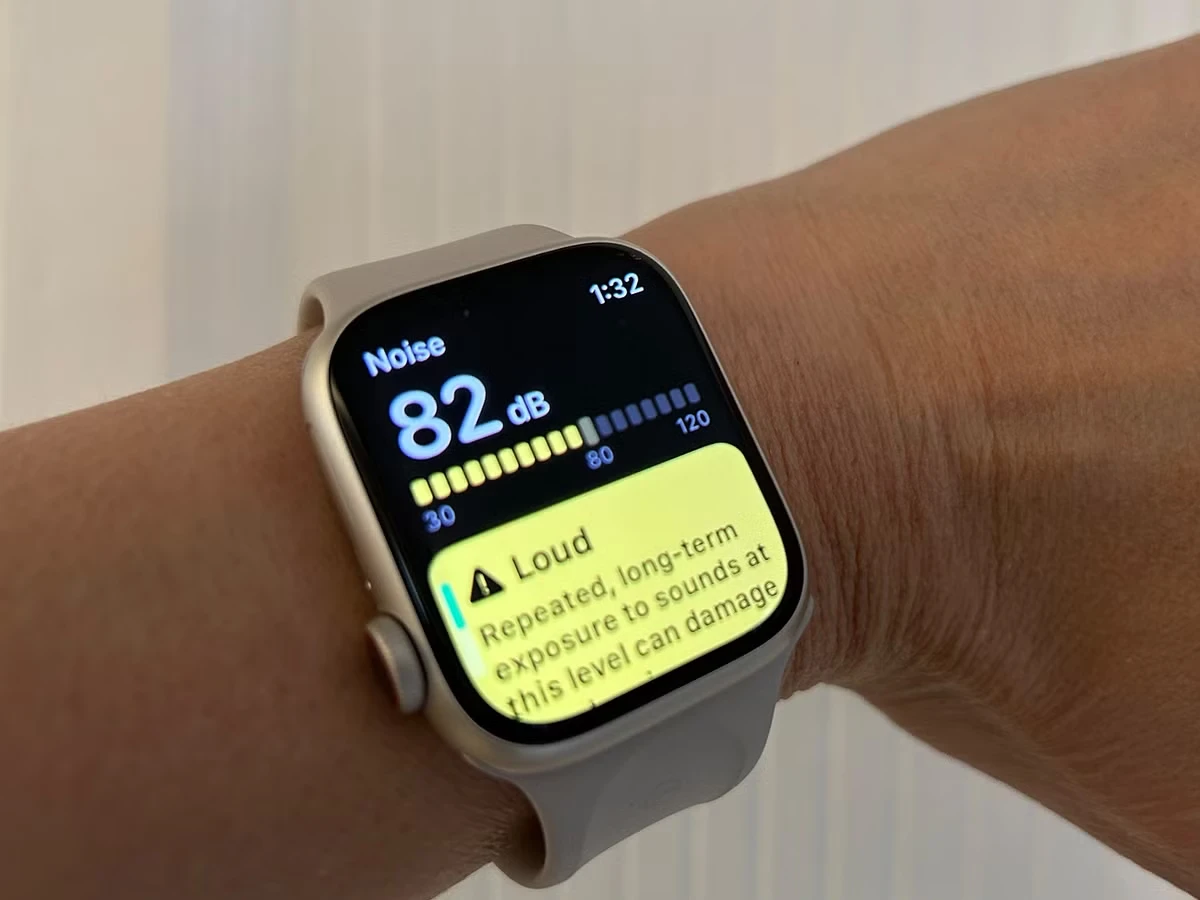
That ringing in your ears after a concert isn’t normal. It’s damaged. One in three people are regularly exposed to loud environmental noise levels that can impact hearing, yet most have no idea when they’re in danger.
Long-term exposure above 80 decibels can lead to permanent hearing loss. At 90 decibels—about as loud as a lawnmower or subway train, just 30 minutes a day can cause temporary hearing loss, with a weekly safe limit of only 4 hours.
The watch uses its microphone to monitor environmental noise without recording audio. When sound levels exceed your threshold during concerts, construction sites, or commutes, you’ll get a tap on your wrist. This hearing health feature works passively in the background, logging exposure times and intensity.
Enable it in two minutes:
- Open the Noise app on the Apple Watch
- Tap Enable to turn on monitoring
- Open the Watch app on iPhone
- Go to My Watch > Noise > Noise Threshold
- Set to 80 decibels (recommended)
The data appears in your Health app, showing daily and weekly exposure patterns. If you’re consistently hitting warning levels during your commute or at work, it’s time to invest in ear protection or change your environment. Your future self will thank you for protecting your hearing now.
4. Vitals App (Your Overnight Health Dashboard)
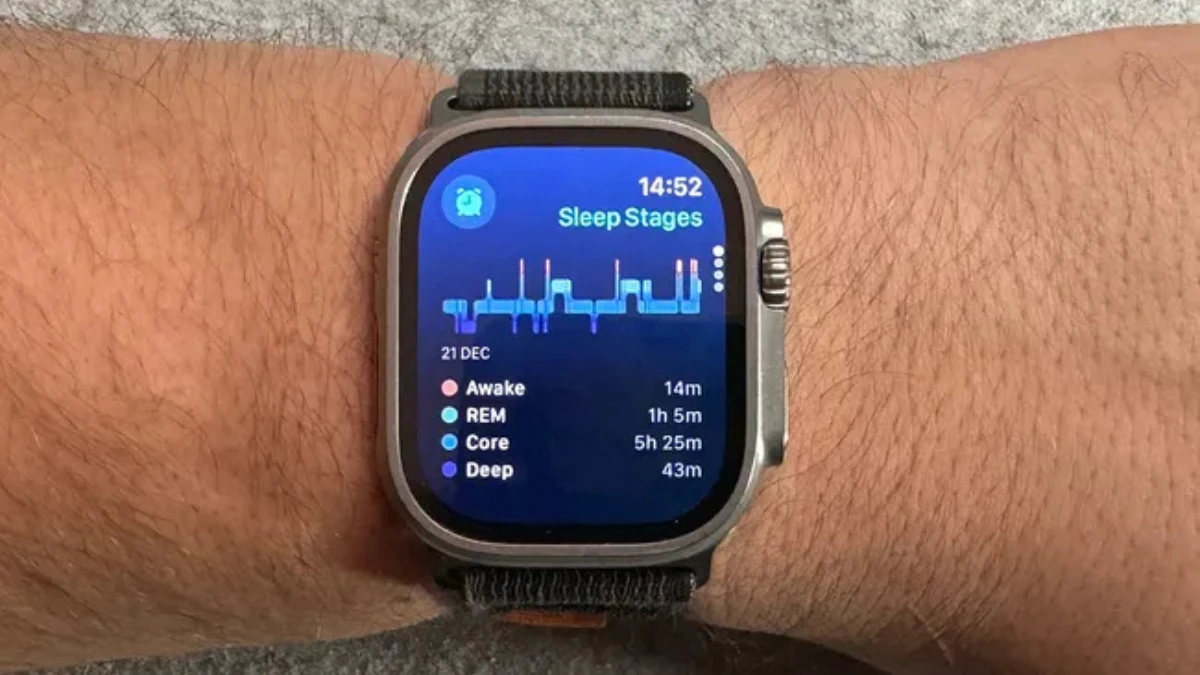
Your body tells the truth when you’re sleeping. The Vitals app transforms your Apple Watch into an early warning system by tracking five overnight metrics simultaneously: heart rate, respiratory rate, wrist temperature, blood oxygen, and sleep duration. Unlike daytime readings affected by movement, stress, and activity, overnight vitals capture your body’s true baseline state.
It sends signals first. One user received a COVID-19 alert when their wrist temperature spiked 2.5°F above their normal baseline, two days before symptoms appeared. The watch didn’t diagnose the illness, but it flagged that something changed, prompting an early test.
The app requires patience. You must wear your watch to bed for seven consecutive nights (minimum four hours per night) to establish your personal baseline. After that, the algorithm compares each night’s data against your typical patterns..
The intelligence lies in correlation. A single metric fluctuation means little—your heart rate might spike from a late-night snack or your respiratory rate from sleeping position. But when three metrics simultaneously deviate from baseline, your body is signaling something systemic.
Get started tonight
- Check compatibility: Series 8+, Ultra models, or SE 3
- Open Settings on watch > Vitals > Turn on Notifications
- Wear a watch to bed for 7 consecutive nights (at least 4 hours per night)
- Keep Sleep Focus or sleep schedule enabled
The dashboard shows color-coded metrics. Green means typical. Yellow or red indicates deviation, with context about what might cause it. Over weeks, you’ll recognize your patterns, maybe your respiratory rate always rises after intense workouts, or your wrist temperature drops during travel.
5. Wrist Temperature Tracking (Beyond Just Fever)
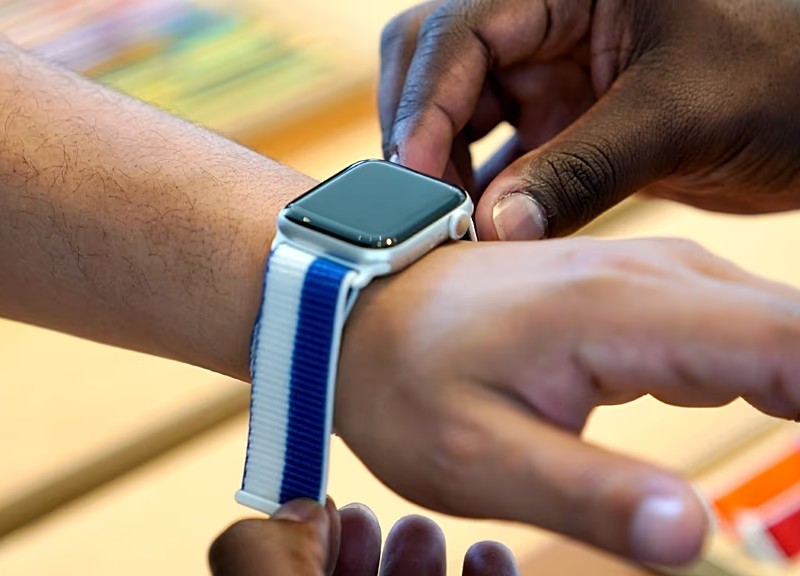
Your Apple Watch isn’t a thermometer. It’s better. Traditional thermometers give you a single snapshot. Wrist temperature tracking maps how your body temperature naturally fluctuates over time, establishing a personal baseline that makes deviations meaningful.
Two sensors work together: one measures your skin, and another compensates for room temperature. Every five seconds while you sleep, the watch samples your wrist temperature, building a nightly average. Your body temperature naturally shifts due to diet, exercise, alcohol, sleep environment, menstrual cycles, and illness—baseline tracking separates normal variation from concerning changes.
Available on Series 8+, all Ultra models, and SE 3, this feature requires five nights to establish your baseline.
Set it up
- Enable Sleep tracking with Track Sleep turned on
- Wear a watch to bed with Sleep Focus activated
- Wait 5 nights for baseline establishment
- Open Health app > Body Measurements > Wrist Temperature
- Look for patterns, not single-night spikes.
6. Fall Detection (Automatic Emergency Calls)
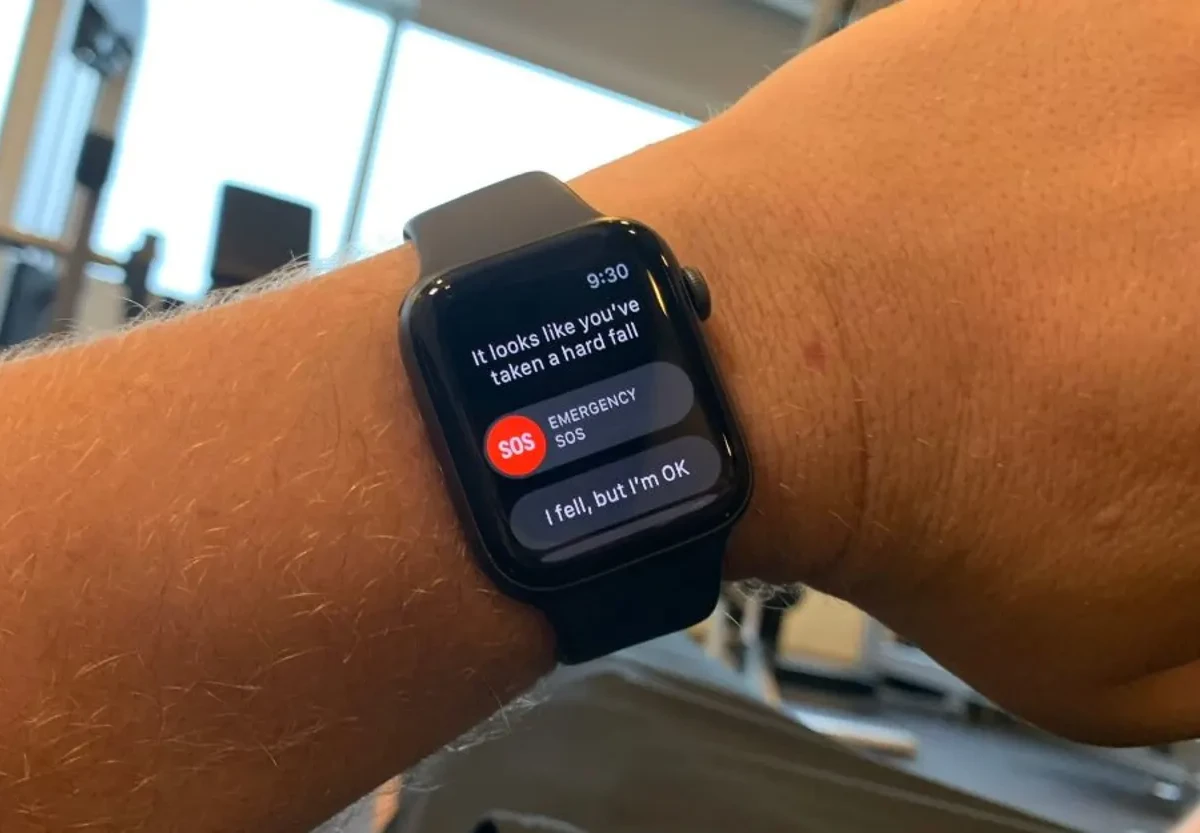
Falls don’t just happen to old people. Anyone can slip on ice, faint from dehydration, or trip down stairs. Your Apple Watch uses accelerometer and gyroscope data to detect hard falls, analyzing motion patterns that indicate a dangerous impact.
Real lives saved: 83-year-old William Fryer fell at home, and his watch detected the fall and alerted emergency services, who discovered a large blood clot requiring immediate surgery. A 67-year-old man in Norway was found unconscious with facial fractures after his watch automatically called responders.
Enable it now
- Open the Watch app on iPhone
- Go to My Watch > Emergency SOS
- Toggle on Fall Detection
- Add emergency contacts
- Consider enabling for anyone over 55 or with balance issues
To avoid false alarms during high-impact sports, the watch learns your activity patterns. You hope you never need this.
7. Crash Detection (For Car Accidents)
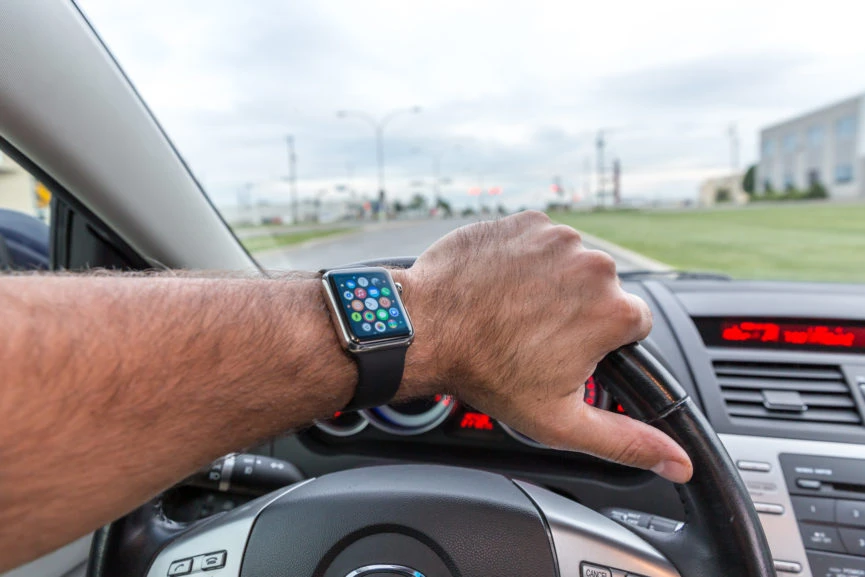
You won’t see the accident coming. Your watch will. Available on Series 8+, Ultra models, and newer, Crash Detection uses advanced sensors to detect severe car crashes—analyzing G-force patterns, sudden speed changes, cabin pressure shifts, and loud impact sounds.
The same emergency response system activates: countdown, automatic 911 call, and location sharing with emergency contacts. It works even when your iPhone isn’t nearby, using your watch’s cellular connection or nearby Wi-Fi.
One AppleInsider writer credits the feature with saving their life after a scooter crash left them unconscious with no memory of the accident. A 20-year-old Florida woman used her watch to locate her iPhone and call 911 after her car flipped into a ditch and filled with water.
8. Hypertension Notifications (New in 2025)
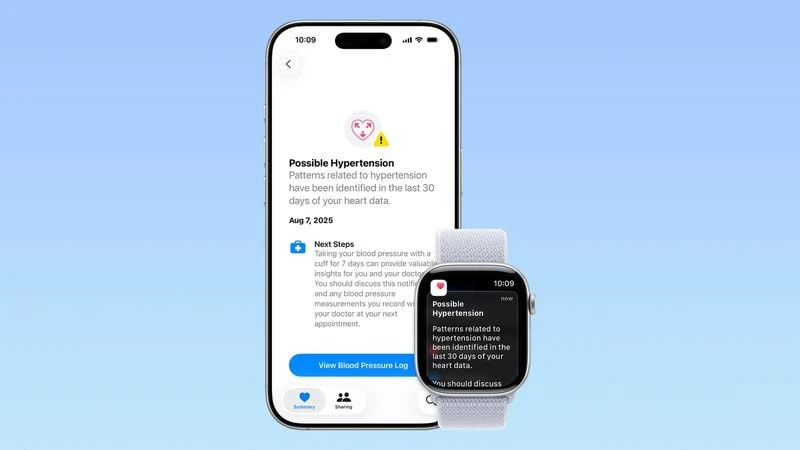
High blood pressure has no symptoms. Until it does. By then, you might be facing a stroke, a heart attack, or kidney damage. Hypertension impacts 1.3 billion adults globally and is frequently undiagnosed because most people feel perfectly fine while their arteries silently sustain damage.
Apple’s new hypertension detection doesn’t measure blood pressure numbers—it does something smarter. Available on Series 9, 10, 11, and Ultra 2, 3 with watchOS 26, the algorithm works passively in the background, analyzing how your blood vessels respond to your heartbeat over 30-day periods. Using the optical heart sensor, it detects patterns consistent with elevated blood pressure.
This isn’t instant. The watch needs weeks of data across different times, activities, and rest states to establish patterns. Unlike blood pressure cuffs that capture single moments, this approach reveals trends your body shows consistently.
When the algorithm detects concerning patterns, you’ll receive a notification explaining that your readings suggest elevated blood pressure. The alert includes educational resources about hypertension and recommends seeing a healthcare provider for a proper diagnosis with clinical equipment.
Get started
- Update to watchOS 26 or later
- Open the Health app on iPhone
- Tap your profile icon > Health Checklist
- Tap Hypertension Notifications > Set Up
- Wear the watch regularly for 30 days
The feature won’t diagnose you. Clinical blood pressure measurements require inflatable cuffs and precise protocols. But if your watch taps your wrist with a hypertension alert, don’t ignore it. Schedule a doctor’s appointment for proper testing.
Think of this as a screening tool, not a medical device. It catches signals that warrant investigation—the kind of signals most people miss until they’re in the emergency room, wondering why they never knew. This isn’t a diagnosis. It’s a heads-up to see your doctor.
9. Sleep Score (Finally Makes Sense of Your Sleep)
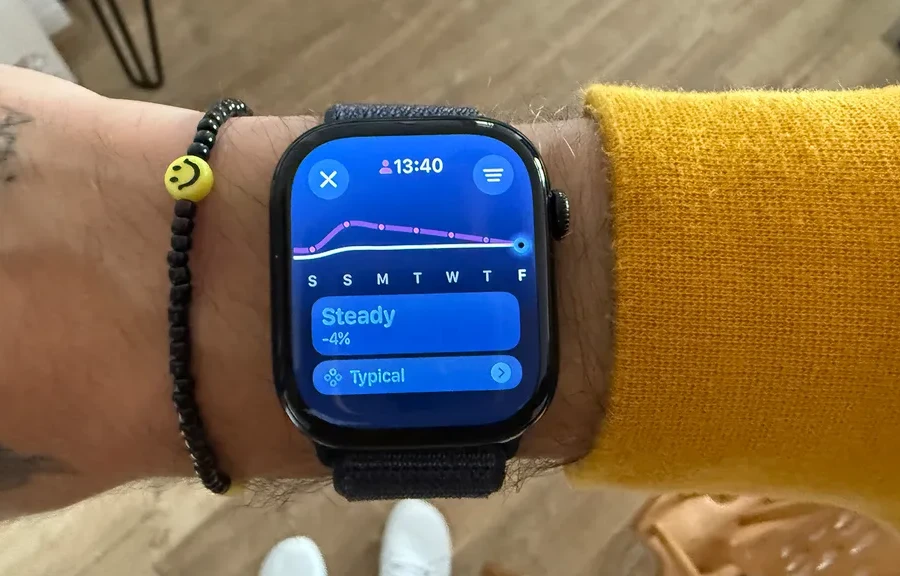
You know you slept 7 hours. But did you sleep well? Raw sleep duration tells an incomplete story; you could spend 8 hours in bed but wake up feeling terrible if you tossed, turned, and woke repeatedly. Sleep Score, new in watchOS 26, combines multiple factors into a single 0-100 rating that actually explains how you feel.
The algorithm weighs three components: duration earns up to 50 points, bedtime consistency is worth 30 points, and interruptions account for 20 points. Your watch analyzes movement, heart rate, and respiratory patterns throughout the night, then calculates whether your sleep was Excellent (90-100), High (70-89), OK (50-69), or Low (below 50).
Available on Series 9+, Ultra 2+, and SE 3, the feature finally answers the question: “Why do I feel exhausted after 8 hours of sleep?” Maybe you went to bed at wildly different times each night, confusing your circadian rhythm. Or perhaps you experienced frequent micro-awakenings that fragmented your deep sleep cycles, even if you don’t remember them.
View your score
- Open the Sleep app on Apple Watch each morning
- Or check the Health app on iPhone for detailed breakdowns
- Look for patterns across weeks, not single nights
- Focus on consistency, not perfection
Improving your score means targeting the weakest component. Low duration? Set an earlier bedtime. Consistency issues? Sleep and wake at the same times, even on weekends. Too many interruptions? Address environmental factors like room temperature, light, or noise.
