

As a librarian, I get asked questions all day long. But the most common question I hear is not about finding a specific shelf. It is about how to keep reading without emptying your wallet.
Buying brand-new hardcovers adds up fast. Paying for monthly audio subscriptions can cost you hundreds of dollars every single year. You probably want to read more, but high prices hold you back. Trying to find safe alternatives online can feel overwhelming. Many search results lead to sketchy or illegal pages.
You do not have to settle for expensive stores or bad websites to read any book for free. These tools that library professionals use every single day at safe websites for free books legally, so you never have to worry about viruses or piracy.
#1. Libby Public Library
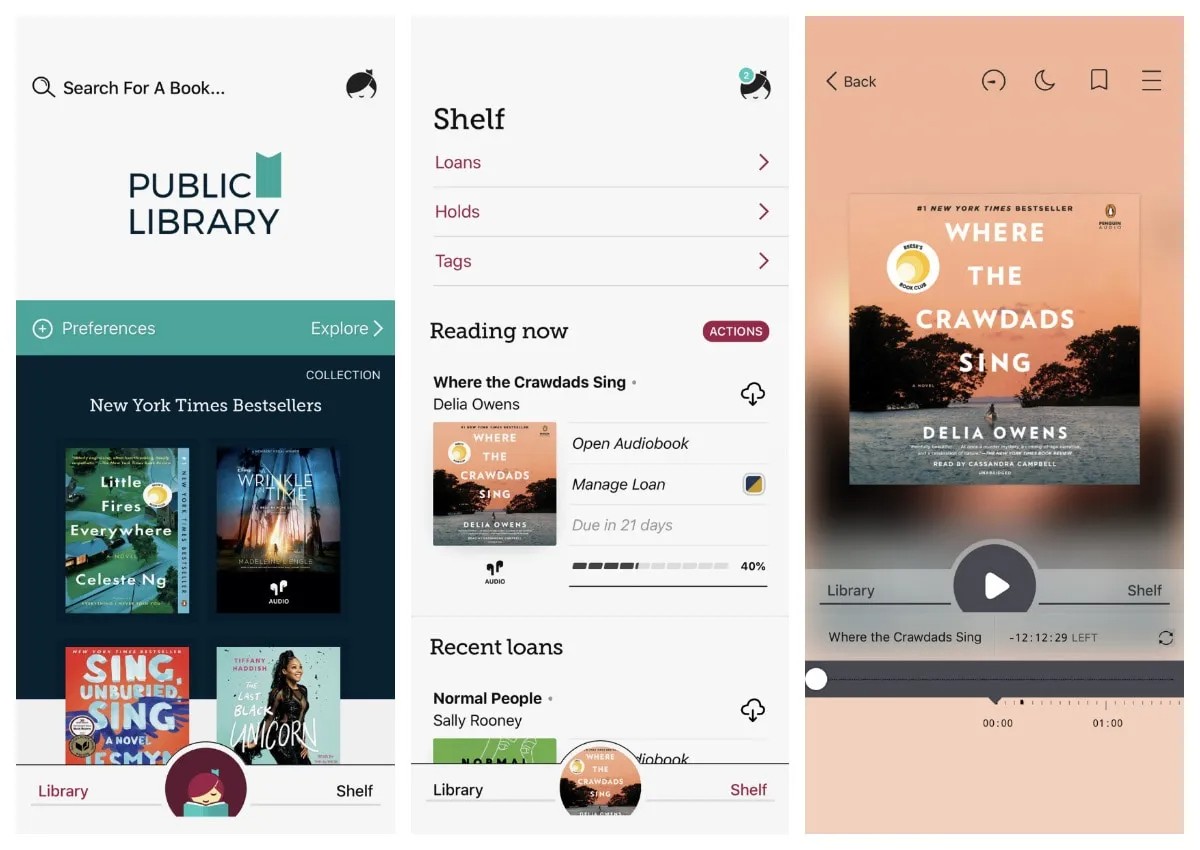
You want to read popular new books, but paying retail prices hurts your wallet. Libby is the solution you need. It connects directly to your local public library. You just need a free library card to get started. Once you sign in, you can browse and borrow ebooks online.
You can read them right inside the app on your phone or tablet. You can also send the files directly to your e-reader device. It is one of the top librarian-recommended reading apps available right now.
OverDrive runs the Libby app. They process over a billion digital checkouts globally. It means the system is huge and very reliable. But there is one drawback. You have to wait in line for popular new releases.
If you want a recent bestseller like The Women by Kristin Hannah, you will need to place a hold. You tap a button and wait for your turn. The app shows you your estimated wait time.
#2. Hoopla
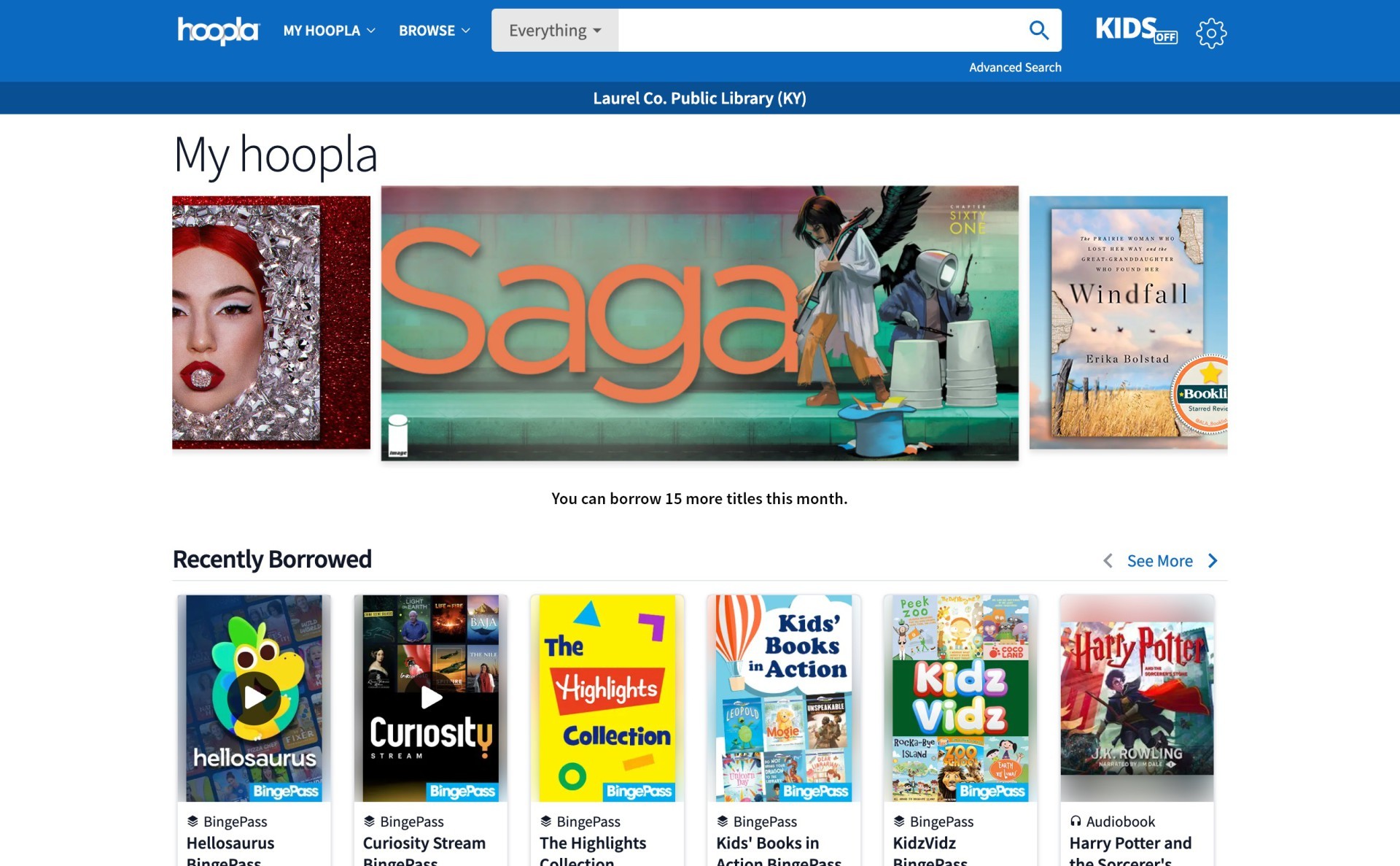
Waiting in a digital hold line can be annoying. Hoopla fixes this problem completely. It gives you instant access to everything in its massive catalog. There are absolutely no hold lines ever. If you see a book you want, you tap Borrow and start reading right away.
You just link your local library card to create an account. But there is a catch. Your library sets a strict monthly limit on how many items you can borrow. You might get five checkouts a month, or maybe ten. You have to plan your reading carefully.
Hoopla is also more than just regular text. You can use it to read any book for free, but it also has a huge selection of comics and graphic novels. It is a fantastic place to find audiobooks, too. You can listen while you walk or clean the house. It gives you instant entertainment without spending a single penny.
#3. Project Gutenberg
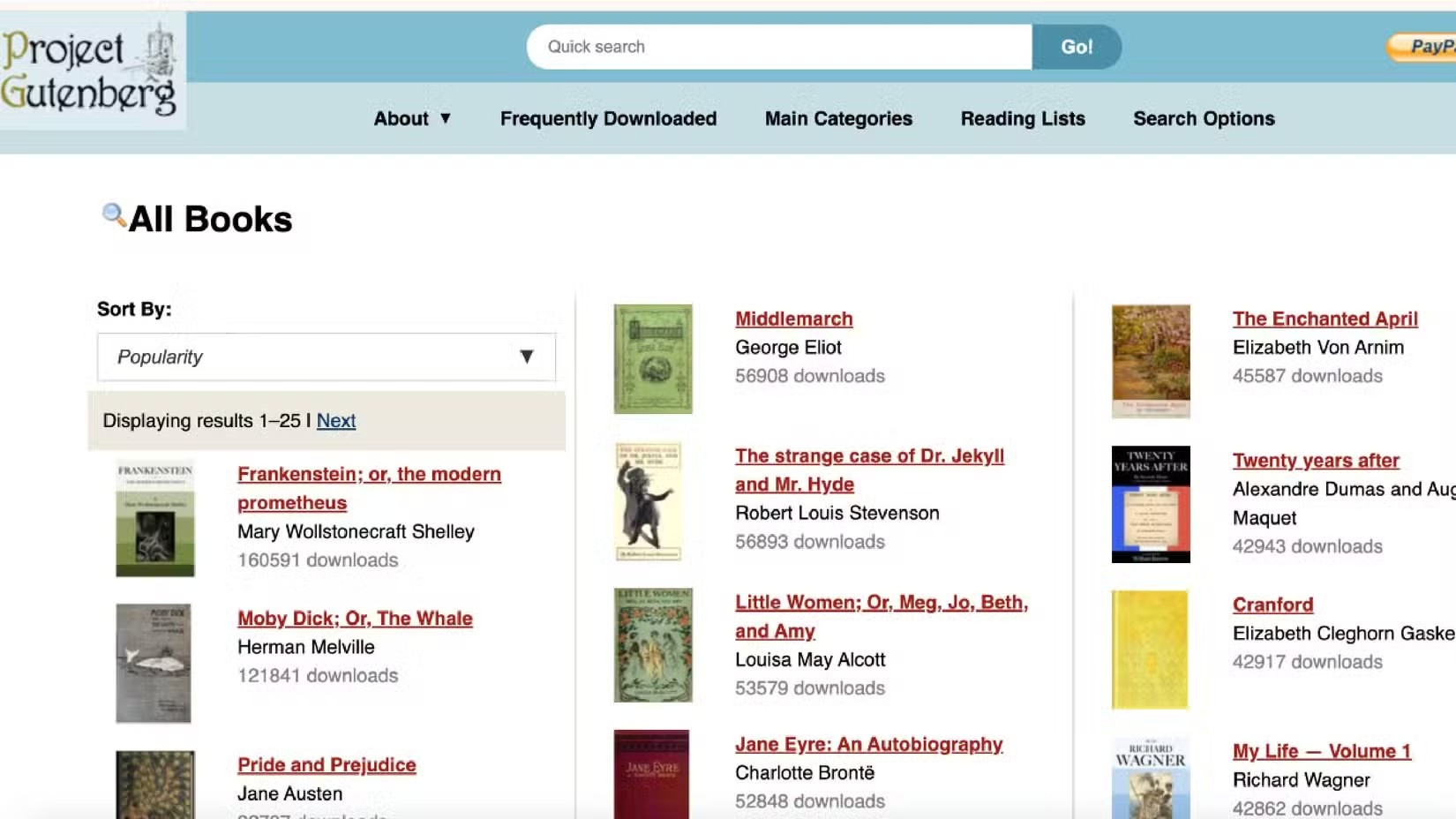
Sometimes you do not have a library card. You can still borrow ebooks online using Project Gutenberg. This website focuses entirely on books in the public domain. The public domain means the copyright on a book has officially expired. The story now belongs to the public.
Volunteers digitize these old physical texts so anyone can read them. You do not need to create an account. You do not need to remember a password. You go to the website, search, and click. The site currently hosts over 75,000 free eBooks.
#4. AppleBooks
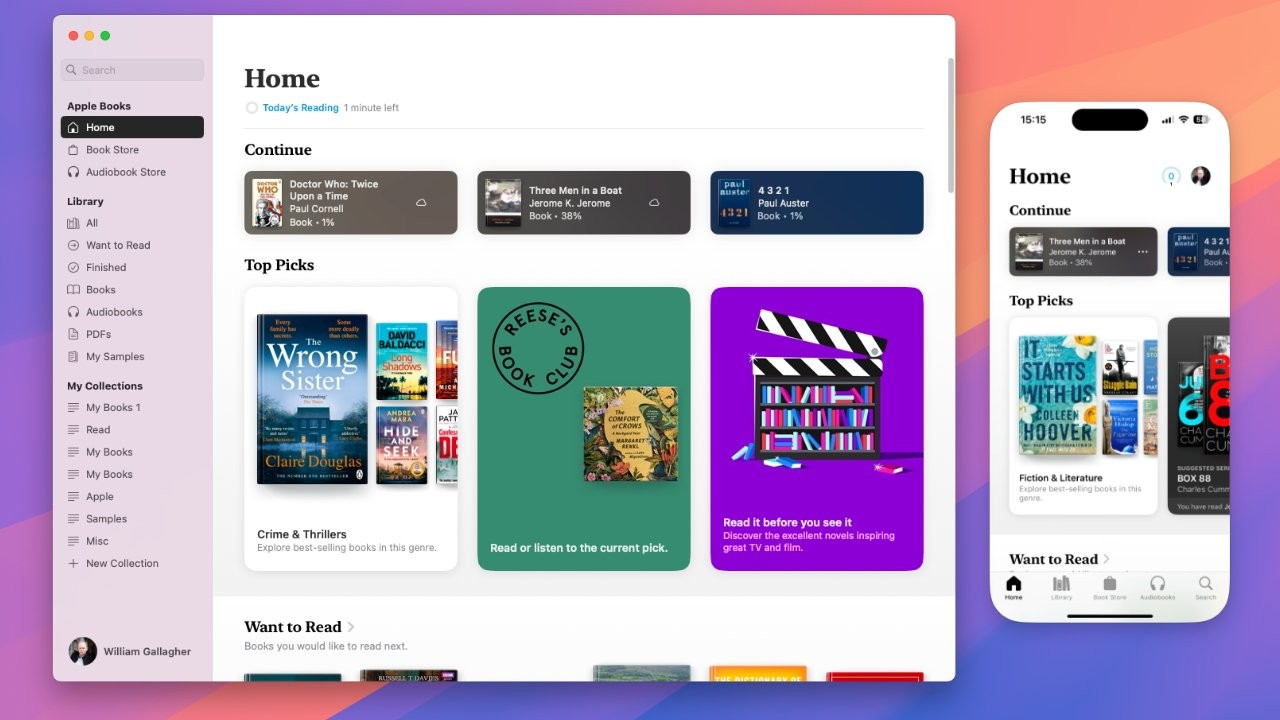
You can read any books for free directly on your computer screen. You can also download the files to keep. They offer specific formats for Kindle devices. They have standard EPUB files for other reading tablets. They even offer plain text files. It is simple, fast, and completely legal.
#5. OpenLibraray
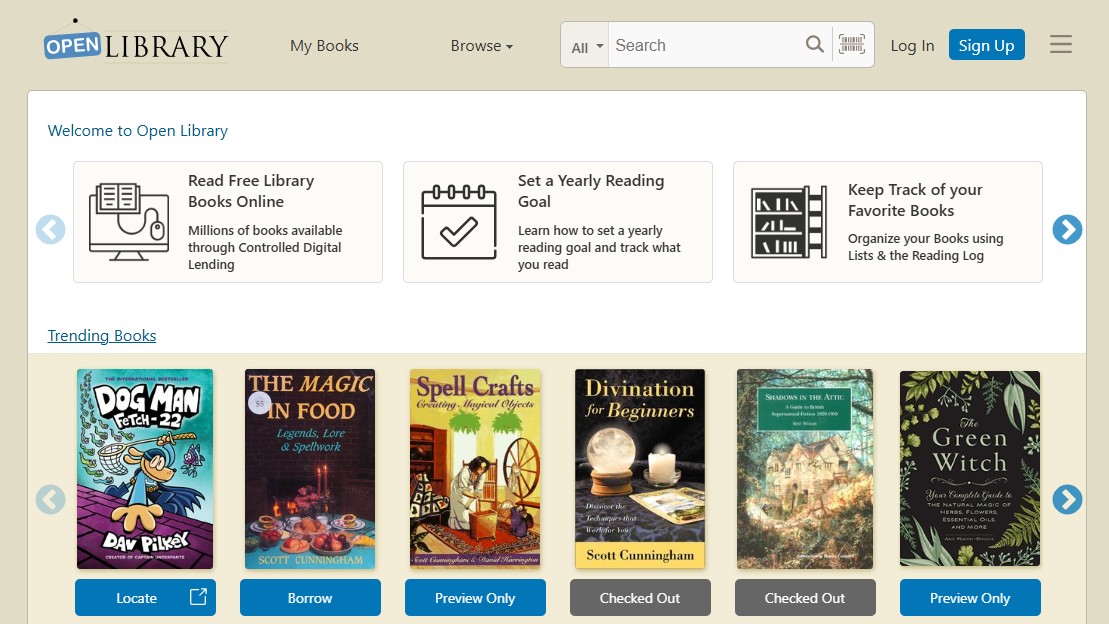
Finding an old or out-of-print book can feel impossible. The Internet Archive and its Open Library project solve this exact problem. Think of it like a massive digital time machine. They scan physical books and put them online for people to use. This makes the site a total goldmine for students and researchers.
They house millions of fully borrowable books. To use the service, you must create a free account. Once you sign up, you can start checking books out. The digital lending process works just like a physical library building. If they have one digital copy of a copyrighted book, only one person can read it at a time.
It is one of the most unique websites for free books legally. While it is a website rather than a mobile app, it works well alongside other librarian-recommended reading apps. You will find unique things here that you simply cannot find anywhere else on the internet.
#6. BookBub
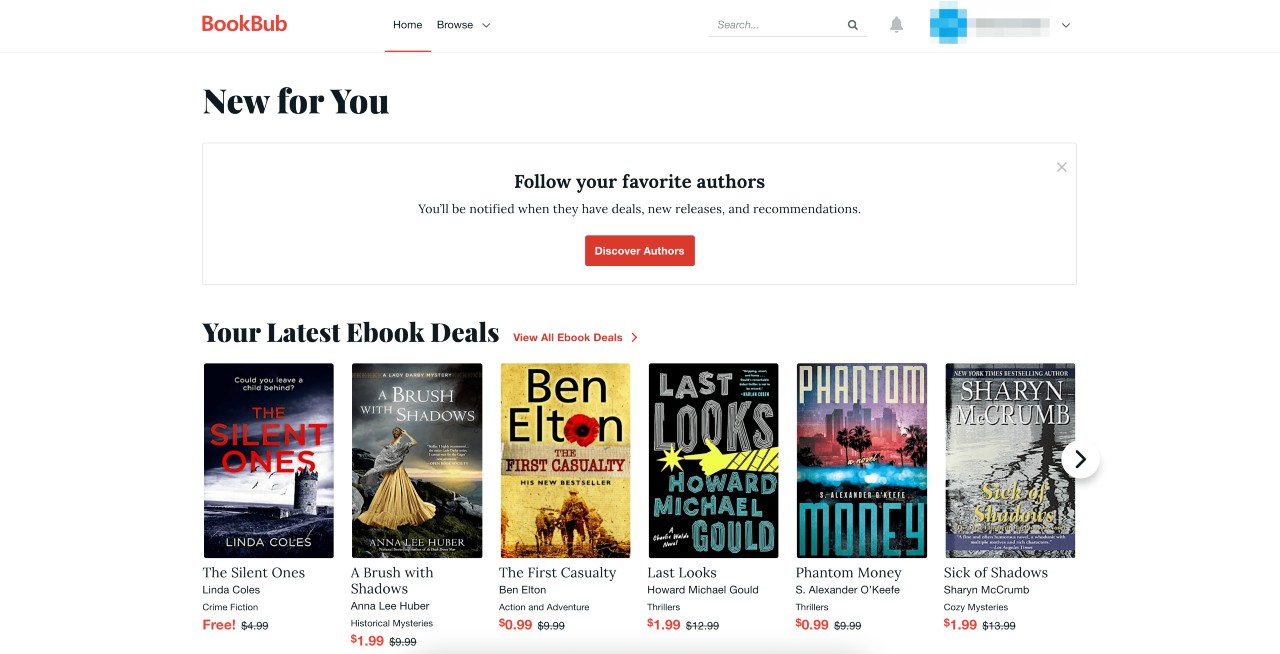
Borrowing books is great. Keeping them forever is even better. BookBub helps you do exactly that. BookBub is a daily email newsletter, not a library app. You sign up with your email address and tell them what book genres you actually like.
Authors and publishers use this service to run short promotions. They often drop the price of their digital books to exactly $0.00 for a very limited time. BookBub sends an email every day with a list of these specific deals. You can customize your account settings to only show you the completely free options.
You just click the link in your email and download the book straight from the store. You do not just borrow ebooks online with this method. You get to keep the actual files forever.
#7. Smashwords
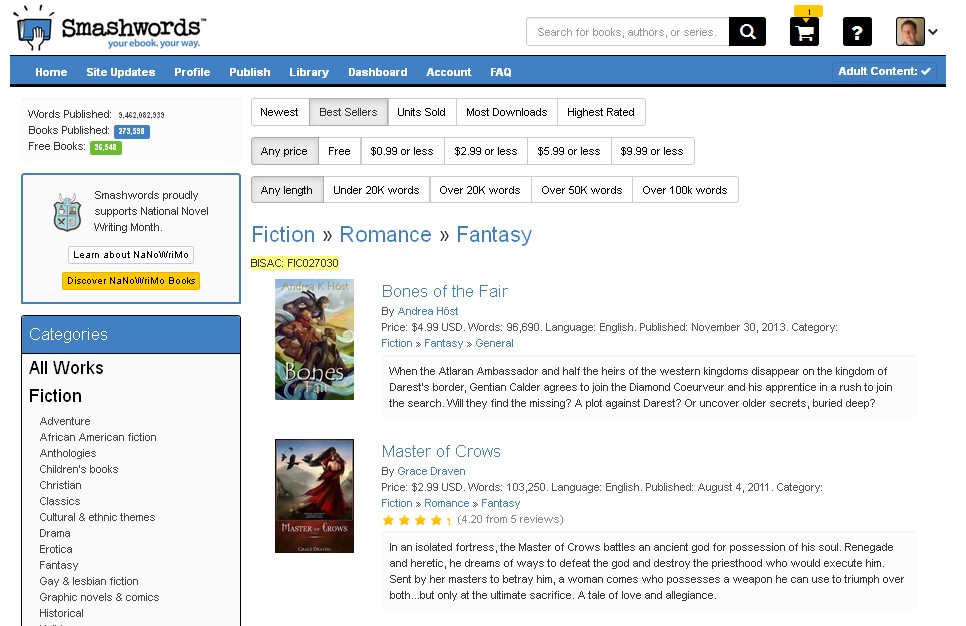
Smashwords is the world’s largest distributor of indie ebooks. Independent authors and self-publishers use it to release their work globally. While they operate as a bookstore, they have a massive, dedicated free section. Authors frequently offer their first book in a series or standalone guides on topics like content creation, digital marketing, and personal finance for free to attract new readers.
Great for discovering new, independent authors and niche topics without spending a dime. Most books are DRM-free, meaning you can easily move them to any reading device you prefer.
#8. ManyBooks
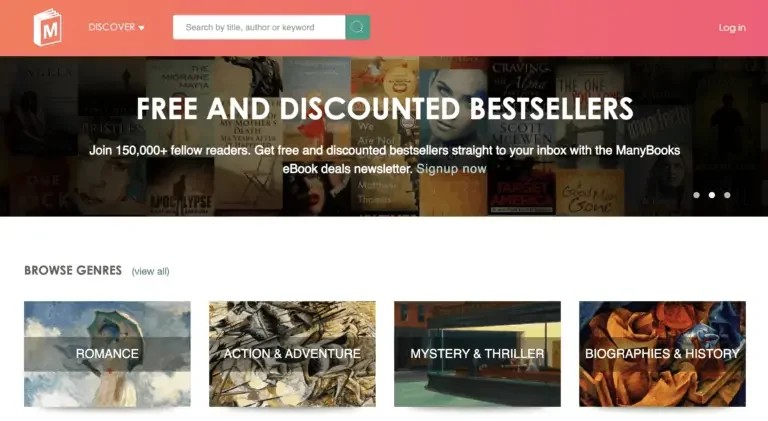
ManyBooks was established to provide an extensive library of free ebooks for digital readers. They curate public domain books and host free promotional copies from self-published authors. Over 50,000 free ebooks. They have a very visually appealing, user-friendly interface that makes it easy to browse by genre, author, or language.
The website is incredibly easy to navigate compared to older academic archives, and they format their books beautifully for modern e-readers and tablets.
#9. Amazon Kindle Store
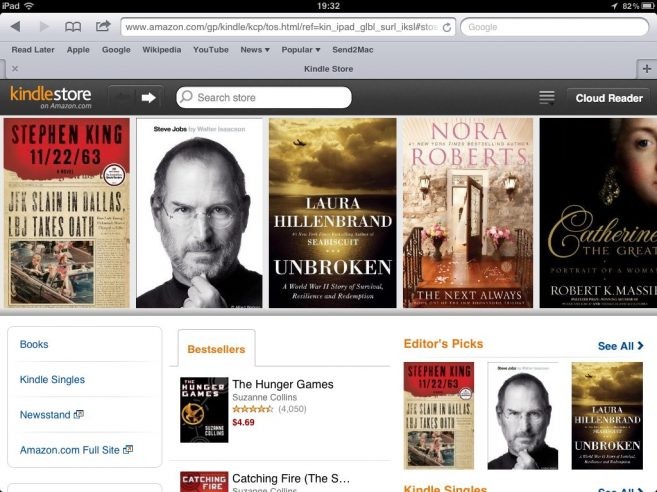
The massive retail giants both have hidden sections and search filters dedicated entirely to free books. A mix of everything. You will find public domain classics, promotional freebies from mainstream publishers trying to boost a new author, and introductory books from indie authors.
If you already use an Apple device, Android phone, or Kindle e-reader, these free books will sync well with the apps you likely already have installed. Be careful while navigating the stores so you do not accidentally click on paid books or Kindle subscription offers while browsing the free sections.
#10. Feedbooks
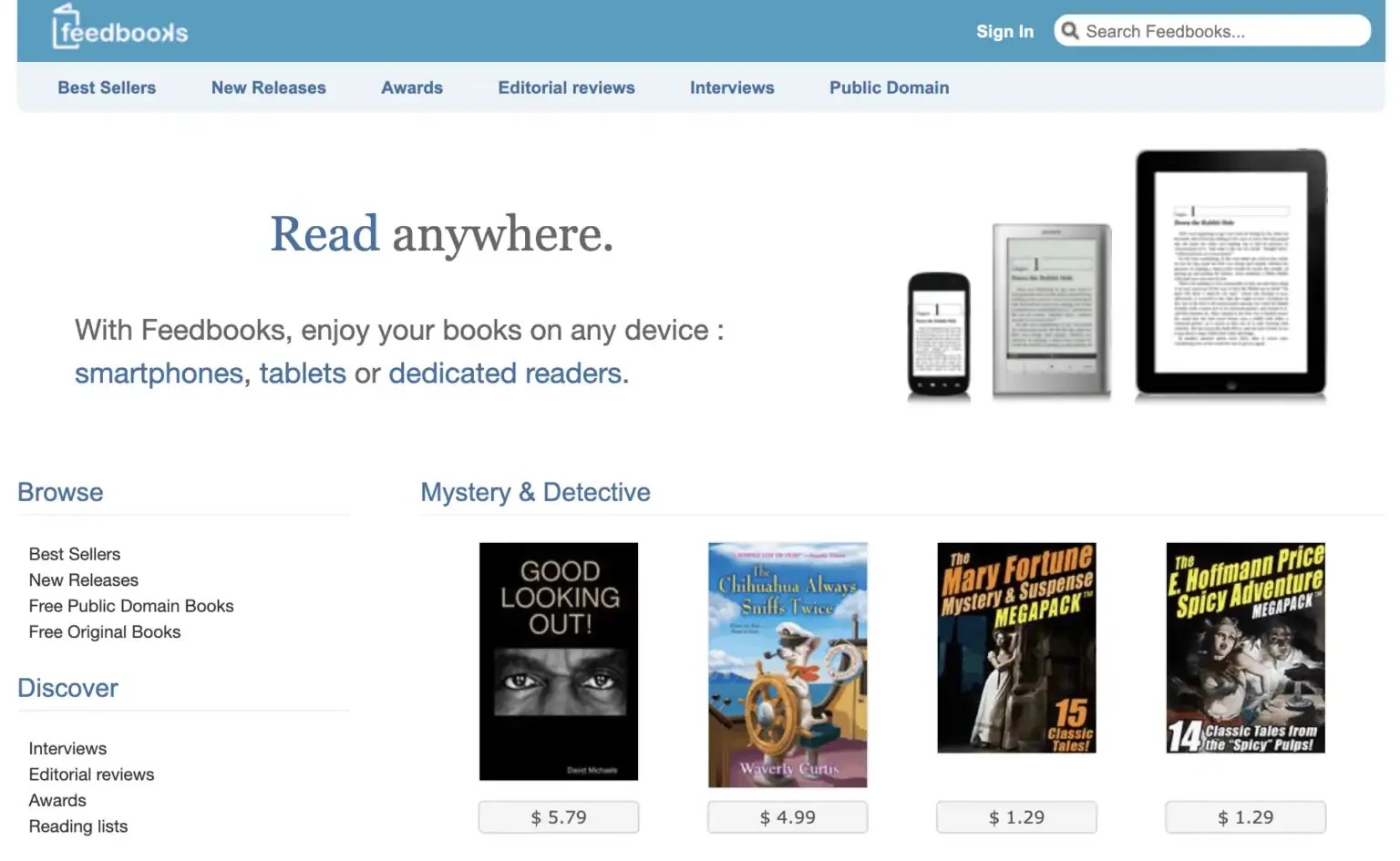
Feedbooks is a fantastic digital library that has long been celebrated for providing exceptionally high-quality typesetting. While the platform recently began transitioning its marketplace under the name Cantook, it remains a phenomenal archive for public domain books and original works.
You can download books in EPUB, Kindle, and PDF formats, making it easy to format correctly on any device. If you enjoy exploring foundational life lessons, self-improvement, or reading classic philosophy, their public domain section is incredibly well-organized and entirely free.
#11. Free-eBooks.net
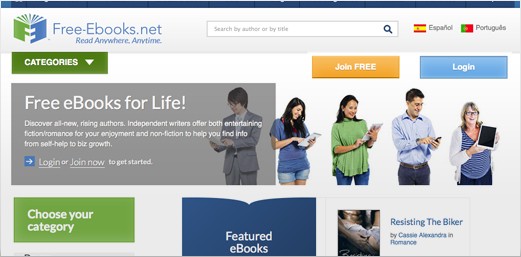
This platform is a massive hub for independent authors and avid readers. When you sign up for a free account, you are allowed to download five free books every single month in formats like PDF and TXT. Because it caters heavily to self-published writers, it is a brilliant place to find niche topics.
You can easily uncover guides on side hustles, unique cookbook recipes, or contemporary fiction that you would not find in mainstream stores. The site has an active community and allows you to browse through dozens of highly specific categories.
#12. Kobo
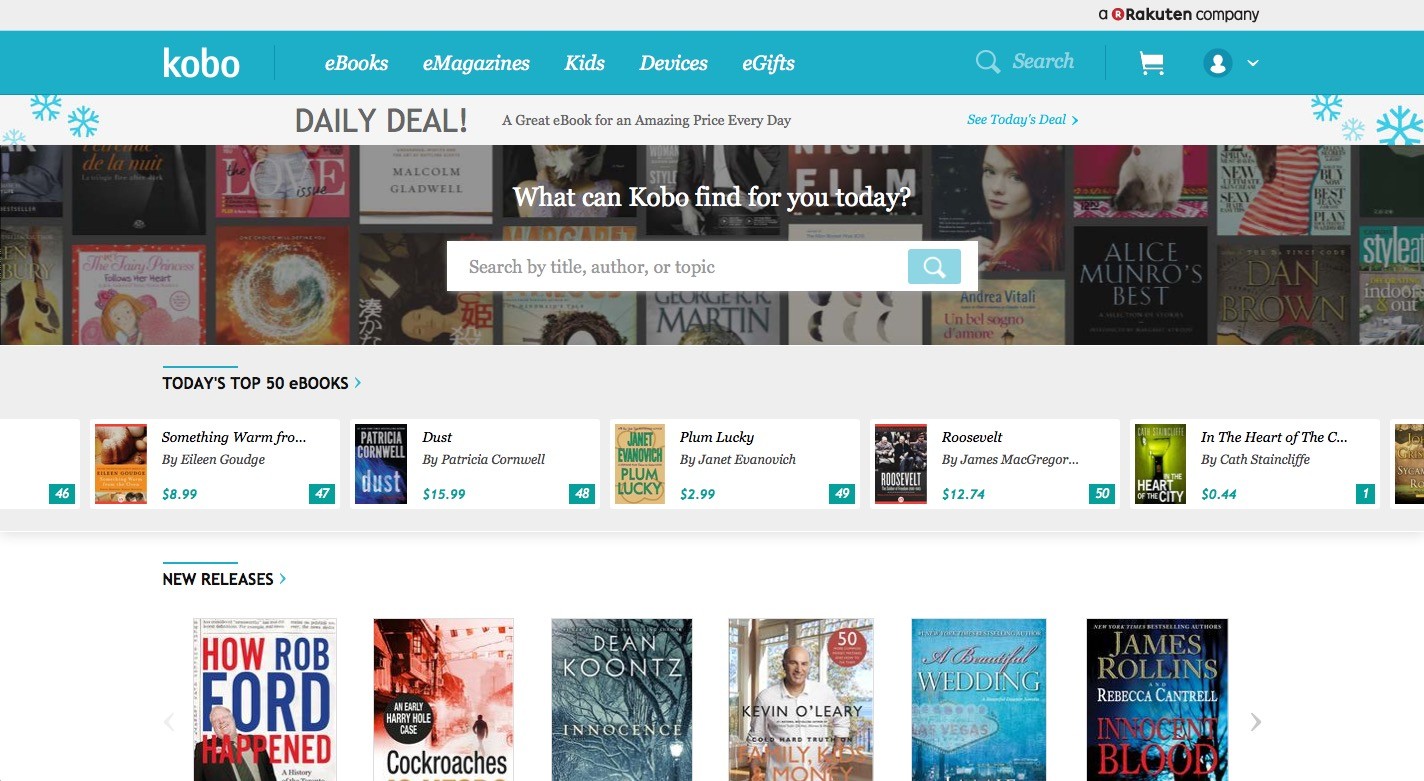
Rakuten Kobo is primarily a large retail store that competes with platforms like Amazon, but they maintain a permanent section dedicated entirely to free eBooks. This is one of the best places to find modern, professionally formatted books. Traditionally published authors frequently list the first book in a series for free here to draw in new readers.
If you are looking for resources on child development or quick bedtime stories, Kobo has a wonderfully curated free section for children and parents. The books sync perfectly with the free Kobo app, making it highly convenient if you prefer reading directly on your iPhone or iPad.
#13. Bookboon
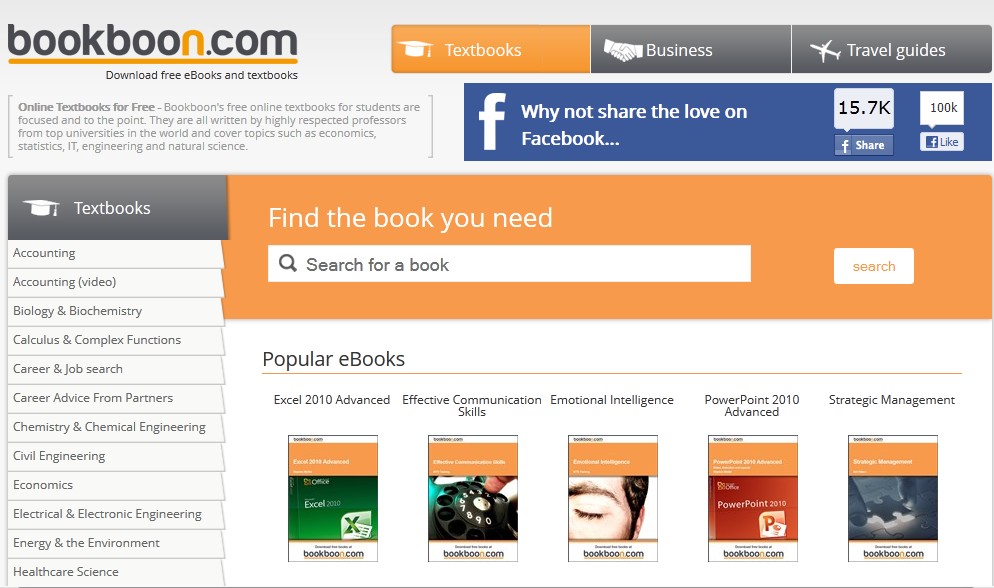
Bookboon operates a little differently than the other websites, focusing almost exclusively on educational, business, and professional development textbooks. They offer bite-sized, practical books that are financed through limited, embedded corporate advertising, which allows you to download them completely free of charge.
If you are focused on content creation, marketing, cybersecurity, or wealth-building strategies, this is an invaluable resource. You can find concise, expert-written guides on everything from digitalization to managing finances, making it perfect for leveling up your professional skills.
#14. ReadCentral
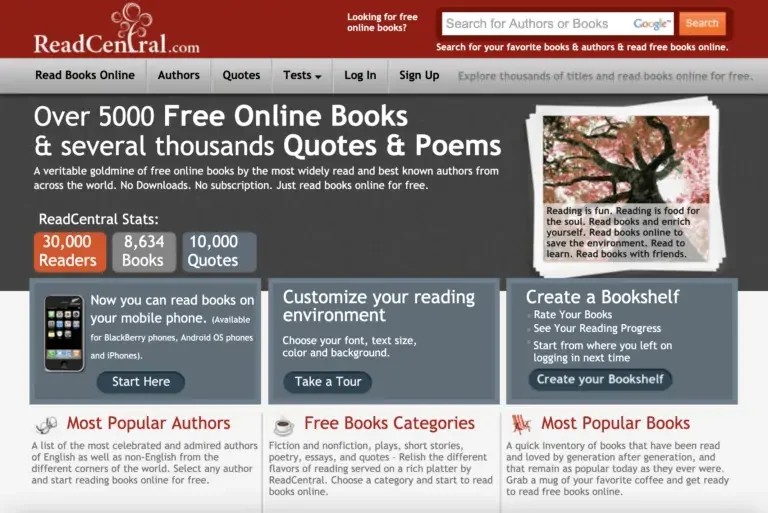
If you prefer not to download files or sign up for user accounts, ReadCentral is incredibly straightforward. It offers thousands of free books, poems, and quotes that you can read directly in your web browser. The platform focuses heavily on celebrated authors and classic literature rather than new releases.
The website provides a built-in smart reader interface where you can easily adjust text color and fonts for a comfortable viewing experience. It is a highly accessible option if you just want to click a title and start reading immediately without any technical barriers.
#15. Flipster
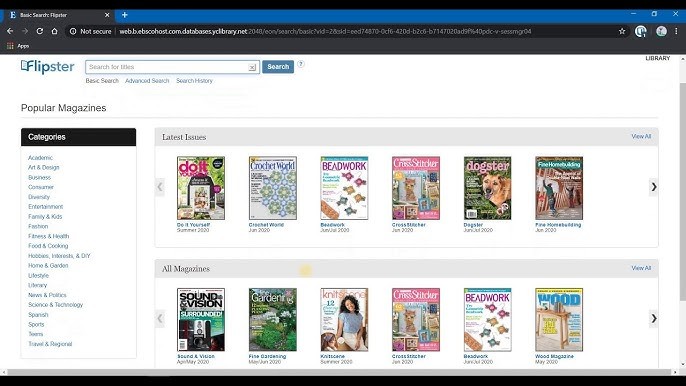
Flipster is a service that lets you borrow digital versions of popular magazines offered by public libraries. Among hundreds of titles, you will find Time, People, Popular Science, InStyle, Vogue, New Yorker, and Vanity Fair.
There is no need to search for a supported library on the web – you can do it right within the app the moment you download it to your iPad or iPhone. After you find the library and sign in with your library card, you can browse, search, and download your favorite magazines for offline reading.
