
You might think you are safe just because you have antivirus software installed. But that isn’t enough anymore. Research shows that 88% of data breaches are actually caused by human error, not technical failure.
Cybercriminals in 2025 aren’t just “hacking computers.” They are hacking people. They use advanced AI tools to create scams that look real. They look for lazy habits, like reusing passwords or skipping updates. If you make these errors, you are leaving the front door open for them.
You don’t need to be a tech wizard these 11 common cybersecurity mistakes that beginners make every day. We will show you exactly how to prevent cyber attacks with free or low-cost changes. By avoiding these simple errors, you can take control of your digital safety starting today.
#1. Recycling Passwords Across Accounts
Think about your dog’s name. Or maybe your street address. Now, think about how many accounts use that word as a password. If you use the same password for Netflix, your bank, and your email, you are taking a huge risk.
Hackers use a technique called “Credential Stuffing.” They steal your login from a weak site, like a fitness forum. Then, automated bots try that same email and password on Amazon, PayPal, and Gmail. If it works on one, they get into everything.
Adding a “1” or an exclamation mark at the end doesn’t help. Computers can guess that pattern in seconds. You need unique codes for every login. Since you can’t remember 50 different complex codes, use a password manager. It remembers them for you.
#2. Ignoring Software Updates (The “Remind Me Later” Trap)
We all hate that popup window. You know the one. It says an update is ready, and you immediately click “Remind Me Later.” You probably think updates are just for new emojis or changing how menus look. But that isn’t true.
Most updates are actually security patches. Developers release them because they found a hole in the code that hackers can use to get in. These are called “Zero-Day” vulnerabilities. If you ignore the update, you leave the door open.
Hackers know exactly how to break into those old systems. The time it takes for them to exploit a new hole is dropping fast. Unpatched software is now a top entry point for ransomware.
Go to your settings today. Turn on “Automatic Updates” for your operating system and your browser. This simple step handles patch management for you while you sleep.
#3. Refusing to Enable Multi-Factor Authentication (MFA)
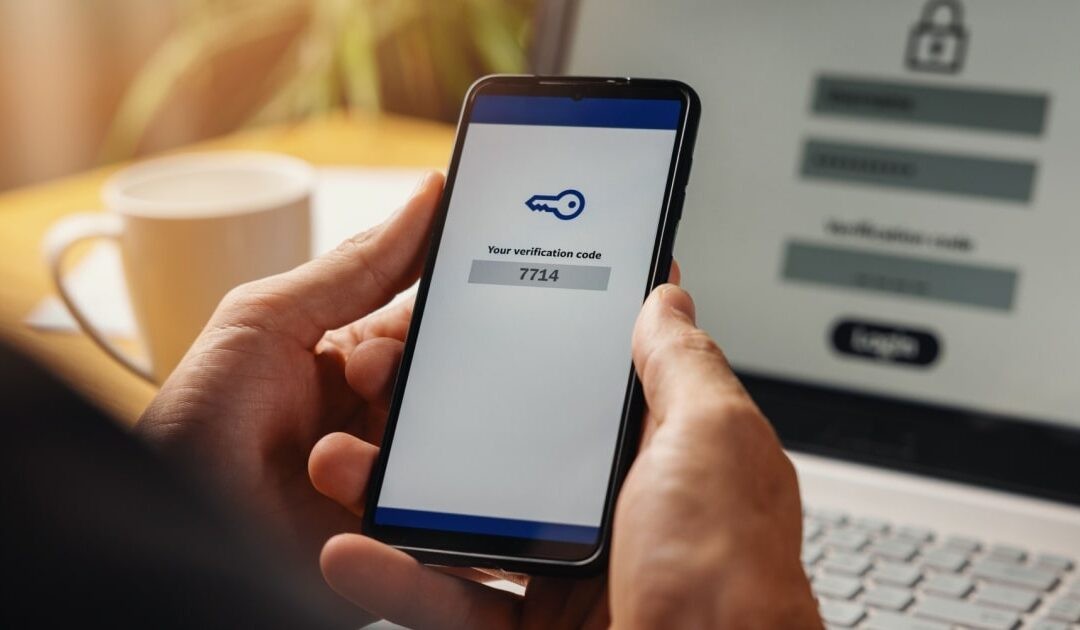
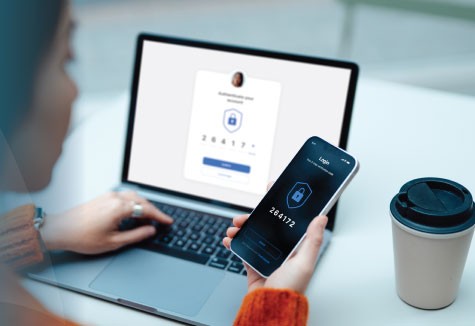
This is where Multi-Factor Authentication (MFA) comes in. It asks for proof that you are really you. Even if a hacker has your password, they can’t get in without the second code. Microsoft reports that 99.9% of compromised accounts did not have MFA enabled. That is a massive number.
Not all MFA is created equal. Here is the hierarchy of safety:
- Hardware Keys (Best): A physical device like a YubiKey that you plug in.
- Authenticator Apps (Great): Apps like Google Authenticator that generate a code on your phone.
- SMS Text (Okay): Better than nothing, but hackers can sometimes intercept text messages.
Enable MFA on every account that supports it immediately. It takes five extra seconds to log in, but it saves you months of headache.
#4. Trusting Public Wi-Fi Without Protection
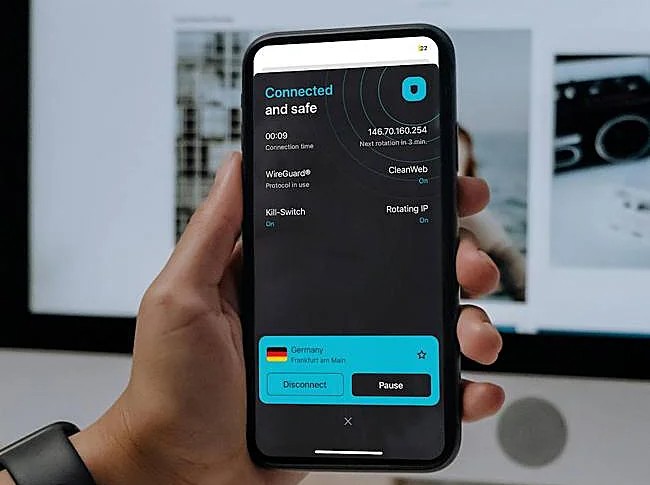
Free Wi-Fi at the airport or coffee shop is tempting. But trusting these networks is a major mistake. Hackers often set up fake hotspots. They name them things like “Starbucks_Free_WiFi” or “Airport_Guest.”
You might think you are safe because a website uses “HTTPS” (the little lock icon). While that helps, it does not hide the fact that you are visiting that banking site. It also doesn’t stop hackers from redirecting you to fake pages.
Never do banking on public Wi-Fi. Use your phone’s mobile data hotspot instead. If you must use public Wi-Fi, turn on a VPN (Virtual Private Network). This encrypts your data so hackers can’t read it.
#5. Falling for “Urgency” in Emails and Texts (Phishing)
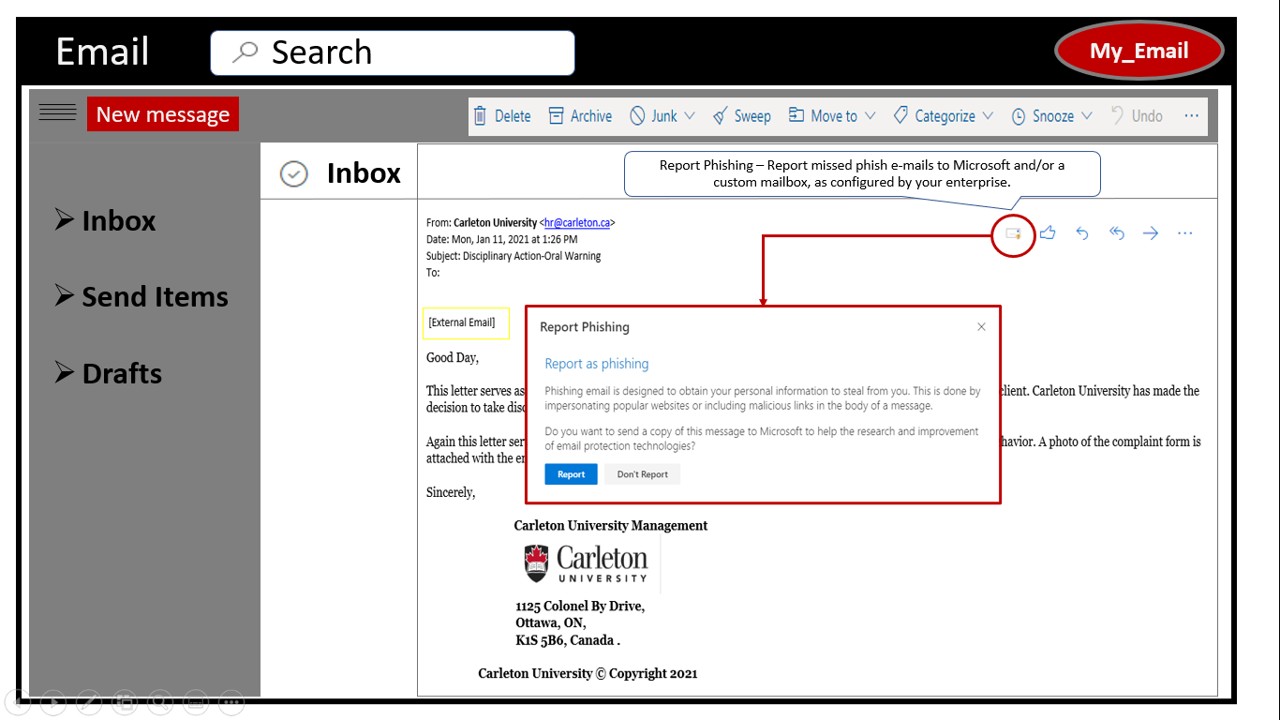
It used to be easy to spot a fake email. They were full of typos or claimed to be a prince offering you millions. But in 2025, those days are over. Generative AI tools have changed the game.
Now, scammers use AI to write perfect emails. There are no spelling mistakes. The tone sounds exactly like your boss or your bank. This makes it much harder to identify phishing emails. Attacks have increased by over 1,000% recently because these tools make it so easy for criminals.
The biggest trick they use is urgency. They want you to panic so you stop thinking. They say things like “Your account will be deleted in 1 hour.”
Use the “3-Second Pause” rule. When you get a message that asks for money or personal info, stop. Count to three. Look at the sender’s actual email address, not just the name. If it feels urgent, it is likely a scam.
#6. Neglecting Data Backups
Imagine if your laptop fell into a swimming pool right now. Would you lose everything? If the answer is yes, you are in trouble. But physical damage isn’t the only risk.
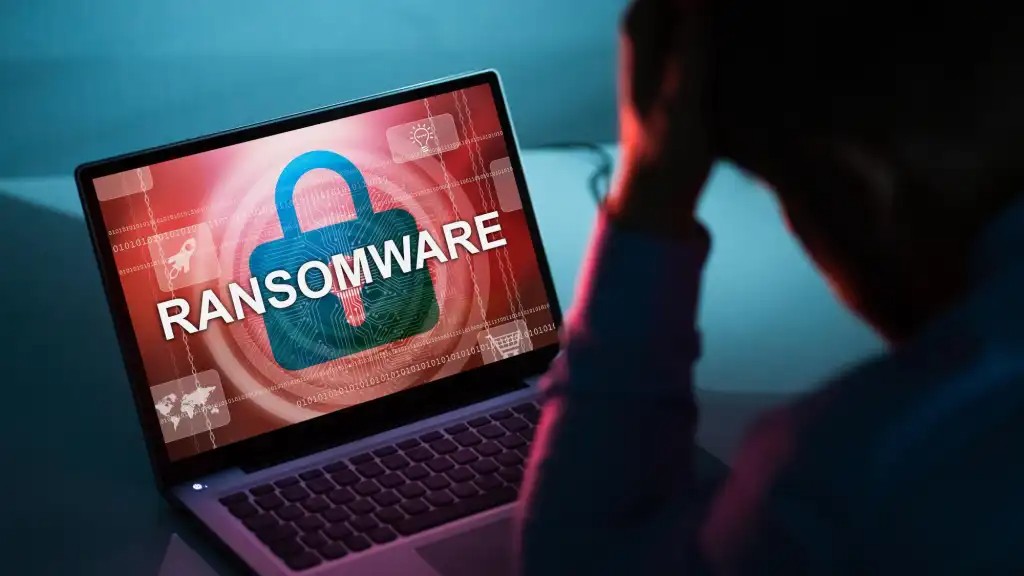
Ransomware is a type of virus that locks your files. Criminals effectively kidnap your digital life. They won’t give it back unless you pay them. Demands are hitting millions of dollars on average. And sometimes, even if you pay, they delete your files anyway.
1. Keep 3 copies of your data total.
2. Store them on 2 different types of media (like your computer hard drive and an external USB drive).
3. Keep 1 copy offsite (in the cloud).
Set up an automatic cloud backup today. Services like iCloud, Google Drive, or Backblaze do this in the background. If you get hacked, you can just wipe your computer and restore your files without paying a cent.
#7. Oversharing Personal Info on Social Media

We all love getting likes on social media. But there is a hidden cost to sharing too much. Hackers watch your profiles to build a file on you. This is called social engineering.
Real-time location tags are also dangerous. If you post a photo of your beach view with the caption “Here for two weeks!”, you are telling burglars your house is empty. You are also telling stalkers exactly where you are standing.
Go to your privacy settings. Make your accounts private so only friends can see them. And never post your location until after you have left the place.
#8. Leaving Devices Unlocked or Unattended
You are working at a coffee shop. You need to use the restroom or grab a napkin. You leave your laptop open on the table. It will only take a minute, right?
That is all the time a thief needs. This is the “Coffee Shop Snatch.” But digital theft happens even faster. If you leave your phone unlocked on a table, a thief can grab it and change your Apple ID or Google password before you can even stand up.
You need a short screen-lock timer. Set your phone and laptop to lock automatically after 1 or 2 minutes of inactivity. For convenience, use biometrics like FaceID or Fingerprint scan. It keeps your device secure but lets you get back in instantly.
#9. Ignoring Mobile App Permissions
Many free apps make money by stealing your data. They ask for permission to see things they don’t need. Then, they sell that information to advertisers. This is a huge privacy risk.
There is also the danger of “Shadow IT.” This happens when you download apps that haven’t been verified or checked by your IT department or a secure store. 1 in 4 unverified apps are high-risk tools that expose sensitive data.
Audit your app permissions once a year. Go into your phone settings. Look at which apps have access to your camera, microphone, and location. If an app doesn’t need it, turn it off. If you don’t use the app anymore, delete it.
#10. Leading Smart Home (IoT) Devices on Default Settings
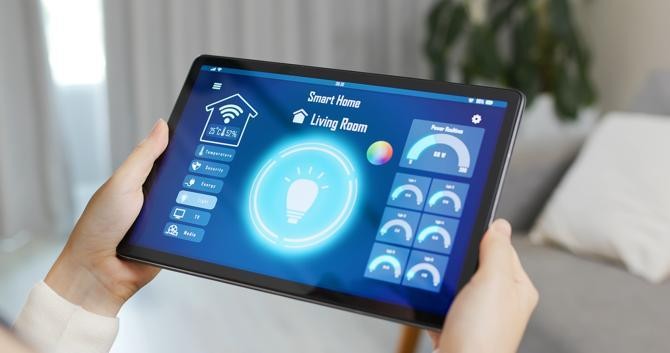
We are filling our homes with smart gadgets. We have smart fridges, baby monitors, and doorbell cameras. By 2025, there will be over 35 billion of these devices connected online.
The problem is that most people plug them in and forget about them. These devices usually come with a default username and password, like “admin” and “password123.” Hackers know these defaults. They scan the internet looking for devices that still use them.
When you buy a new smart device, change the password immediately. Do this before you even finish setting it up. If the device asks to update its software, say yes.
#11. The “I’m Too Small to Target” Mindset
This is the most dangerous mistake of all. You might think, “I’m just a regular person. I don’t have millions of dollars. Why would a hacker waste time on me?”
Hackers don’t sit at a computer and choose you specifically they use automated bots. These bots scan millions of computers a day, looking for open doors. They don’t care who you are. They just care that you are vulnerable.
Also, you might be a gateway to someone else. Hackers might breach your email to attack your employer or a wealthier family member.
Adopt a “Zero Trust” mindset. Assume you are a target. Secure your accounts not just for your sake, but for everyone you know.
