

The average professional spends 28% of their workday on email alone. What if you could cut that in half? In 2025, the real difference between just “busy” and “productive” is knowing the right AI hacks.
You probably feel constantly behind. Maybe you have AI tools like ChatGPT or Claude, but you only use them for basic questions. You’re not alone. Most people don’t know the specific productivity prompts that solve real, everyday problems. They don’t know how to use AI for work that actually saves them time.
These 35 AI hacks you can use right now. Stop staring at a blank prompt and start getting your work done faster.
#1. The ‘Instant Meeting Summary’
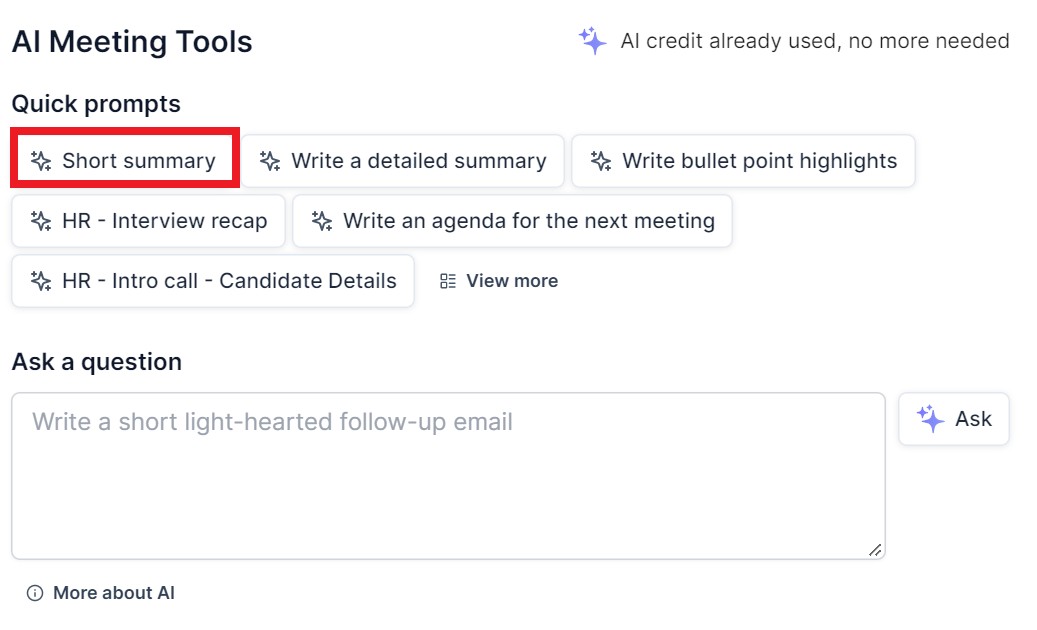
You just finished a 60-minute call, and now you have to type up notes and action items for everyone. Paste the (non-sensitive) transcript into your AI tool and get a perfect summary in seconds.
Prompt: You are a professional project manager. Read the following meeting transcript and provide:
i. A 3-sentence summary of the main discussion.
ii. A bulleted list of all action items, assigning each one to a specific person (e.g., [Action Item] – Mark).
iii. A bulleted list of key decisions made.
#2. The ‘5-Email Thread Condenser’
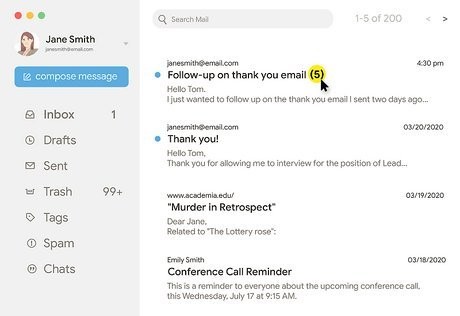
A client has forwarded you a long, messy email chain, and you have no idea what they actually want from you. Copy the entire thread and ask your AI to find the one thing that matters.
Prompt:
Read this entire email thread. What is the single most important question or action I need to take? Give me a 3-bullet summary of how we got to this point.
[Paste the entire email thread here]
#3. The ‘Draft in 3 Bullets’
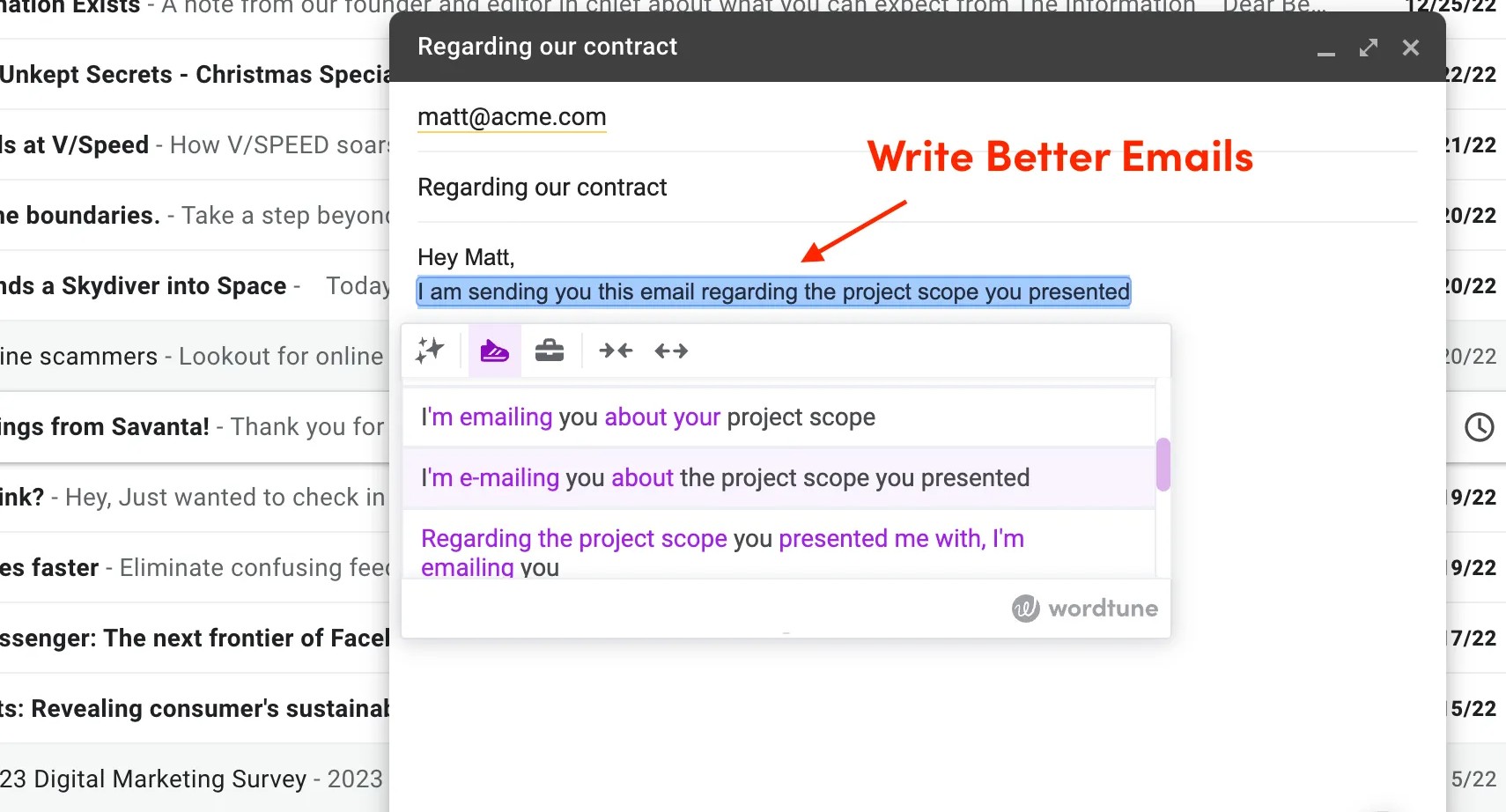
You know what you want to say, but writing the perfect, professional email takes too much time. Write your thoughts as simple bullets. Let the AI build the email around them.
Prompt:
Write a professional email to [Recipient’s Name] with the following key points:
i. Thank them for the meeting today.
ii. Confirm that I will have the project draft to them by Friday, EOD.
iii. Ask them if they can send over the marketing assets before Wednesday.
#4. The ‘Polite ‘No” Generator
You need to decline a request, but you don’t want to sound like a jerk or hurt a relationship. This prompt helps you set boundaries firmly but politely.
Prompt:
I need to decline this request. Please write a polite but firm response.
i. My reason (for AI context): I’m at full capacity with Project X.
ii. The request: [Paste the request from the other person here]
iii. My goal: Decline the work, show appreciation for the offer, and suggest they ask again next month.
#5. The ‘Tone Adjuster’
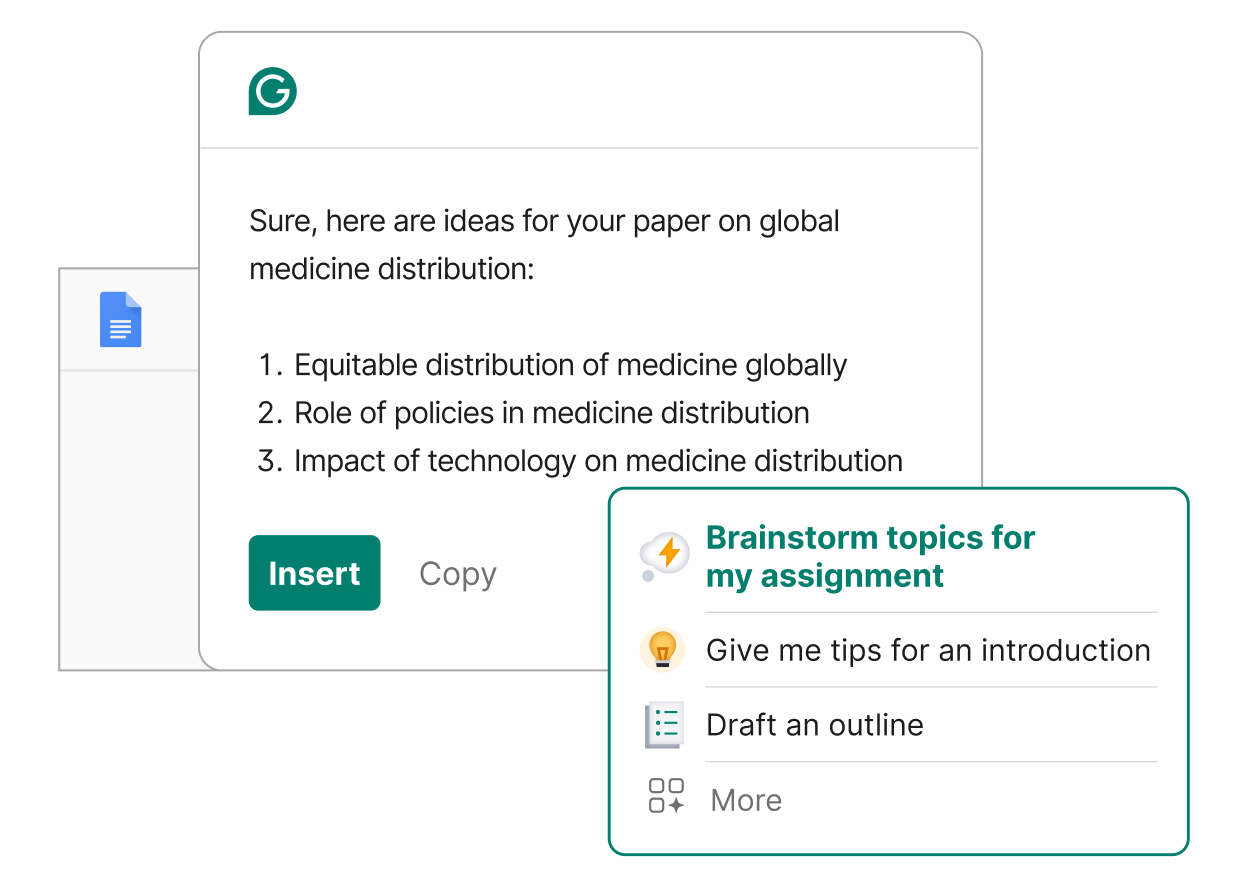
You wrote a draft, but you’re worried it sounds too angry, too casual, or too weak. Use AI as a tone-checker. This is one of the best AI for work hacks.
Before (Your messy draft): “I need that report. You said you’d have it yesterday and it’s still not here. This is holding everything up.”
After (Using the prompt): “Hi [Name], just checking in on the status of the report we discussed. The deadline was yesterday, and I’m currently blocked on the next steps until I have it. Could you please provide a quick update on when I can expect it? Thanks.”
Prompt:
Make the following email draft sound more professional and less confrontational, while still being clear that I need the item urgently.
[Paste your draft here]
#6. The ‘Follow-Up Reminder’
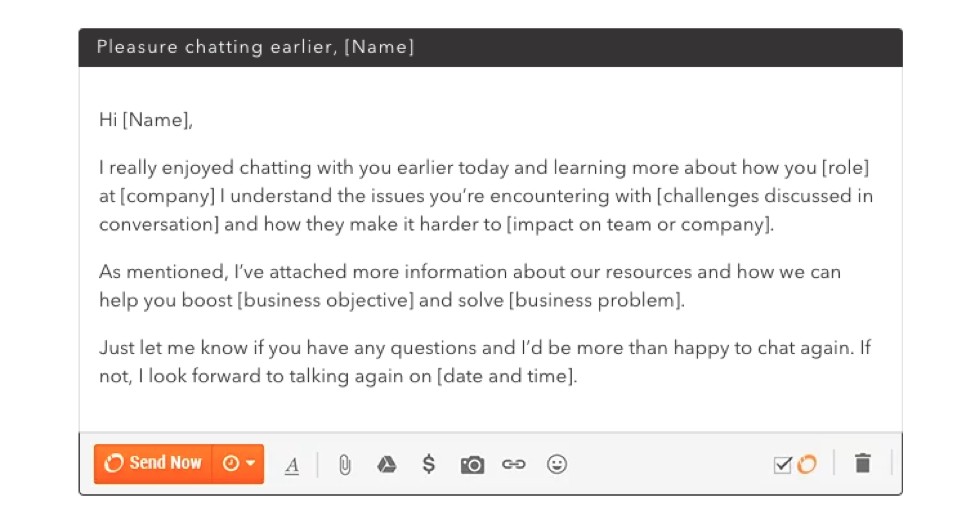
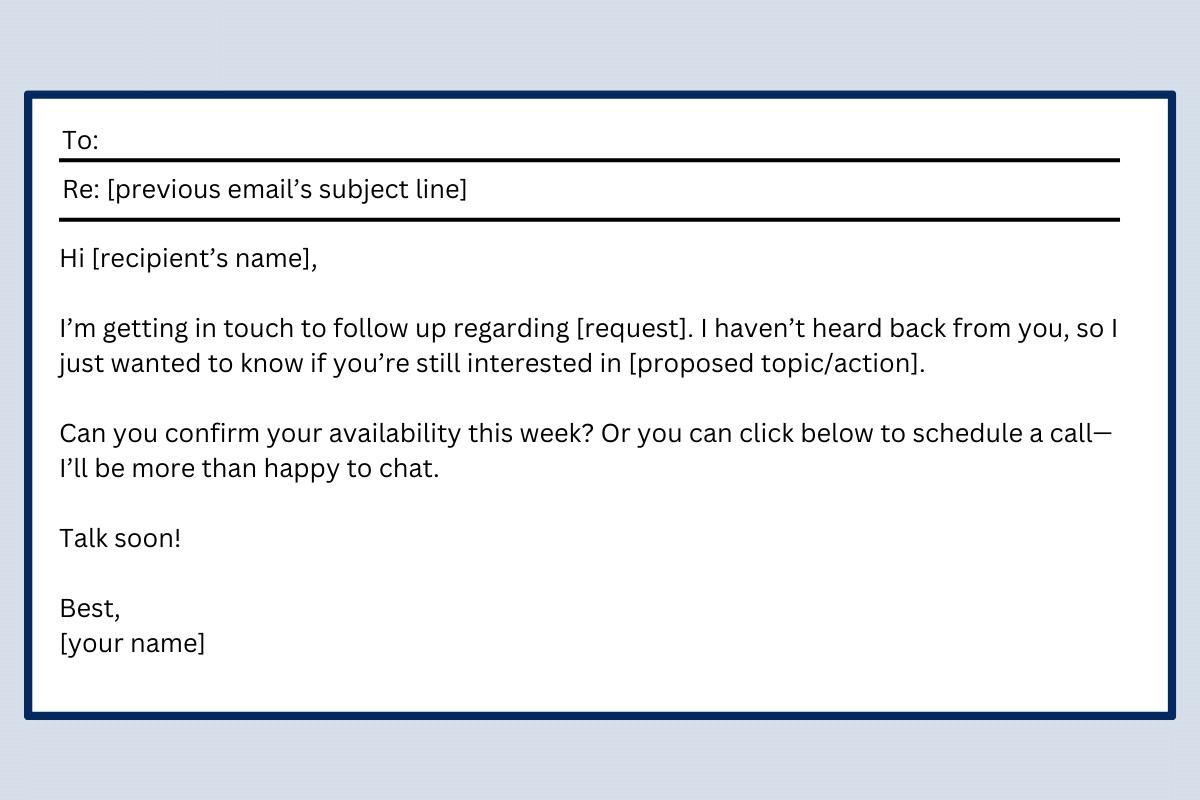
You sent an important email three days ago and got no reply. You need to “nudge” them without being annoying. Let the AI write a “gentle reminder” for you.
Prompt:
I need to follow up on an email I sent 3 days ago. Write a short, polite email that:
i. Replies to my original email (gently “bumping” it).
ii. Asks if they had a chance to review it.
iii. Confirms I am available to answer any questions.
#7. The ‘LinkedIn Comment Starter’
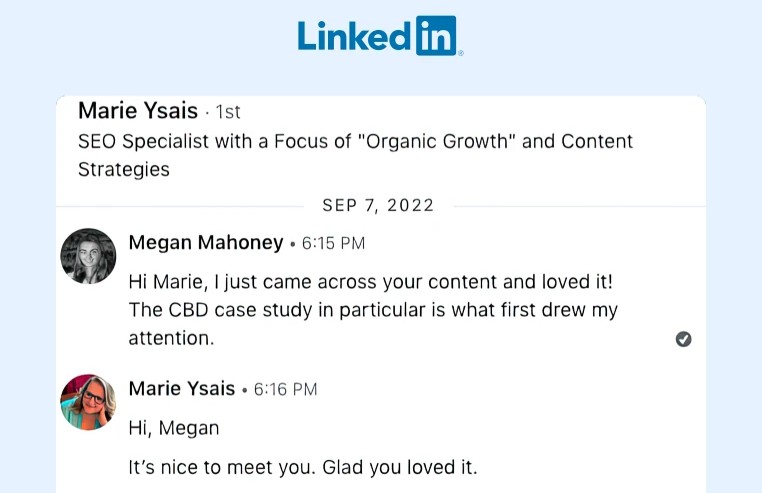
You know you “should” network on LinkedIn, but you have no idea what to say on other people’s posts. Let AI give you a starting point so you can add your own personal touch.
Prompt:
Read this LinkedIn post. Give me 3 different insightful comment-starters that I can use to add my own thoughts. The comments should add value, not just say “great post.”
[Paste the LinkedIn post text here]
#8. The ‘Blog Post Outline’
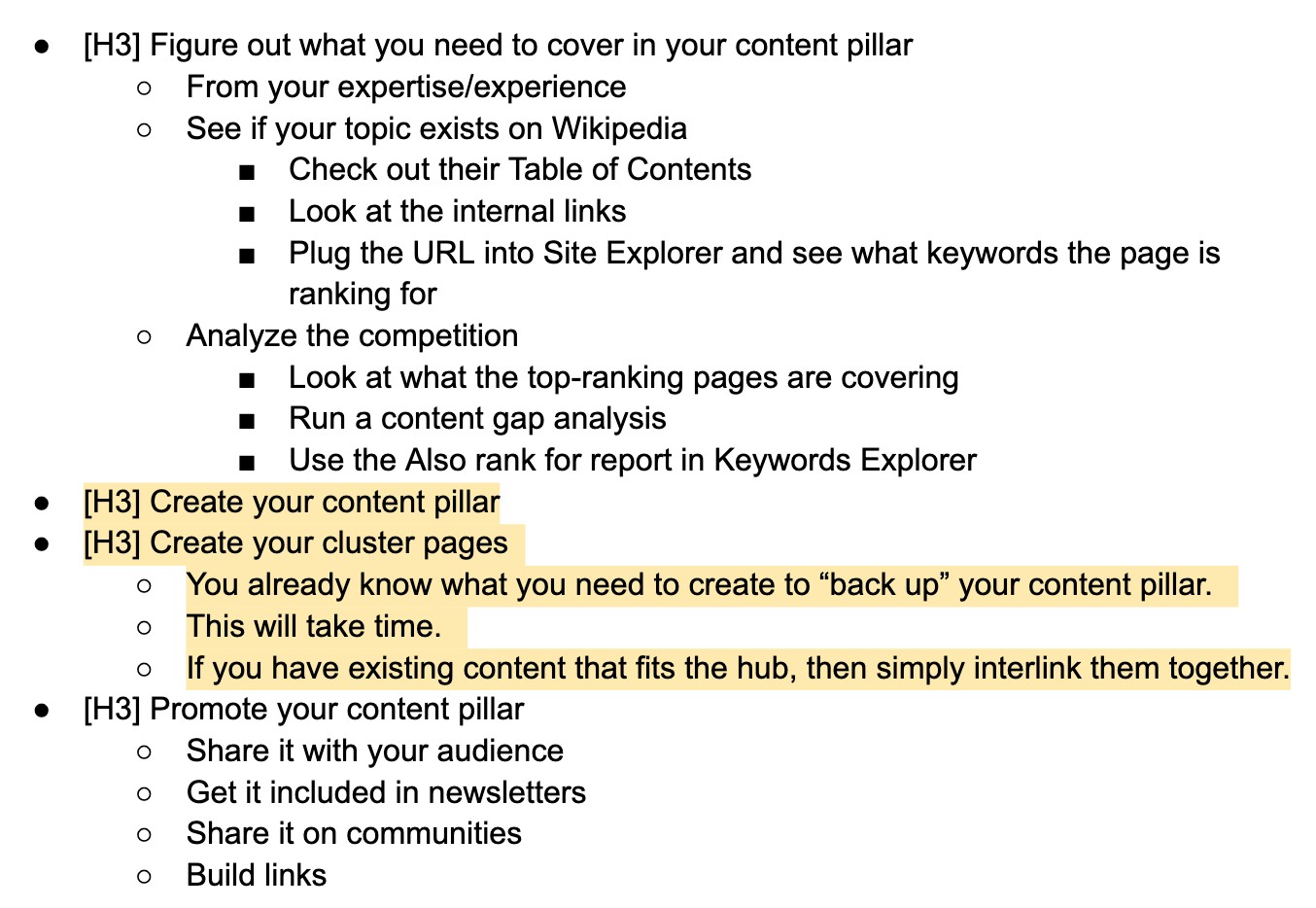
You have a keyword you want to target, but you don’t know how to structure the article. Get a complete, SEO-friendly outline in 30 seconds.
Prompt:
I am writing a blog post for [your audience, e.g., “small business owners”]. The main keyword is [your keyword, e.g., “local SEO basics”].
Create a complete article outline that is helpful for the reader and structured for SEO. Include H2s and H3s.
#9. The ‘5-Minute Article’
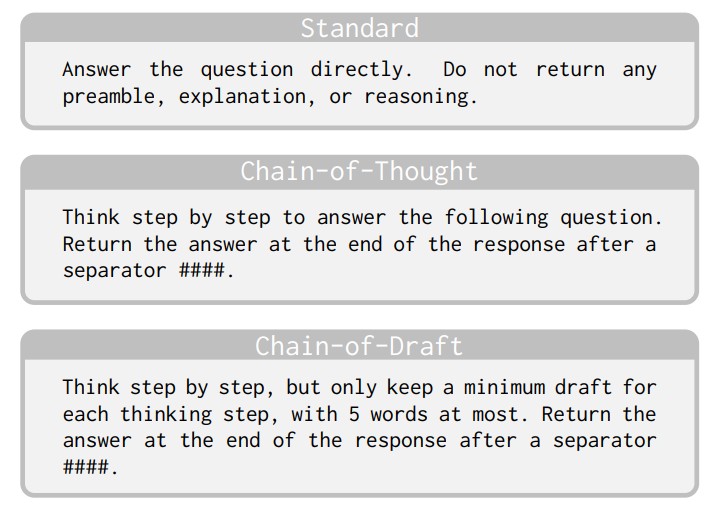
You need a full article draft, fast. Use a “prompt chain.” This means you use one prompt to get an outline, and a second prompt to write the article based on that outline.
Prompt 1 (Get the outline): “Give me a detailed outline for an article titled ‘3 Ways to Improve Remote Team Culture’.”
Prompt 2 (Write the content): “You are an expert in remote team management. Using the exact outline below, please write the full article. Use a casual, helpful tone.
[Paste the outline the AI just gave you]”
#10. The ‘Twitter/X Thread Hook’
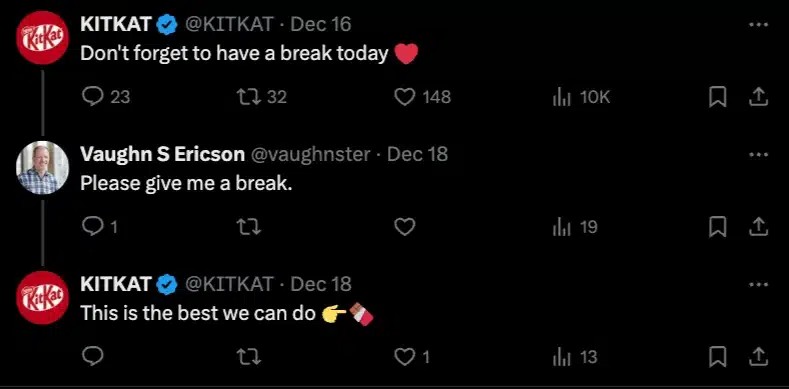
Your social media posts are getting ignored. The first line (the “hook”) is the most important part. Generate 5-10 hook variations and pick the one that makes you want to click.
Prompt:
I am writing a Twitter/X thread about [your topic, e.g., “why most side hustles fail”].
Write 5 strong, compelling hooks to start the thread. The hooks should create curiosity and make people want to read more.
#11. The ‘Content Repurposer’
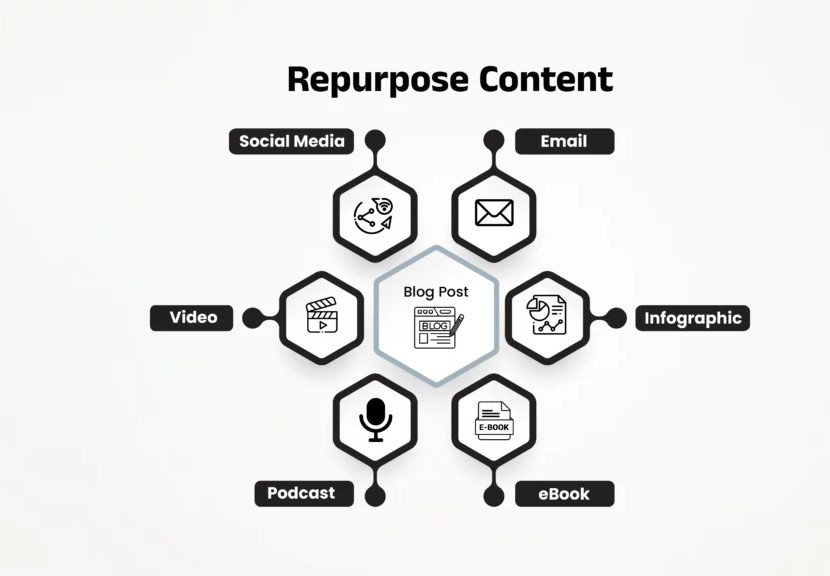
You have a great blog post, but you don’t have time to create content for YouTube, X (Twitter), and a newsletter. Don’t create. Repurpose.
Prompt:
I have a blog post. Please repurpose it into the following formats:
i. A 5-tweet (X) thread summarizing the key points.
ii. A 150-word script for a YouTube Short or TikTok video.
iii. A short, personal newsletter email for my subscribers.
[Paste your blog post text here]
#12. The ‘Analogy Generator’
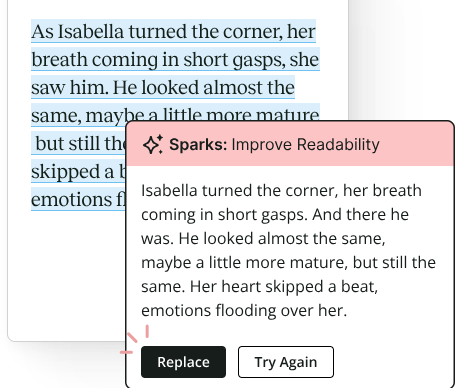
You are trying to explain a complex idea, but your audience isn’t getting it. A simple analogy is the most powerful teaching tool.
Prompt:
I need to explain [complex topic, e.g., “what an API is”]. Explain this to me like I’m 10 years old, using a simple analogy.
#13. The ‘SEO Keyword Brainstorm’
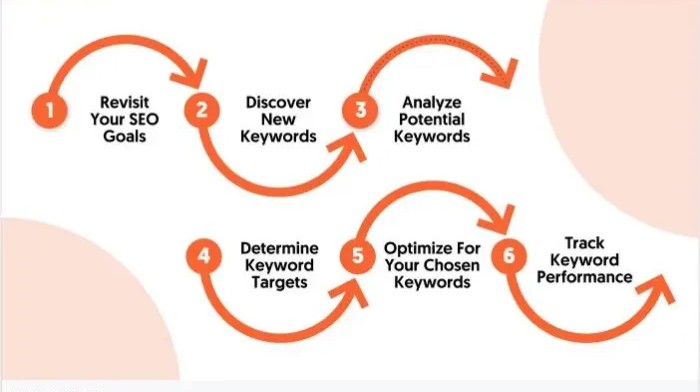
You’ve written about your main topic, but you’re running out of “long-tail” keyword ideas. Use AI to find the specific questions people are actually asking.
Prompt:
My main topic is [e.g., “gardening for beginners”]. What are 10 “long-tail” keywords or questions that a beginner gardener would search for? Focus on specific problems they would have.
#14. The ‘Product Description’
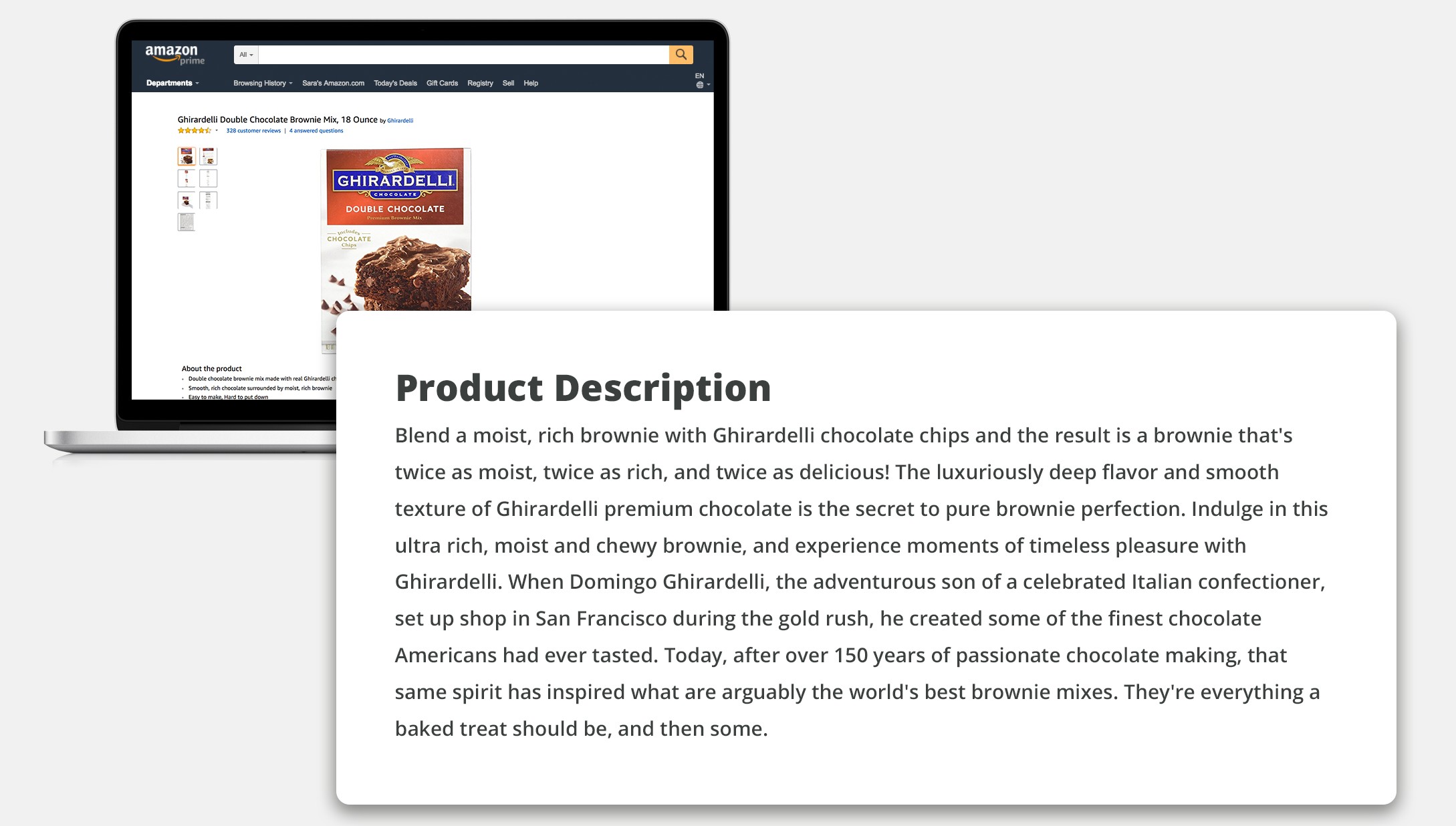
Your product is great, but your description is boring. Turn your feature list into a benefit-driven sales pitch.
Prompt: Write a 100-word product description for my e-commerce store. Focus on the benefits, not just the features. Use a persuasive and exciting tone.
i. Product: A new insulated coffee mug
ii. Features: 20 oz, stainless steel, leak-proof lid, stays hot for 8 hours.
#15. The ‘Brainstorming Partner’
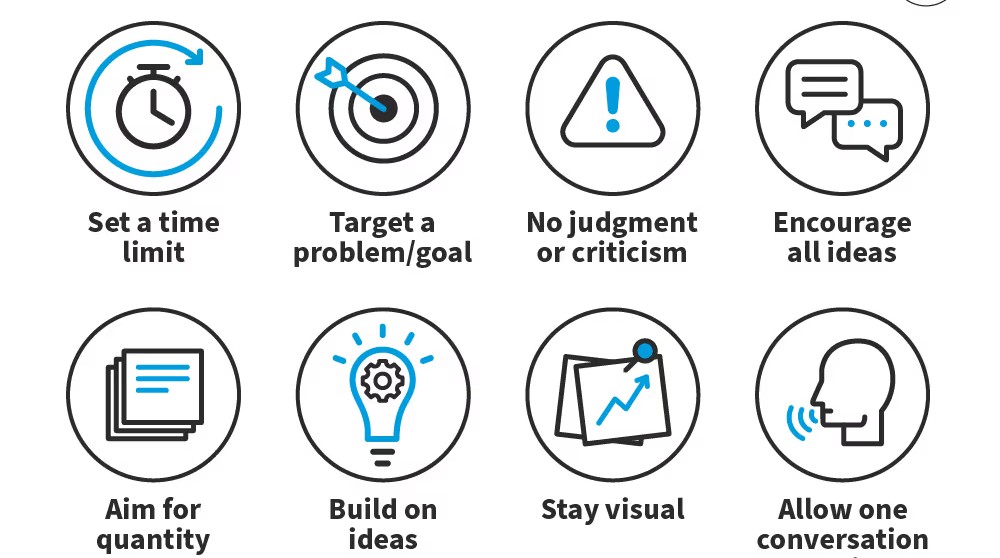
You have an idea, but you’re not sure if it’s a good idea. Ask the AI to be your “sparring partner” and find the flaws in your plan.
Prompt:
Act as a “Devil’s Advocate.” I am going to pitch you my new business idea. Your job is to find all the weaknesses, risks, and hard questions I need to answer.
#16. The ‘PDF Summarizer’
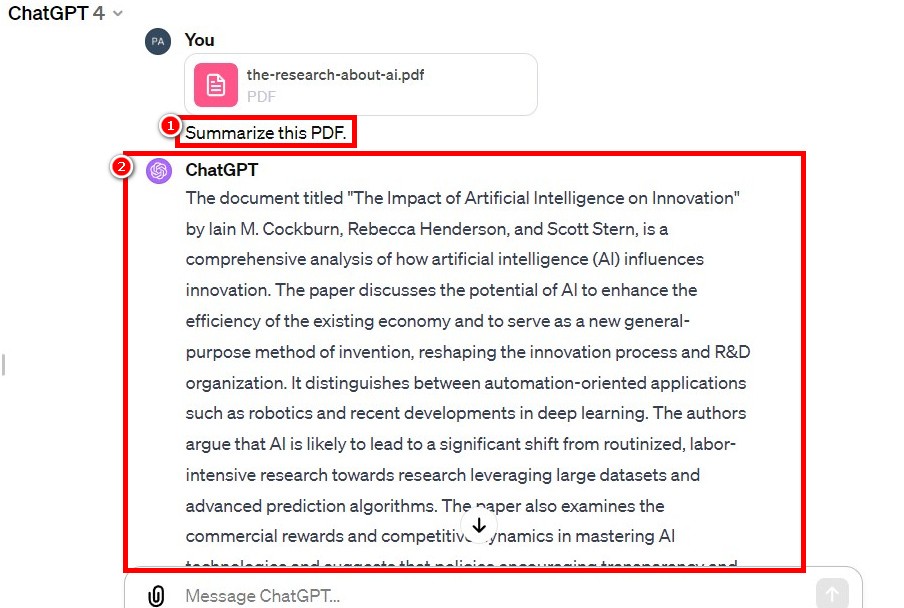
Someone sent you a 40-page PDF report, and you only have five minutes before the meeting. Use an AI tool that can “read” documents. Tools like Claude 3 or ChatPDF are built for this. You upload the PDF and ask questions.
Prompt:
[After uploading your PDF] I don’t have time to read this whole document. Please give me:
i. The 3 main conclusions of this report.
ii. Any statistics or numbers in the “Executive Summary” section.
iii. What is the single biggest “risk” or “opportunity” mentioned?
#17. The ‘Complex Article Explainer (ELI5)’
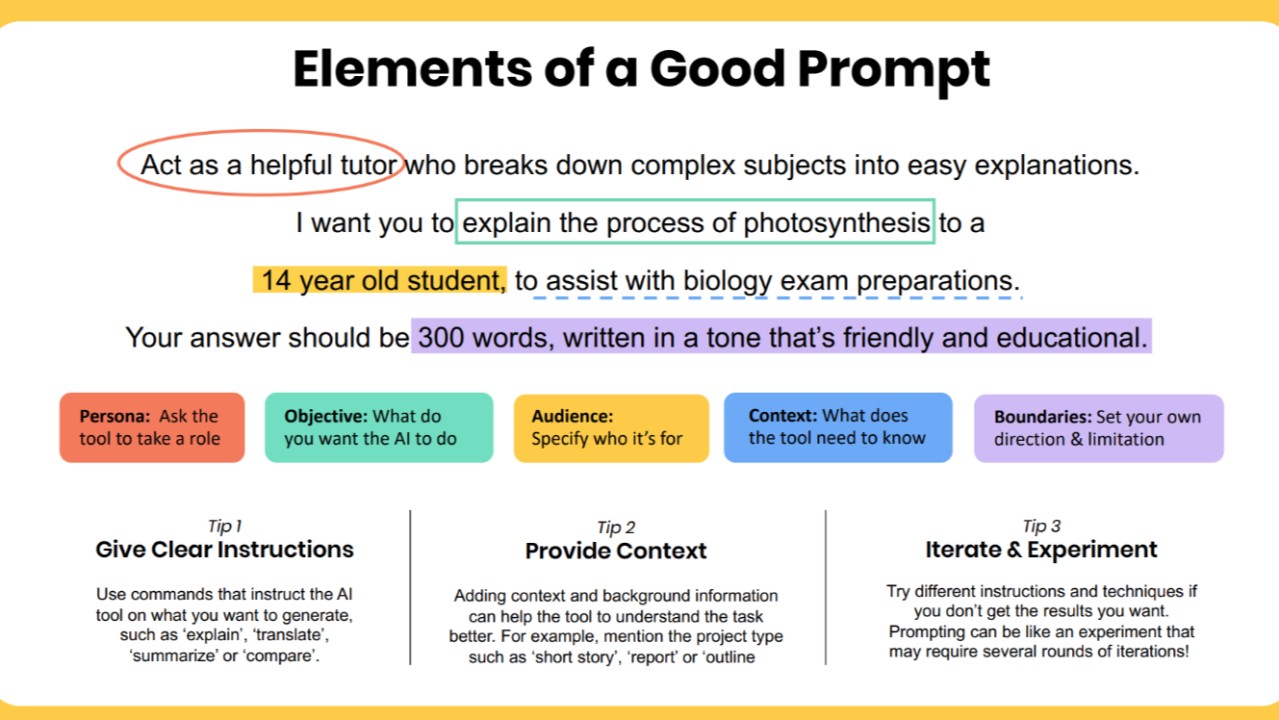
You’re trying to read a technical study or a complex news article, and you’re lost in the jargon. Copy the text and ask for a simple translation. ELI5 means “Explain Like I’m 5.”
Prompt:
Explain the following text to me like I’m 15 years old. Avoid all jargon and focus on the main idea.
#18. The ‘Data Set Interpreter’
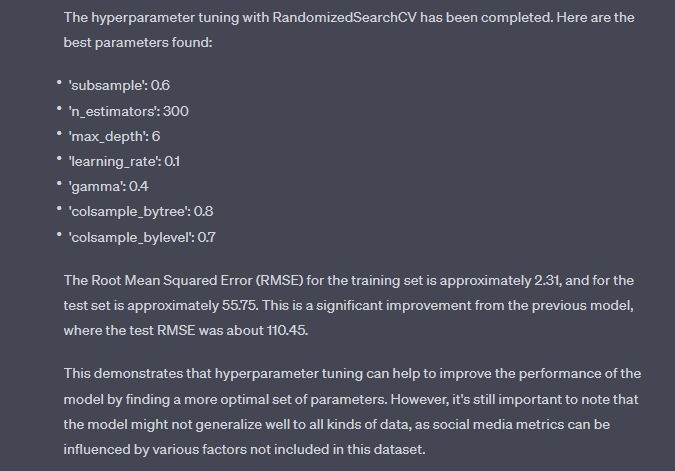
You have a spreadsheet full of numbers (like sales data or a survey) but no idea what it means. Paste the (non-sensitive) data and ask for the story behind the numbers.
Prompt:
Here is raw data from a customer survey. [Paste your data] Please analyze this data and tell me:
i. Are there any obvious trends?
ii. What is the most common negative feedback?
iii. What is the most common positive feedback?
#19. The ‘Pro/Con List’
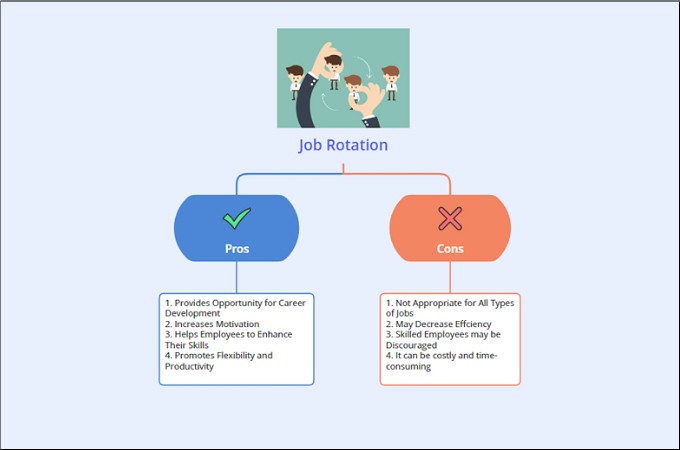
You need to make a big decision, but your head is spinning. Ask the AI to create a balanced, logical list to help you see the full picture.
Prompt:
I am trying to decide between [Option A, e.g., “hiring a freelancer”] and [Option B, e.g., “hiring a full-time employee”]. Generate a detailed “Pros vs. Cons” table for both options.
#20. The ‘Competitor Analysis’
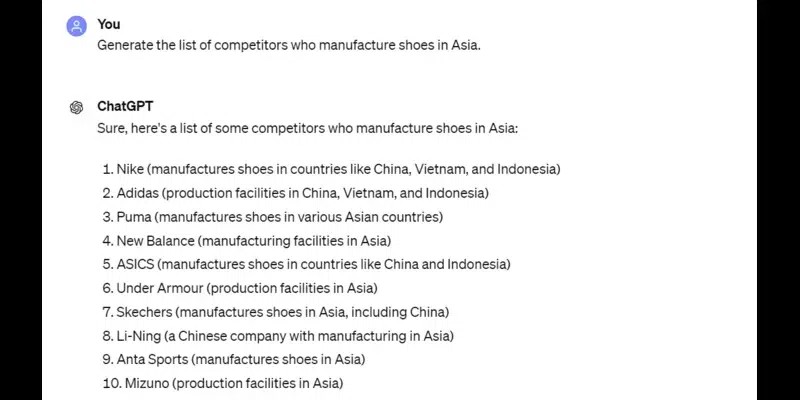
You want to know what your competitors are doing, but you don’t have time for hours of research. Use an AI search tool like Perplexity AI. It’s built for research and shows its sources (citations), which is great for this.
Prompt (for Perplexity):
“What are the 5 main competitors to [Company Name, e.g., “Salesforce”] in 2025? For each one, summarize their main product and key strength.”
#21. The ‘Customer Feedback Sorter’
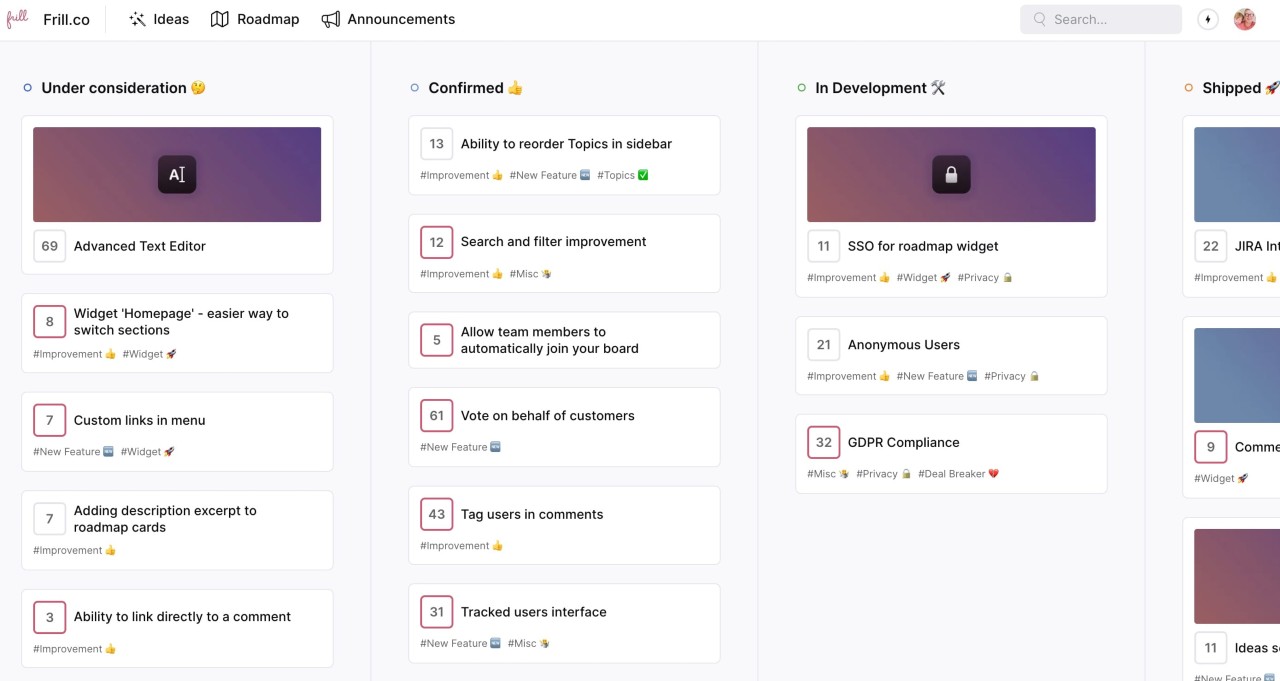
You have 100 new reviews on your product page, and you need to know what people think fast. This prompt turns a wall of text into a clean, actionable report.
Prompt:
I am pasting 20 customer reviews below. Please read all of them and categorize them by a) positive sentiment, b) negative sentiment, and c) neutral or questions. After sorting, tell me the 3 most common themes or complaints.
#22. The ‘YouTube Video Summary’
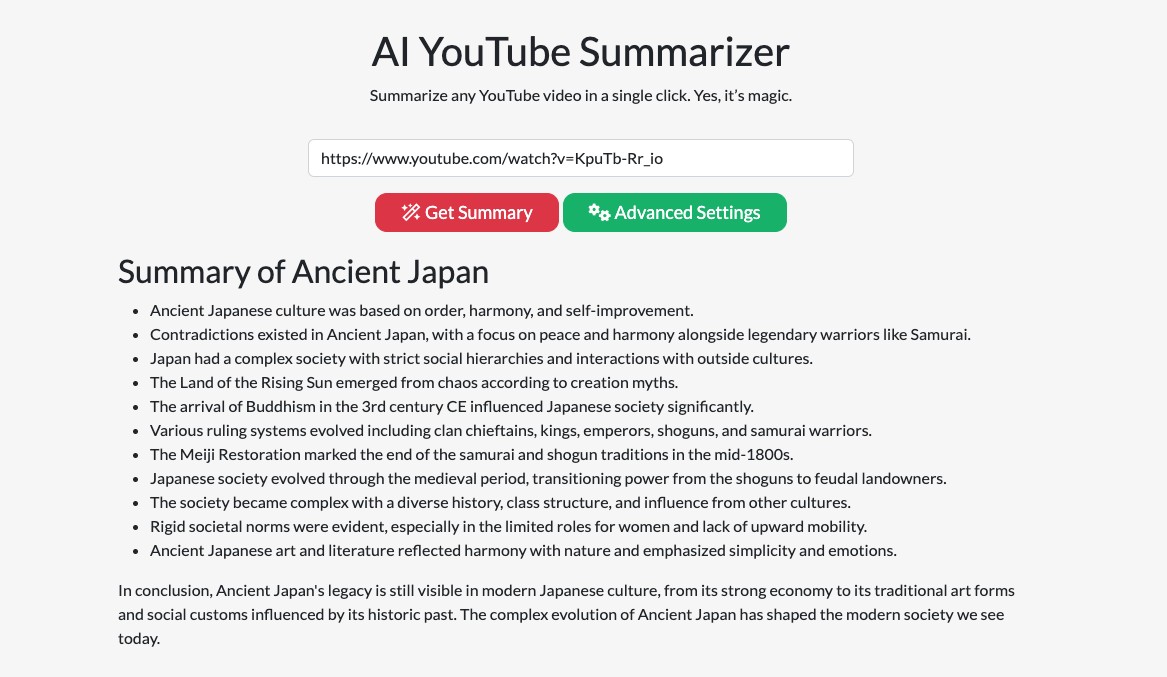
You need to learn from a 45-minute “how-to” video, but you don’t have 45 minutes.
Solution: Use a dedicated tool like Eightify or Noiz (which are often browser extensions). Or, if the video has a transcript, you can copy it and paste it into your main AI.
Prompt (for AI):
This is a transcript from a YouTube video titled “How to Start a Podcast.” Please give me a step-by-step list of the main actions the speaker recommends.
#23. The ‘Project Plan Generator’
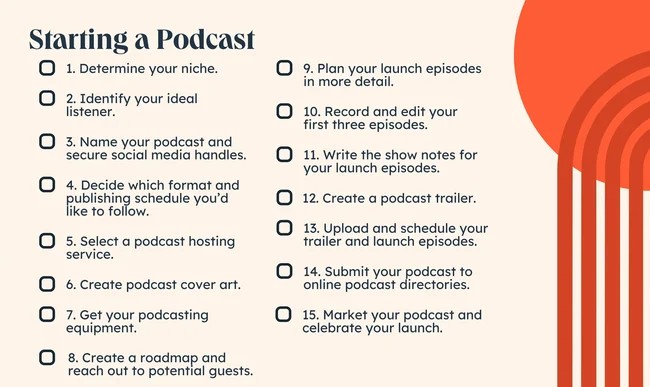
You have a big idea, like “launch a podcast,” but the first step feels impossible. Where do you even start? Ask the AI to turn your vague goal into a step-by-step plan with a timeline.
Example: “I want to launch a podcast” is a goal. This is a plan:
i. Phase 1: Setup (Week 1-2)
- Define niche and target audience.
- Buy equipment (mic, headphones).
- Choose hosting platform.
ii. Phase 2: Content (Week 3-4)
- Brainstorm 10 episode ideas.
- Record and edit the first 3 episodes.
- Create cover art.
iii. Phase 3: Launch (Week 5)
- Submit to Apple Podcasts and Spotify.
- Promote launch on social media.
Prompt: I want to [your goal, e.g., “launch a new podcast”].
Act as a project manager. Give me a step-by-step project plan with a realistic timeline. Break it down into phases.
#24. The ‘Daily ‘Focus’ Planner’
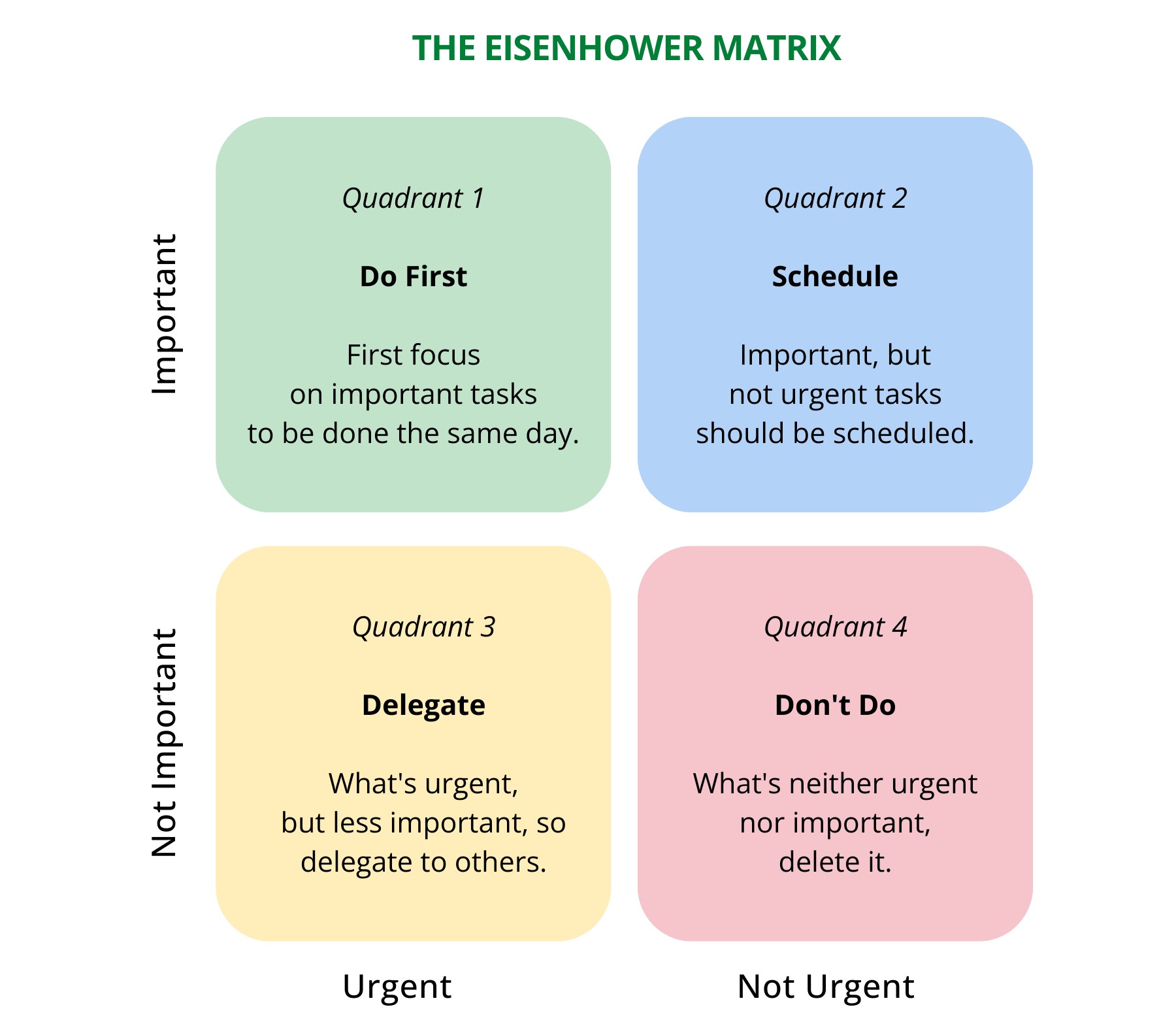
Your to-do list has 20 items, and you spend the first hour just figuring out what to do. Use the “Eisenhower Matrix.” This helps you sort tasks by what is urgent (needs to be done now) and what is important (moves you toward your goals).
Prompt:
i. Do Now (Urgent & Important):
ii. Schedule (Not Urgent & Important):
iii. Delegate (Urgent & Not Important):
iv. Delete (Not Urgent & Not Important):
#25. The ‘Meeting Agenda Creator’
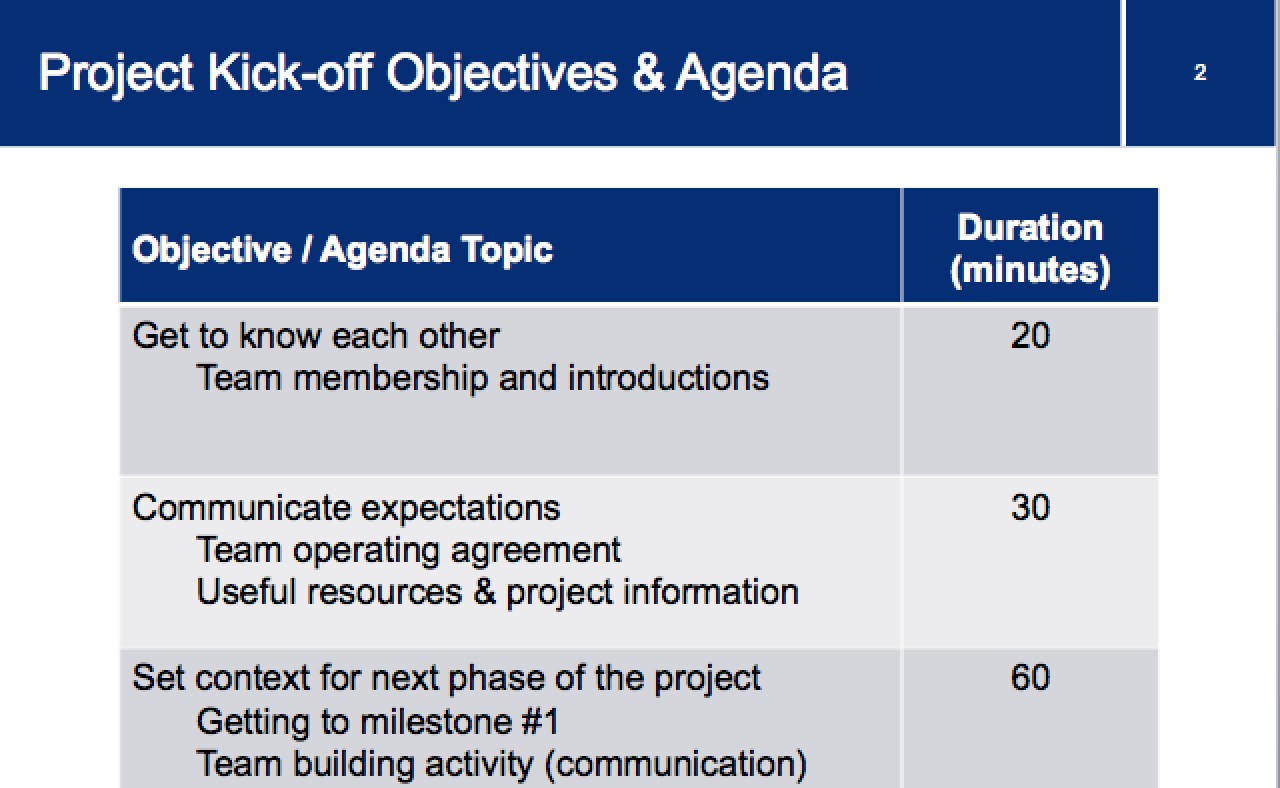
Your meetings are a waste of time. They have no structure, and nothing gets decided. A good meeting starts with a great agenda. Make one in 30 seconds.
Prompt: Create a 30-minute meeting agenda for a “project kick-off.”
i. Attendees: Me, Mark (designer), Sarah (writer)
ii. Goal: Decide on the main landing page design.
iii. Include: Time slots for each item and 1 key question for each topic.
#26. The ‘Meal Plan Generator’
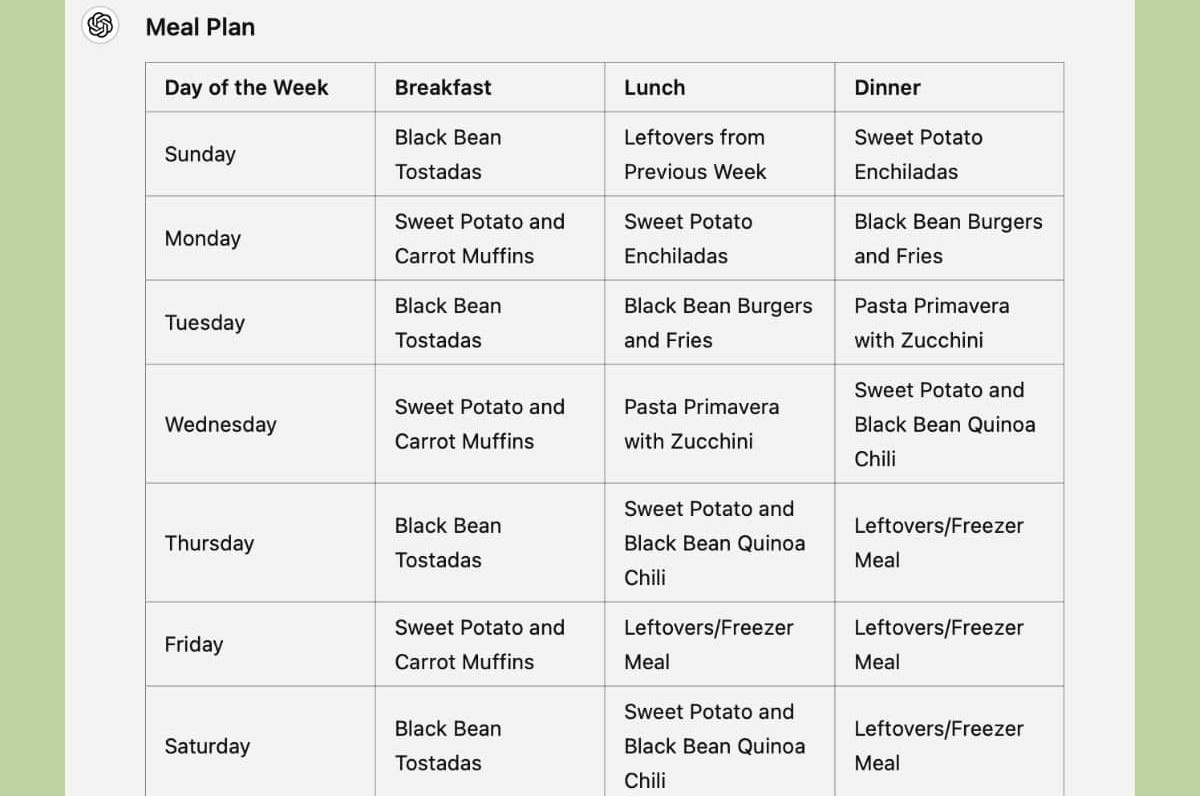
It’s 5 PM, and you have no idea what to make for dinner. This small, daily stress adds up. Let your AI be your personal chef and shopper.
Prompt: I need a 7-day dinner plan for 2 adults.
i. We like [e.g., “Italian and Mexican food”].
ii. We want to keep it [e.g., “healthy and under 30 minutes”].
#27. The ‘Travel Itinerary’
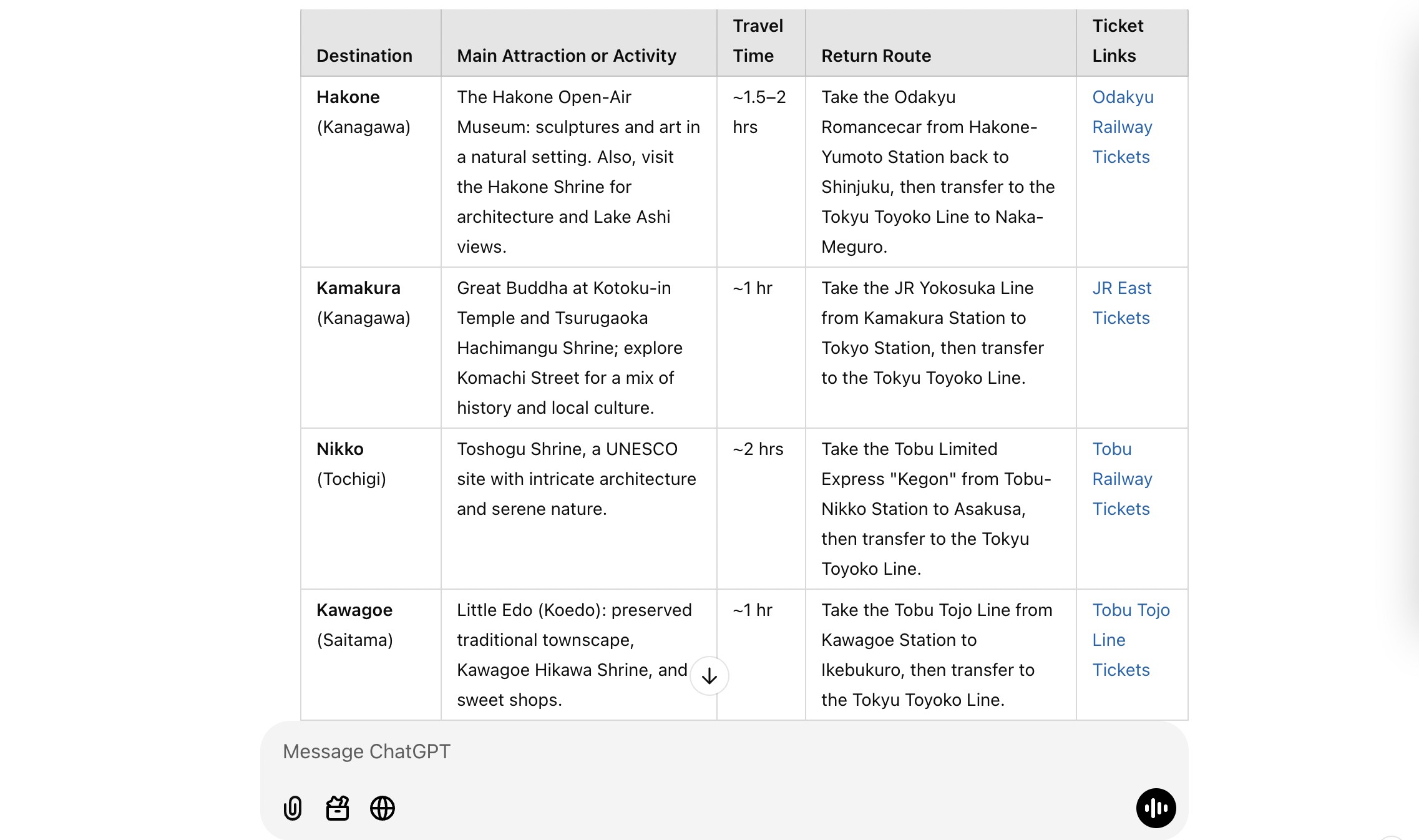
You have a 3-day business trip to a new city and don’t want to waste time finding your hotel, a coffee shop, or a place for a client dinner. Get a minute-by-minute plan.
Prompt: I have a 3-day business trip to [City].
i. I am flying in on [Date] at [Time] to [Airport].
ii. My hotel is at [Hotel Address].
iii. I have a big meeting on [Date] at [Time] at [Meeting Address].
Create a logical travel itinerary. Include travel times (with transport options like a cab or subway) and 2-3 good options for a professional client dinner near my hotel.
#28. The ‘Goal Deconstructor’
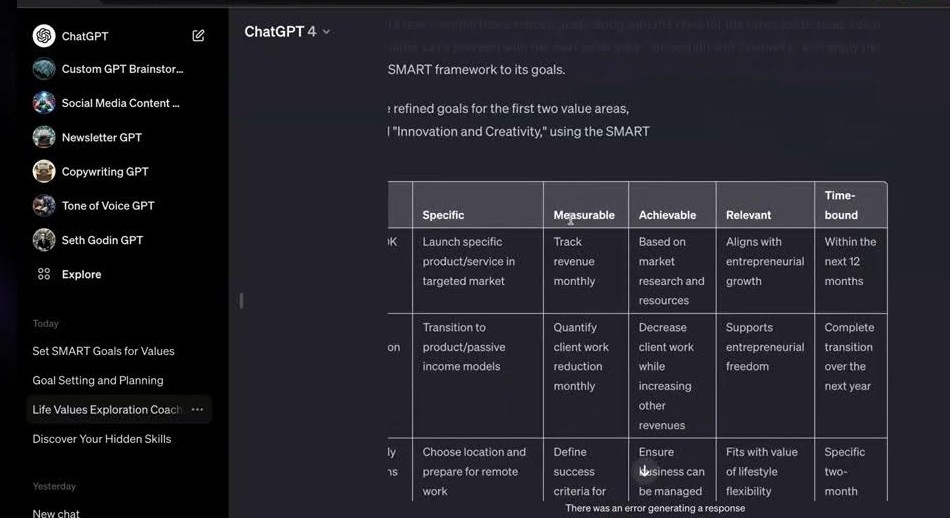
Your “New Year’s Resolution” or big 1-year goal is already failing because it’s too big. You can’t achieve a 1-year goal. You can only achieve 365 1-day goals. Break it down.
Prompt: My 1-year goal is [e.g., “to get 10,000 email subscribers”]. Break this down into a practical plan I can follow, with:
i. Quarterly milestones (what to achieve every 3 months).
ii. Monthly tasks.
iii. Weekly habits I need to build.
#29. The ‘SOP Writer’
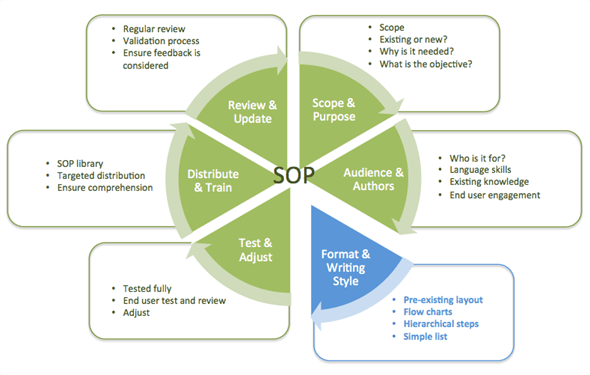
You need to teach someone (a new hire, a freelancer) how to do a task, but writing it all down is a pain. Describe the task in simple language. The AI will turn it into a formal, clear Standard Operating Procedure (SOP).
Prompt: I need to create an SOP for a new assistant.
The task: “Every morning, check the main support email. Find any emails with ‘Urgent’ or ‘Refund’ in the title. Copy them into the ‘Priority’ folder. Then, send me a Slack message with a list of those customer names.”
#30. The ‘Simple Website Coder’
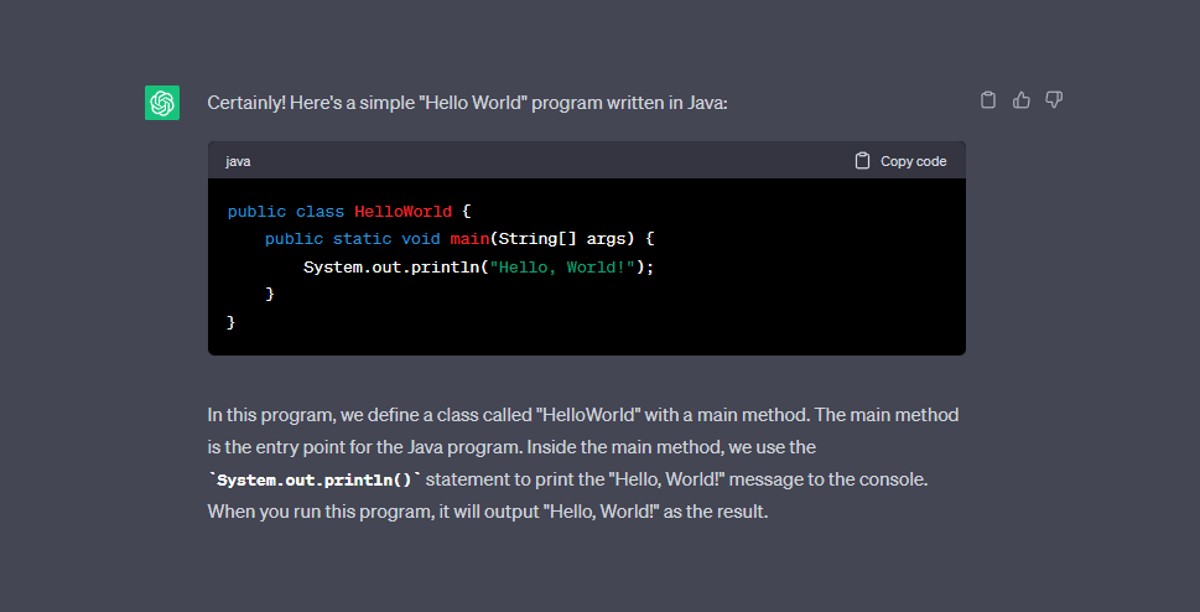
You just need a simple “Coming Soon” page for your new idea. You don’t want to hire someone or fight with a complex website builder. Ask for the code. AI is great at writing HTML and CSS.
Prompt: I need a “Coming Soon” landing page.
Write the code for a single HTML file. It should have a dark grey background, a large white headline that says “Something new is coming,” and a smaller sub-headline that says “Sign up for our email list to be the first to know.”
#31. The ‘Excel/Google Sheets Formula Writer’
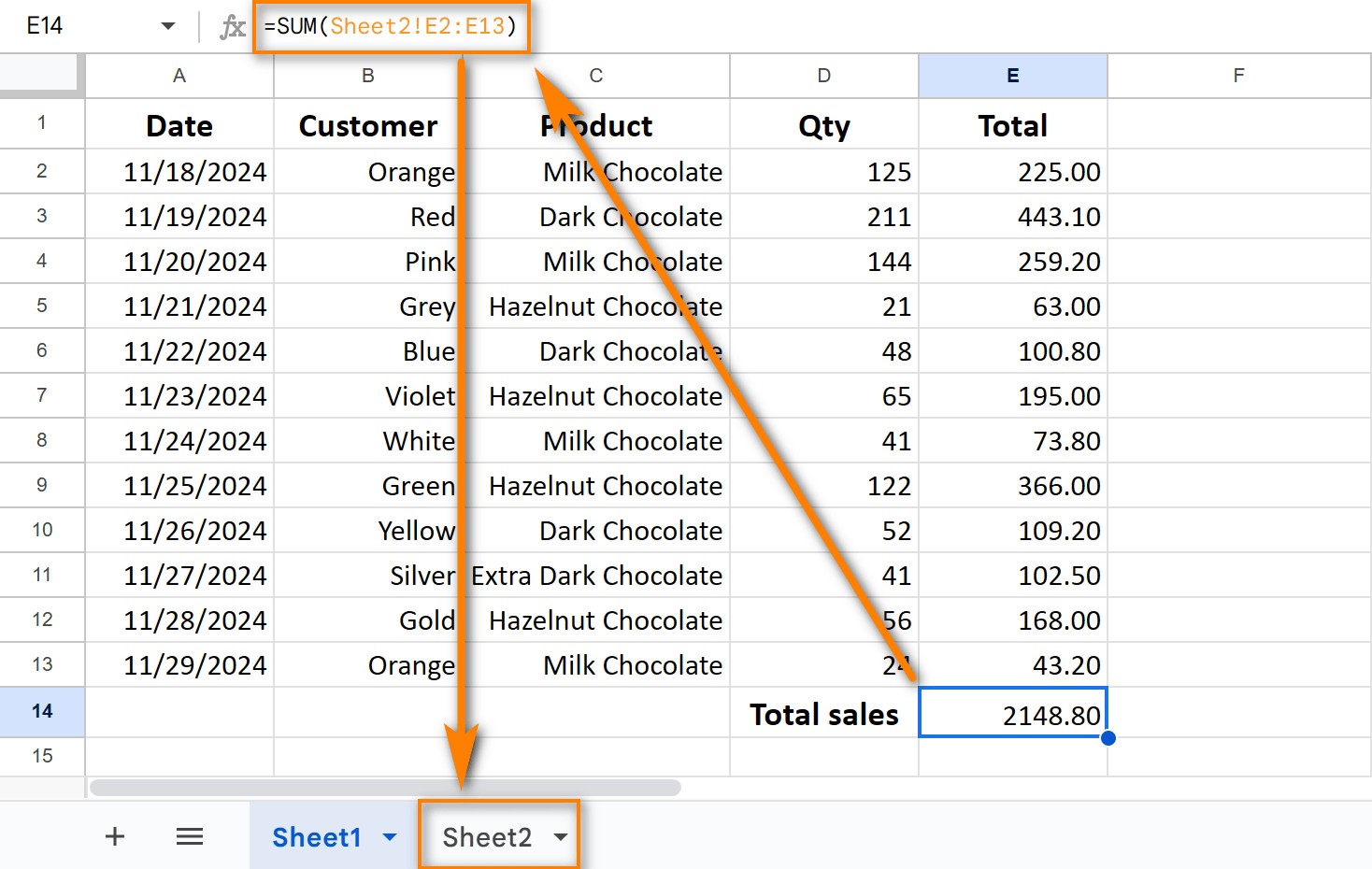
You have data in a spreadsheet. You know a formula exists to fix your problem, but you can’t find it. Stop searching Google. Just describe what you want in plain English.
Prompt:
I am in Google Sheets. I have a list of names in Column A and a list of email addresses in Column B. I need a formula for Column C that looks at the email in B1 and finds the matching name in A1.
#32. The ‘Blog Post Image Generator’
Your article is a giant wall of text. You need images to make it readable, but stock photos are boring and expensive. Create a totally original image in seconds. Tools like Midjourney or DALL-E 3 (which is built into ChatGPT Plus) are perfect for this.
Prompt (for DALL-E 3):
“Create a photorealistic image for a blog post. Show a person sitting at a messy desk, looking frustrated. On their computer screen, there is a bright, organized, and finished checklist. The style should be high-quality and look like a real photo.”
#33. The ‘AI Persona’
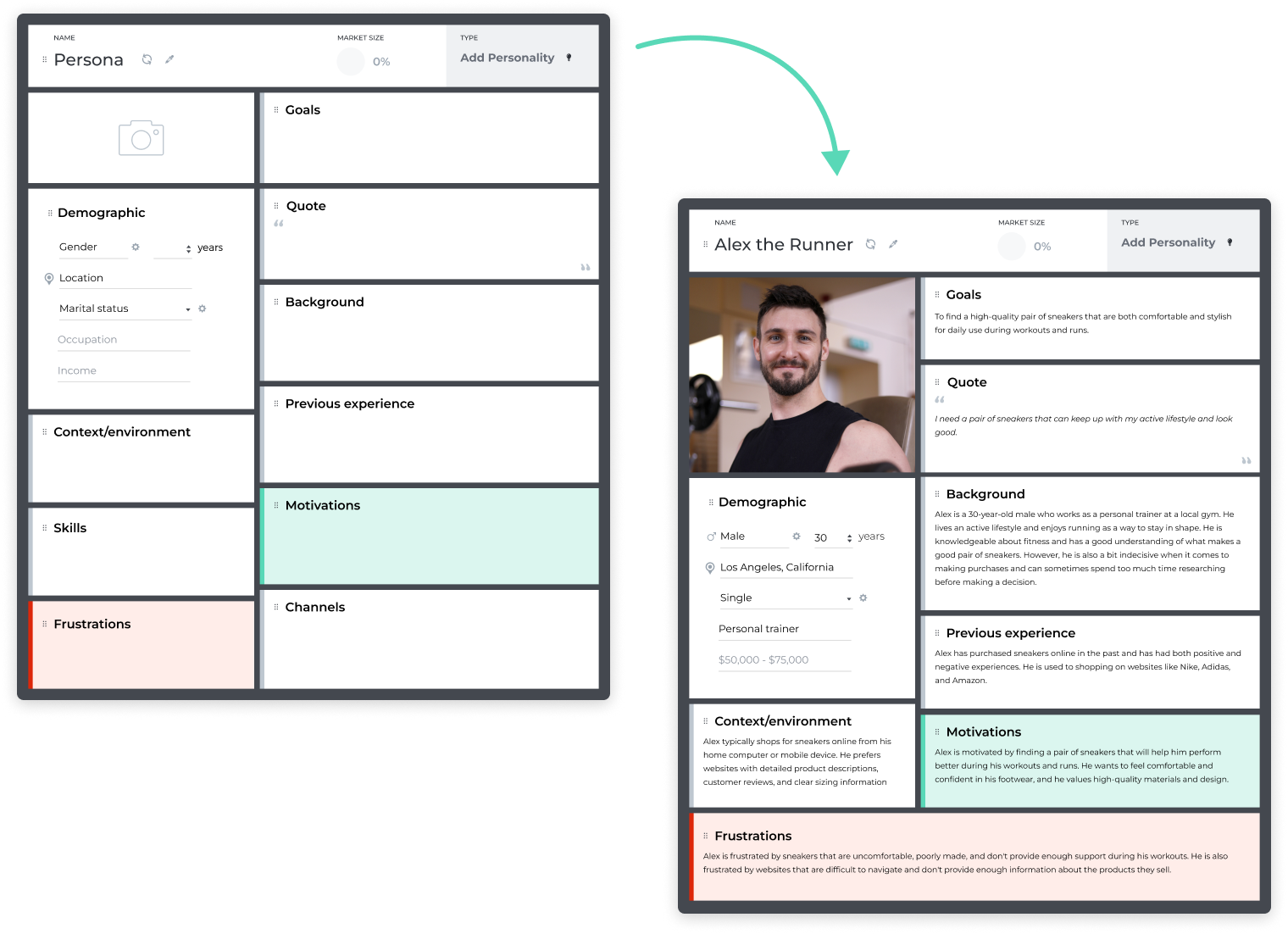
The AI’s default answers are too generic. Give it a job. When you “prime” the AI with a persona, your answers get 10x better. You’ve seen me use this in other prompts.
Prompt: [Put this at the START of your chat]
I want you to act as an expert marketer. You have 20 years of experience in direct-response copywriting. You are blunt, smart, and focus on one thing: getting results. Do not give me generic advice.
#34. The ‘Python Script’
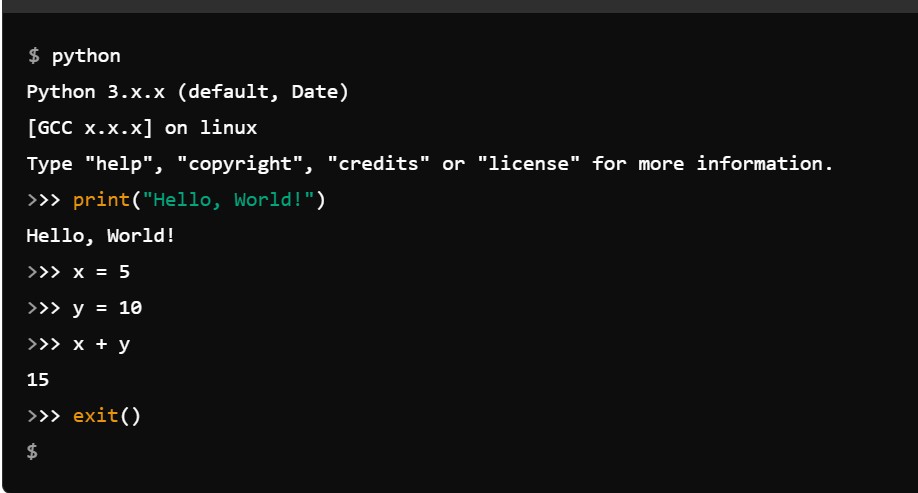
You have a boring, repetitive computer task, like renaming 100 photos from “IMG_2045.jpg” to “Hawaii-Trip-001.jpg.” That’s a 30-minute job. Or, it’s a 30-second script. You don’t even need to know code to use it.
Prompt: Write a simple Python script.
I have a folder of files. I need the script to find every file that ends in “.jpg” and rename it. The new name should be “My-Project-[file number].jpg” (e.g., “My-Project-001.jpg”, “My-Project-002.jpg”).
#35. The ‘Presentation Creator’
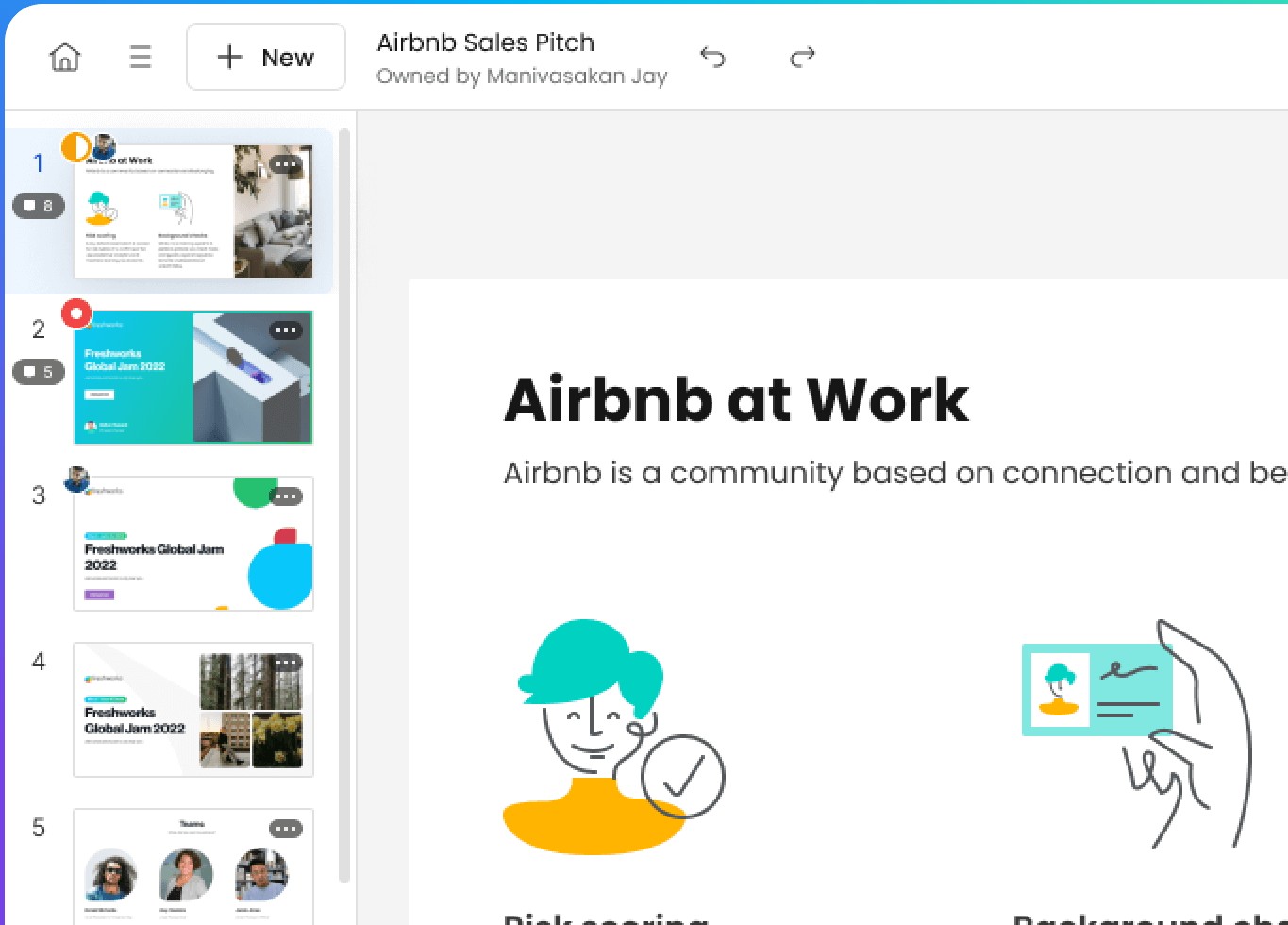
You have a presentation tomorrow. You have the ideas, but you don’t have a slide deck. Use AI tools made just for this. Tools like Gamma.ai or Magic Slides can turn a single prompt into a full, 10-slide presentation… with pictures.
Prompt (for Gamma):
“Create a presentation on ‘The 3 Biggest Trends in Social Media for 2025.’ The audience is busy marketing managers.”
This single prompt will generate all your slides, write your bullet points, and find relevant images. It’s not always perfect, but it gets you 90% of the way there.
