

There is a secret side of the internet that big tech companies don’t want you to find. It is a place where premium tools are free, and getting work done feels like a cheat code. In 2026, everything is a subscription now.
You have monthly bills for music, movies, and even simple apps for writing or editing photos. It adds up fast. You are likely tired of clicking a “free trial” only to be met with a paywall asking for your credit card five seconds later.
List of websites that feel illegal to know because they offer premium features for zero dollars. These are hidden internet gems that most people miss. From skipping login screens to editing video without a watermark, these free productivity hacks are the solution you need.
#1. TinyWow The “Delete Your Subscriptions” Tool
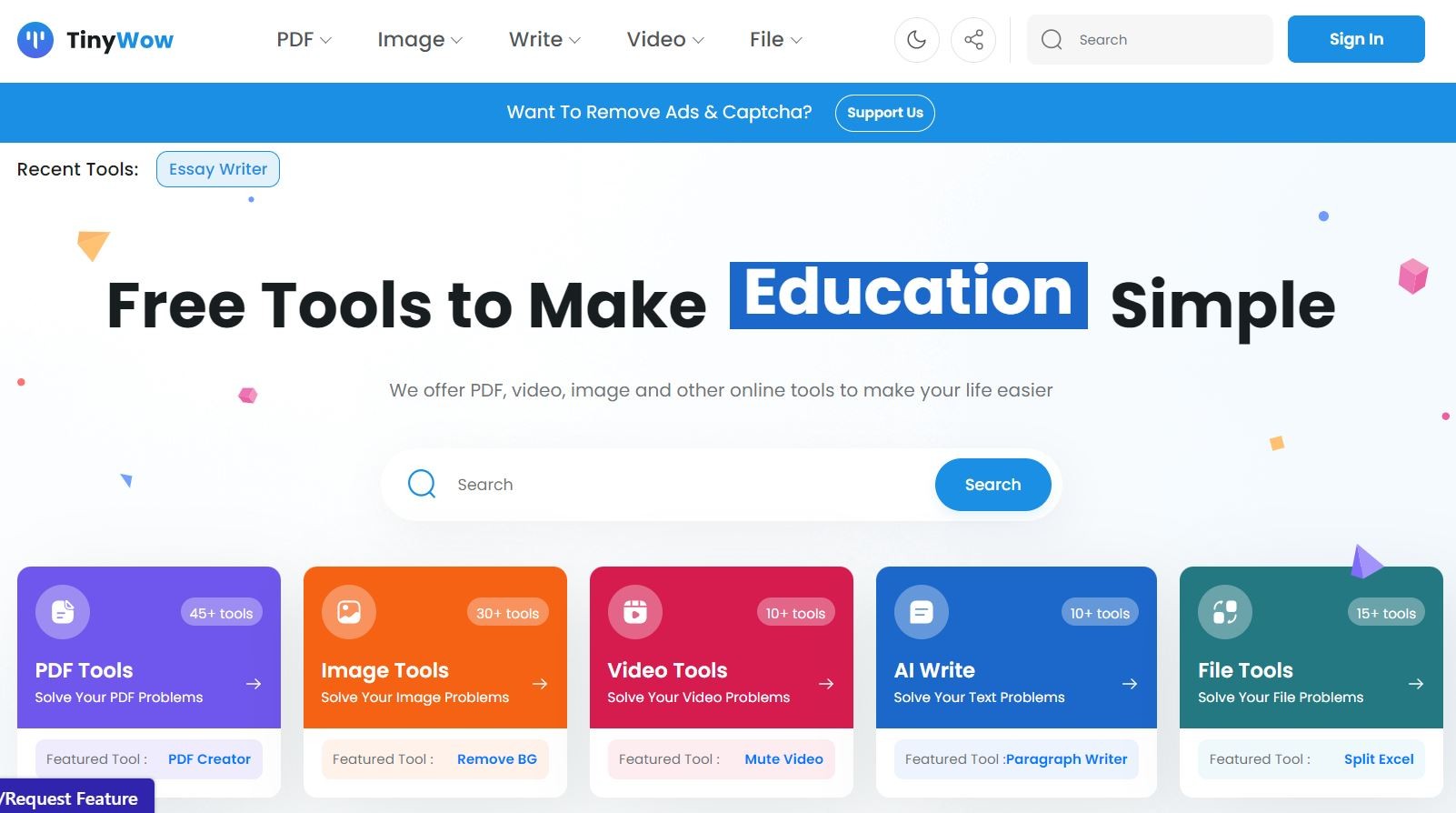
A massive collection of free tools to edit PDFs, videos, and images. It offers the same premium features as Adobe Acrobat or paid converter tools, but it asks for nothing in return. No account. No credit card.
When you need to sign a document, merge two PDFs, or remove the background from a photo. The site deletes your files after one hour, so your data stays private.
#2. Photopea The Free Photoshop Clone
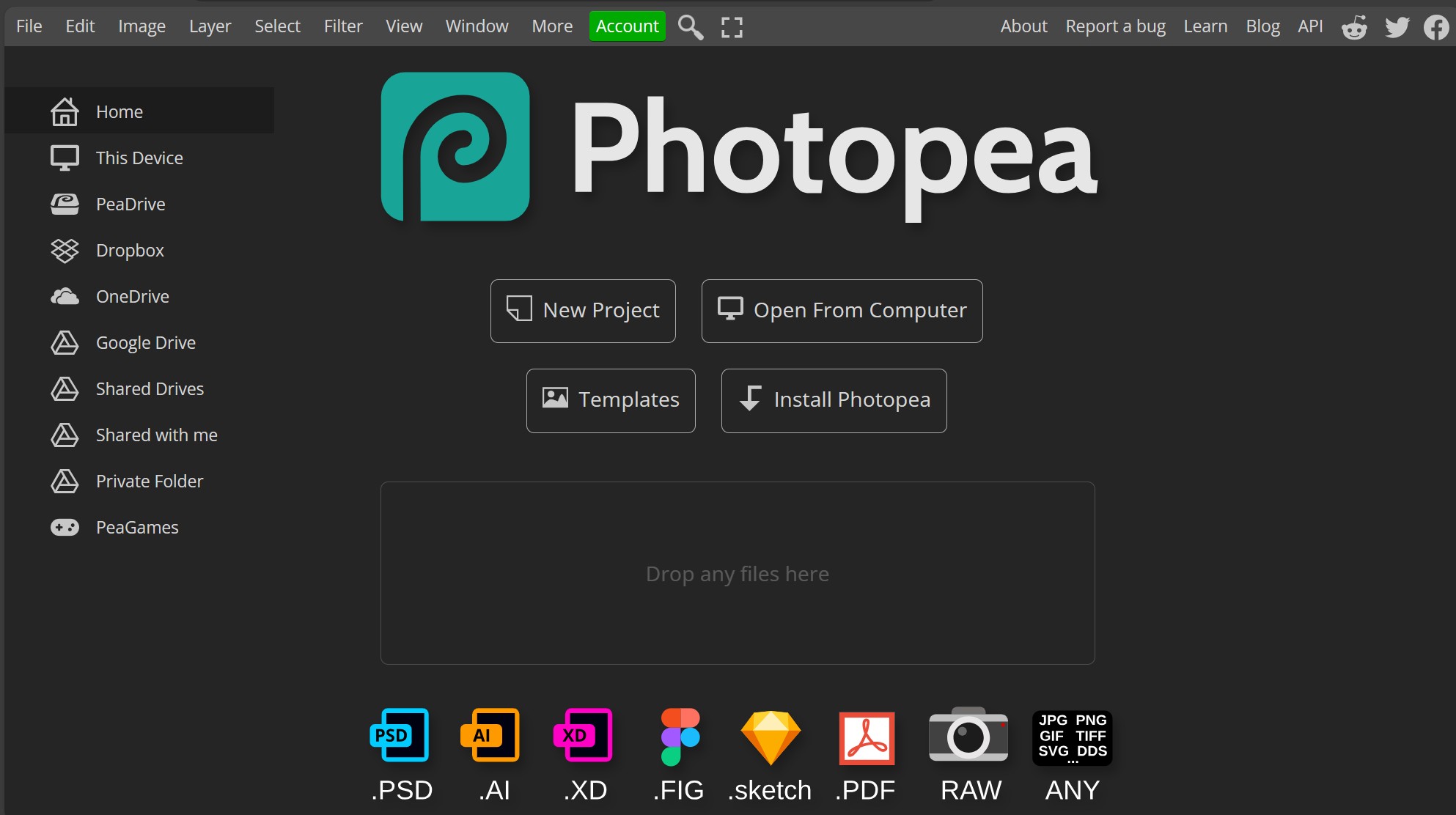
It is a professional image editor that runs directly in your web browser. It looks, feels, and works almost exactly like Adobe Photoshop. The creator, Ivan Kutskir, built it to support actual Photoshop files (.PSD), which usually require expensive software to open.
Use this when you are on a borrowed computer or don’t want to pay for a Creative Cloud subscription. It is best for editing layers, fixing photos, or creating thumbnails.
#3. Perplexity AI The Google Killer
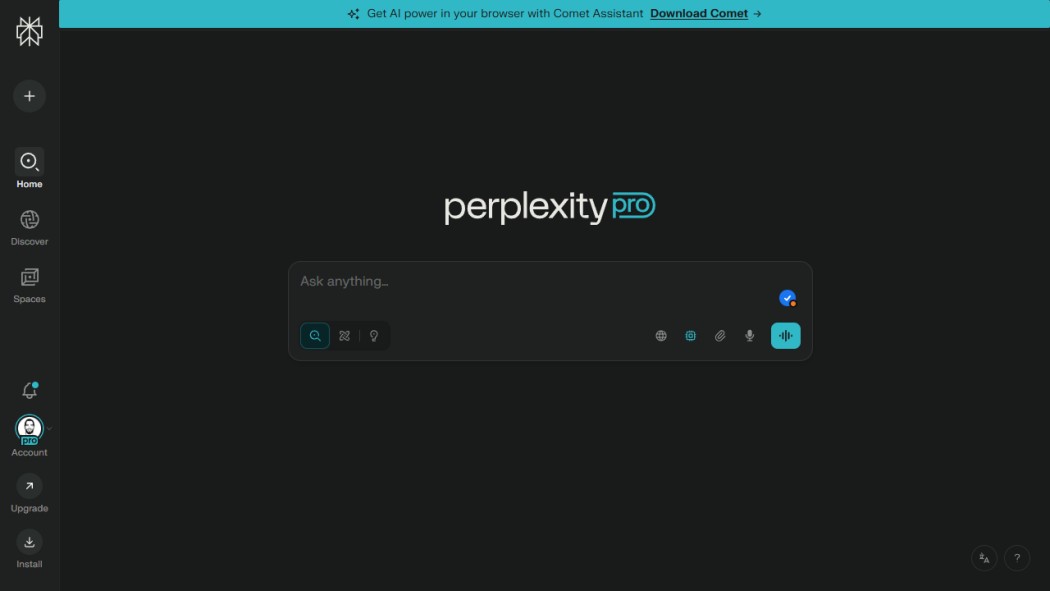
A search engine that gives you direct answers instead of a list of blue links. It reads the websites for you. Instead of making you click through ten different blogs to find a recipe or a fact, Perplexity summarizes the answer and cites its sources.
Stop wasting time scrolling. Ask, “What are the best budget laptops released in 2026?” and get a summarized list with prices and reviews instantly.
#4. Temp-Mail The Spam Assassin
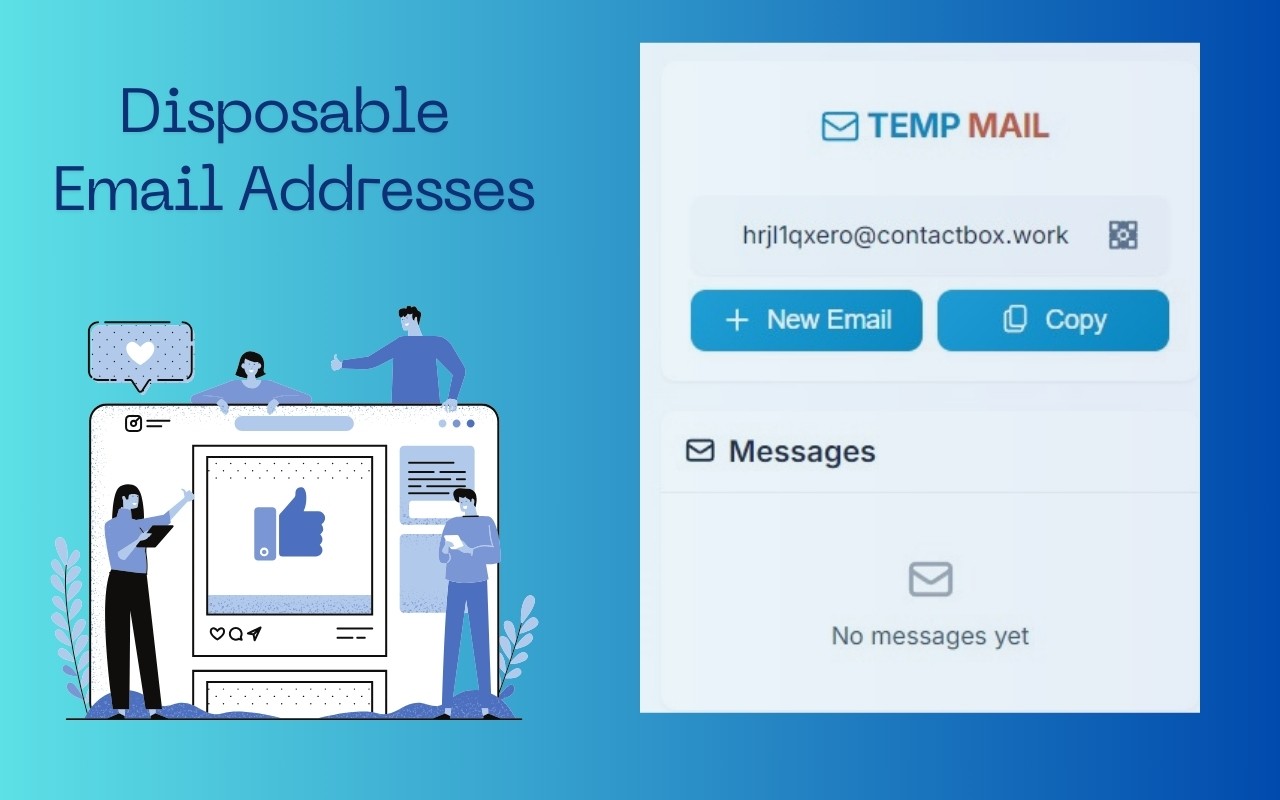
It gives you a temporary, disposable email address and lets you sign up for “free” resources or trials without giving away your real personal information. You get the verification code, and then the email address self-destructs.
Whenever a site forces you to “Register to Read More” or asks for your email to download a simple file, then use this. Keep your real inbox clean.
#5. Gamma The Instant Presentation Designer
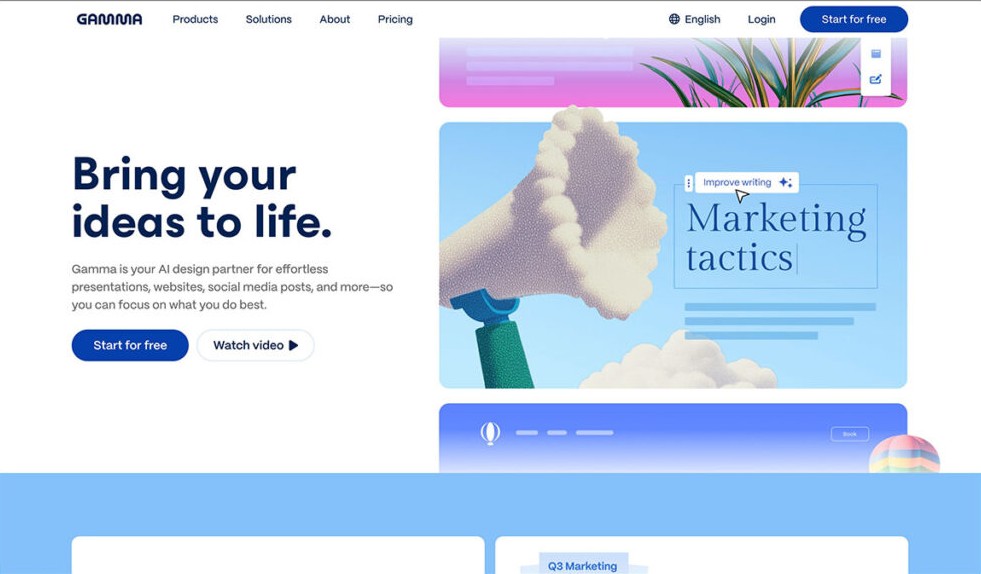
An AI tool that builds entire slide decks, documents, and webpages from a simple text prompt. It feels like cheating at work or school. You type a topic, and it generates the layout, finds images, and writes the text in seconds.
Next time you have a presentation due tomorrow, type your main points into Gamma. It will create a polished draft that you can edit, saving you hours of formatting boxes in PowerPoint.
#6. CamelCamelCamel The Amazon Price Spy
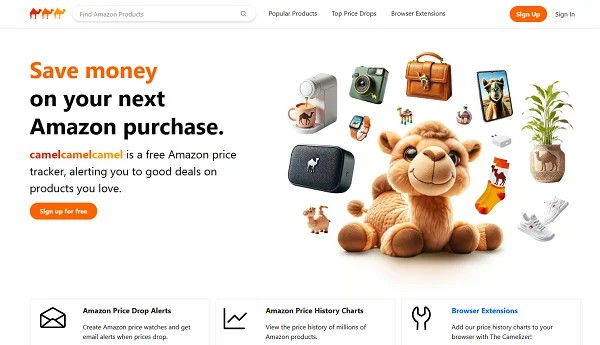
Price tracker that shows you the history of Amazon product prices. Amazon often raises prices right before a “sale” to make the discount look bigger. This tool exposes that trick. It shows you the lowest price an item has ever been.
Before you buy anything on Amazon, paste the link here. If the chart shows the price is high right now, set an alert. The tool will email you when the price drops back down.
#7. OpenLibrary The Netflix for Books
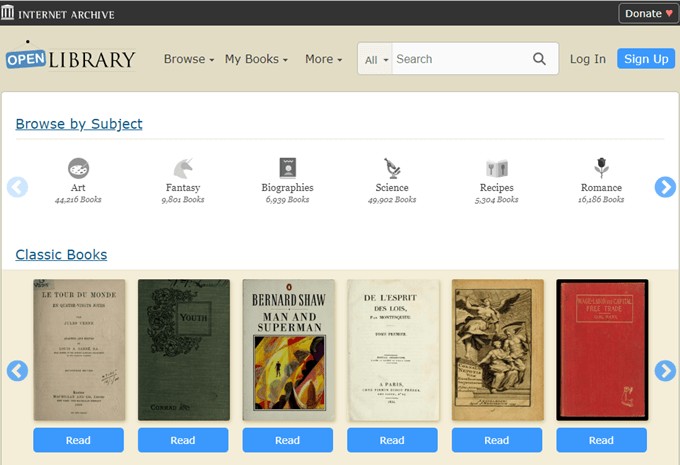
A project by the Internet Archive that lets you borrow millions of digital books for free. It feels like downloading pirated books, but it is totally legal. It works like a real library. You “check out” a digital copy for a set time, and then it returns itself.
Cancel your Kindle Unlimited subscription. Search here for classic literature, old textbooks, or out-of-print gems that you can’t find anywhere else.
#8. MuscleWiki The Personal Trainer You Don’t Pay For
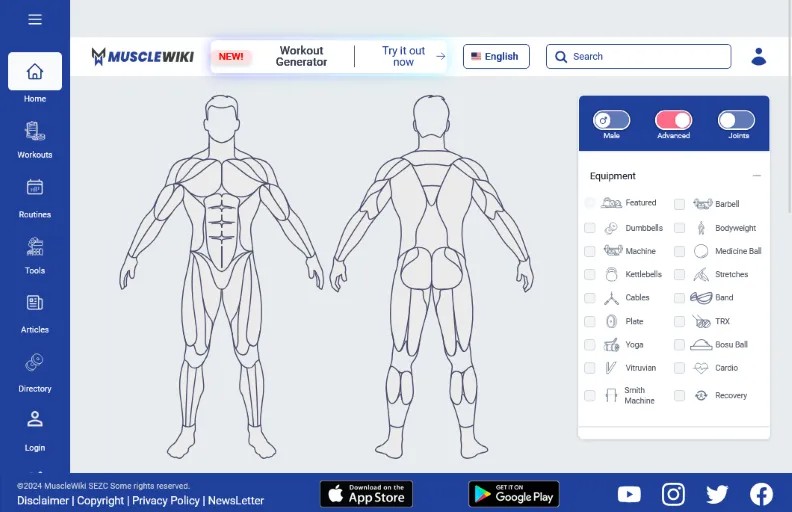
It is a fitness site with a diagram of the human body. Personal trainers charge $100 an hour to tell you which exercises work which muscles. You click a muscle on the map, and it shows you exactly how to train it.
If you are at the gym and don’t know what to do, open this site. Click “Chest” or “Hamstrings” to see clear videos and instructions for effective exercises.
#9. Ninite The PC Setup Cheat Code
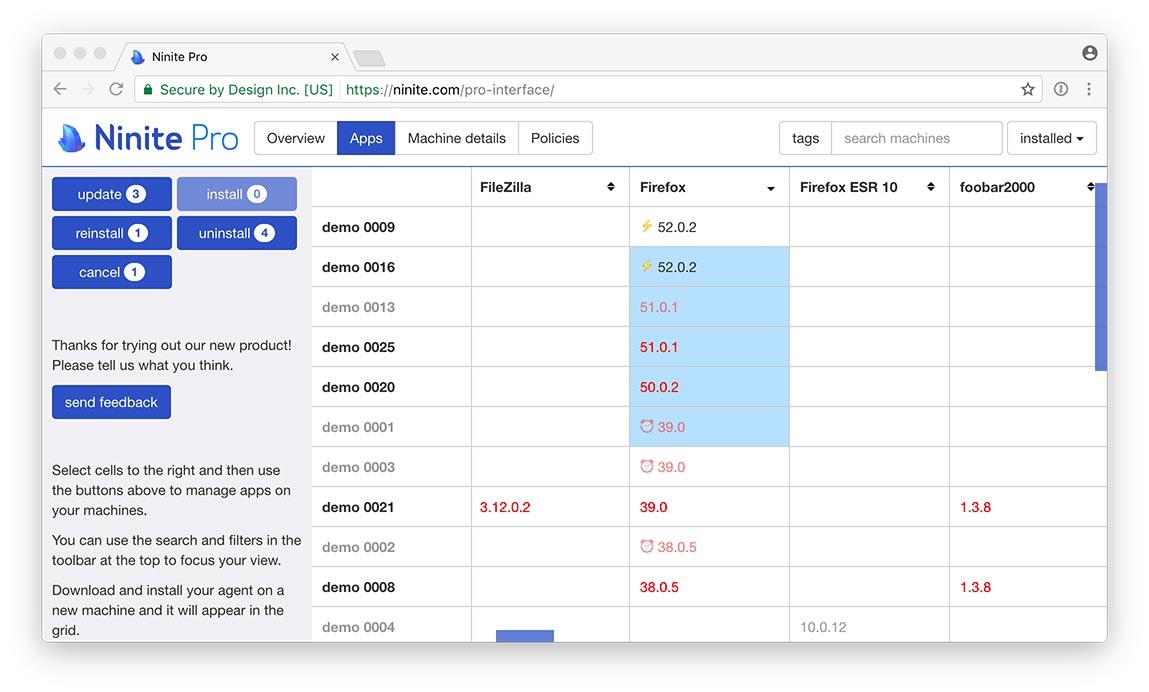
A tool that installs and updates all your favorite programs at once. It bypasses all the annoying “Next, Next, Next” clicking and the bloatware offers (like “Install toolbar?”) that come with regular installers.
Use this when you get a new computer or wipe your old one. Select Chrome, Zoom, Spotify, and Steam on the Ninite website, download one file, and run it. Go get a coffee while it installs everything for you.
#10. Tosdr.org The Fine Print Decoder
Community project that rates websites based on their Terms of Service (ToS). Companies hide shady policies in long legal texts that they know you won’t read. This site reads them for you and grades them from A (Good) to E (Bad).
Before you join a new social network, check its grade here. It will warn you if a site claims ownership of your photos or sells your personal data to third parties.
#11. Cleanup.Pictures The Magic Eraser
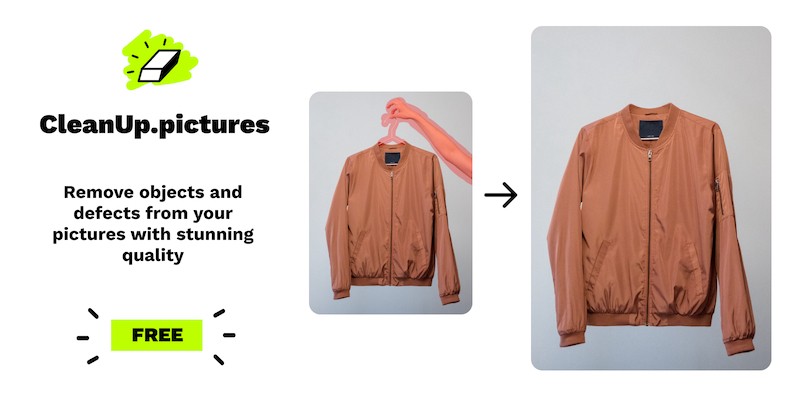
An AI tool that removes unwanted objects, people, or text from your photos. You used to need advanced skills to fix a photo. Now, you just highlight the thing you want gone, and the AI fills in the background perfectly.
Did a stranger walk into your perfect vacation shot? Upload the photo here, brush over the stranger, and watch them disappear.
#12. Carrd The One-Page Website Builder
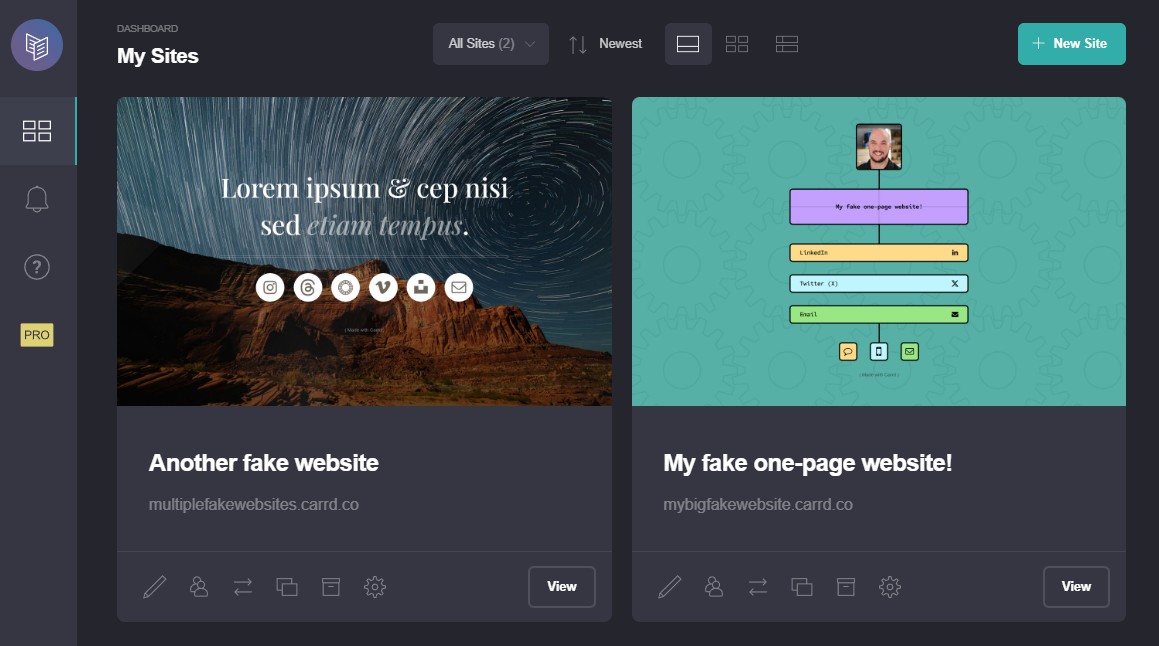
A platform for building simple, responsive, one-page websites. Most website builders are expensive and complicated. Carrd is free for basic use and incredibly fast. You can look like a pro developer without writing a line of code.
Use this for a personal portfolio, a landing page for a project, or a digital business card. It’s cleaner and faster than Wix or Squarespace for simple tasks.
#13. Wayback Machine The Internet Time Machine
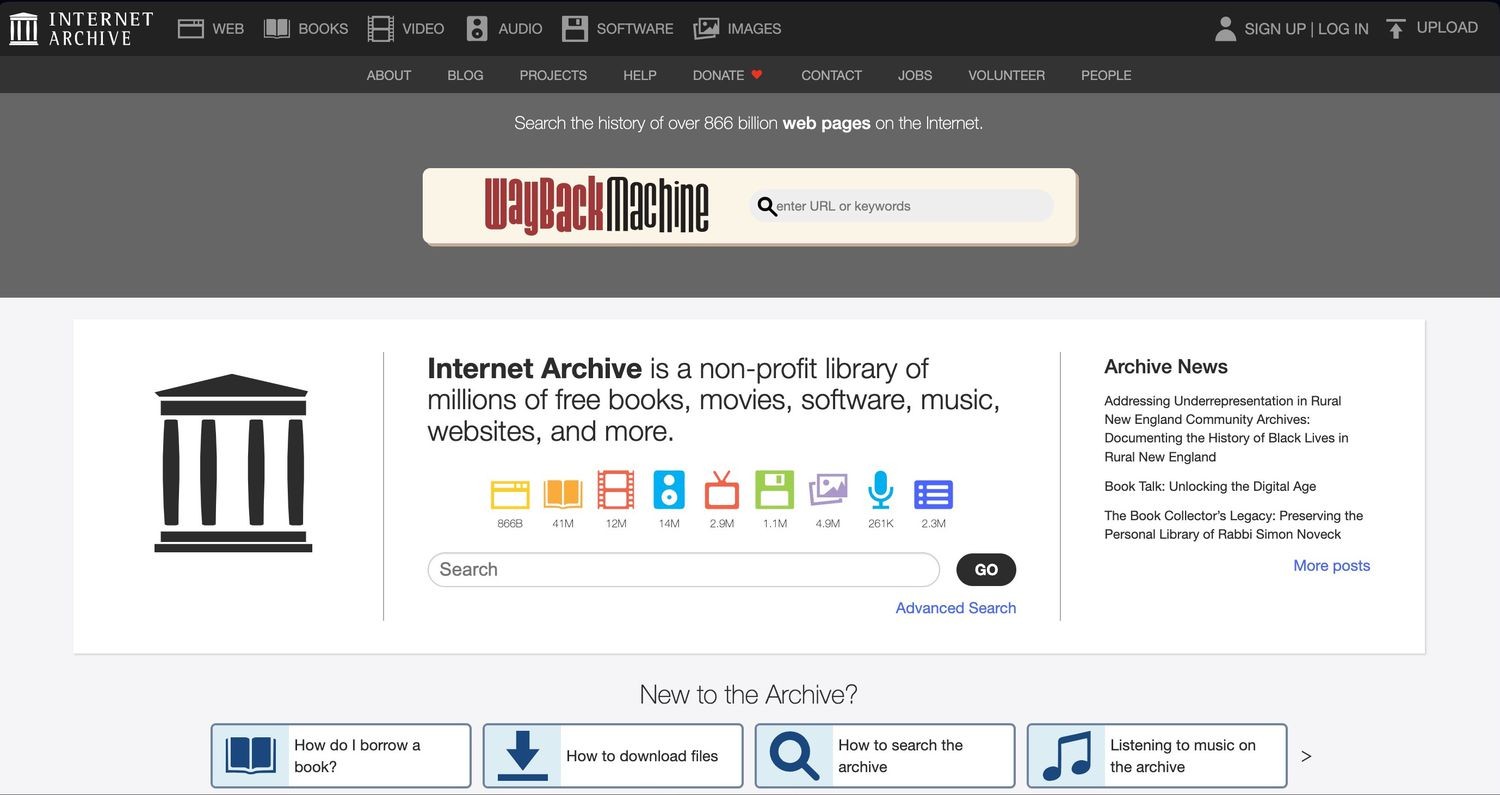
Digital archive that saves screenshots of webpages over time. It lets you see things people tried to delete. If a company changes a price, or a politician changes their stance on a webpage, the Wayback Machine usually has a record of the original.
Paste a URL to see what a website looked like ten years ago. It is also useful for viewing content from websites that have shut down.
#14. Untools The Brain Upgrade
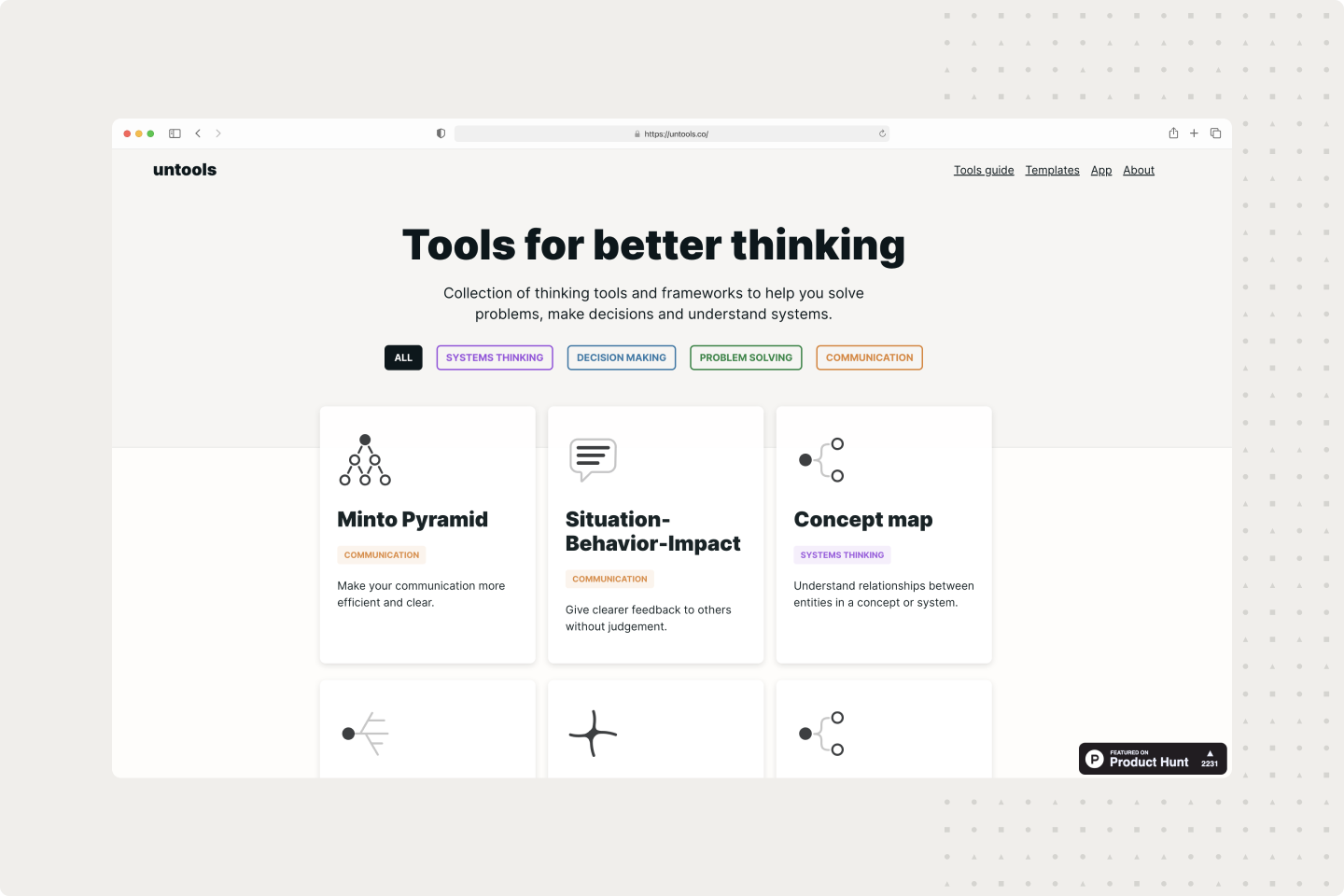
A library of thinking tools and mental models. It’s like downloading an upgrade for your brain. It gives you the decision-making frameworks used by top CEOs and engineers, organized simply.
When you have a tough decision to make, go here. Use the “Second-Order Thinking” or “Inversion” models to see your problem from a new angle and make a smarter choice.
#15. Fathom The Meeting Note Taker
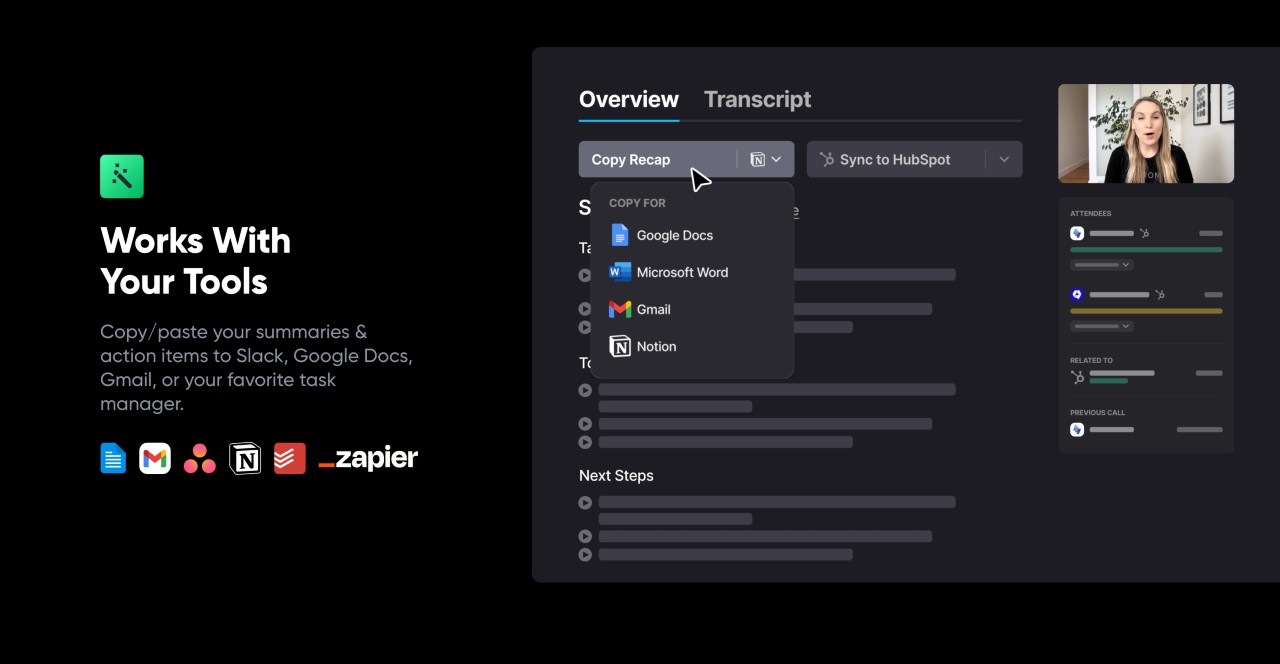
An AI assistant that records, transcribes, and summarizes your Zoom or Google Meet calls. While everyone else is frantically typing notes, you can sit back and actually listen.
You get the best transcript and a summary of action items the moment the call ends. Use this for class lectures or work meetings. It helps you focus on the conversation, knowing that you won’t miss any important details.
