
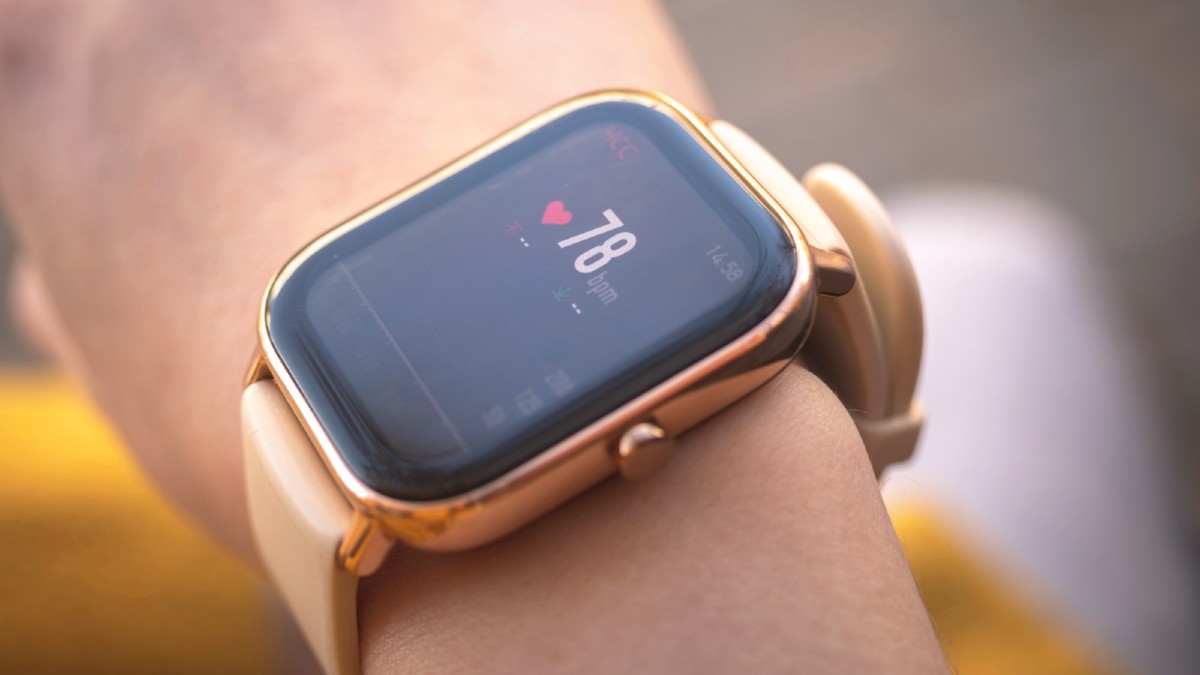
Your Apple Watch is secretly a tiny, multi, talented computer strapped to your wrist. You use it daily, but we bet you’re only scratching the surface of its capabilities. Stop settling for just checking the time and tracking steps. .
For years, the Apple Watch was primarily viewed as a fitness gadget, perfect for closing those rings and monitoring your heart. However, it has silently grown into one of the most versatile pieces of technology Apple produces.
As the software evolves, the Watch gains features that aren’t widely advertised but provide massive benefits in daily life. This list skips the basic functions you already know and focuses entirely on those secret capabilities.
We’re talking about things like controlling other Apple devices by simply wearing your watch, getting directions through subtle taps, and even getting better sleep feedback. By the end of this, you’ll be using your device in ways you didn’t think were possible, extracting maximum value from the tech you already own.
1. Take Better iPhone Photos

The Camera Remote application lets you see your iPhone’s camera view on your Watch screen. You can use this to perfectly frame group pictures or shots where the phone is out of reach. It includes a three second timer option, giving you time to compose yourself and smile before the picture is taken.
2. Unlock Other Apple Devices

Once you unlock your Watch with a passcode, it stays unlocked while worn. It acts as a convenient digital key, allowing your Mac and iPhone to be unlocked simply by being near them. This saves time and makes accessing your other Apple hardware seamless and quick.
3. Play Games

The Watch screen, though small, can support fun and engaging games. Titles like Deep Golf and Lifeline are designed to work well within the device’s constraints, offering entertainment in a format that makes sense for quick play sessions on your wrist.
4. Talk to ChatGPT

By installing the Petey application, you can have direct conversations with ChatGPT on your Apple Watch. You can type out your queries or, more easily, use the dictation button to speak your thoughts. The app also offers a complication for fast access.
5. Control Navigation with Air Gestures

AssistiveTouch is an accessibility feature that allows you to control the Watch with the same hand it is worn on. Gestures like pinching or clenching your fist can navigate menus and perform taps, which is helpful when your other hand is busy or unavailable.
6. Tell the Time Without Looking (Speak Time)

If you are unable to look at your display, the Speak Time feature will verbally announce the current time. To activate it, simply set the feature up in the Watch settings and then hold two fingers down on the watch face for approximately one second.
7. Tell the Time Without Looking (Taptic Time)

This feature allows the Watch to silently communicate the time through haptic taps on your wrist. The pattern of taps, such as the Digits format, represents the hours and minutes. This provides a discreet way to check the time without a visual or audible cue.
8. Quickly Reply to Messages

The Messages application offers multiple ways to respond instantly. You can choose from context sensitive Smart Replies, select from a list of default replies, or use the Scribble keyboard to write letters one at a time. The easiest option is usually using the dictation button.
9. Make Your Battery Last Much Longer

The Low Power mode, added in watchOS 9, is a less drastic version of the older Power Reserve. It extends the device’s battery life by intelligently cutting back on certain features and settings. It is quickly enabled via the battery percentage menu in Control Center.
10. Preserve Your Privacy
For devices with an Always On screen, you can prevent sensitive data from being visible to others. By adjusting the settings, you can ensure that personal complications and notification details only appear when you actively raise your wrist to view the screen.
11. Get Discreet Directions
When using the Maps application for navigation, you can mute the sound alerts and rely solely on distinct haptic feedback. For example, a left turn is signaled by three sets of two short buzzes, providing guidance without needing to look at the screen or draw attention.
Conclusion
The Apple Watch is clearly more than just a notification center. By utilizing these 11 hidden features, from discreetly checking the time with taps to using air gestures and enhancing photo, taking, you transform your device from a basic tracker into a powerful, personalized tool. Start incorporating these unexpected capabilities today to get the most out of your wrist-worn companion.
